Loading

2026/04/15
What ImageToVideoAI actually is (and isn't)
We aggregate 14 AI video models so you don't have to juggle accounts. Here's how it works, what it costs, and where the limits are.
The short version
ImageToVideoAI lets you upload a photo and turn it into a short video using AI. You pick from 14 models — Kling 3, Runway Gen-4, Seedance 2, Wan 2.7, Veo 3, Grok Imagine, and others — all from one workspace. No separate accounts, no juggling tabs.
We don't build our own models. We connect to the best ones that exist and give you a single place to use them all. Think of it as a multi-model frontend for AI video generation.
Why this exists
A year ago, if you wanted to try different AI video models, you had to:
- Create an account on each platform
- Learn each interface
- Buy credits on each one separately
- Download results from different dashboards
It was annoying. We built ImageToVideoAI because we wanted one workspace where you could throw the same image at Kling, Runway, and Seedance, compare results, and pick the best one. Turns out other people wanted that too.
What happens when you generate
Here's the actual flow, no hand-waving:
- You upload an image and write a motion prompt (or skip the prompt — the AI can figure it out)
- You pick a model and hit Generate
- We send your request through our API gateway to the model provider
- The provider processes it (usually 60-120 seconds, sometimes longer for high-res)
- We get the result back and store it on Cloudflare R2
- You download the MP4
If step 4 fails — the model errors out, times out, or returns garbage — your credits come back automatically. No tickets, no waiting on support. The refund logic runs in code, not in someone's inbox.
The models, honestly
We have 14 models available. Here's how we'd actually rank them for different use cases:
Portraits and people — Kling 3 is the best right now. Faces stay consistent frame to frame. Kling 2.6 is a solid fallback if you want slightly faster results.
Landscapes and scenery — Seedance 2 handles camera movement and environmental effects well. Wan 2.7 produces vivid colors if that's your thing.
Artistic and cinematic — Runway Gen-4 gives you the most control over camera angles and has a distinctive film look.
Quick and free — Grok Imagine is fast and free (up to 20/day on xAI). Quality is fine for social posts, not great for commercial work.
Speed — Kling 2.5 Turbo is the fastest option we offer. Under 60 seconds for most jobs.
Not every model is good at everything. Grok Imagine sometimes warps backgrounds after 3 seconds. Runway can be slow during peak hours. Kling struggles with non-portrait content. We don't hide this — check our model guides for detailed breakdowns.
What it costs
Every account gets 20 credits on signup (7-day expiry) plus 5 bonus credits every day (3-day expiry). No credit card required.
If you need more, we sell credit packs and monthly plans. Pricing is on the pricing page. Different models cost different amounts of credits — a 5-second 720p video on a standard model costs less than a 10-second 1080p on a premium one.
One thing worth knowing: if a generation fails for any reason, your credits are refunded automatically. We don't charge for broken outputs.
What we don't do
Being upfront about limits:
- We don't train models. We're a frontend, not a research lab. When a model improves, you get the improvement automatically.
- Your images are stored securely. Uploaded photos are kept on our servers for your convenience (so you can regenerate without re-uploading). Generated videos are stored on Cloudflare R2 for download.
- We don't use your data for training. Your uploads never end up in anyone's training dataset.
- We can't fix model-level issues. If Kling has a bad day, we can route you to a different model, but we can't make Kling work better.
The circuit breaker thing
We built an automatic failover system. If a model starts failing repeatedly (5 failures in 5 minutes), we temporarily stop sending it traffic and suggest alternatives. When it recovers, we gradually bring it back. This happens without you doing anything — you just see a note saying "this model is temporarily unavailable, try X instead."
This matters because AI model APIs go down more often than people think. Having 14 models means there's almost always a working alternative.
Who this is for
Mostly: content creators who need video from photos, marketers testing ad variations, people who want to animate old family photos, and anyone curious about what AI video can do in 2026.
If you're a filmmaker who needs frame-level control, you probably want Runway's native editor. But for most people who just want to upload a photo and get a good video back, this is the fastest way to do it.
Try it
Upload a photo and generate for free. Takes about two minutes to go from "I have a photo" to "I have a video."
More Posts
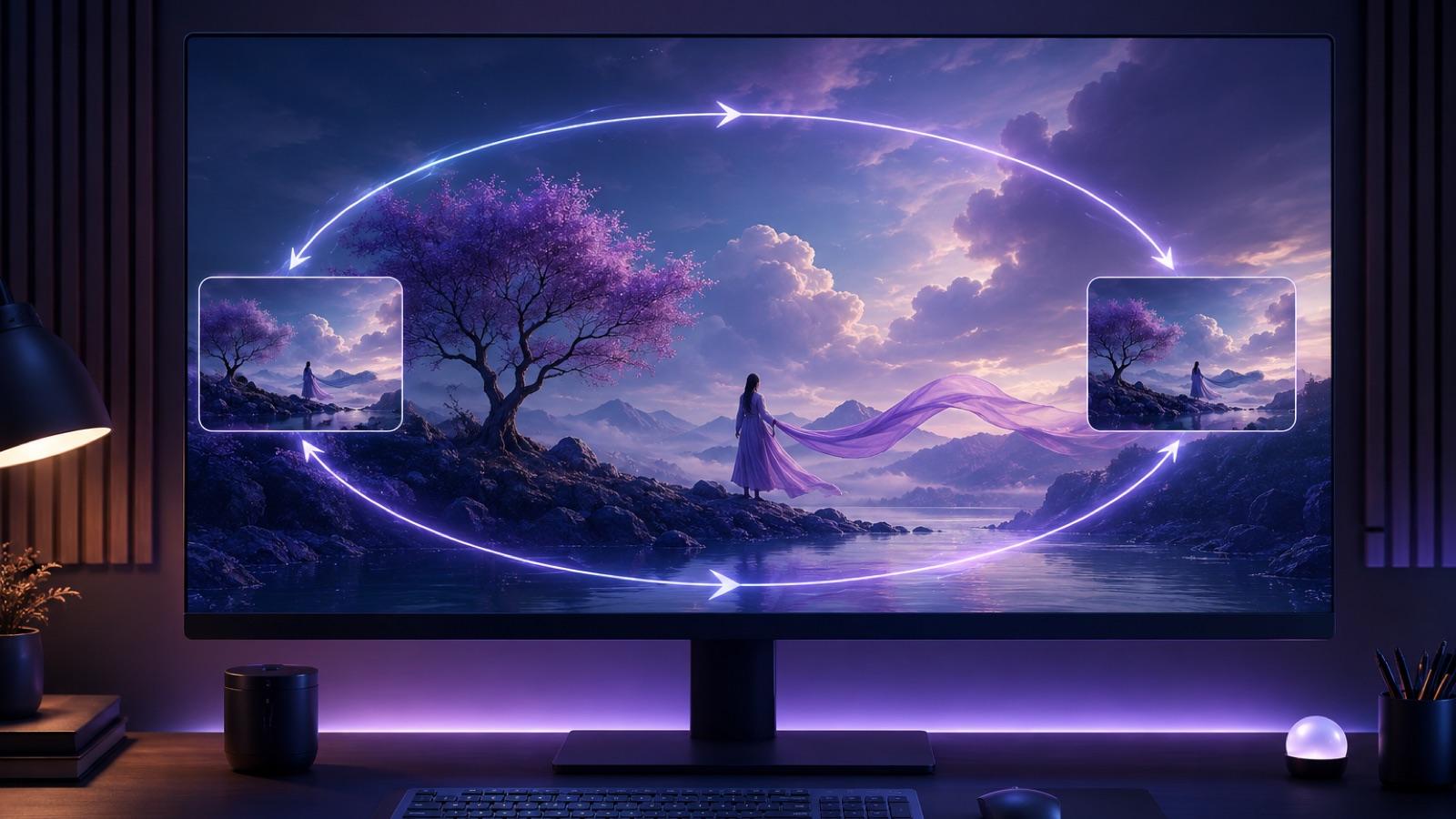
How To Create A Seamless Loop AI Video From One Image
A practical playbook for turning one still photo into a seamless loop AI video: prompt shape, two honest workflows, QA checklist, and fixes for common seam artifacts.

Turn a product photo into a video ad with AI (2026 guide)
Turn any product image into a video ad with AI. Step-by-step on prompts, model selection, aspect ratios, and tips for ecommerce and social media.

From AI video export to client review: a link-based delivery workflow
A practical workflow for turning an exported AI video MP4 into a review link, collecting useful feedback, controlling versions, and handing off the approved file.
Newsletter
Join the community
Subscribe to our newsletter for the latest news and updates