Loading

2026/07/13
From AI video export to client review: a link-based delivery workflow
A practical workflow for turning an exported AI video MP4 into a review link, collecting useful feedback, controlling versions, and handing off the approved file.
Exporting an MP4 feels like the finish line, but for most client and team projects it is the start of a different job: review. The video has to reach people who may be on a phone, outside your editing tools, or unwilling to download a large attachment just to answer one question.
A useful delivery workflow turns the file into a browser link, tells reviewers what to check, keeps feedback tied to the correct version, and preserves a clean master. The goal is a handoff that makes the next decision obvious.
If your clip still has unstable faces, warped products, flicker, or broken text, fix those issues before sharing it. The AI video artifact troubleshooting guide explains how to decide whether to revise the prompt, repair the source, regenerate, or edit the result.
Why attaching the MP4 is not enough
An attachment delivers bytes, but it does not create a review process. Email and chat attachments often produce predictable problems:
- A reviewer postpones feedback because the file must be downloaded first.
- Different people comment on different exports with similar filenames.
- Feedback such as “the transition feels odd” arrives without a timestamp.
- A draft is forwarded as though it were the approved final.
A link removes one piece of friction: the reviewer can open the video in a browser. It does not solve version control or vague feedback by itself, so the link should sit inside a small, explicit review package.
Step 1: lock the review candidate
Do not share the first export automatically. Watch the complete MP4 outside the editor, preferably in two players or on two devices. This catches missing end frames, muted audio, unexpected color shifts, and export-only glitches.
For an AI-generated clip, check four things:
- Identity: the person, product, or subject remains consistent throughout.
- Motion: camera and subject movement are physically coherent.
- Text: captions, prices, labels, and disclaimers are exact.
- Output: aspect ratio, duration, audio, and resolution match the intended placement.
If you are still generating the scene, the product-photo-to-AI-video workflow covers source preparation, prompt control, frame-level review, and export. Only create the review link after you have a version you could realistically approve.
Give that version a filename that identifies the project, placement, and revision:
summer-serum_9x16_review-v03_2026-07-13.mp4Avoid final.mp4 until approval is complete. “Final” is a decision state, not a substitute for a version number.
Step 2: turn the MP4 into a browser link
Choose a sharing method that lets the intended reviewers open the video without joining your editing workspace. For a straightforward file-to-link handoff, you can upload the approved review candidate to Video2URL and share the resulting video link.
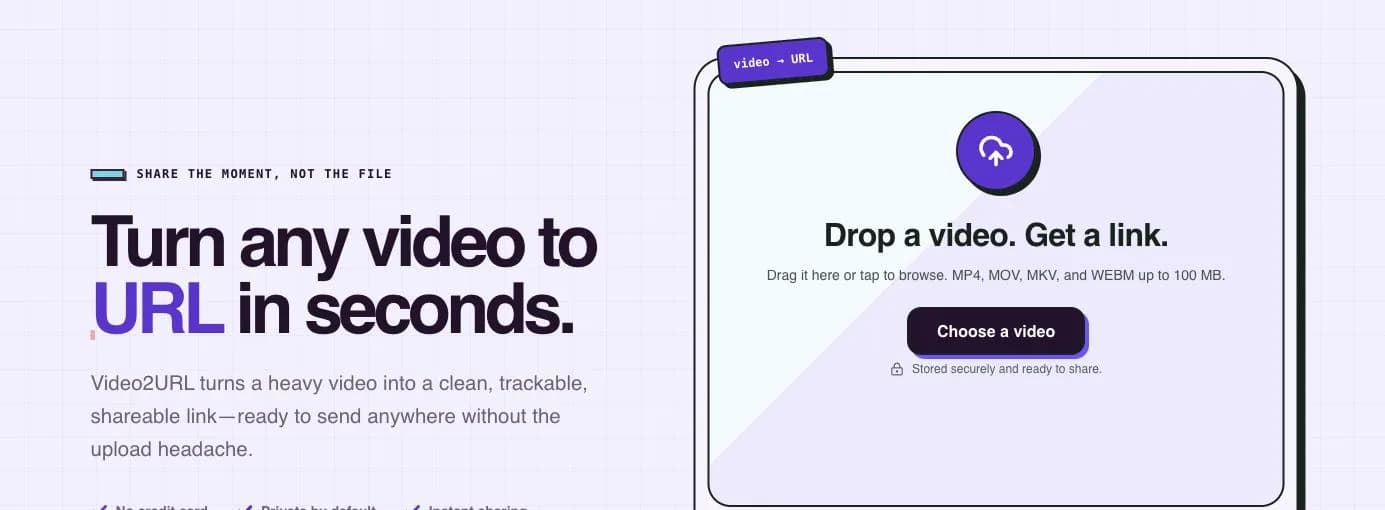
Before sending it, open the link yourself in a private browser window or on a signed-out device. Confirm that the correct video loads, audio works, and the page is usable at phone width.
Treat the link as a representation of one immutable review version. If you generate a materially different export, create a new version entry rather than silently replacing the file behind the conversation. A reviewer should always be able to tell which frames their comments describe.
Step 3: send a complete review package
The best review message is short enough to read and specific enough to answer. Include five fields:
| Field | Example |
|---|---|
| Version | v03 — vertical social cut |
| Watch link | The browser link for this exact MP4 |
| Review scope | Product shape, pacing, captions, and end card |
| Feedback format | Timestamp + observation + requested change |
| Decision requested | Approve, approve with listed edits, or revise |
You can use this template:
Review: Summer Serum v03
Watch: [video link]
Please check product consistency, pacing, caption accuracy, and the end card.
Leave feedback as timestamp — issue — requested change.
Reply with approved, approved after listed edits, or revise by Tuesday at 3 PM.
The review scope matters. A marketing lead may own message and pacing, a product owner packaging accuracy, and a legal reviewer claims. Asking everyone to “share thoughts” invites conflicting preferences.
Step 4: make feedback actionable
Timecoded feedback turns an opinion into a location. Ask reviewers to identify the first frame where a problem becomes visible and describe the desired outcome.
Weak feedback:
The bottle looks strange near the end.
Actionable feedback:
00:05.2 — the pump widens during the orbit — keep the pump geometry consistent with the opening frame.
For pacing or message changes, ask the reviewer to name the decision rather than prescribe an editing technique:
00:02.0 — the product benefit arrives too late — show the benefit before the first camera move ends.
Collect all comments in one place before revising. If feedback arrives across email, chat, and a call, consolidate it into a change list and resolve contradictions before opening the editor. Keep the watch link and version name at the top of that list.
Step 5: separate revisions from approvals
Maintain a compact version ledger even if the project has only two reviewers:
| Version | Link | Status | Main change |
|---|---|---|---|
| v01 | Review link A | Rejected | Product label drifted |
| v02 | Review link B | Superseded | Caption timing revised |
| v03 | Review link C | Awaiting approval | End card shortened |
| v04 | Final link | Approved | Legal copy corrected |
Never delete the context around a rejected version until the project is complete. Its notes explain why an earlier creative choice should not be reintroduced. At the same time, make the current review link unmistakable so nobody spends time commenting on a superseded cut.
Step 6: deliver the approved package
Approval and delivery are related but different. Approval confirms the content; delivery gives the recipient the files and context needed for the next use.
The final package can include:
- The approved viewing link.
- The final MP4 with an unambiguous filename.
- Any alternate aspect ratios that were explicitly approved.
- The source image, prompt, and generation notes when the agreement requires them.
- Caption or subtitle files, licensed audio details, and usage notes when applicable.
- A one-line record of who approved the video and when.
Keep the clean master separate from platform uploads. Social networks and messaging tools may create their own compressed copies, so a file downloaded from a published post should not become your archive master.
If the recipient only needs to publish the clip, avoid burying the approved MP4 inside drafts, source images, and rejected variants. Put the final deliverables in one clearly named folder and archive the production history separately.
A pre-send checklist
Before you paste the link into a client or team message, confirm:
- The linked video is the same version named in the message.
- The MP4 has been watched from beginning to end after export.
- The link opens in a signed-out browser and on a phone-sized screen.
- The review scope and decision owner are explicit.
- Reviewers know how to format feedback with timestamps.
- A response deadline or next review point is stated.
- Previous links are marked as superseded in the version ledger.
- The approved master will be stored separately from platform-compressed copies.
Make review part of the generation workflow
The cleanest handoff begins before the first render. In the image-to-video workspace, keep the source, prompt, and chosen output associated with the same project name you will use for review. That continuity makes it easier to trace a client comment back to the generation decision that produced it.
An exported MP4 is a file. A delivery-ready review package is a file plus a reliable viewing path, a version identity, a focused question, and a recorded decision. Build those four elements into every handoff and your AI video work becomes easier to review, revise, approve, and reuse.
作者

分类
Why attaching the MP4 is not enoughStep 1: lock the review candidateStep 2: turn the MP4 into a browser linkStep 3: send a complete review packageStep 4: make feedback actionableStep 5: separate revisions from approvalsStep 6: deliver the approved packageA pre-send checklistMake review part of the generation workflow
更多文章
Food Photo to Video AI: How to Create Reels and TikToks
A practical food photo to video AI workflow: pick the right shot, judge which motions are safe, use copy-paste prompts, and ship a 15-second vertical Reel that still looks like your food.

Product photo to AI video: a practical production workflow
A six-step workflow for preparing a product photo, planning motion, writing a controlled prompt, generating, reviewing, and exporting an AI product video.
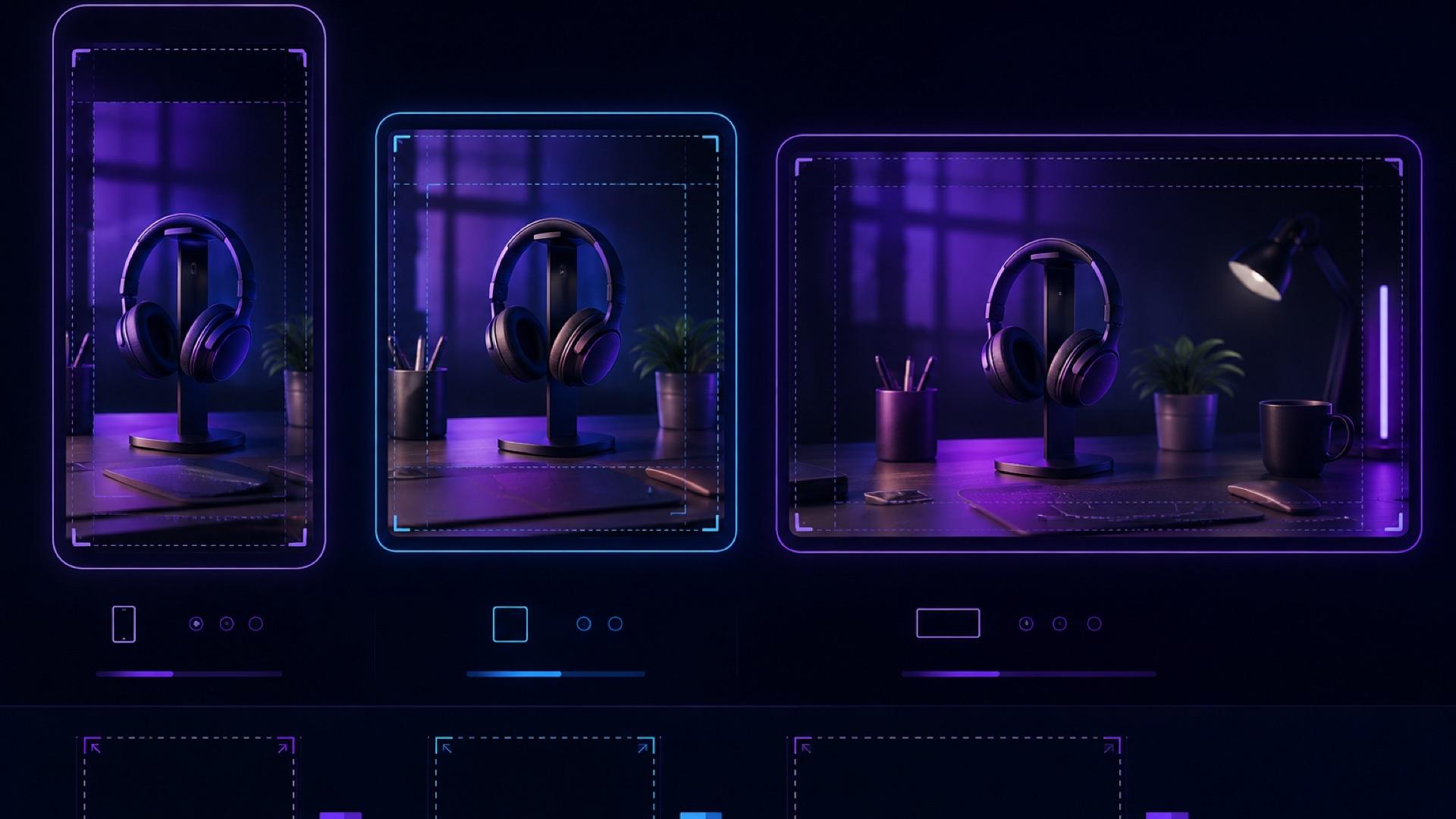
AI Video Aspect Ratio Guide: Safe Zones for Reels, Shorts, and Widescreen
A practical guide to AI video aspect ratios, safe zones, and reframing for TikTok, Reels, Shorts, feeds, and widescreen delivery.
邮件列表
加入我们的社区
订阅邮件列表,及时获取最新消息和更新