Loading
2026/05/17
Turn a product photo into a video ad with AI (2026 guide)
Turn any product image into a video ad with AI. Step-by-step on prompts, model selection, aspect ratios, and tips for ecommerce and social media.
Product video ads that used to cost $500 now take 60 seconds
A few years ago, producing a video ad for a product meant hiring a videographer, renting a studio, and spending a week in post-production. The output was polished. The cost was prohibitive for most small brands.
AI video generation changed that math. You upload a product photo, describe the motion you want, and get a professional-looking clip in under two minutes. The question is no longer "can I afford video ads" — it's "which AI model and which prompts produce the best results for my product type."
This guide covers exactly that.
What makes a good product video ad
Before diving into the AI workflow, it helps to know what you're aiming for. The best product video ads share three qualities:
1. The product is the clear subject. No distracting backgrounds, no competing visual elements. The viewer should know what they're looking at in the first two seconds.
2. There's motion that reveals value. A skincare bottle rotating slowly. Coffee steam rising. A jacket's fabric catching the light. The motion should make the product look better, not just move for the sake of movement.
3. The format fits the placement. A 9:16 vertical clip for Instagram Reels or TikTok. A 16:9 horizontal for YouTube pre-roll. A 1:1 square for Facebook feed. Getting this wrong means your ad looks cropped and unprofessional.
Step 1: Prepare your product photo
The quality of your input image directly determines the quality of your output video. A few guidelines:
Use a clean background. White, light grey, or a simple lifestyle setting works best. Complex, cluttered backgrounds confuse the AI model and pull attention from the product.
Use the highest resolution image you have. Most AI video models work at 1080p. A blurry or low-resolution source will show in the output.
Remove the background if needed. If you only have a product shot on a complex background, use an AI background remover first. ImageToVideoAI's background remover takes one click.
For small products (jewelry, cosmetics, electronics): close-up shots with good lighting work better than wide shots. The AI needs enough detail to animate effectively.
Step 2: Choose your AI model
Different AI models have different strengths for product video. Here's how to choose:
| Model | Best for |
|---|---|
| Kling 3.0 | Realistic motion, 3D rotation effects, products with human interaction |
| Runway Gen-4 | Cinematic camera moves, premium aesthetic, fashion/luxury products |
| Seedance 2.0 | Fast generation, consistent quality, general e-commerce products |
| Hailuo 02 | High volume batch testing, social media clips |
| Google Veo | Photorealistic scenes, outdoor/lifestyle product shots |
The practical approach: generate the same product photo with 2-3 models and compare. On ImageToVideoAI, you can run multiple models from the same upload without re-uploading your image. Pick the output that best matches your brand aesthetic.
Step 3: Write your motion prompt
This is where most people go wrong. Vague prompts produce generic motion. Specific prompts produce video ads.
What not to write:
"product animation"
What to write instead:
For a skincare bottle:
"The bottle rotates slowly 360 degrees, soft studio lighting, subtle highlight catches the glass label, steam rises gently from the open cap, clean white background"
For a sneaker:
"Camera orbits the sneaker from ground level, upward tilt reveals the full silhouette, dramatic side lighting emphasizes the sole texture, slight motion blur on the laces suggesting energy"
For a coffee product:
"Steam rises from the open bag, coffee beans roll across a dark wooden surface, warm golden backlight, cinematic shallow depth of field"
Prompt structure that works:
- Camera motion (orbit, push in, pan left, static)
- Lighting (soft studio, dramatic side light, golden hour)
- Subject motion (rotation, steam, ripple, reveal)
- Background/atmosphere (clean white, textured surface, bokeh)
Step 4: Set aspect ratio for your placement
| Platform | Recommended ratio | Format |
|---|---|---|
| Instagram Reels / TikTok | 9:16 vertical | 1080×1920 |
| Instagram Feed / Facebook | 1:1 square | 1080×1080 |
| YouTube Pre-roll | 16:9 horizontal | 1920×1080 |
| 2:3 vertical | 1080×1620 | |
| Twitter/X | 16:9 or 1:1 | flexible |
Most AI video generators let you set the aspect ratio before generating. Set it correctly from the start — cropping afterward degrades quality.
Step 5: Generate, compare, and download
Run your prompt. If the first result isn't right, adjust one variable at a time:
- Motion too fast? Add "slow motion" or "gentle" to your prompt
- Background distracting? Add "clean background" or "studio backdrop"
- Product not centered? Add "product centered in frame" or "tight product shot"
- Lighting off? Specify the lighting style more precisely
Download in HD. All plans on ImageToVideoAI export watermark-free, so your video is ready to use commercially from the first download.
Prompt examples by product category
Fashion & Apparel
"The jacket lies flat, then slowly rises to fill the frame, fabric catches a side light revealing texture, subtle slow motion wind effect on the collar, dark studio background"
Skincare & Beauty
"Close-up of the bottle, slow 360-degree rotation, dewy water droplets appear on the surface, soft diffused light, clean white background, premium editorial feel"
Food & Beverage
"The drink pours in slow motion, ice clinks against the glass, condensation appears on the exterior, warm golden backlight, wooden table surface"
Electronics & Tech
"Product on a dark reflective surface, soft blue accent lighting, camera slowly pushes in revealing screen detail, subtle power-on animation, minimal background"
Jewelry
"Ring rotates on a clean pedestal, macro close-up catches light refracting through the gemstone, slow orbit with dramatic single light source, black velvet background"
Common mistakes to avoid
Overloading the prompt. Three to five specific instructions outperform ten vague ones. The AI model needs clear direction, not a paragraph of wishes.
Wrong aspect ratio for the placement. A horizontal video on TikTok looks like an amateur made it. Always match ratio to platform.
Using a low-quality source image. The AI can't invent detail that isn't in the input. Start with the best photo you have.
Ignoring the first 2 seconds. In social media ads, most viewers decide whether to keep watching in the first two seconds. Make sure the product is visible and the motion is interesting from frame one.
How to scale product video production
Once you've found prompts and models that work for your product category, scaling becomes straightforward:
- Create a prompt template for each product type (beauty, fashion, food, etc.)
- Batch upload multiple product photos and run the same prompt across all of them
- Generate in parallel — on Pro and Unlimited plans on ImageToVideoAI, you can run multiple generations simultaneously
- Keep your generation history — every prompt, model, and output is saved, so you can reuse winning combinations for future products
The brands getting the most out of AI product video aren't using it for one-off shots. They're building repeatable workflows that let their entire catalog get video treatment.
Start with your first product video
The fastest way to learn what works for your specific products is to run a few generations and compare. ImageToVideoAI gives you free credits on signup — enough to test two or three product types with two or three models each.
No credit card. No video editing experience needed. Just a product photo and a clear idea of how you want it to move.
Author

Categories
Product video ads that used to cost $500 now take 60 secondsWhat makes a good product video adStep 1: Prepare your product photoStep 2: Choose your AI modelStep 3: Write your motion promptStep 4: Set aspect ratio for your placementStep 5: Generate, compare, and downloadPrompt examples by product categoryFashion & ApparelSkincare & BeautyFood & BeverageElectronics & TechJewelryCommon mistakes to avoidHow to scale product video productionStart with your first product video
More Posts
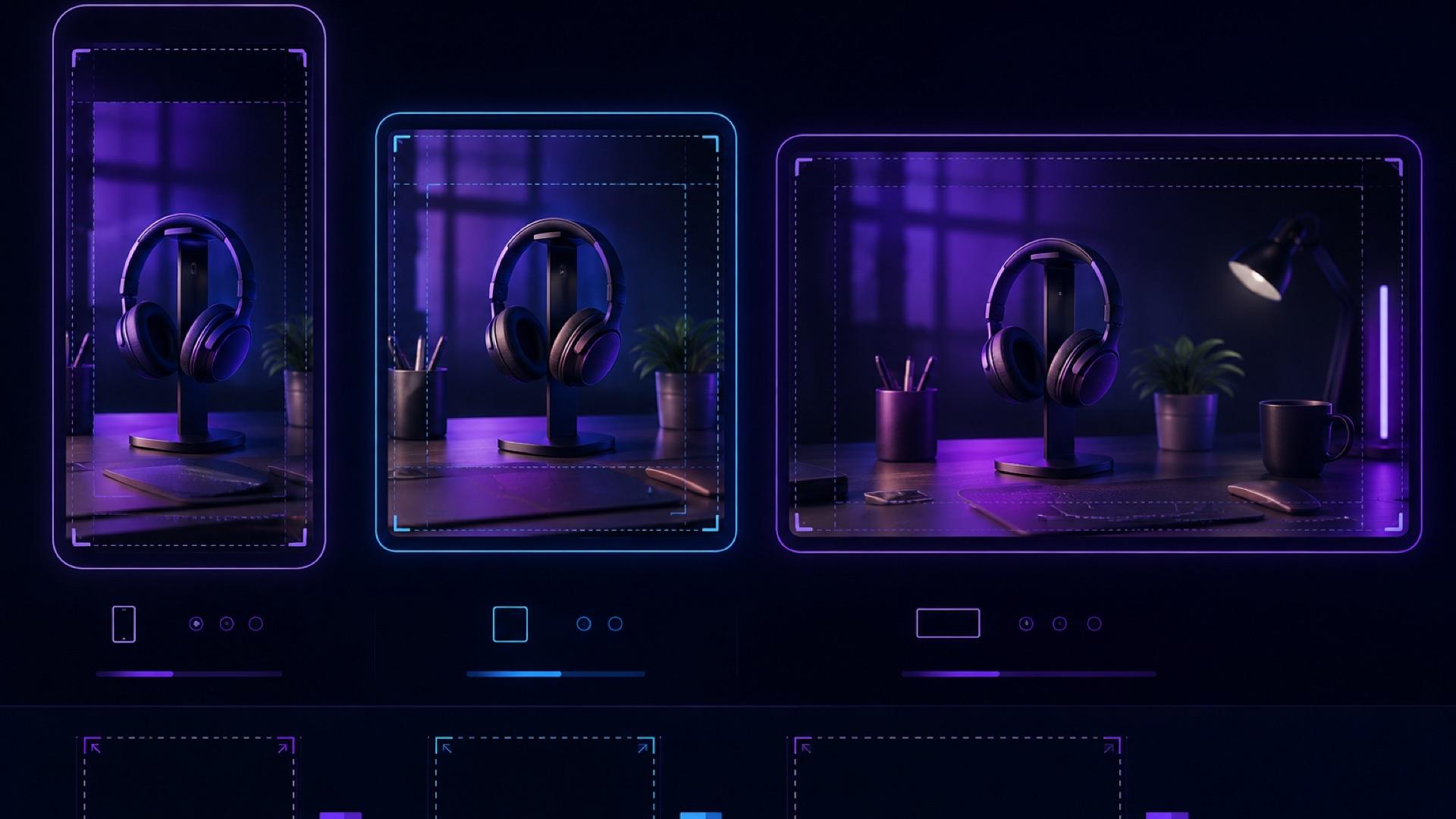
AI Video Aspect Ratio Guide: Safe Zones for Reels, Shorts, and Widescreen
A practical guide to AI video aspect ratios, safe zones, and reframing for TikTok, Reels, Shorts, feeds, and widescreen delivery.
AI video camera movements: how to control the shot (2026)
Push in, pull out, pan, orbit, crane — the camera-movement vocabulary that turns a shaky AI clip into a cinematic one, with copy-paste prompts for each move.
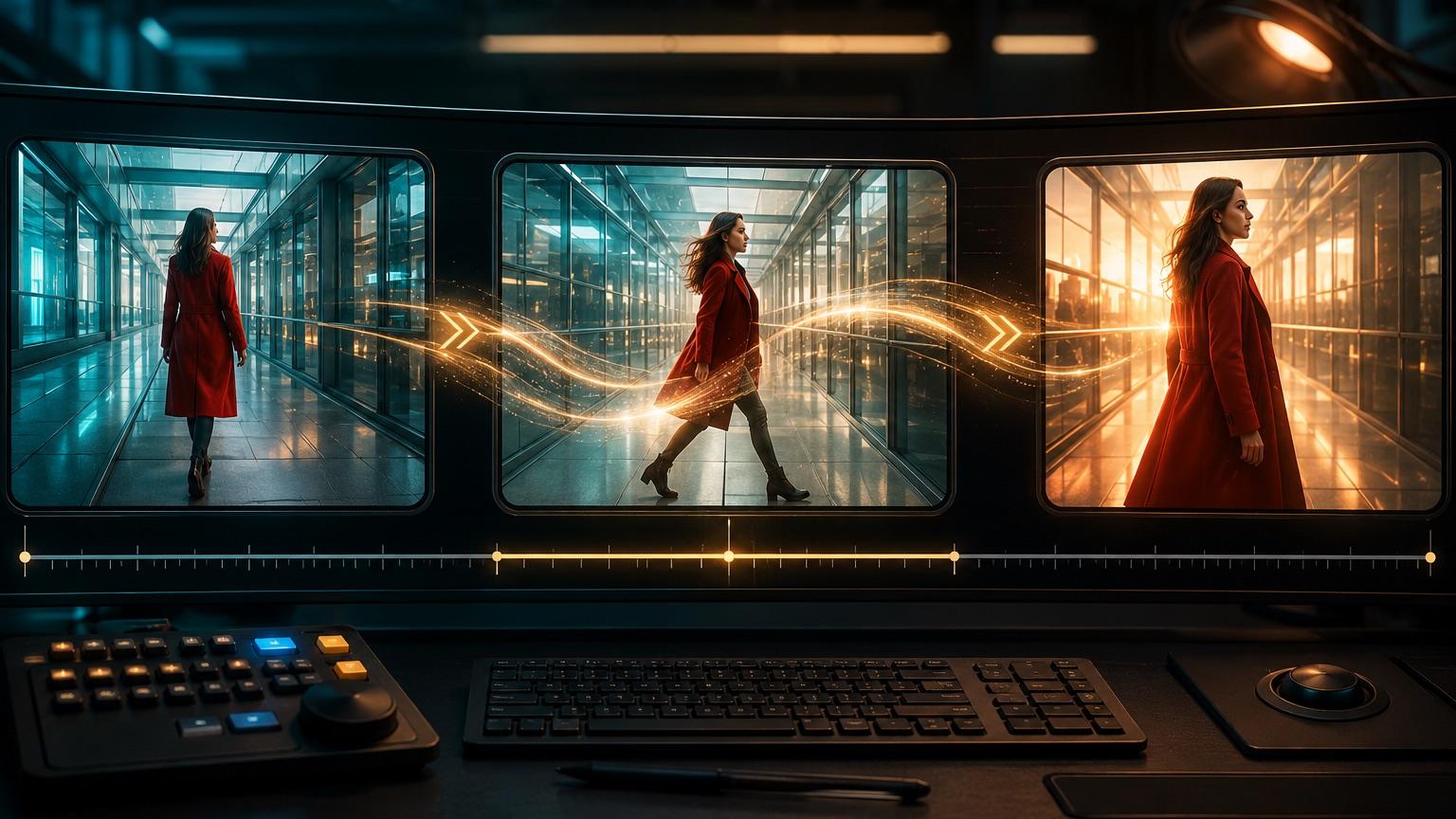
First and Last Frame AI Video: A Practical Guide to Start and End Frame Control
How to plan, prompt, and troubleshoot first and last frame AI video, with copy-ready templates, a shot planning table, and a QA checklist for reliable start-to-end results.
Newsletter
Join the community
Subscribe to our newsletter for the latest news and updates