Loading
2026/05/20
Real estate photo to video: AI listing reels (2026)
Turn listing photos into vertical tour reels, Zillow-ready clips, and open-house teasers with AI. Includes templates and a per-listing checklist.
Why listings need motion, not just more photos
The MLS already has photos. Buyers do not lose interest because of resolution. They lose interest because the listing does not move, while every competing post on their phone does. A 9:16 reel of a kitchen, a sunset balcony, or an entryway draws attention long enough for the buyer to actually read the address.
That is the practical job for real estate AI video:
- A short vertical reel for Instagram and TikTok previews
- A 6-10 second tour clip that drops on a Zillow or Redfin listing page
- A teaser for an open house, sent by SMS or WhatsApp
- A loop on the agent's homepage that does not require a videographer
- A "just listed" announcement for an agent's personal brand feed
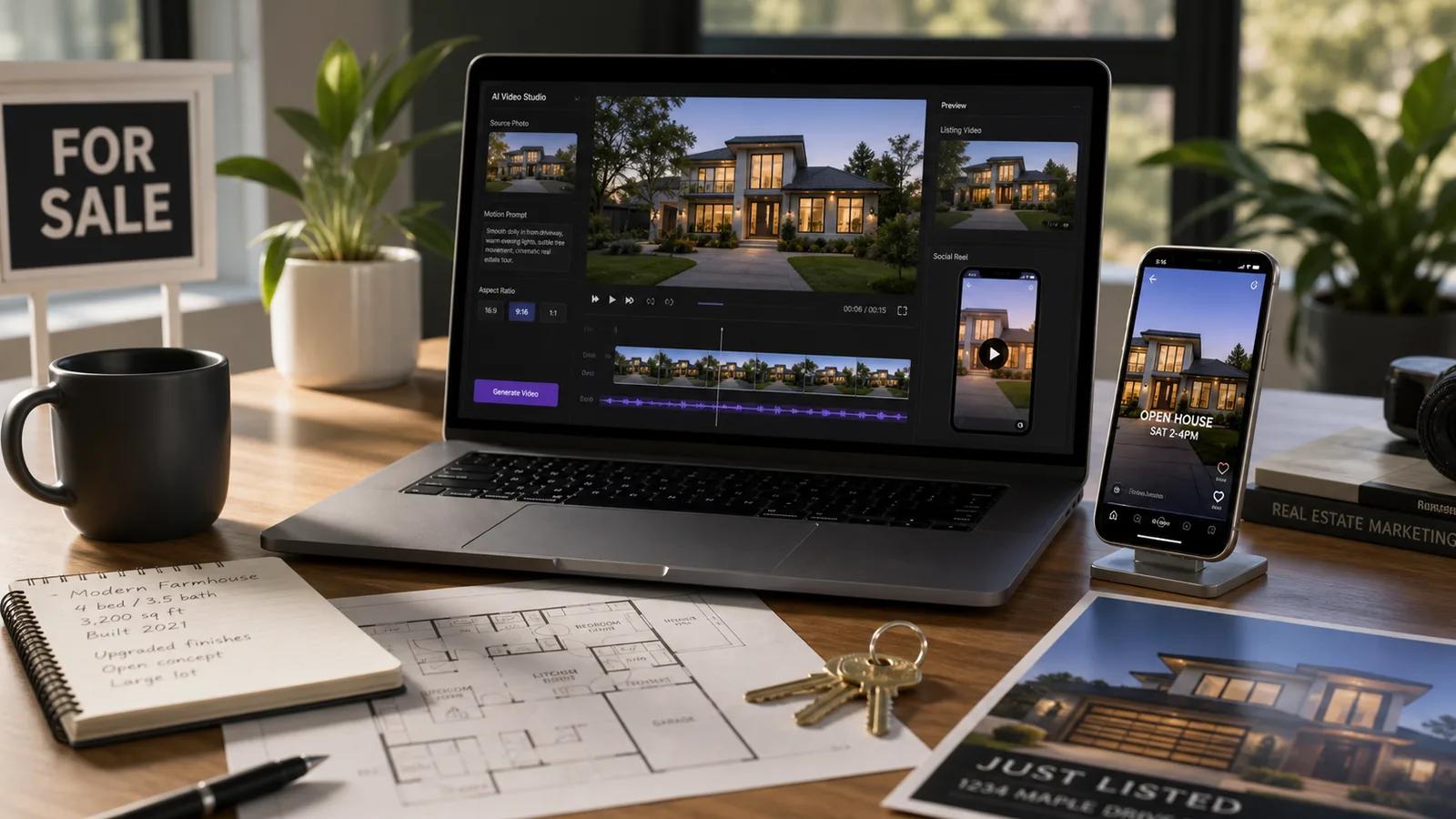
You do not need a drone, a steadicam, or a film crew to do this. You need the photos you already have, and a workspace that knows what a listing video looks like. The Real Estate Image to Video page is built around these jobs.
Step 1: Pick the right photo for each job
A listing has many photos, but only some of them animate well. Three categories work especially reliably.
1. Exterior hero shot
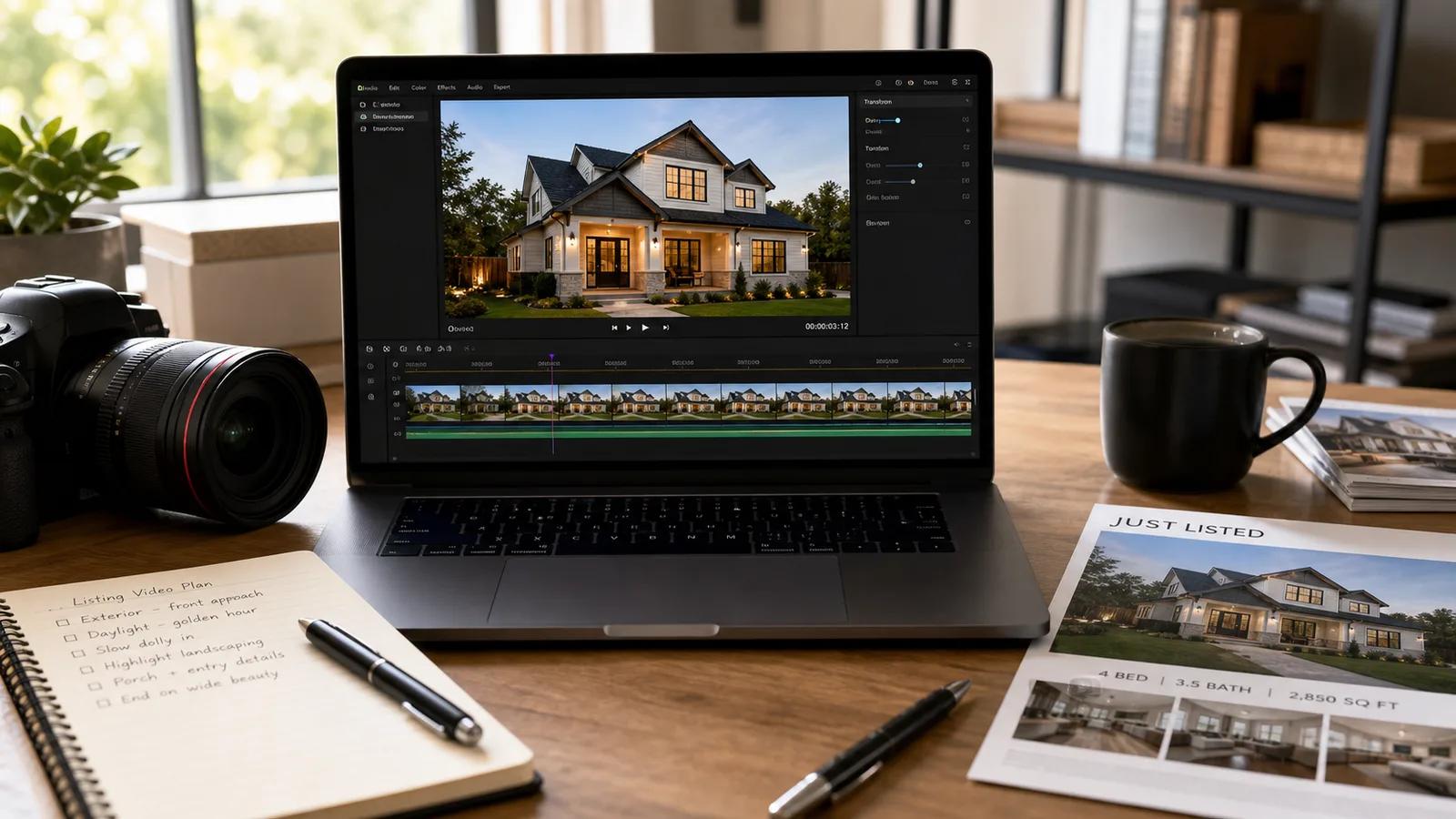
Best for the opening shot of a tour reel, the cover frame on a listing page, and "just listed" announcements. The clear horizon gives the AI an easy direction for camera motion.
Prompt:
Real estate exterior establishing shot, slow camera dolly forward toward the main entrance, soft late-afternoon light, preserve building geometry and landscaping, leave clean negative space on the right for the listing address. 8 seconds, 16:9.
2. Wide interior room
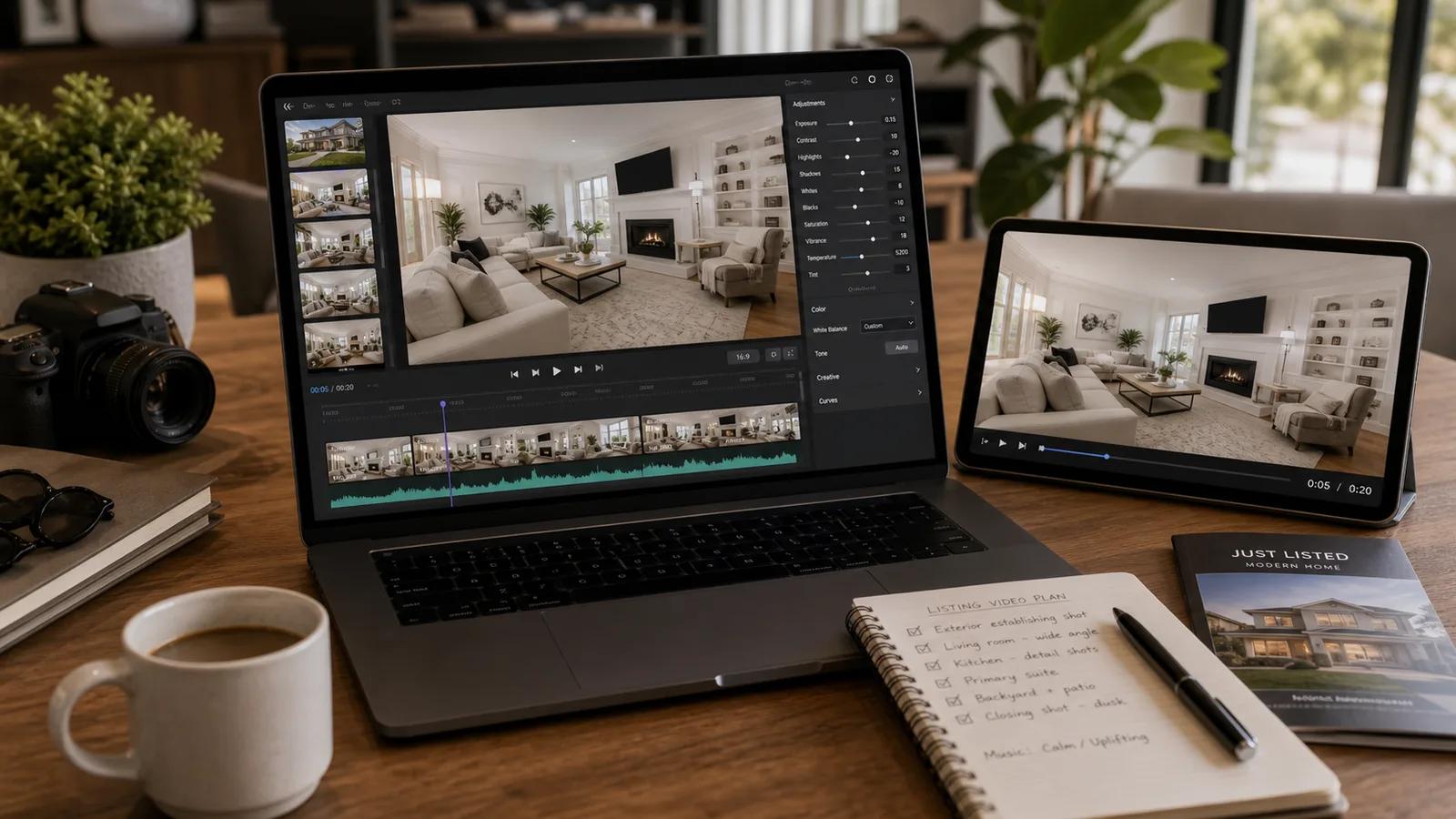
Best for the body of a tour reel, the Zillow listing video, and an open-house teaser. A wide angle leaves room for a believable camera move.
Prompt:
Real estate interior wide shot, slow camera glide from left to right across the living room, soft natural window light, preserve furniture proportions and floor texture, calm and luxurious mood. 6 seconds, 16:9.
3. Interior detail
Best for short social cuts: kitchen island, bathroom finishes, fireplace, bedroom corner. Detail clips carry the texture story.
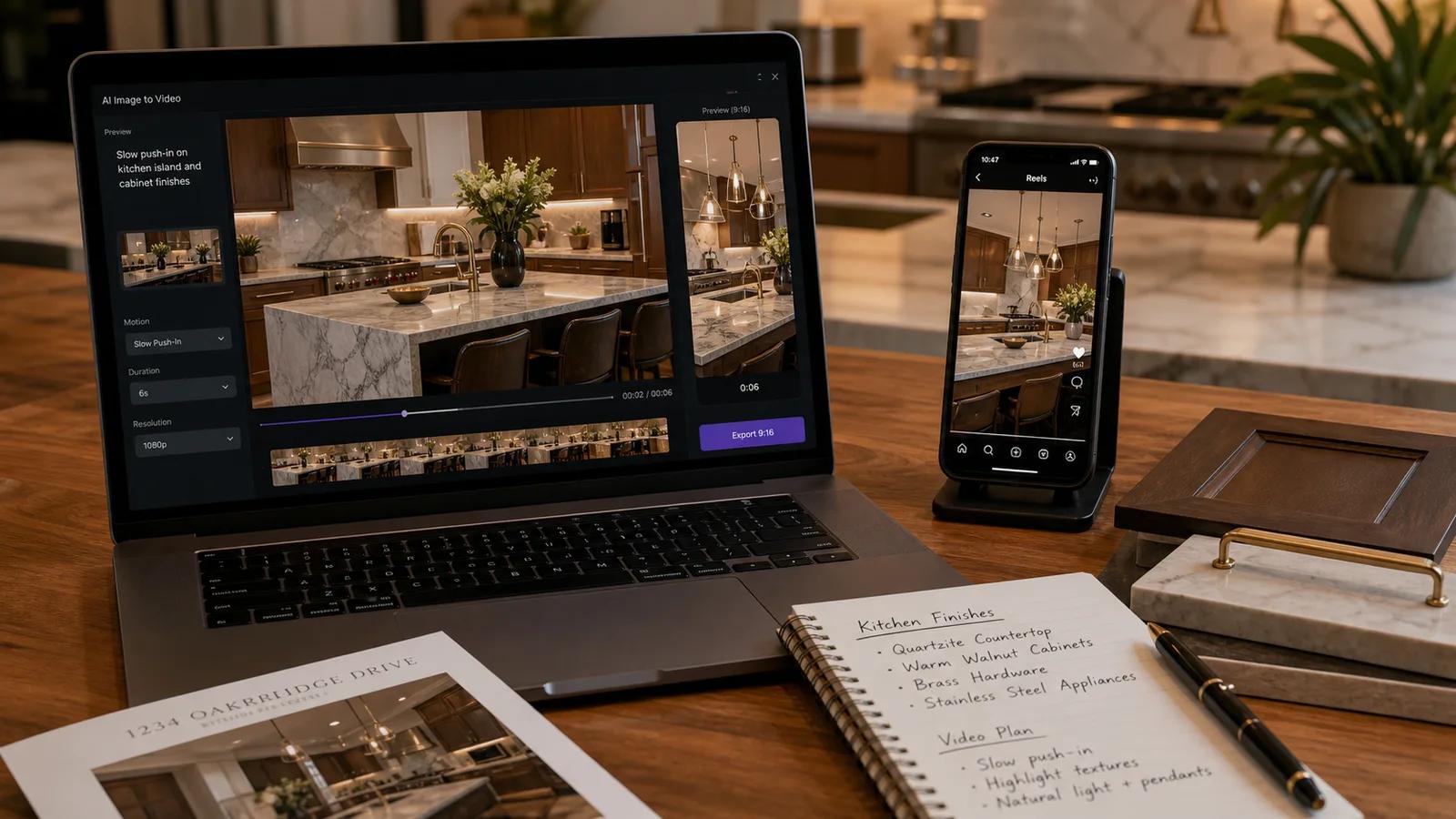
Prompt:
Real estate interior detail shot of the kitchen island, slow camera push-in on the countertop and pendant lights, warm natural light, preserve materials and finishes, 6 seconds, 9:16 vertical for Reels.
Step 2: Match each clip to where it will run
The most expensive mistake is rendering one 16:9 clip and trying to use it everywhere. Each platform changes the ratio, the length, and the safe zone for text.
| Use case | Ratio | Duration | Motion focus |
|---|---|---|---|
| Instagram / TikTok listing reel | 9:16 | 5-8s | Strong first frame, single camera move, address overlay safe zone |
| Zillow / Redfin listing video | 16:9 | 8-12s | Slow dolly or glide, restrained motion, no surprising cuts |
| Agent homepage loop | 16:9 | 8-12s | Slow push-in, room for headline text |
| Open-house SMS teaser | 9:16 | 4-6s | One shot, fast to load, address overlay on top third |
| "Just listed" social post | 1:1 / 4:5 | 6-8s | Hero exterior, gentle motion, price-band space |
The page uses these as presets, so most listings can be covered with three to five clips total.
Step 3: A repeatable prompt template for any listing
Use this template instead of writing prose for every photo:
[Subject]: e.g. "Exterior of a 4-bed colonial home"
[Shot type]: "Establishing shot" / "Interior wide" / "Detail push-in"
[Camera]: "Slow dolly forward" / "Glide left to right" / "Push-in"
[Light]: "Late afternoon golden light" / "Soft window light" / "Warm interior"
[Preserve]: "Preserve building geometry, finishes, and proportions"
[Safe zone]: "Leave clean negative space on the right for the address"
[Length and ratio]: "8 seconds, 16:9"
A real-estate-specific template is easier to teach junior staff than a free-form prompt, and it keeps results consistent across listings, which matters more than any single hero shot.
Step 4: Common mistakes that kill listing videos
- Asking the AI to "fly through the house." Multi-room flythroughs are where AI breaks down. Use one camera move per clip and edit them together.
- Animating ultra-wide photos with strong fisheye. Distortion confuses the AI. Prefer corrected real-estate photos.
- Forgetting the address-safe zone. If the kitchen detail is centered, the headline will sit on top of the faucet.
- Mixing day and night exteriors in the same reel without intent. The AI will not invent a believable transition.
- Over-promising motion in a small space. A 9 m² bathroom does not need a long dolly. A 4-second push-in is enough.
Step 5: A per-listing checklist that finishes in under an hour
For a single listing, this is the practical workflow:
- Pick 5 photos: one exterior hero, two interior wides, one kitchen or bathroom detail, one outdoor amenity.
- Open Real Estate Image to Video and pick the matching preset for each.
- Generate 2 variants per photo. Keep the one where geometry stays straight and finishes stay intact.
- Export in 16:9 first for Zillow and the agent site, then re-run the chosen prompts in 9:16 for Reels and SMS teasers.
- Stitch in any editor with a calm music bed, address overlay on the top third, and price band on the bottom.
In well under an hour, you have a Zillow listing clip, an Instagram reel, an SMS teaser, and a "just listed" square post, all from existing photos.
Keyword map for real estate agents and brokerages
If you write listing content for SEO, the queries that convert are usually job-specific, not technology-specific.
| Search intent | Long-tail query examples | Best first output |
|---|---|---|
| Listing video | real estate listing video maker, property photo to video | 16:9 slow dolly, 8-12 seconds |
| Just listed reel | just listed instagram reel, just listed tiktok video | 9:16 hero exterior, 5-8 seconds |
| Open house teaser | open house video, open house sms teaser | 9:16, 4-6 seconds, address overlay |
| Zillow video | how to add video to Zillow listing, Zillow listing video format | 16:9, 8-12 seconds, calm motion |
| Agent brand video | real estate agent intro video, agent homepage loop | 16:9 push-in, headline-safe space |
Pages that name a specific job (e.g. "just listed reel from photos") tend to rank more reliably than pages targeting "real estate AI video."
Frequently asked questions
Does AI listing video replace a real walkthrough? For most listings, the AI reels do the social and listing-page job. A full walkthrough still makes sense for high-end properties where the buyer expects a long-form tour.
Will the AI distort the room or the facade? Choosing the right preset and adding "preserve building geometry, finishes, and proportions" to the prompt keeps the structure stable. Avoid extreme wide-angle source photos.
How many clips do I need per listing? Three to five is enough: one exterior hero, two wides, one or two details. The rest is editing.
Is it allowed on Zillow and Redfin? Listing videos derived from your own photos are allowed on the major US listing portals. Always check the specific platform's media guidelines before upload.
Ready to try it on a current listing? Start at the Real Estate Image to Video page with your hero exterior shot and the 16:9 dolly preset. The first usable clip usually takes one render.
Author

Categories
Why listings need motion, not just more photosStep 1: Pick the right photo for each job1. Exterior hero shot2. Wide interior room3. Interior detailStep 2: Match each clip to where it will runStep 3: A repeatable prompt template for any listingStep 4: Common mistakes that kill listing videosStep 5: A per-listing checklist that finishes in under an hourKeyword map for real estate agents and brokeragesFrequently asked questions
More Posts
40 AI billede-til-video prompts du kan kopiere og indsætte (2026)
Et praktisk bibliotek med 40 billede-til-video prompts til portrætter, produkter, ejendomme, kæledyr og cinematiske optagelser – plus hvordan du skriver dine egne i ImageToVideoAI.
Turn a product photo into a video ad with AI (2026 guide)
Turn any product image into a video ad with AI. Step-by-step on prompts, model selection, aspect ratios, and tips for ecommerce and social media.

AI image to video: Kling vs Runway vs Hailuo vs Veo (2026)
Honest 2026 comparison of Kling 3, Runway Gen-4, Hailuo 02, Google Veo, and Seedance — all tested on the same images to show real differences.
Newsletter
Join the community
Subscribe to our newsletter for the latest news and updates