Loading
2026/04/18
How to turn a photo into a video with AI (2026)
The actual steps to go from a static image to an AI-generated video — model picking, prompt writing, and what to expect from the output.
What this is and isn't
AI video generation takes a still image and adds motion to it. The tech has gotten good enough in 2026 that casual viewers often can't tell the output is AI-generated, at least for the first few seconds. It's not perfect — complex scenes still produce weird artifacts, and anything longer than 10 seconds starts to drift. But for short clips, it works.
This guide walks through the process using ImageToVideoAI. The same general approach works with other tools, but the model selection part is specific to this platform.
What you need
- A photo (JPG, PNG, or WebP — resolution doesn't matter much, the AI scales it)
- An ImageToVideoAI account (free signup)
- Optionally, a text prompt describing the motion you want
No video editing software. No special skills.
Step 1: Upload your image
Go to the Image to Video workspace. You can drag and drop, click to browse, or paste from clipboard (Ctrl+V / Cmd+V — handy for screenshots).
The AI does better with clear, well-lit photos. Both portraits and landscapes work fine. Images with lots of small text or heavy overlays tend to produce weird results because the AI tries to animate the text too.
Step 2: Write a prompt (or don't)
The prompt tells the AI how to move things. Keep it short — a few words about the motion you want.
| Photo type | Prompt that works |
|---|---|
| Portrait | "gentle head turn, soft smile, wind in hair" |
| Landscape | "slow camera pan right, clouds drifting" |
| Product | "slow rotation, studio lighting" |
| Old photo | "subtle breathing, gentle blink" |
If you leave the prompt blank, the AI guesses what to animate based on the image content. This usually works okay for simple compositions. For anything specific, write the prompt.
Step 3: Pick a model
This is where it gets interesting. ImageToVideoAI has 14 models, and they're not interchangeable. Each has strengths.
For faces: Kling 3. Nothing else matches it on facial consistency right now.
For landscapes: Seedance 2 does the best camera movement. Wan 2.7 gives more saturated colors.
For artistic stuff: Runway Gen-4 has the most cinematic look and best camera control.
For speed: Kling 2.5 Turbo, under 60 seconds.
If you're not sure, start with Kling 3 for people or Seedance 2 for everything else. You can always regenerate with a different model — the image stays uploaded.
Step 4: Generate and wait
Hit Generate. Wait 60 seconds to 3 minutes. A progress bar shows where you are.
When it's done:
- Preview in the browser
- Download as MP4 (no watermark)
- Regenerate with different settings if you're not happy
If the generation fails or times out, your credits come back automatically.
Where people actually use this
Social content — A single animated photo gets more engagement than a static post on TikTok and Instagram. This isn't speculation; every creator we talk to reports the same thing.
E-commerce — Product photos with subtle rotation and lighting effects. Cheaper than booking a video shoot, good enough for A/B testing ad variations before committing to real production.
Family photos — Old black and white portraits with gentle breathing and blinking. People get emotional about this one. We built a dedicated Animate Old Photos tool for it.
Marketing — One hero image, multiple video ad variations. Different motion styles for different audiences.
Practical tips
- Higher resolution input = better output. The AI can upscale, but it's working with whatever you give it.
- Text in images gets distorted. Remove overlays before uploading if possible.
- Simple backgrounds work better. Complex scenes with many moving parts produce more artifacts.
- Try multiple models on the same image. The results can be surprisingly different.
- The first 3 seconds are the best. If you need longer clips, consider generating multiple short ones.
Pricing
New accounts get 20 credits on signup (7-day expiry) plus 5 bonus credits every day (3-day expiry). No credit card required. If you need more, paid plans and credit packs are available. Different models and resolutions cost different amounts.
Full pricing: imagetovideoai.net/pricing.
Common questions
How long does it take?
50 seconds to 3 minutes, depending on the model and resolution.
What format?
MP4 (H.264). Works everywhere.
Can I use them commercially?
Yes, on paid plans.
Watermark?
No. All outputs are watermark-free, including on the free tier.
What image formats work?
JPG, PNG, WebP. Any resolution.
Go
Upload a photo and try it. Free, no credit card. The whole thing takes about two minutes.
See also
More Posts
From AI video export to client review: a link-based delivery workflow
A practical workflow for turning an exported AI video MP4 into a review link, collecting useful feedback, controlling versions, and handing off the approved file.

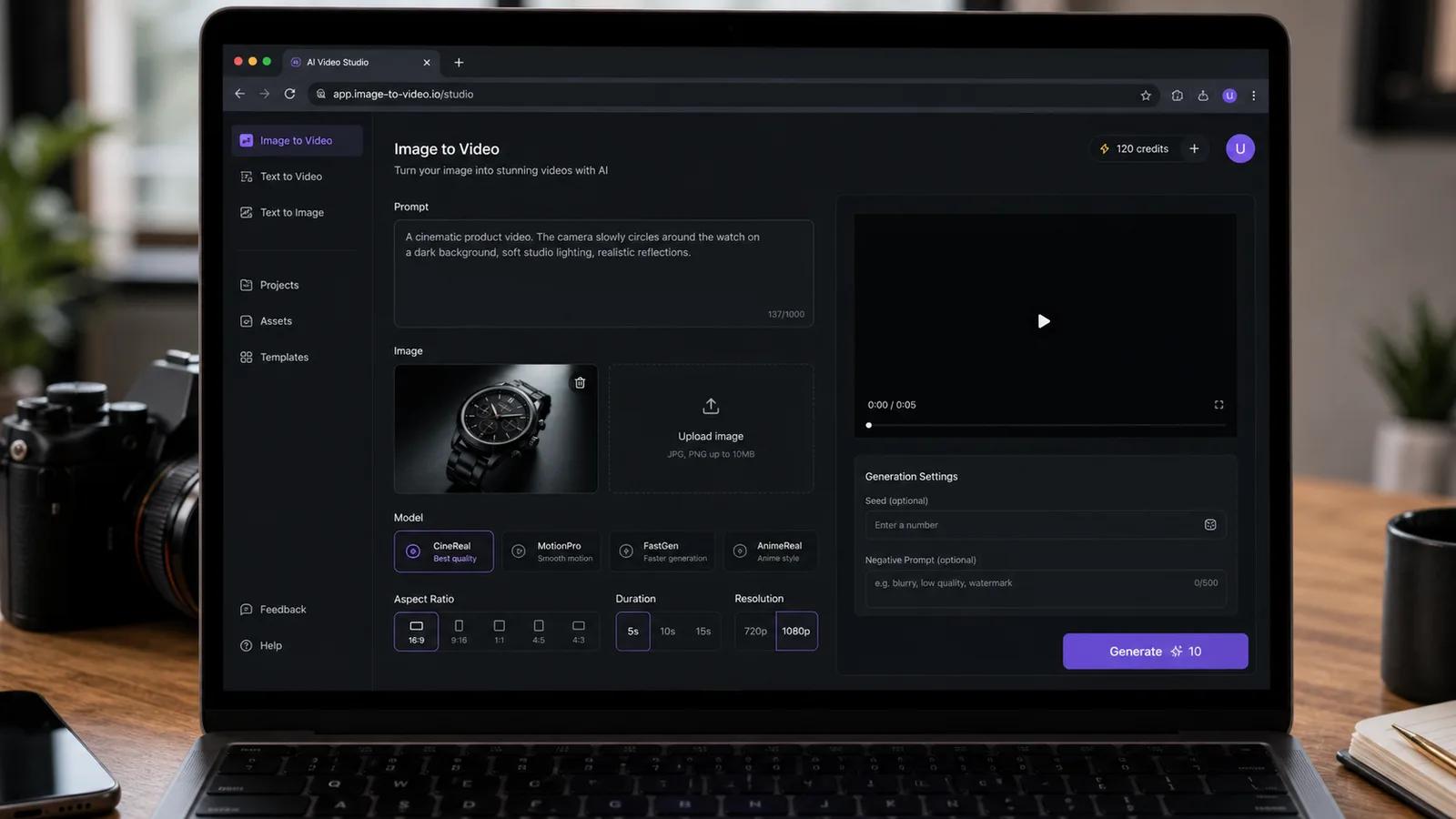
40 tekoälypromptia kuva videoksi – kopioi ja liitä suoraan (2026)
Valmis kirjasto 40 image-to-video-promptista muotokuville, tuotteille, kiinteistöille, lemmikeille ja elokuvamaisille kuvakulmille – plus ohjeet omien promptien kirjoittamiseen ImageToVideoAI:ssa.
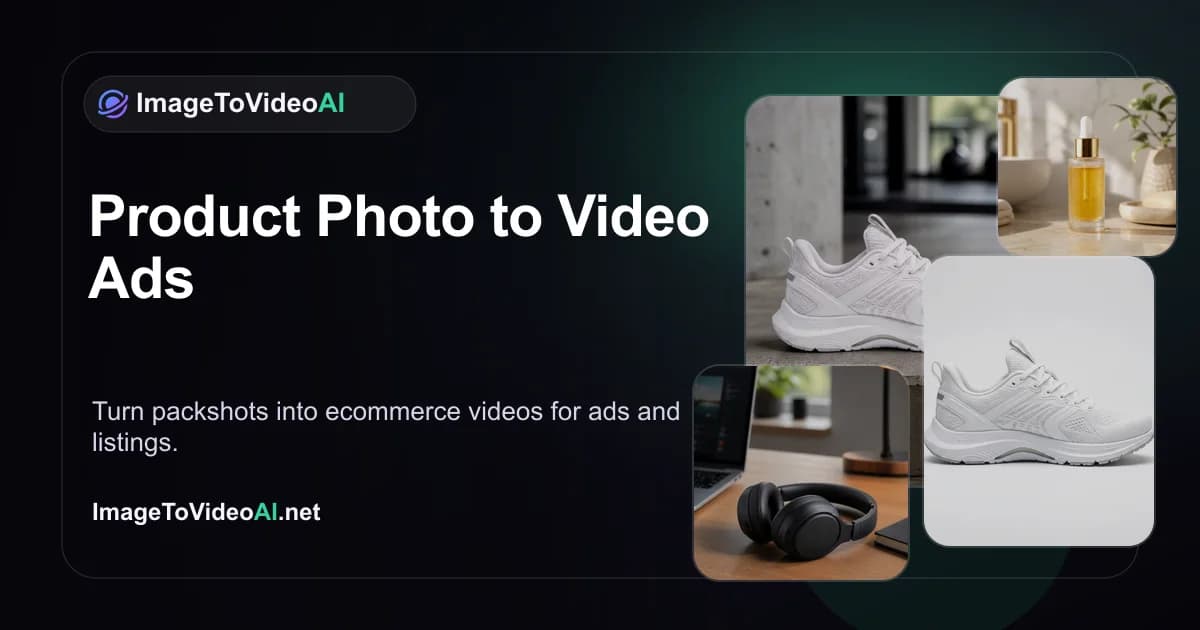
Product photo to video ads: ecommerce AI guide (2026)
Turn one product image into TikTok Shop, Amazon, Shopify, and Meta video creatives with real screenshots, prompt templates, and an actionable workflow.
Newsletter
Join the community
Subscribe to our newsletter for the latest news and updates