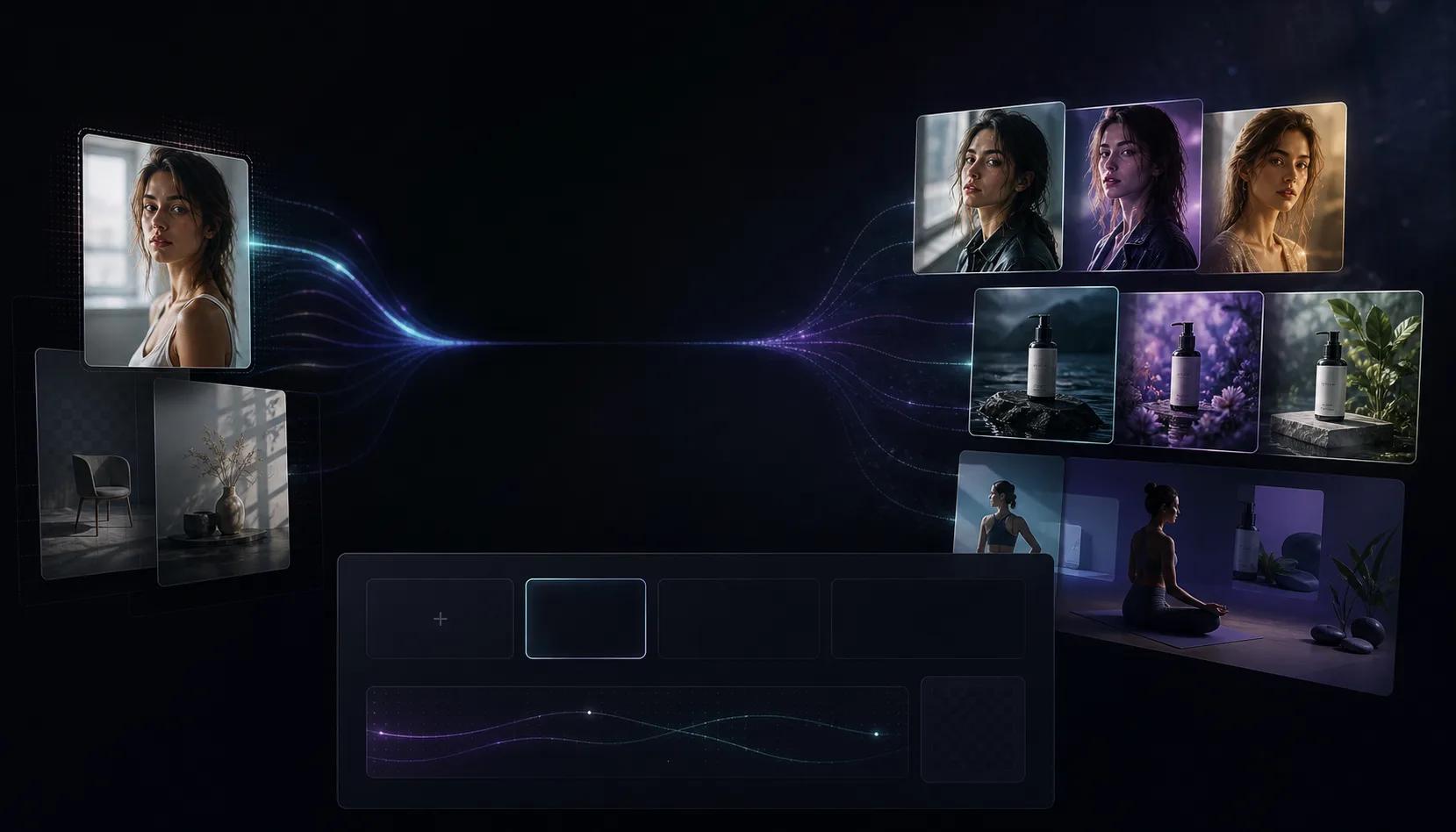
Reference-based editing
Upload a source image and direct the model around composition, subject, product, or scene changes.
First subscription · First month 35% off / first year 25% off
Use the AI Image to Image Generator to upload a reference, describe the change, and create polished edits, remixes, and variants.
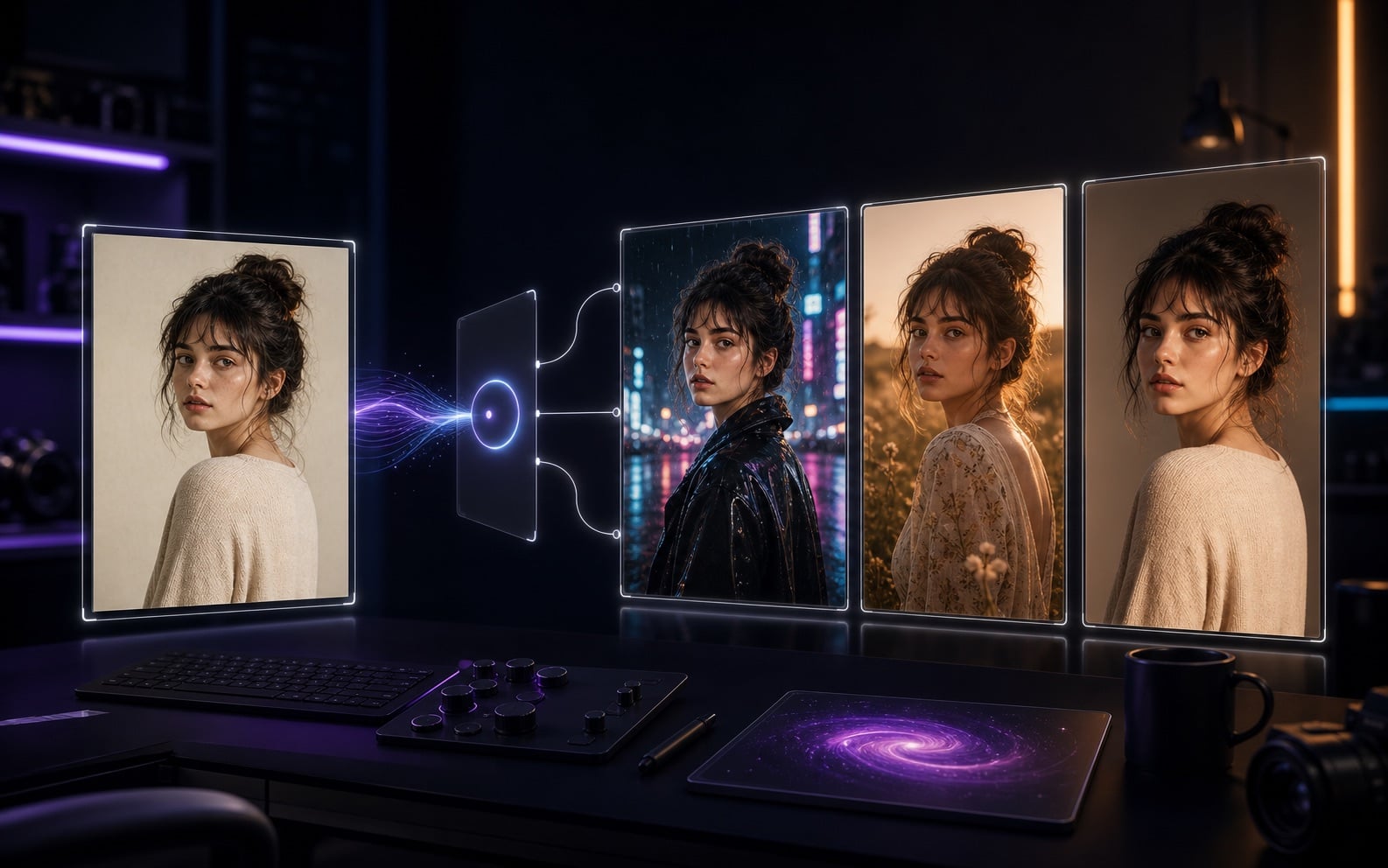
AI Image to Image Workflow
AI Image to Image is built for source images that need a second pass: product background changes, portrait restyling, ad creative variants, character consistency, and turning rough concepts into finished visuals. Upload JPG, PNG, or WebP, then describe what to preserve and what to change.
Upload a source image and direct the model around composition, subject, product, or scene changes.
Turn photos into cinematic visuals, illustrations, ad images, product renders, or brand-consistent designs.
Generate multiple edits and compare background, detail, subject fidelity, and commercial usability.
Improve the image before moving into image-to-video or video-to-video workflows.
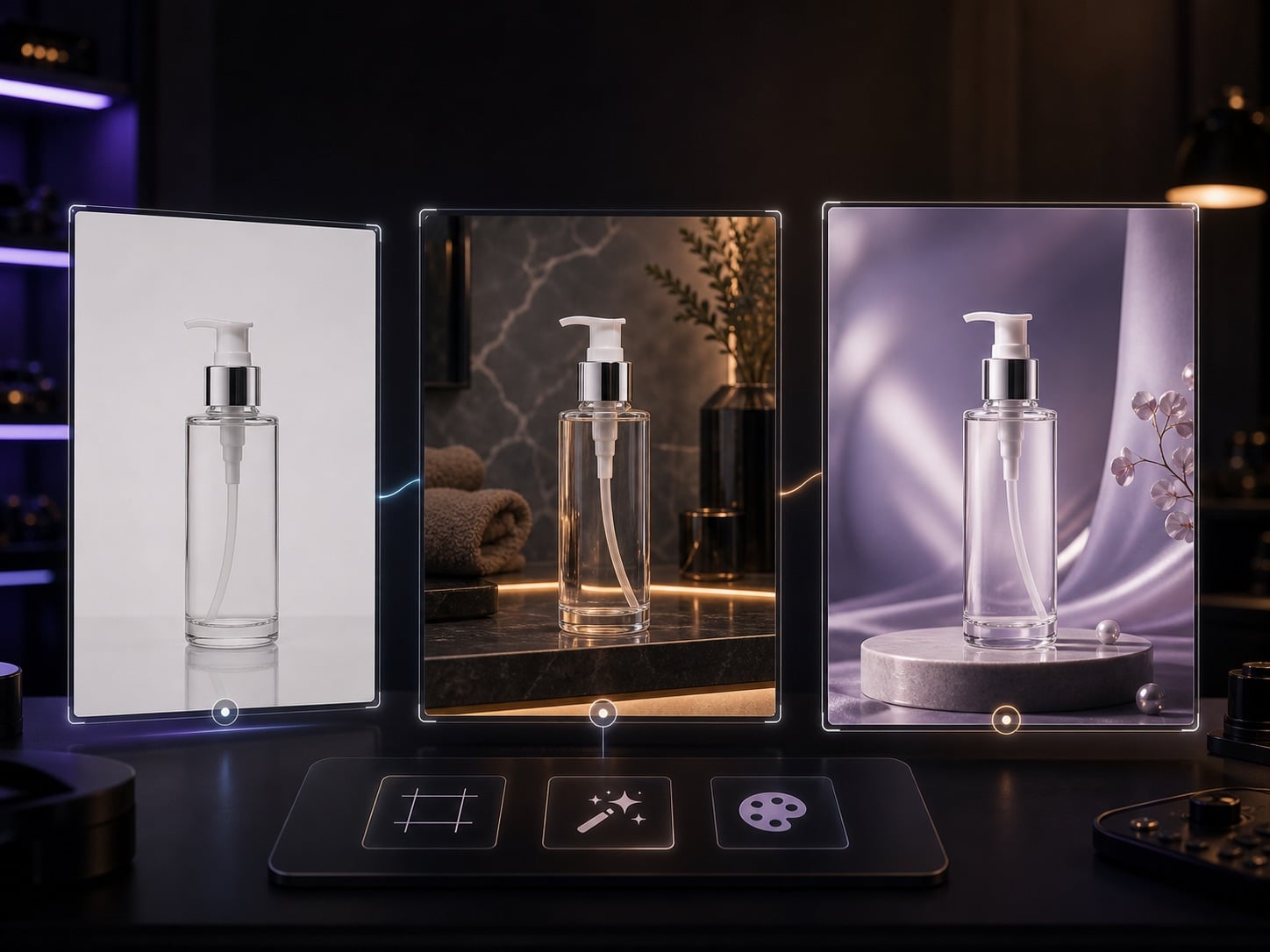
Turn supplier images, phone shots, or white-background product photos into visuals for ads, PDPs, and social posts.
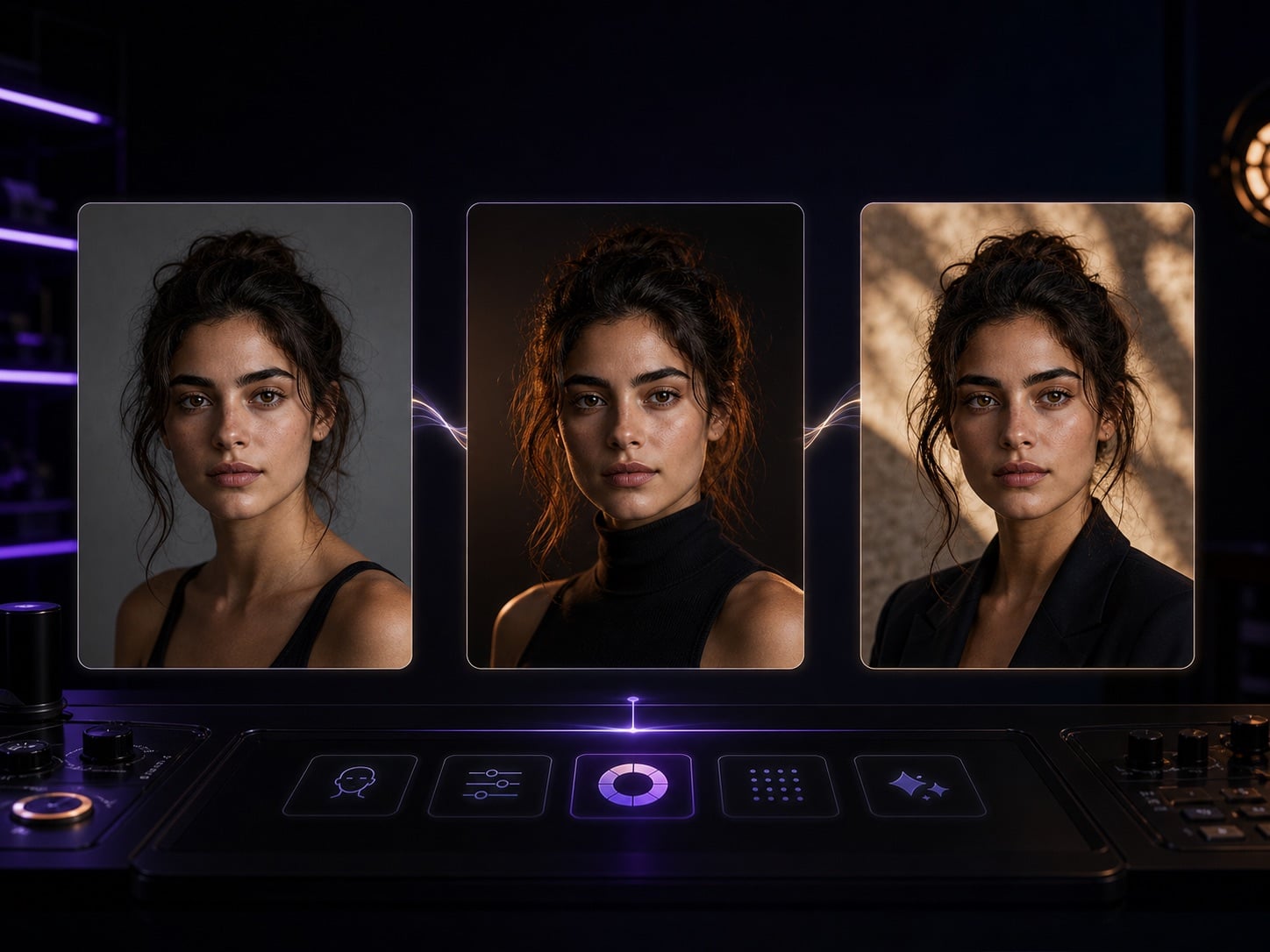
Preserve identity and expression while changing lighting, wardrobe, background, style, and platform crop.
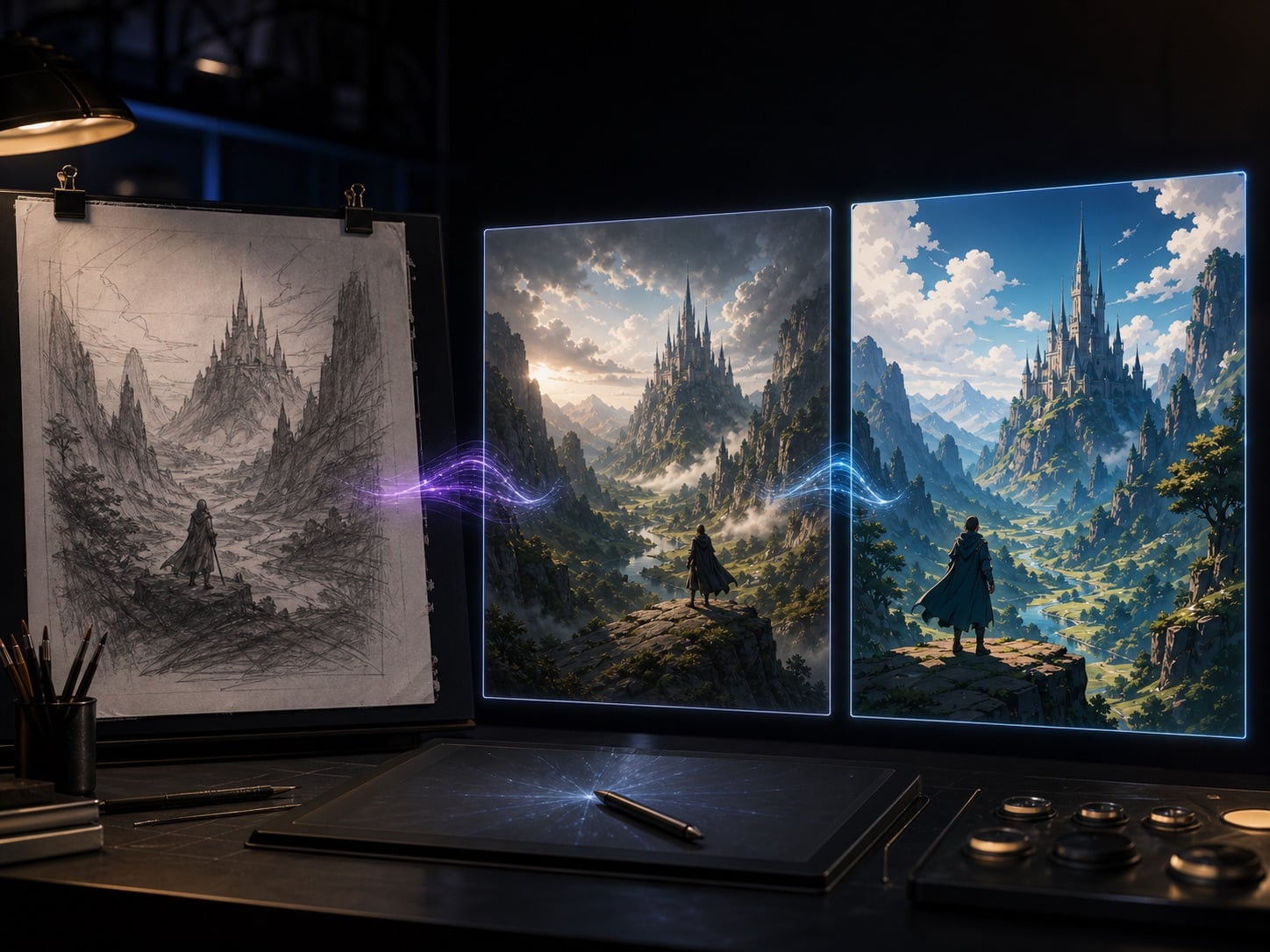
Refine rough AI sketches, screenshots, or inspiration images into publishable assets ready for testing or animation.
Så fungerar det
Tre steg för att omvandla en bild till AI-video utan redigeringskunskap eller desktopprogram.
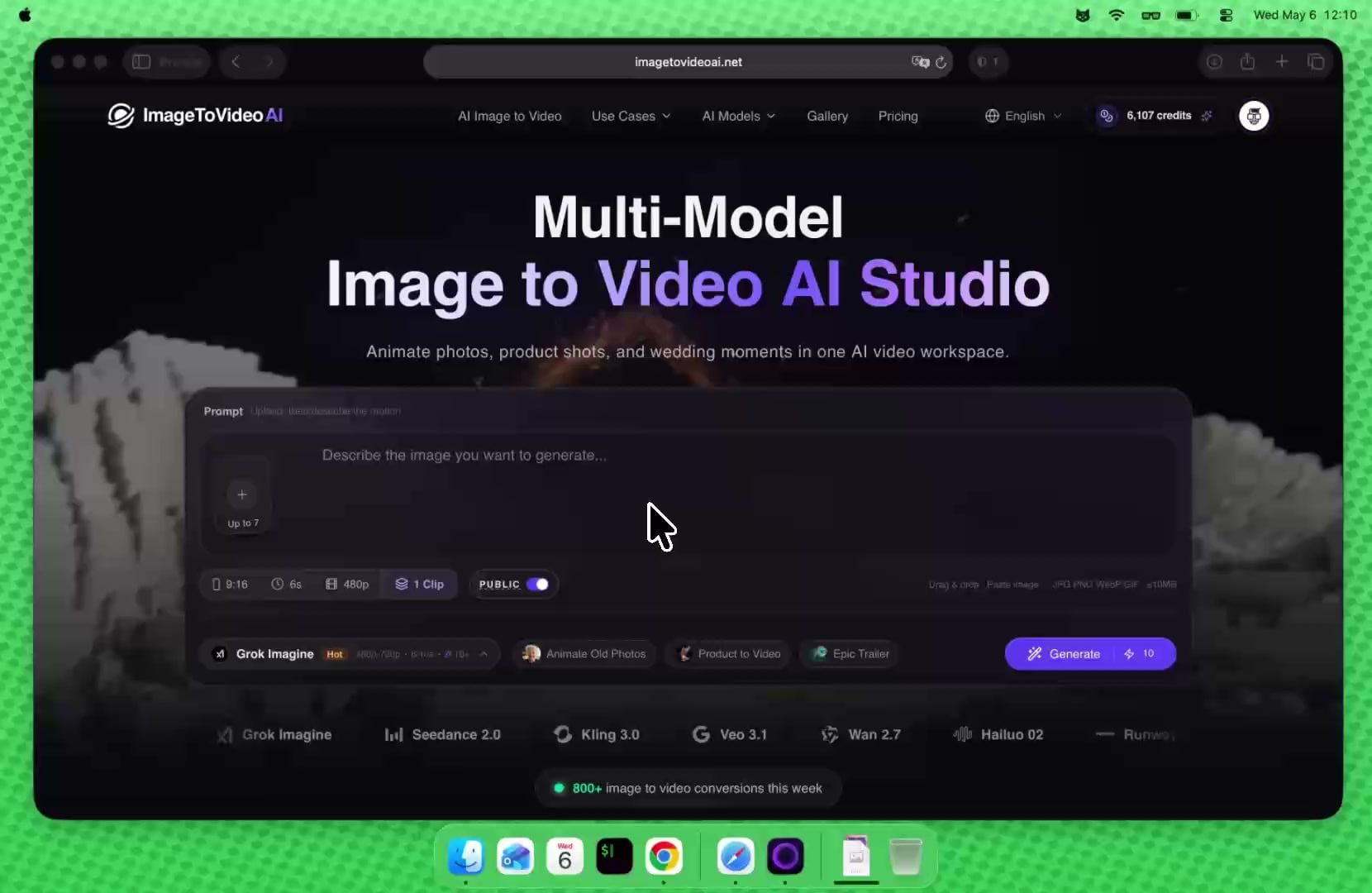
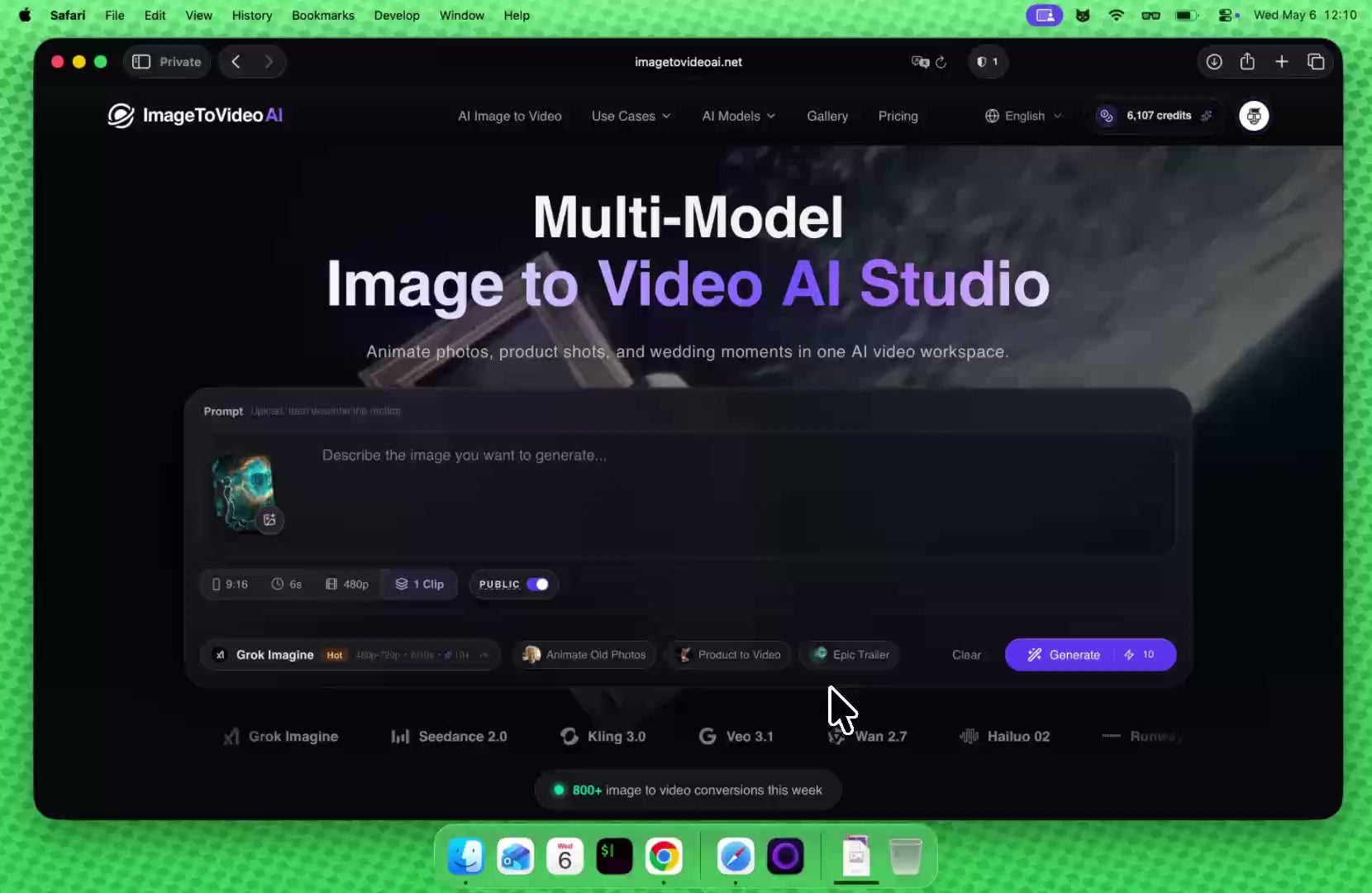
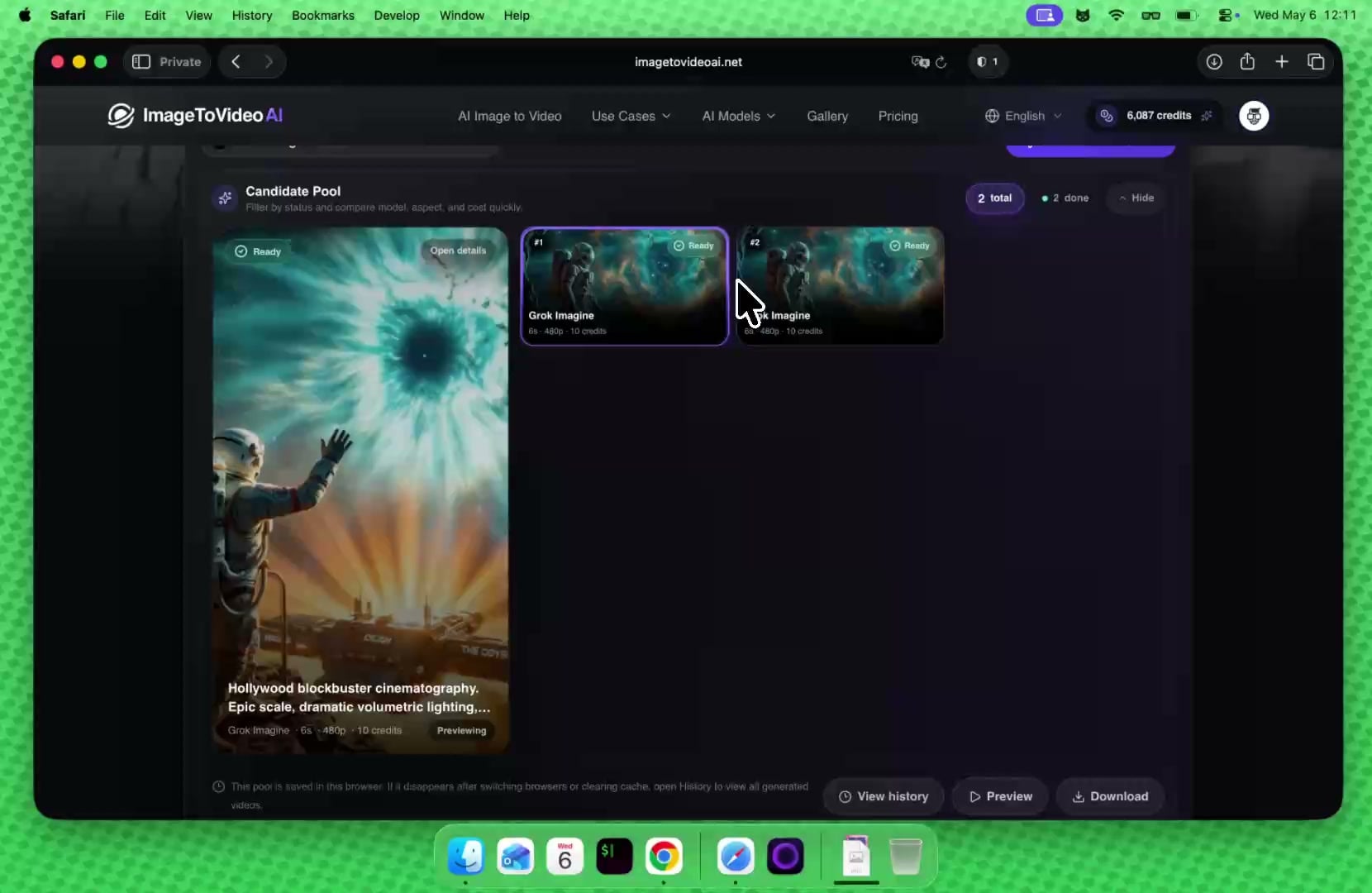
En prenumeration för AI-modeller för bild och video: text till bild, bild till bild, bild till video och text till video.
Unlock premium AI models for images and video at 50% OFF before midnight.
Beräknat med 15 credits per kort video och 5 per bild; faktisk användning beror på modell, upplösning och längd.
Beräknat med 15 credits per kort video och 5 per bild; faktisk användning beror på modell, upplösning och längd.
Beräknat med 15 credits per kort video och 5 per bild; faktisk användning beror på modell, upplösning och längd.
Beräknat på 20 välkomstcredits; dagliga besök kan ge 5 extra credits för enklare tester.
AI-verktyg i en workspace
Välj nästa steg utifrån materialet: animera frilagda bilder, skala upp svaga källor eller omvandla befintlig video.
Vanliga frågor
För produktbilder, sociala annonser, porträtt, resor och gamla familjefoton.