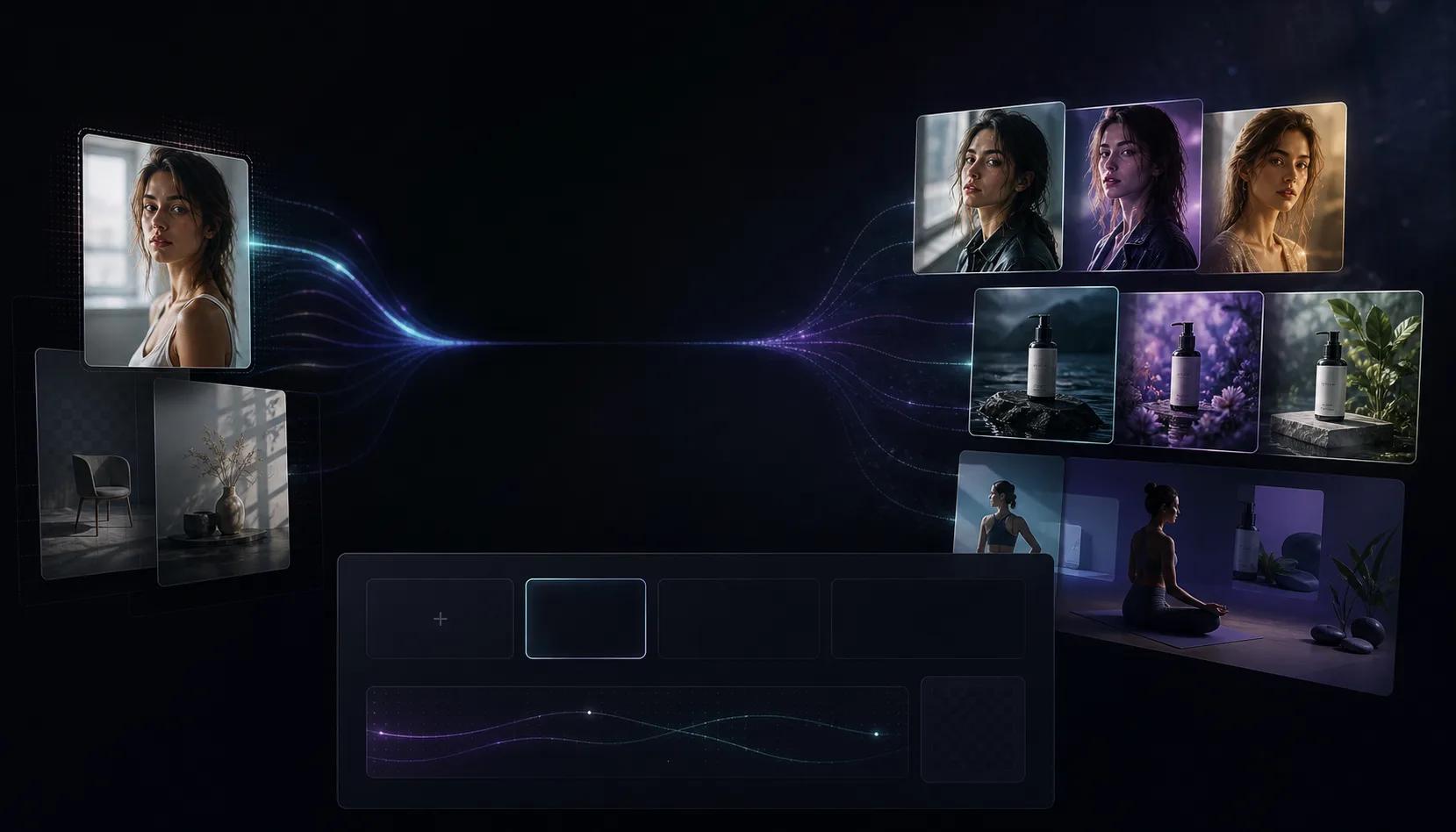
Reference-based editing
Upload a source image and direct the model around composition, subject, product, or scene changes.
First subscription · First month 35% off / first year 25% off
Use the AI Image to Image Generator to upload a reference, describe the change, and create polished edits, remixes, and variants.
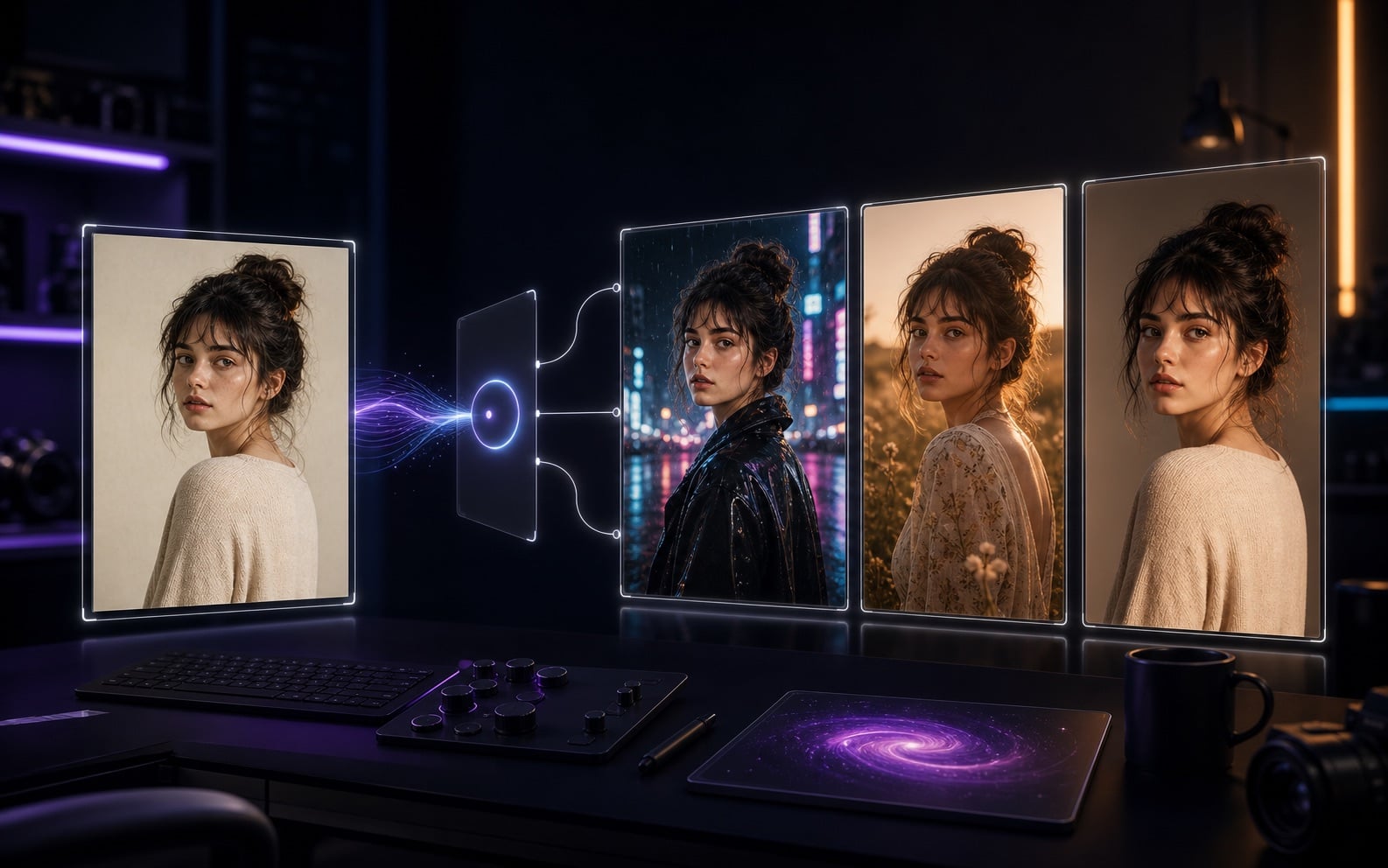
AI Image to Image Workflow
AI Image to Image is built for source images that need a second pass: product background changes, portrait restyling, ad creative variants, character consistency, and turning rough concepts into finished visuals. Upload JPG, PNG, or WebP, then describe what to preserve and what to change.
Upload a source image and direct the model around composition, subject, product, or scene changes.
Turn photos into cinematic visuals, illustrations, ad images, product renders, or brand-consistent designs.
Generate multiple edits and compare background, detail, subject fidelity, and commercial usability.
Improve the image before moving into image-to-video or video-to-video workflows.
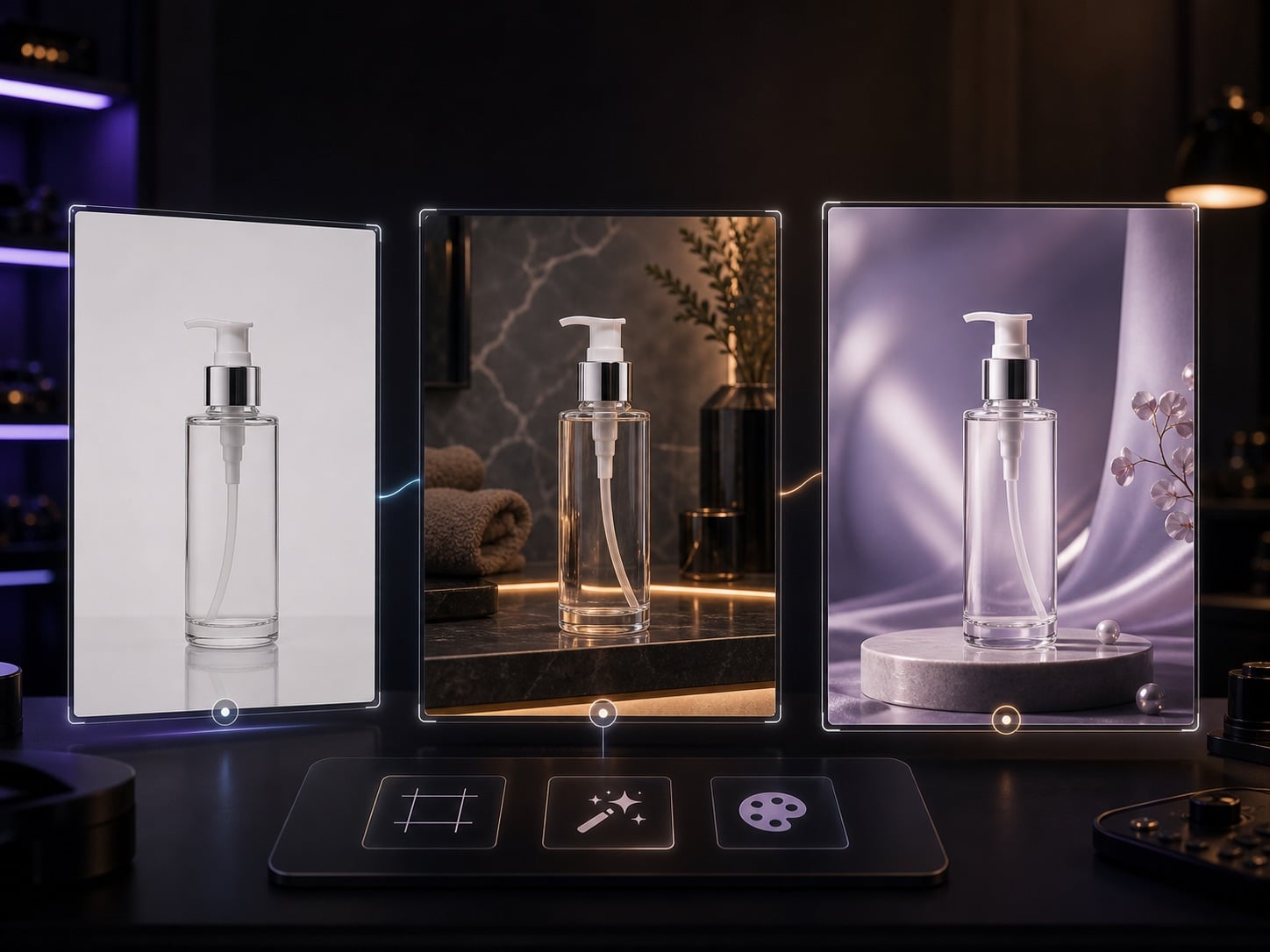
Turn supplier images, phone shots, or white-background product photos into visuals for ads, PDPs, and social posts.
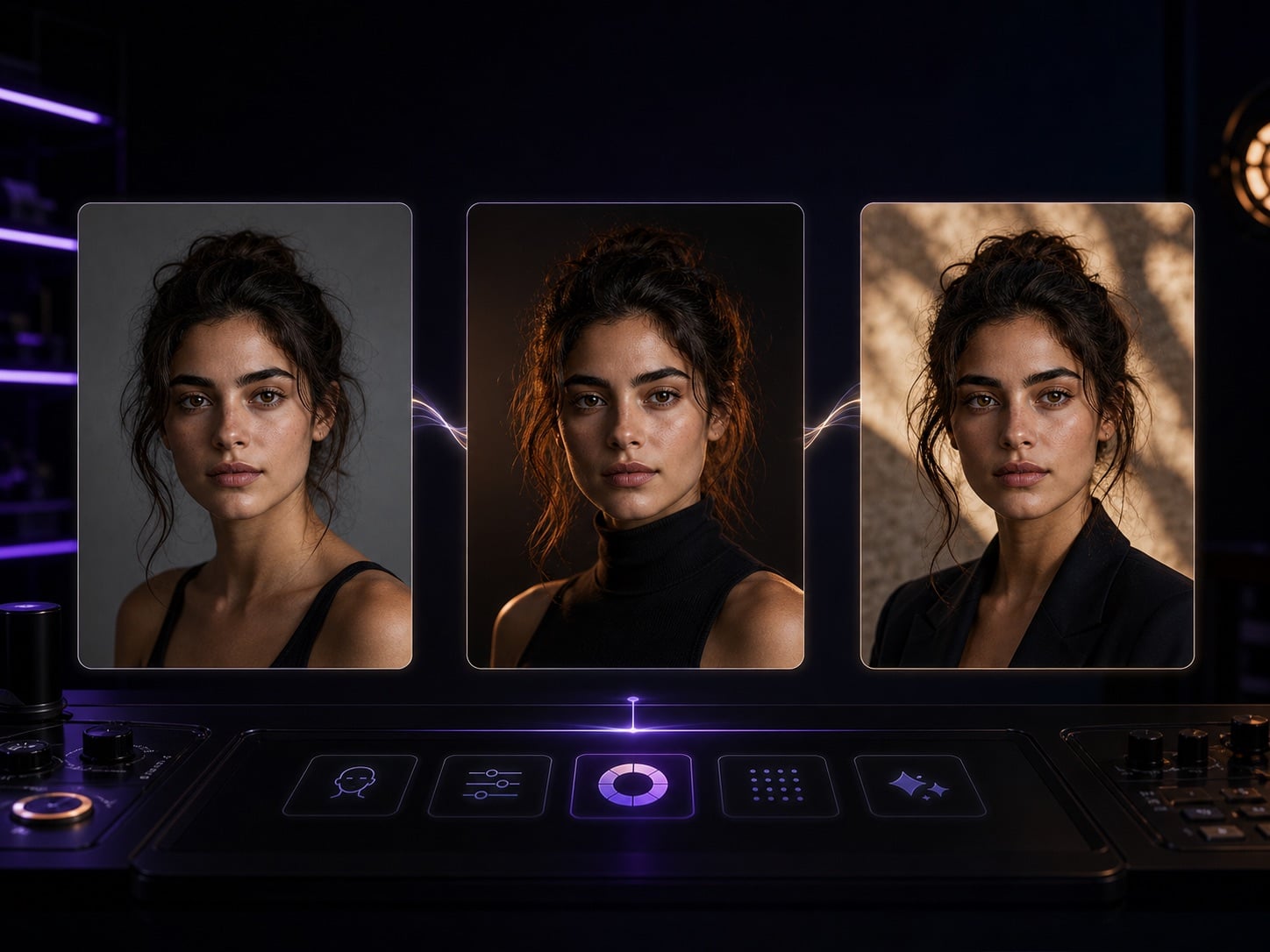
Preserve identity and expression while changing lighting, wardrobe, background, style, and platform crop.
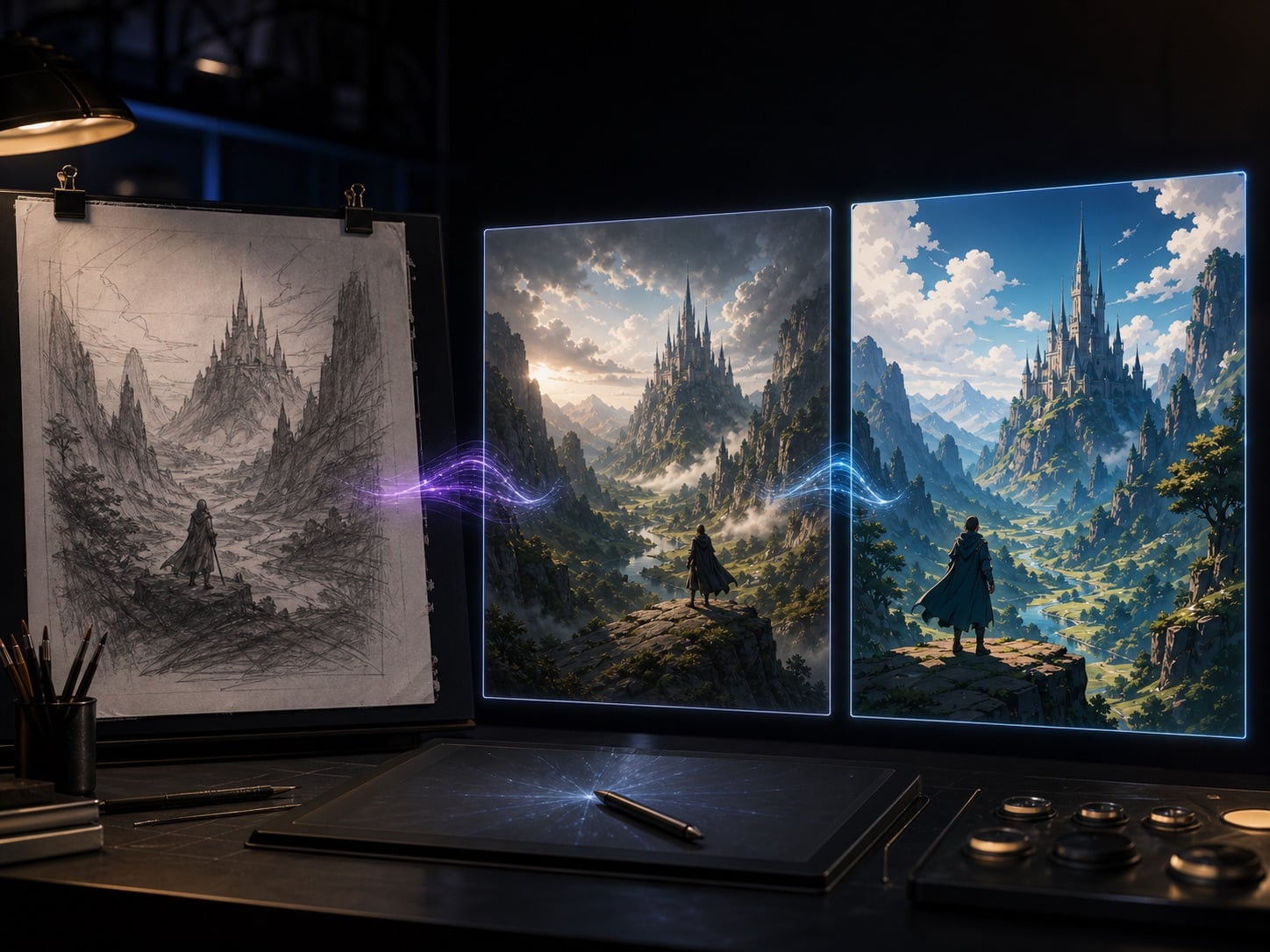
Refine rough AI sketches, screenshots, or inspiration images into publishable assets ready for testing or animation.
So funktioniert es
In drei Schritten vom Bild zum KI-Video, ganz ohne Schnittkenntnisse oder Desktop-Software.
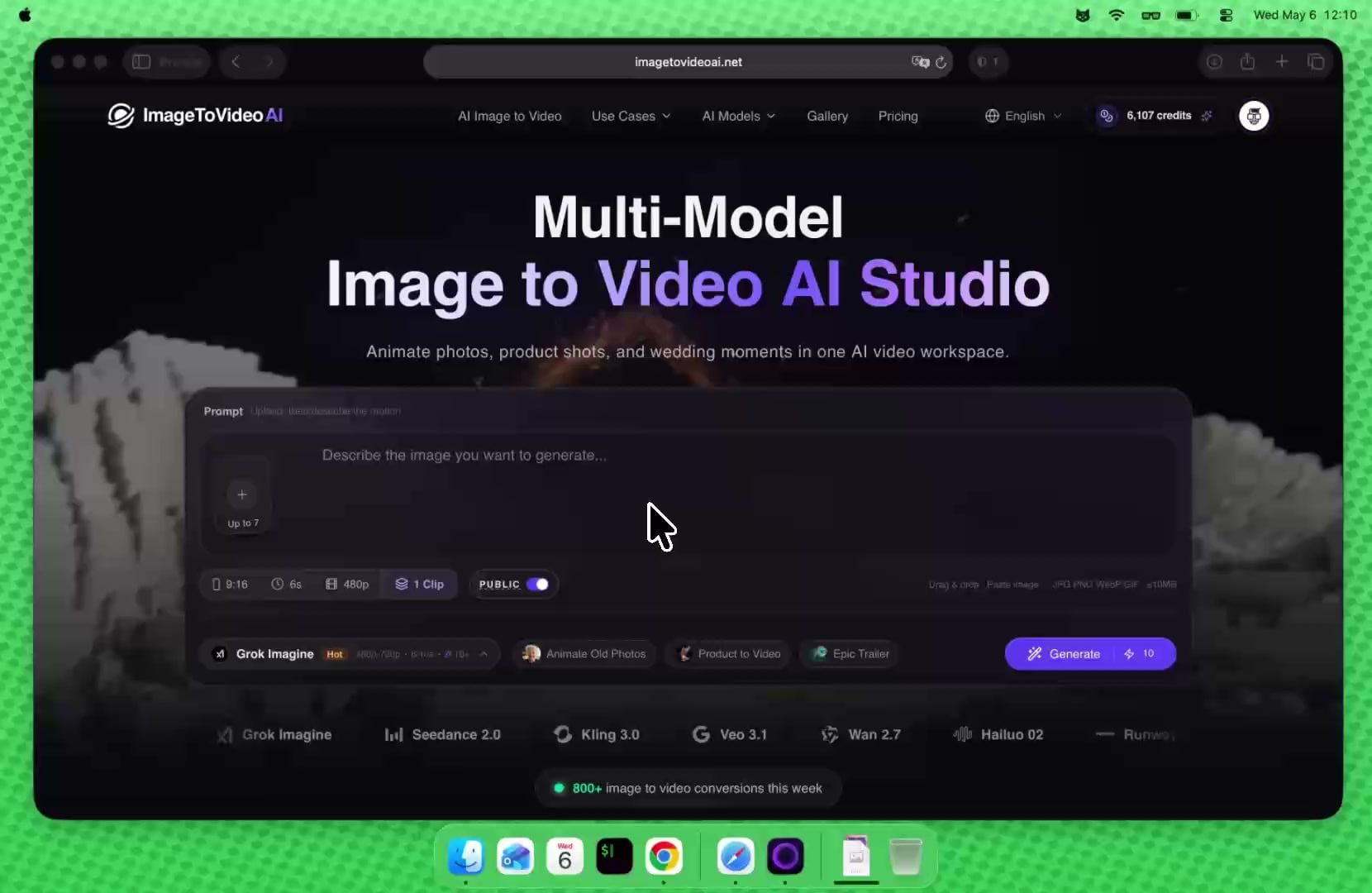
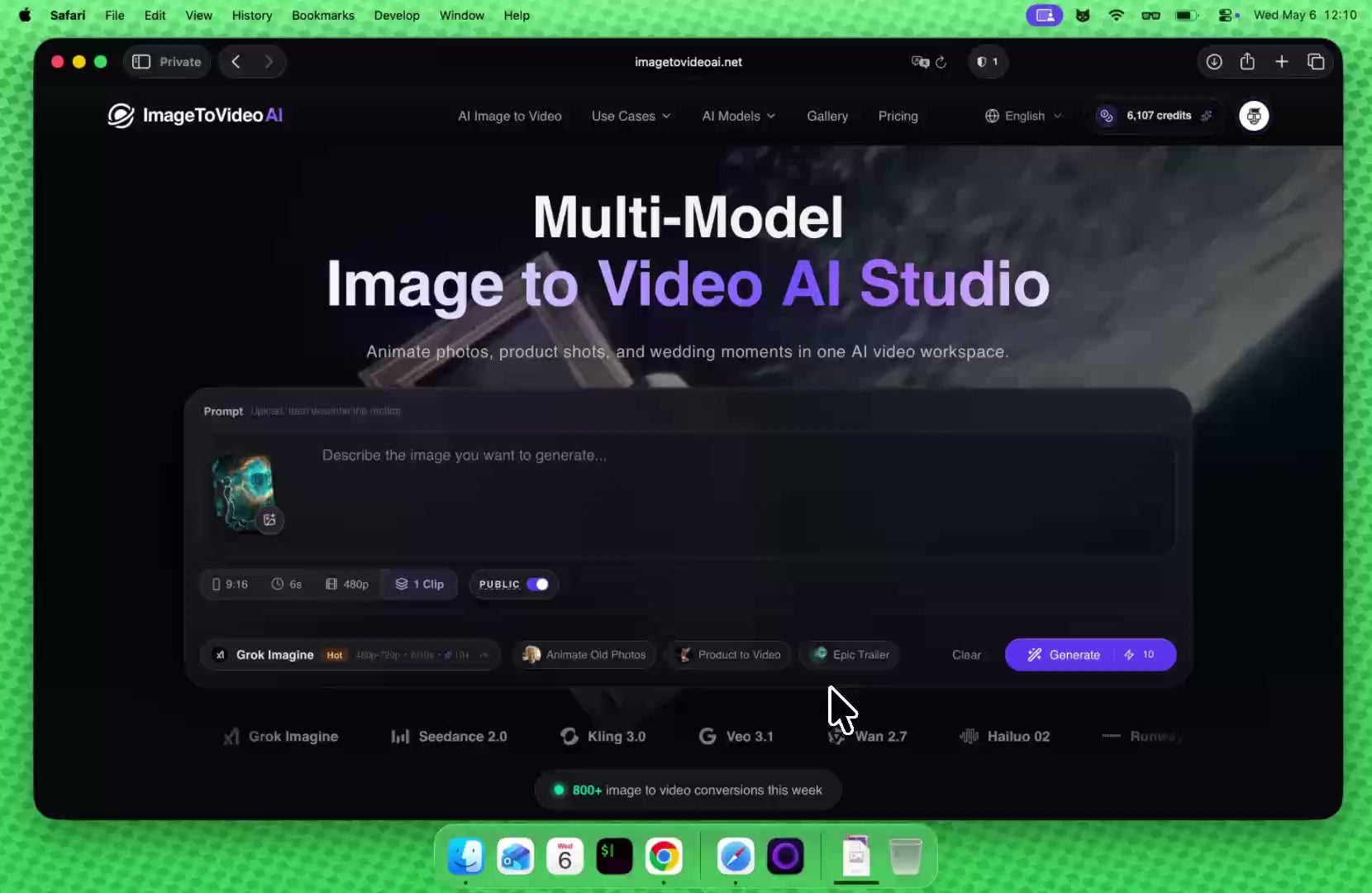
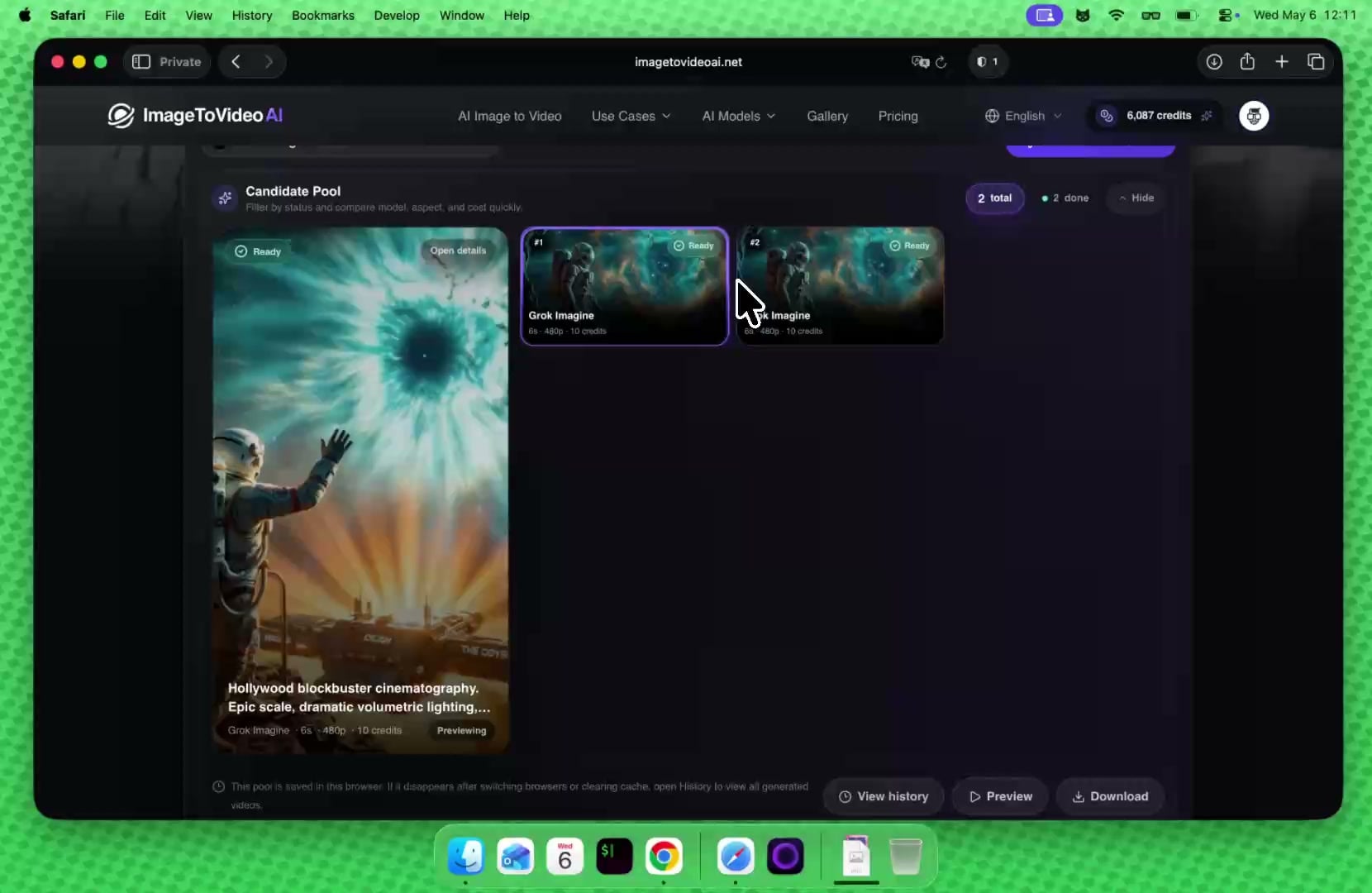
Ein Abo für Bild- und Video-KI Modelle: Text zu Bild, Bild zu Bild, Bild zu Video und Text zu Video.
Unlock premium AI models for images and video at 50% OFF before midnight.
Geschätzt mit 15 Credits pro Kurzvideo und 5 Credits pro Bild; der echte Verbrauch hängt von Modell, Auflösung und Dauer ab.
Geschätzt mit 15 Credits pro Kurzvideo und 5 Credits pro Bild; der echte Verbrauch hängt von Modell, Auflösung und Dauer ab.
Geschätzt mit 15 Credits pro Kurzvideo und 5 Credits pro Bild; der echte Verbrauch hängt von Modell, Auflösung und Dauer ab.
Geschätzt mit 20 Willkommens-Credits; tägliche Besuche können 5 weitere Credits für kurze Tests erhalten.
KI Tools Workspace
Wähle den nächsten Schritt passend zum Material: freigestellte Bilder animieren, schwache Quellen hochskalieren oder vorhandenes Video umwandeln.
Häufige Fragen
Für Produktbilder, Social Ads, Porträts, Reisefotos und alte Familienbilder. Kostenlos starten, später upgraden.