Loading
2026/05/20
AI wedding video from photos: 2026 couples & studios guide
Turn wedding photos into first-dance reels, anniversary loops, and social teasers with AI. Real screenshots, prompt templates, and a shot-by-shot workflow.
Why couples and studios are turning to AI wedding video
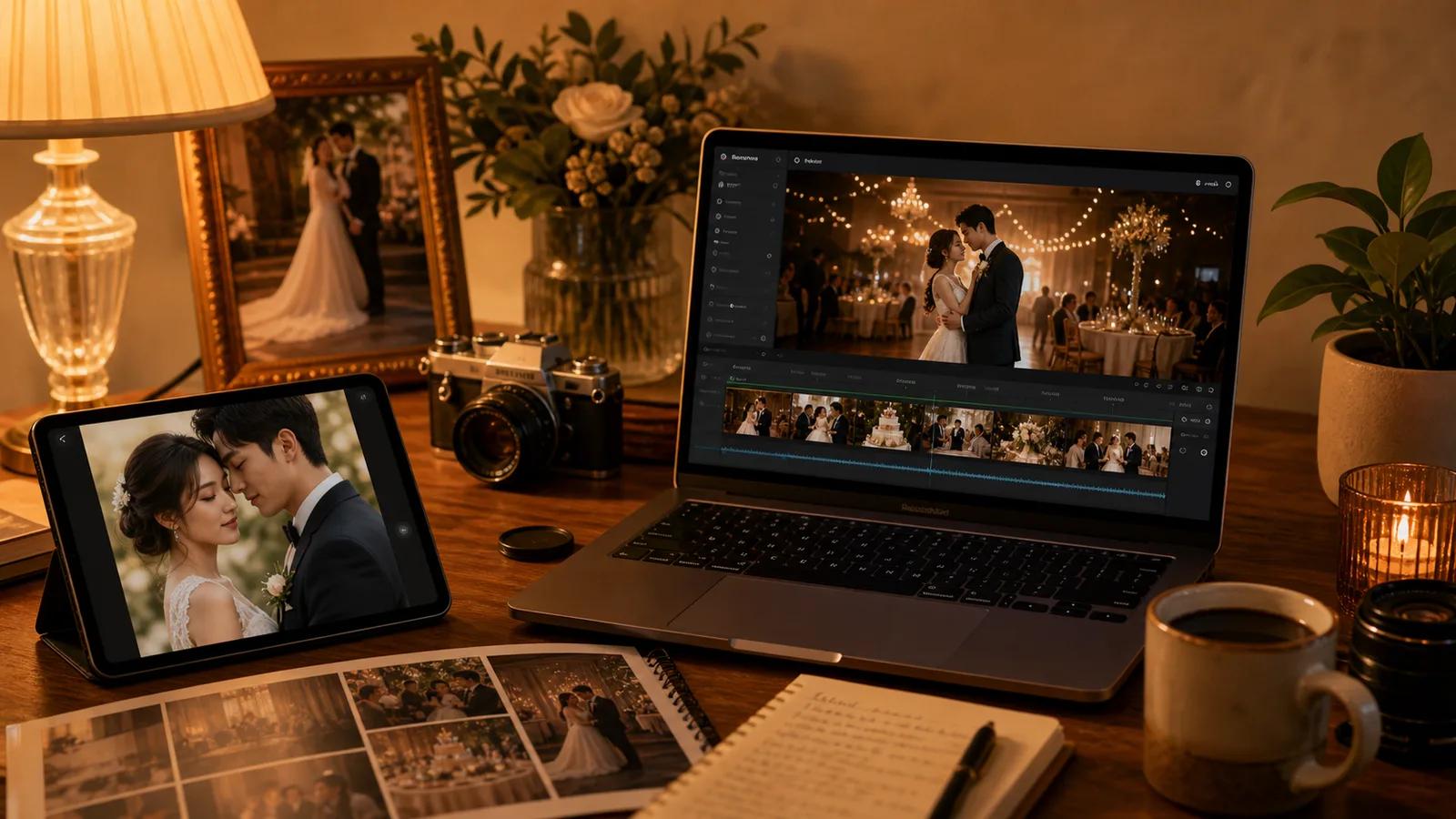
A traditional wedding film answers one question: what happened that day. AI wedding video from photos answers a different one: how do we keep that day alive on phones, save-the-dates, anniversary posts, and reception loops, without re-shooting anything.
The realistic uses look like this:
- A first-dance still turned into an 8-second cinematic loop for a reception screen
- An engagement photo animated into a 9:16 save-the-date for WhatsApp and Reels
- A parents' wedding portrait gently brought to life for the rehearsal dinner slideshow
- An anniversary post that opens with a slow camera push on the original portrait
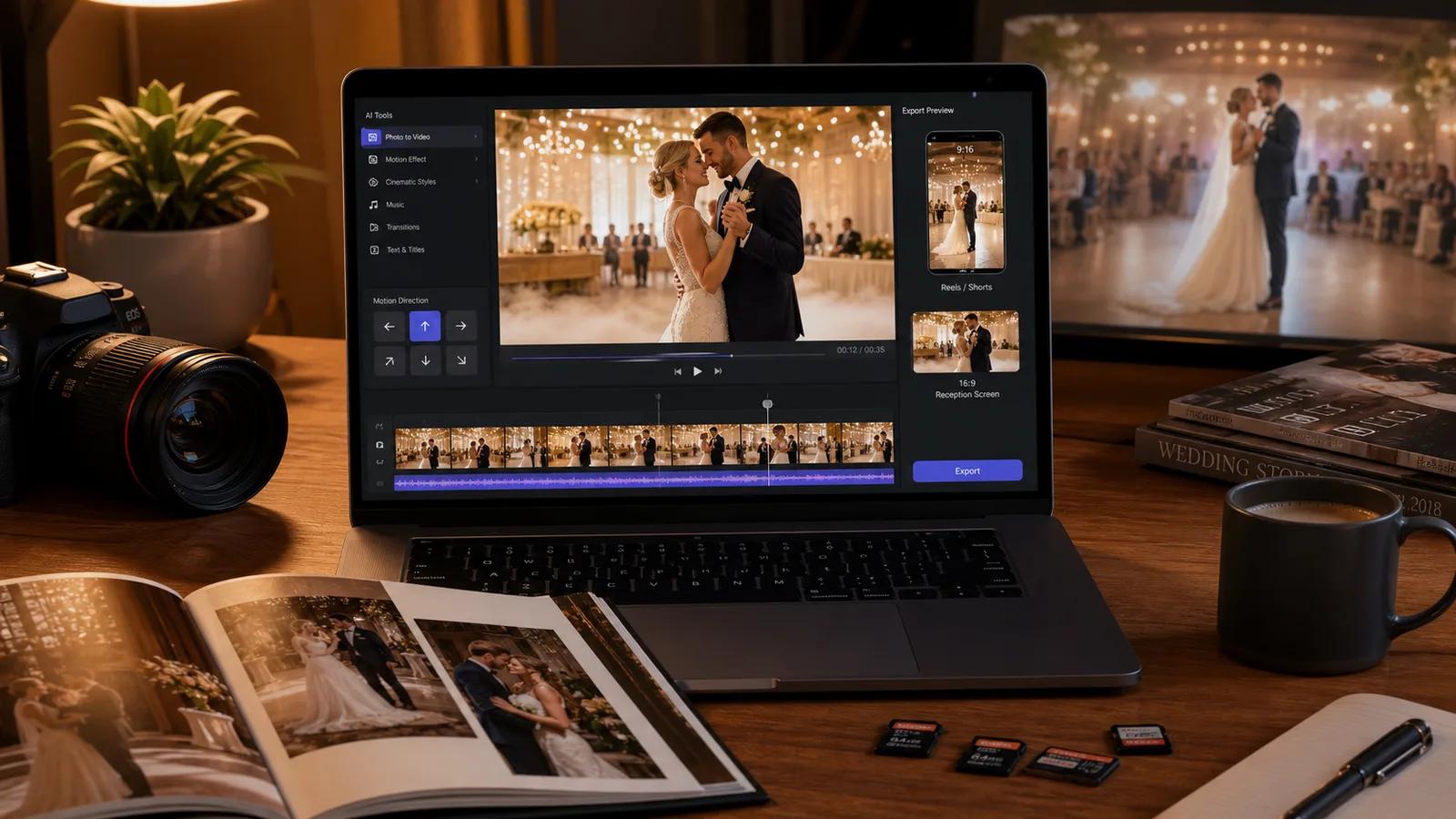
You do not need to replace a wedding videographer. You need a way to extend the photographs you already have. The AI Wedding Video Generator page is built for exactly this job, with wedding-specific presets instead of a blank prompt box.
Step 1: Pick the right photo before you pick a prompt
Wedding photos vary a lot, and the input decides whether the AI can preserve faces, dress texture, and venue mood. Three categories of photo work especially well.
1. Posed couple portrait
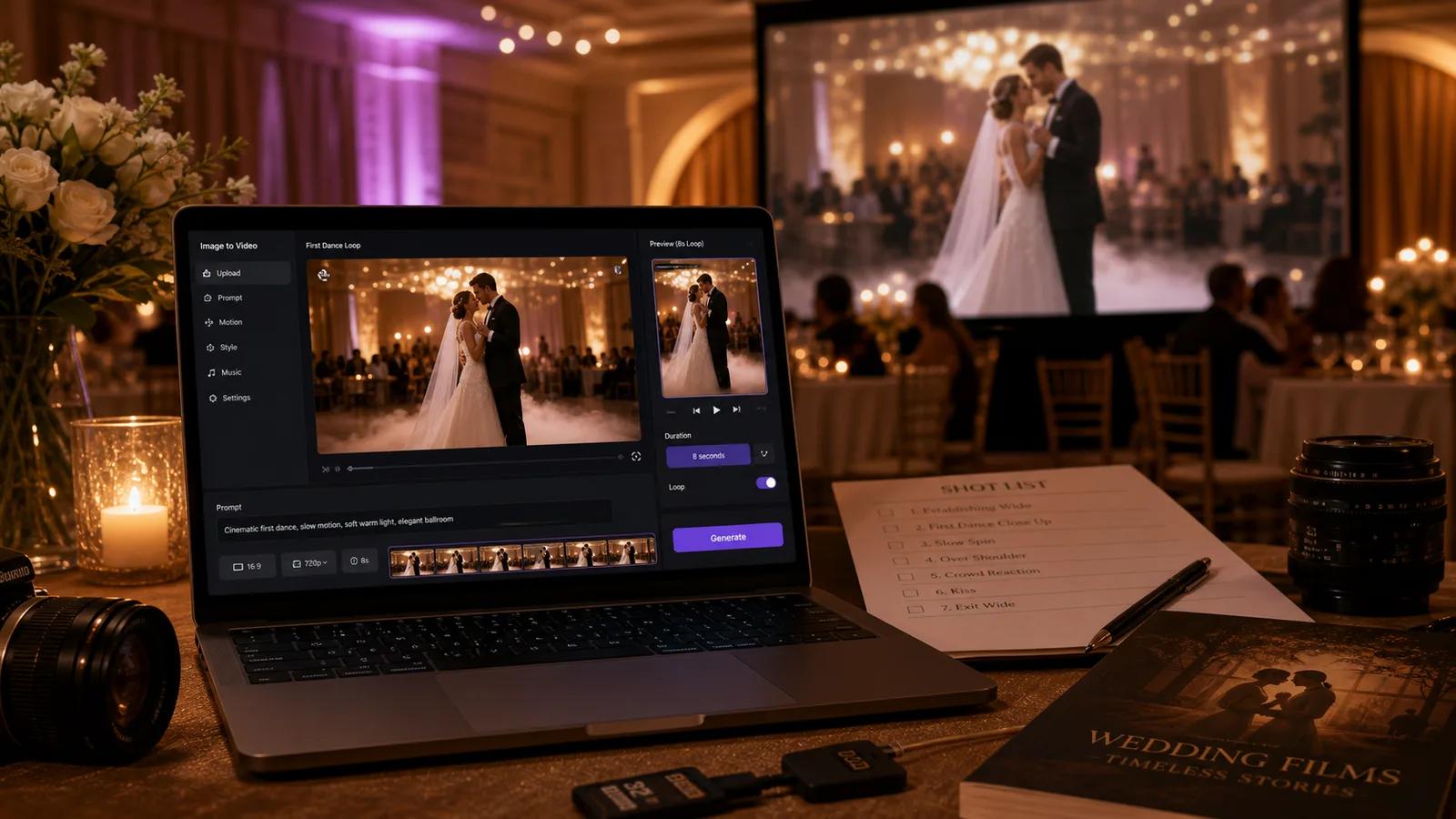
Best for first-dance loops, anniversary posts, and signature shots in a slideshow. The subject is clear and the AI can hold the face and dress.
Prompt:
Cinematic first-dance moment, subtle camera push-in, soft golden light, the couple gently sway, preserve facial features, dress texture, and venue ambience. 8 seconds, premium wedding film look.
2. Candid reception or ceremony shot
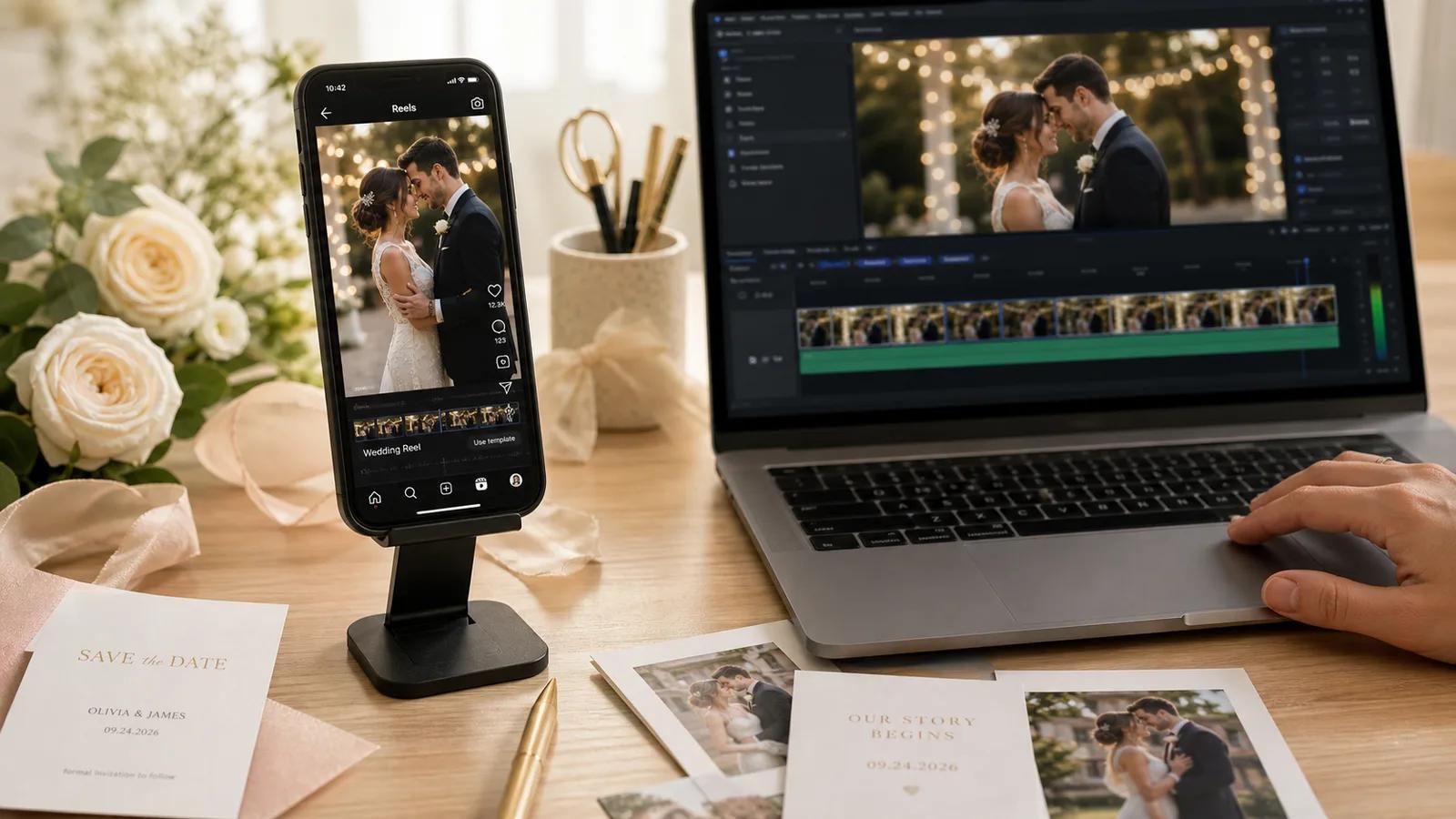
Best for social teasers, highlight reels, and Reels openers. The motion already implied in the photo gives the AI a clear direction.
Prompt:
Candid wedding reception moment, handheld documentary style, soft natural light, guests in the background slightly blurred, focus on the couple's expression. 6 seconds, 9:16 vertical for Reels.
3. Anniversary or vintage wedding portrait
Best for parents' or grandparents' photos used in rehearsal dinners, family slideshows, and anniversary posts.
Prompt:
Gentle restoration of a vintage wedding portrait, soft breeze on the veil, subtle smile, slow camera push-in, preserve the original warm tones and grain, respectful and tender. 8 seconds.
Step 2: Decide the job before you decide the look
The single most common mistake is starting with "make it cinematic." Start with where the clip will play. The choices change ratio, length, pacing, and whether you need text-safe negative space.
| Use case | Ratio | Duration | Motion focus |
|---|---|---|---|
| Reception screen loop | 16:9 | 8-12s | Slow push-in, ambient light, no hard cuts |
| Reels / TikTok save-the-date | 9:16 | 6-8s | Strong first second, gentle motion, headline-safe top third |
| Anniversary Instagram post | 1:1 / 4:5 | 6-8s | Subtle dolly, warm color, room for date overlay |
| WhatsApp invite | 9:16 | 4-6s | Short, clear face, fast to download |
| Rehearsal slideshow | 16:9 | 8s per clip | Gentle, restrained, no surprising motion |
The page already wraps these into presets, so most couples and studios can start with a preset and only adjust the last line of the prompt.
Step 3: A repeatable prompt template
You do not need to write a new prompt each time. A wedding-specific template covers most jobs:
[Subject and mood]: e.g. "Bride and groom during their first dance, soft and tender"
[Camera]: e.g. "Slow camera push-in" or "Subtle dolly left"
[Light]: e.g. "Warm golden hour" or "Soft tungsten reception light"
[Preserve]: "Preserve facial features, dress texture, and venue ambience"
[Length and ratio]: e.g. "8 seconds, 16:9, cinematic wedding film look"
Five well-chosen variables beat a long paragraph. The AI follows clear structure better than poetic intent.
Step 4: Common mistakes to avoid
- Starting from a low-resolution screenshot of a photo. Always upload the original file.
- Asking for big motion. Wedding clips look best with restrained, believable movement. Save dramatic motion for promo content.
- Cropping faces too tight. Leave headroom so the AI can render natural micro-motion.
- Mixing too many people in a single short clip. For group shots, prefer 8-12 seconds and one slow camera move, not multiple actions.
- Forgetting the ratio. A 16:9 reception loop is unusable as a Reel, and a 9:16 Reel looks tiny on a reception screen.
Step 5: A simple end-to-end workflow
For couples planning their own wedding content, a workflow that finishes in an evening looks like this:
- Pick 5-8 photos: one couple portrait, two candids, one venue shot, one parents' photo, one detail shot.
- Open AI Wedding Video Generator and choose the closest preset for each photo's job.
- Generate 2 variants per photo. Keep the one that holds the face and dress.
- Export the reception screen loops in 16:9 first, then re-run the same prompts in 9:16 for Reels.
- Stitch the chosen clips in any editor. Add a slow music bed and the wedding date.
You end the evening with a reception loop, a Reels save-the-date, and a slideshow set, all from photos you already had.
Keyword map for wedding-related search intent
If you run a wedding studio site, the long-tail queries that actually convert tend to be specific to a job, not the technology.
| Search intent | Long-tail query examples | Best first output |
|---|---|---|
| Save-the-date video | wedding save the date video maker, animated save the date | 9:16 short loop with date overlay space |
| Reception loop | wedding reception screen video, looping wedding photo video | 16:9 slow push-in, 8-12 seconds |
| Anniversary post | anniversary video from photo, animated anniversary post | 1:1 / 4:5 gentle motion with text overlay room |
| Parents' wedding photo | animate parents wedding photo, vintage wedding portrait video | 8 seconds, restrained motion, warm tones |
| Engagement teaser | engagement photo to video, animated engagement announcement | 9:16, 6 seconds, clear face |
Pages and blog posts that name the job rank more reliably than pages that name the model.
Frequently asked questions
Can I use an AI wedding video for the official film? Treat it as a complement, not a replacement. AI wedding video extends the photos you already have into motion. The official film remains the documentary record.
Will the AI change my face or dress? The right preset and a clear prompt with "preserve facial features and dress texture" keep the subject stable. Use a clean, high-resolution input to make this easier.
How long should each clip be? 6-8 seconds is the practical sweet spot for social. Reception loops can go to 12 seconds if the motion stays gentle.
Do I need to write English prompts? No. The page accepts natural language. The structure above (subject, camera, light, preserve, length) matters more than the language.
When you are ready, start from the AI Wedding Video Generator page and one of your favorite photos. One evening is usually enough to cover reception, social, and family slideshow at once.
Author

Categories
Why couples and studios are turning to AI wedding videoStep 1: Pick the right photo before you pick a prompt1. Posed couple portrait2. Candid reception or ceremony shot3. Anniversary or vintage wedding portraitStep 2: Decide the job before you decide the lookStep 3: A repeatable prompt templateStep 4: Common mistakes to avoidStep 5: A simple end-to-end workflowKeyword map for wedding-related search intentFrequently asked questions
More Posts
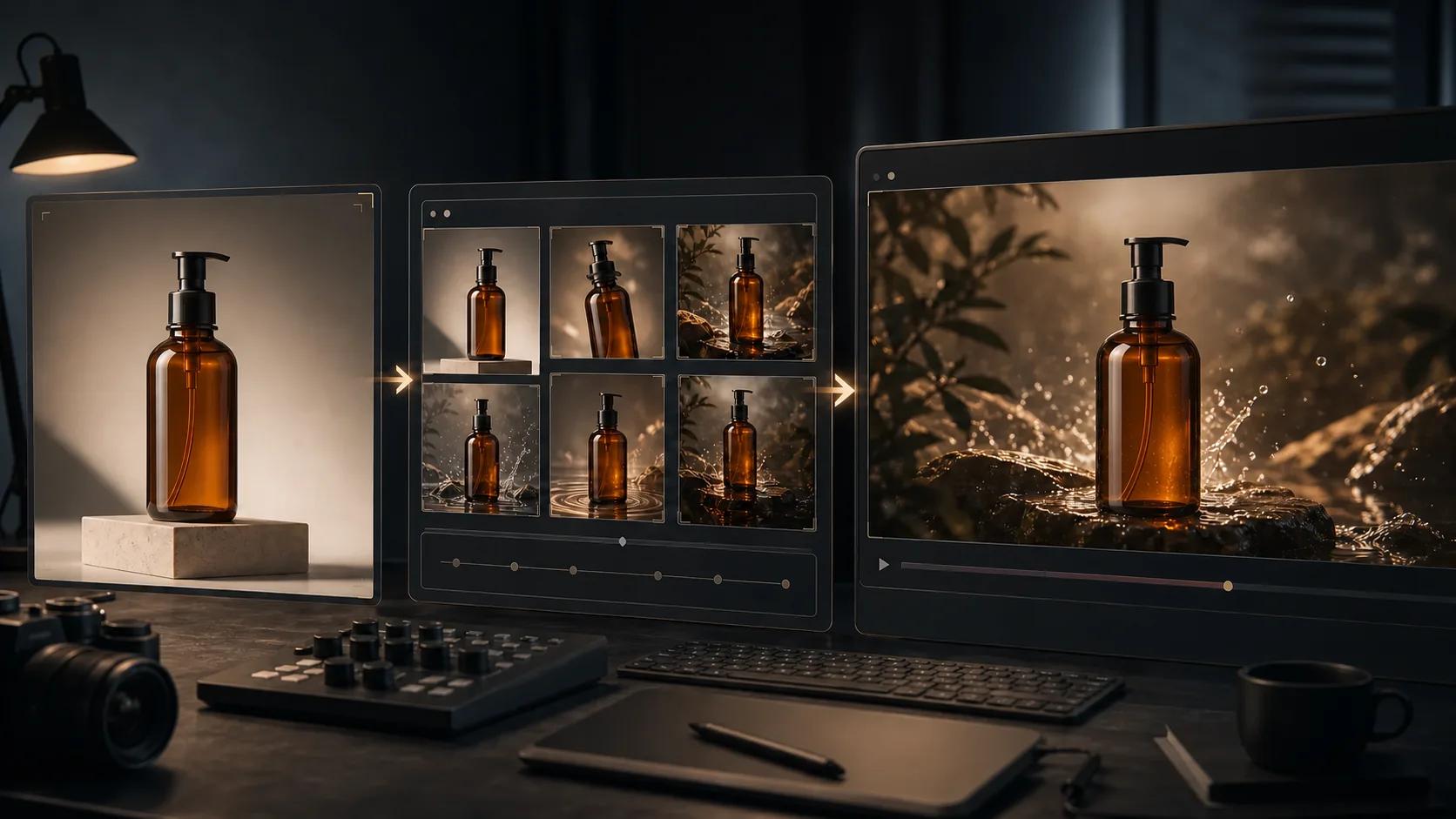
Product photo to AI video: a practical production workflow
A six-step workflow for preparing a product photo, planning motion, writing a controlled prompt, generating, reviewing, and exporting an AI product video.
AI image to video: Kling vs Runway vs Hailuo vs Veo (2026)
Honest 2026 comparison of Kling 3, Runway Gen-4, Hailuo 02, Google Veo, and Seedance — all tested on the same images to show real differences.
How to turn a photo into a video with AI (2026)
The actual steps to go from a static image to an AI-generated video — model picking, prompt writing, and what to expect from the output.
Newsletter
Join the community
Subscribe to our newsletter for the latest news and updates