
Prompt + image references
Upload a product photo, portrait, or style image so Gemini Omni can preserve the subject while the prompt controls the scene and motion.
First subscription · First month 35% off / first year 25% off
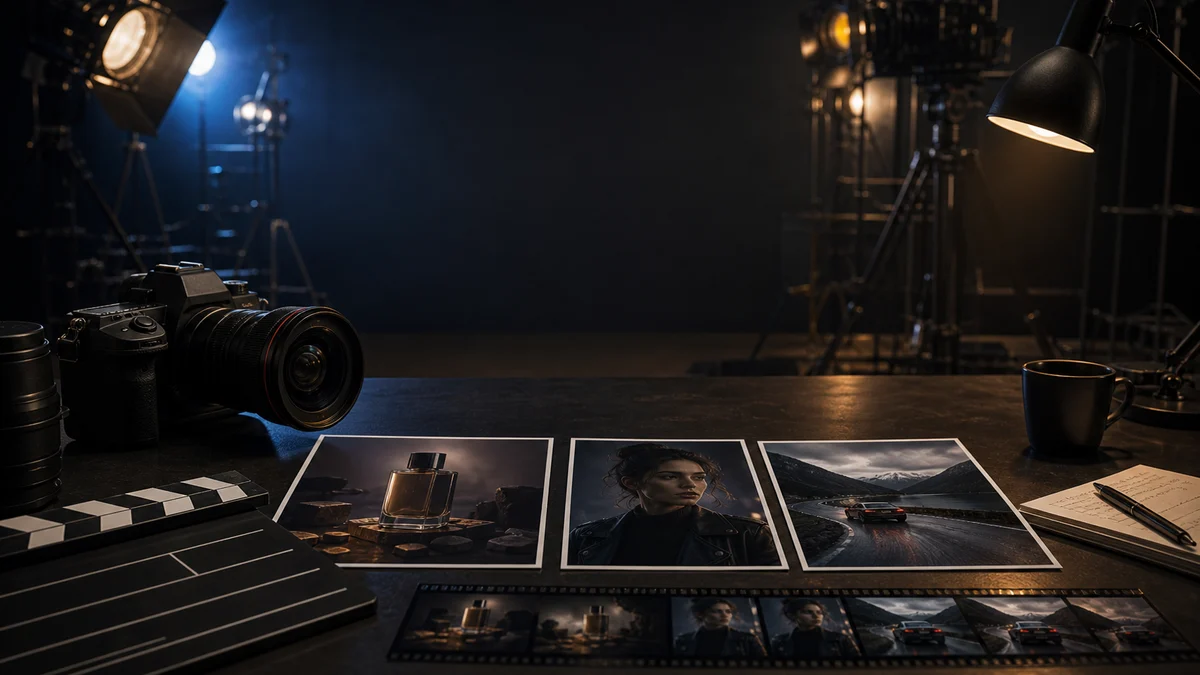
Use Gemini Omni preview multimodal video generation to turn product images, character references, scene prompts, and short motion clips into a 4-second AI video. Provider failures are refunded automatically.✨ Image to video · Video-reference motion · Gemini Omni selected by default · Easy model fallback
Preview Provider Model
Gemini Omni is useful when the brief depends on mixed references: a prompt, images, and one short video reference. KIE provider success rate and queue stability are still maturing, so this page sets clear preview expectations and automatically refunds credits when provider tasks fail.
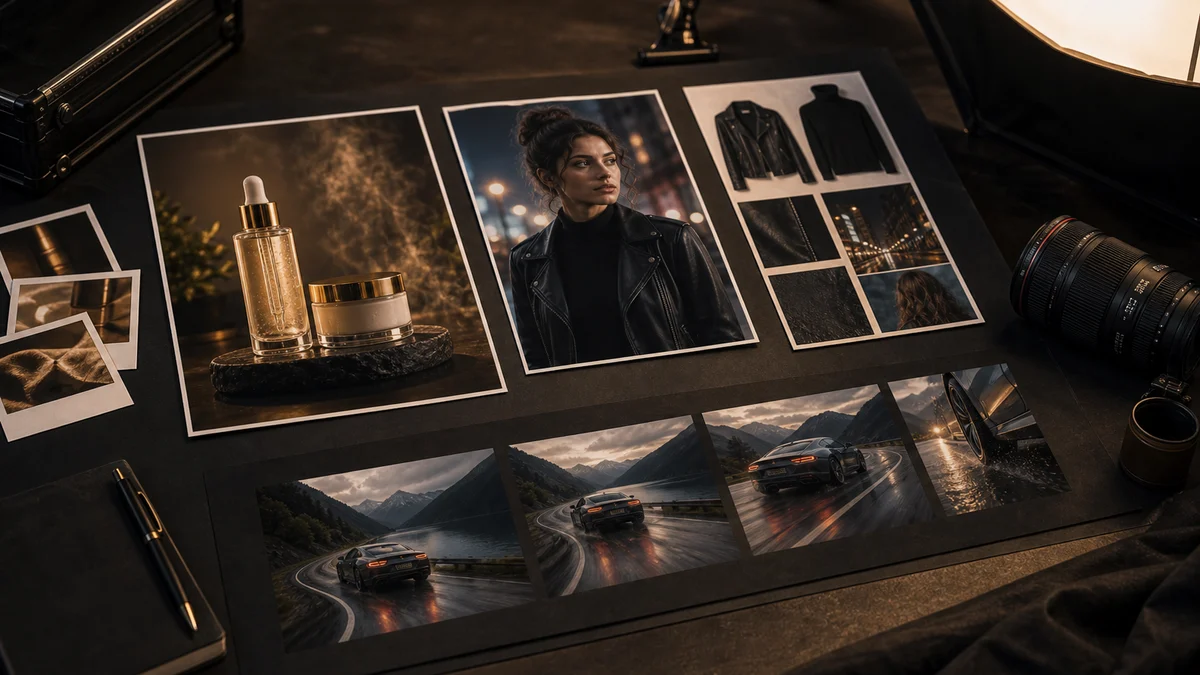
Upload a product photo, portrait, or style image so Gemini Omni can preserve the subject while the prompt controls the scene and motion.
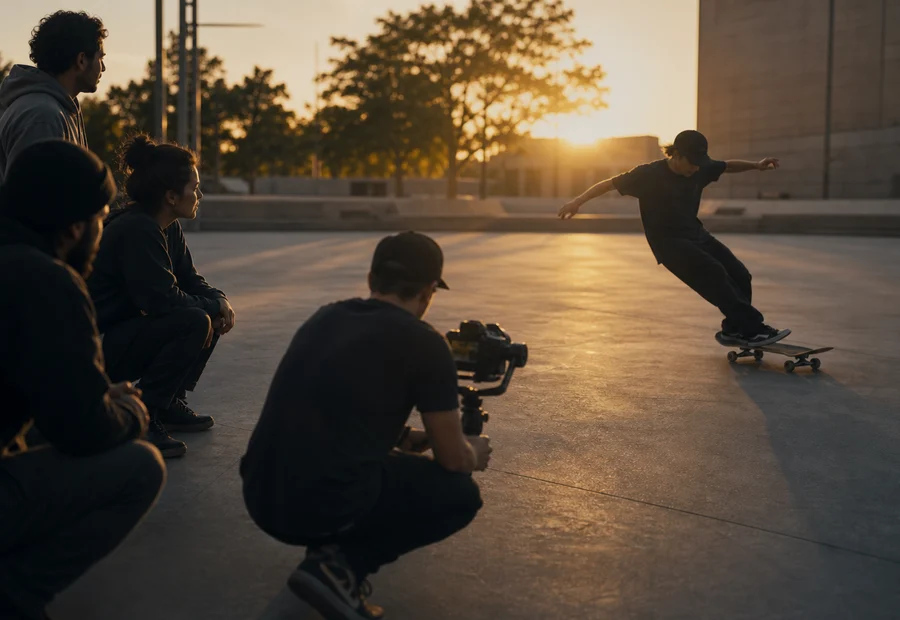
Use a short source clip to describe timing, camera movement, or body motion when text alone cannot explain the action clearly.
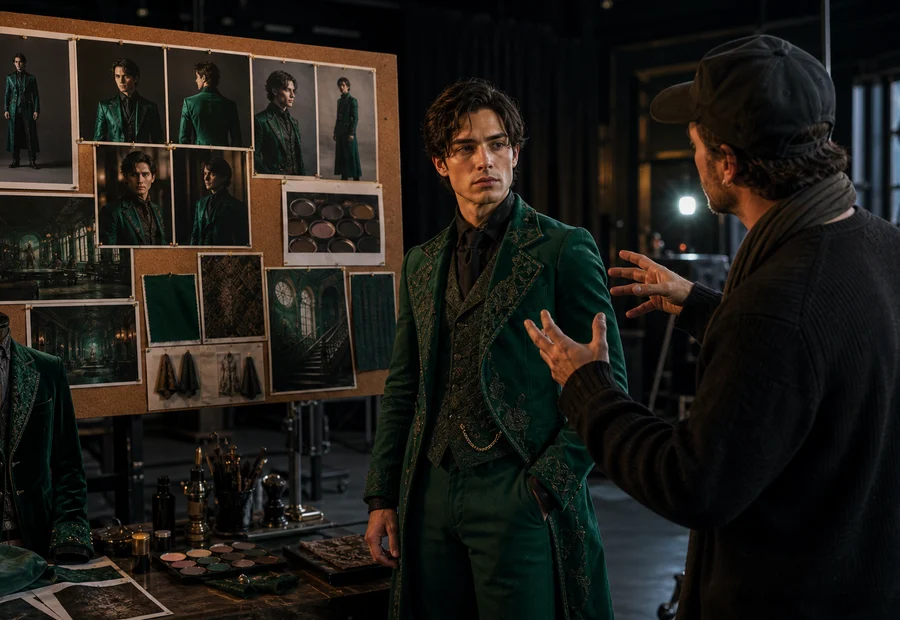
Combine face, wardrobe, mood, and scene cues in one brief to test whether Gemini Omni understands the creative direction.
Model Advantages
Gemini Omni is not positioned as the most stable all-purpose model. It is useful when a creative brief needs images, text, and motion references together, so the model can understand the intended subject, style, and action more clearly than a text-only prompt.
Gemini Omni is strongest when the idea depends on several inputs at once: a subject image, a style cue, a movement example, and a concise scene prompt.
Use it to quickly test whether the creative direction works, then compare the same prompt with Kling, Seedance, Wan, or Veo for final delivery.
For product motion, character continuity, or video-guided camera movement, Gemini Omni gives you a practical way to show the model what you mean.
Because provider reliability is still uneven, the page sets clear expectations and refunds credits automatically if the upstream task fails.
Use Cases
Do not treat it as a one-prompt final renderer. The stronger workflow is to explain the brief with source material, then use Gemini Omni for the first creative exploration pass.
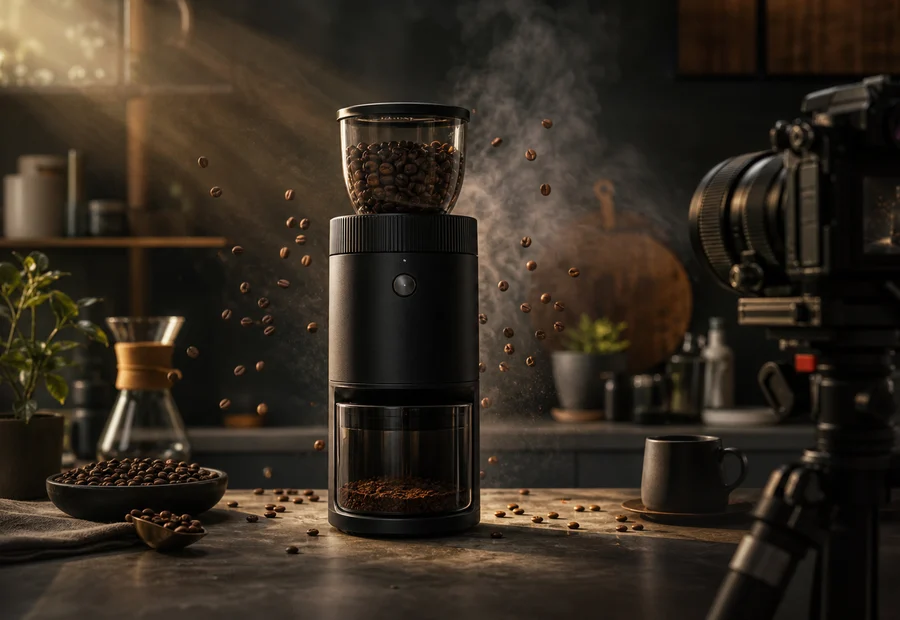
Turn a product photo into a short motion concept before spending credits on higher-cost production models.
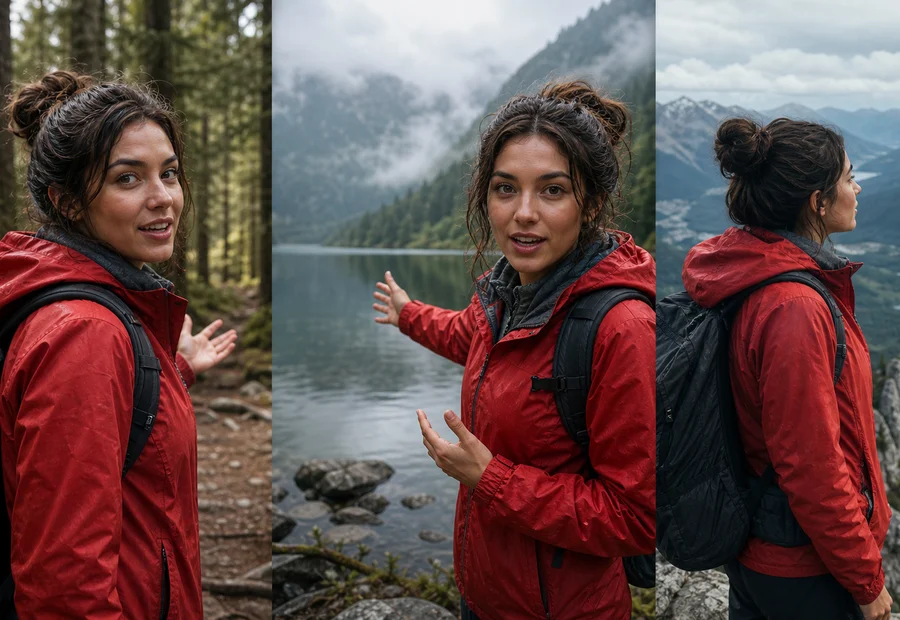
Provide face, wardrobe, and mood references to test whether the model keeps the same character idea across a clip.

Use a short source clip when the key requirement is timing, gesture, camera orbit, or body movement.
Model Comparison
The safest strategy is to validate mixed-reference direction with Gemini Omni first, then switch to a mature model for a more reliable final pass. That gives you room to explore without hiding preview-model risk.
Testing prompt + image + video references together
Preview provider queue and success rate may vary
More predictable motion and production iteration
Less focused on mixed reference experiments
Polished output, cinematic or general-purpose results
Use after the creative direction is clear
Stability note: Gemini Omni is still a provider preview model. Queue time, task success, and retry needs may vary during peak load; credits are refunded automatically when the upstream provider task fails.
Validate multimodal direction first, then decide whether to switch models for final output
This workflow is designed for creative drafts, reference testing, and model comparison.
Gemini Omni FAQ