::
HappyHorse 1.0, Seedance 2.0 & Wan 2.7 are Live! Enjoy Limited-Time 50% OFF!
ImageToVideoAI
  • 圖片轉影片
  • 文字轉影片
  • 文字轉圖片
  • AI 影片轉影片
    上傳影片並轉換風格或動作
    AI 圖片編輯
    編輯、重繪或生成圖片變體
    AI 圖片去背
    移除圖片背景
    AI 圖片放大
    提升模糊圖片畫質
    圖片拼接
    線上合併圖片
  • 價格
ImageToVideoAI
Loading
ImageToVideoAI

強大的 AI 圖片轉影片生成器

產品
  • AI 圖片轉影片
  • AI 文生影片
  • AI 影片轉影片
  • AI 文生圖
  • AI 圖生圖
  • 圖片拼接
  • AI 圖片去背
  • AI 圖片放大
  • 價格
AI 使用場景
  • 老照片動畫
  • AI 擁抱影片
  • 產品圖轉影片
  • AI Kiss Video
  • AI Wedding Video
  • Real estate image to video
  • AI Food Video
  • AI Travel Video
  • AI Portrait Animation
資源
  • Blog
  • AI Models
  • 作品集
  • FAQ
  • Feature Requests
公司
  • 關於
  • 聯絡
  • Transparency
  • Status
法律
  • Cookie 政策
  • 隱私權政策
  • 服務條款
  • 可接受使用政策
Featured on There's An AI For ThatView our profile on There's An AI For That
ImageToVideoAI - Featured on Startup FameImageToVideoAI - Featured on Startup Fame
Fazier badgeFazier badge
Featured on Open-LaunchFeatured on Open-Launch
Featured on Aura++
All in AI Tools
All The Best AI Tools
Featured on DeepLaunch.ioFeatured on DeepLaunch.io
List on SimilarlabsList on Similarlabs
Featured on There's An AI For ThatView our profile on There's An AI For That
ImageToVideoAI - Featured on Startup FameImageToVideoAI - Featured on Startup Fame
Fazier badgeFazier badge
Featured on Open-LaunchFeatured on Open-Launch
Featured on Aura++
All in AI Tools
All The Best AI Tools
Featured on DeepLaunch.ioFeatured on DeepLaunch.io
List on SimilarlabsList on Similarlabs
Featured on There's An AI For ThatView our profile on There's An AI For That
ImageToVideoAI - Featured on Startup FameImageToVideoAI - Featured on Startup Fame
Fazier badgeFazier badge
Featured on Open-LaunchFeatured on Open-Launch
Featured on Aura++
All in AI Tools
All The Best AI Tools
Featured on DeepLaunch.ioFeatured on DeepLaunch.io
List on SimilarlabsList on Similarlabs
Featured on There's An AI For ThatView our profile on There's An AI For That
ImageToVideoAI - Featured on Startup FameImageToVideoAI - Featured on Startup Fame
Fazier badgeFazier badge
Featured on Open-LaunchFeatured on Open-Launch
Featured on Aura++
All in AI Tools
All The Best AI Tools
Featured on DeepLaunch.ioFeatured on DeepLaunch.io
List on SimilarlabsList on Similarlabs
© 2026 ImageToVideoAI. All Rights Reserved.Sitemap
Gemini Omni multimodal AI video generator creative reference scene

Gemini Omni AI Video Generator

Use Gemini Omni preview multimodal video generation to turn product images, character references, scene prompts, and short motion clips into a 4-second AI video. Provider failures are refunded automatically.✨ Image to video · Video-reference motion · Gemini Omni selected by default · Easy model fallback

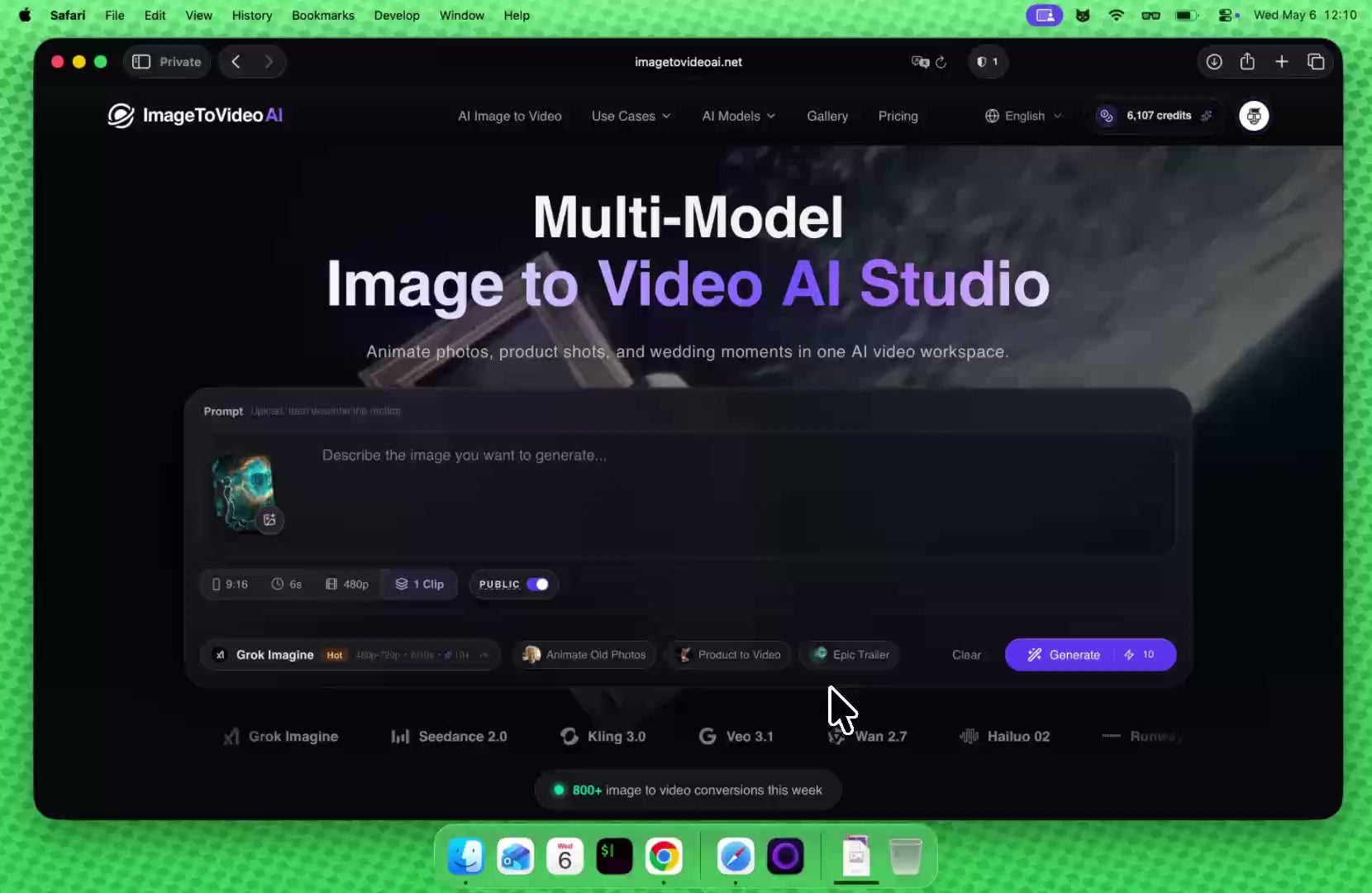
Seedance 2.0, Kling 3.0, Veo 3.1, Wan 2.7, Hailuo 02, Runway, and Grok Imagine
Seedance 2.0
Kling 3.0
Veo 3.1
Wan 2.7
Hailuo 02
Runway
Grok Imagine
Seedance 2.0
Kling 3.0
Veo 3.1
Wan 2.7
Hailuo 02
Runway
Grok Imagine
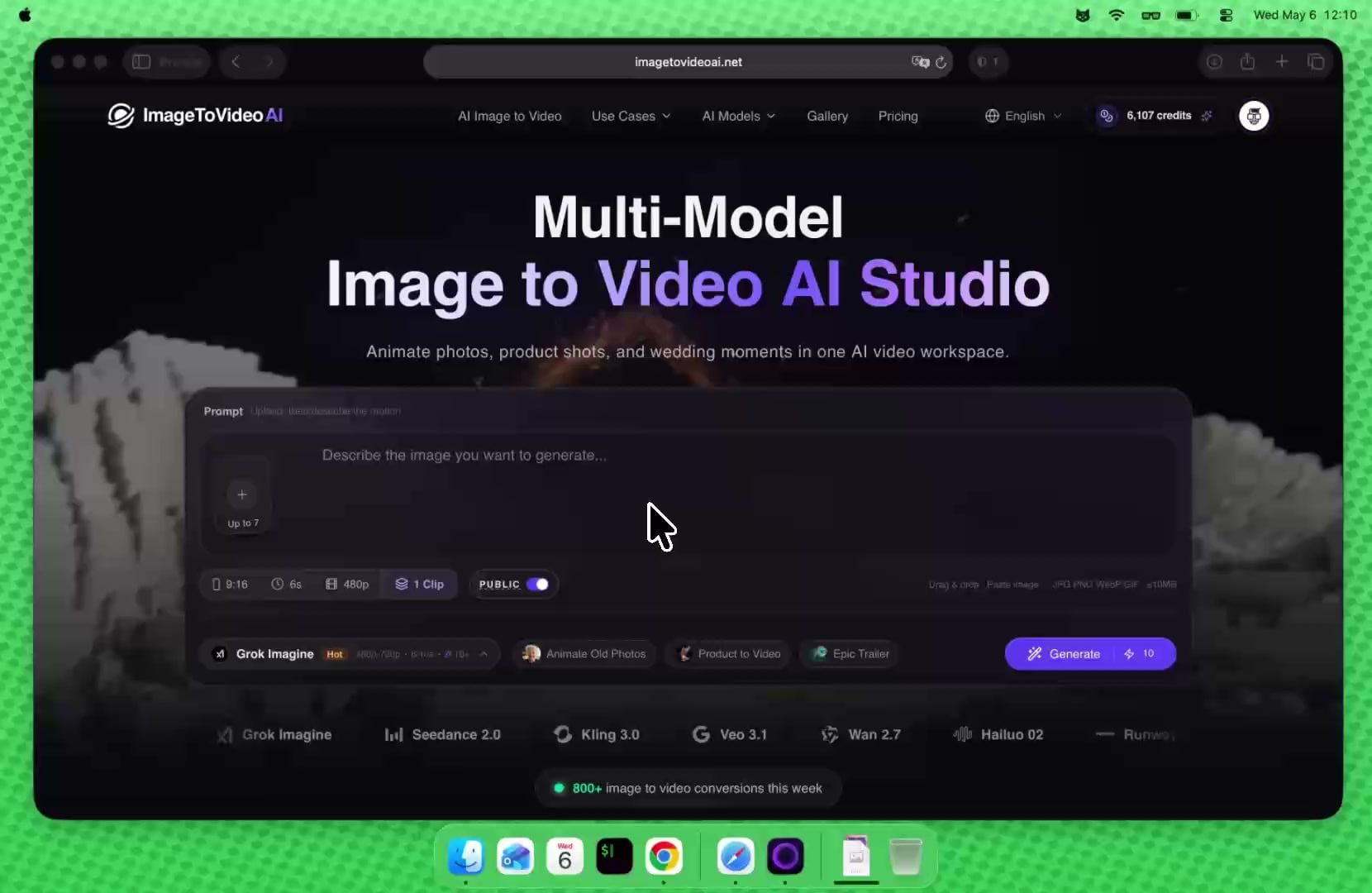
800+ image to video conversions this week

Preview Provider Model

Built for multimodal video drafts, not to replace every mature model

Gemini Omni is useful when the brief depends on mixed references: a prompt, images, and one short video reference. KIE provider success rate and queue stability are still maturing, so this page sets clear preview expectations and automatically refunds credits when provider tasks fail.
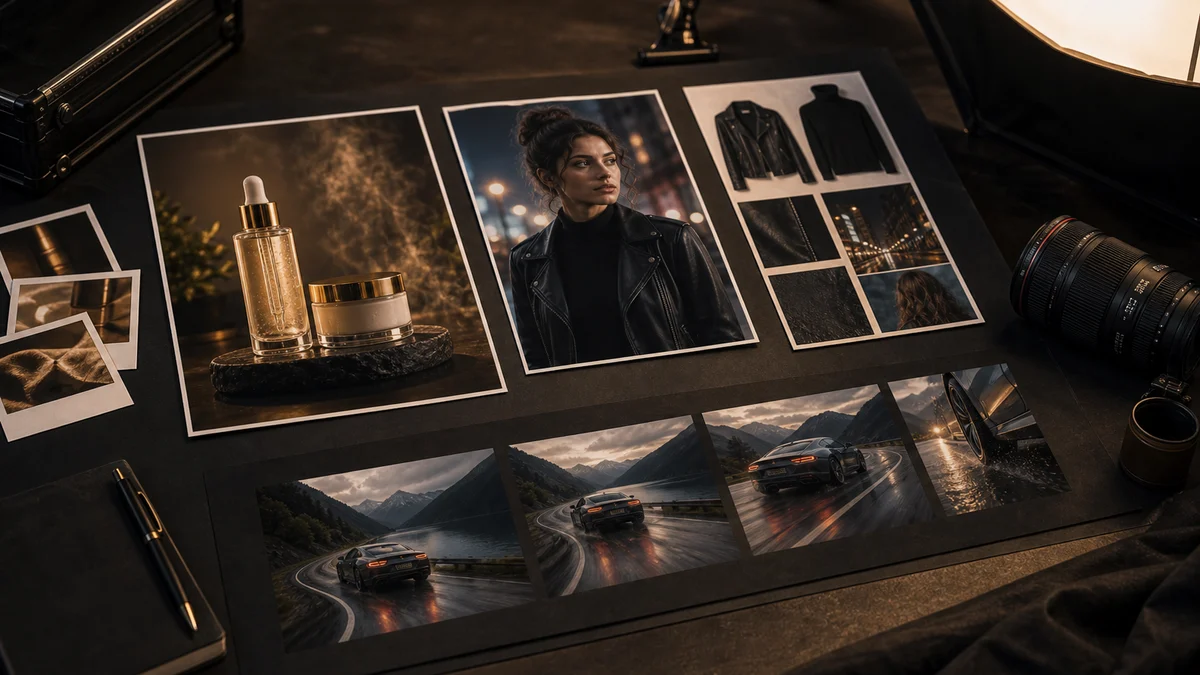
Gemini Omni multimodal video generation creative references
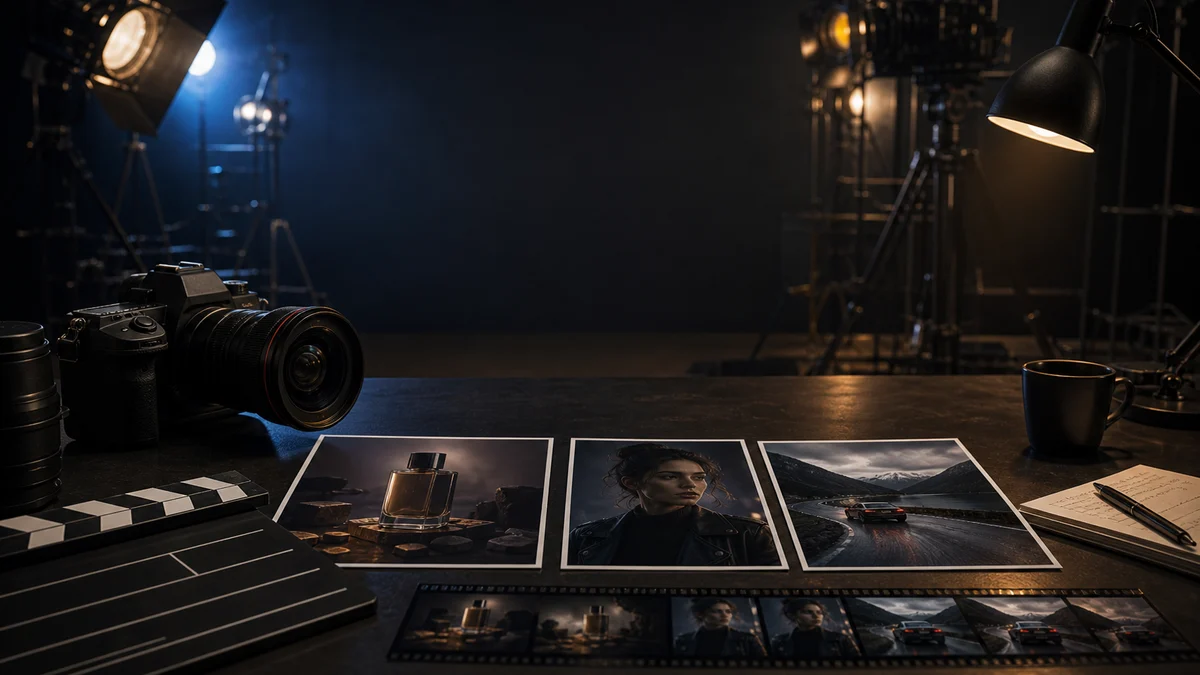
Product image references prepared for Gemini Omni video generation

Prompt + image references

Upload a product photo, portrait, or style image so Gemini Omni can preserve the subject while the prompt controls the scene and motion.
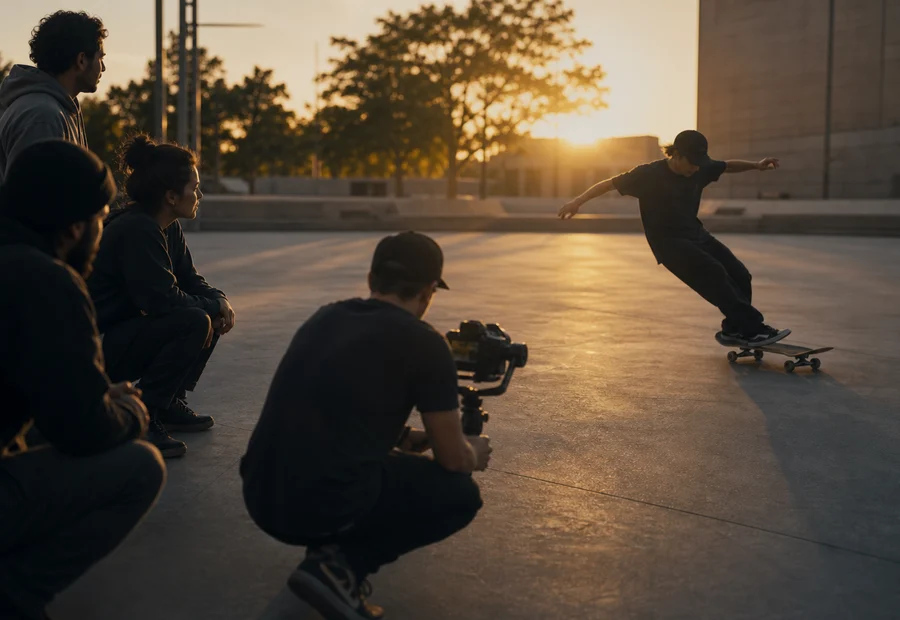
Real motion reference being filmed for Gemini Omni video generation

One short video reference

Use a short source clip to describe timing, camera movement, or body motion when text alone cannot explain the action clearly.
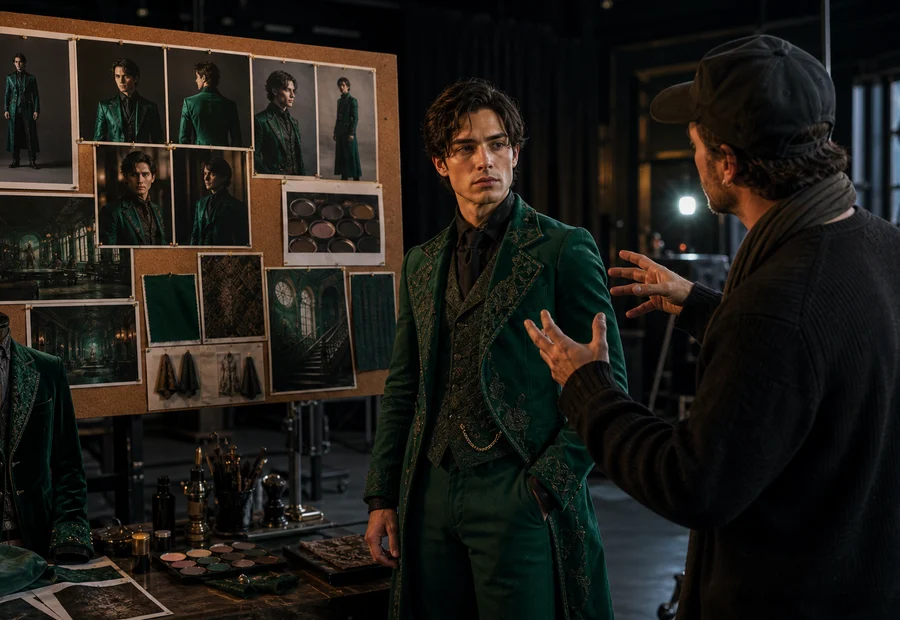
Character wardrobe and style cues prepared for Gemini Omni video tests

Character and style cues

Combine face, wardrobe, mood, and scene cues in one brief to test whether Gemini Omni understands the creative direction.

Model Advantages

What Gemini Omni is actually good at

Gemini Omni is not positioned as the most stable all-purpose model. It is useful when a creative brief needs images, text, and motion references together, so the model can understand the intended subject, style, and action more clearly than a text-only prompt.

Mixed references in one request

Gemini Omni is strongest when the idea depends on several inputs at once: a subject image, a style cue, a movement example, and a concise scene prompt.

Useful before choosing a final model

Use it to quickly test whether the creative direction works, then compare the same prompt with Kling, Seedance, Wan, or Veo for final delivery.

Better briefs for complex scenes

For product motion, character continuity, or video-guided camera movement, Gemini Omni gives you a practical way to show the model what you mean.

Preview risk is handled upfront

Because provider reliability is still uneven, the page sets clear expectations and refunds credits automatically if the upstream task fails.

Use Cases

Three practical Gemini Omni workflows

Do not treat it as a one-prompt final renderer. The stronger workflow is to explain the brief with source material, then use Gemini Omni for the first creative exploration pass.
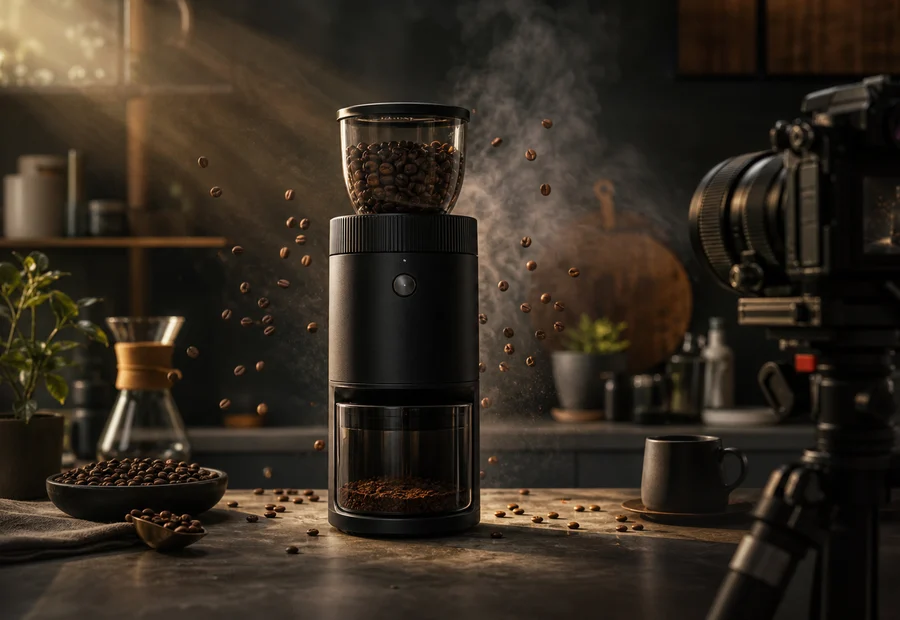
Product ad drafts

Product ad drafts

Turn a product photo into a short motion concept before spending credits on higher-cost production models.
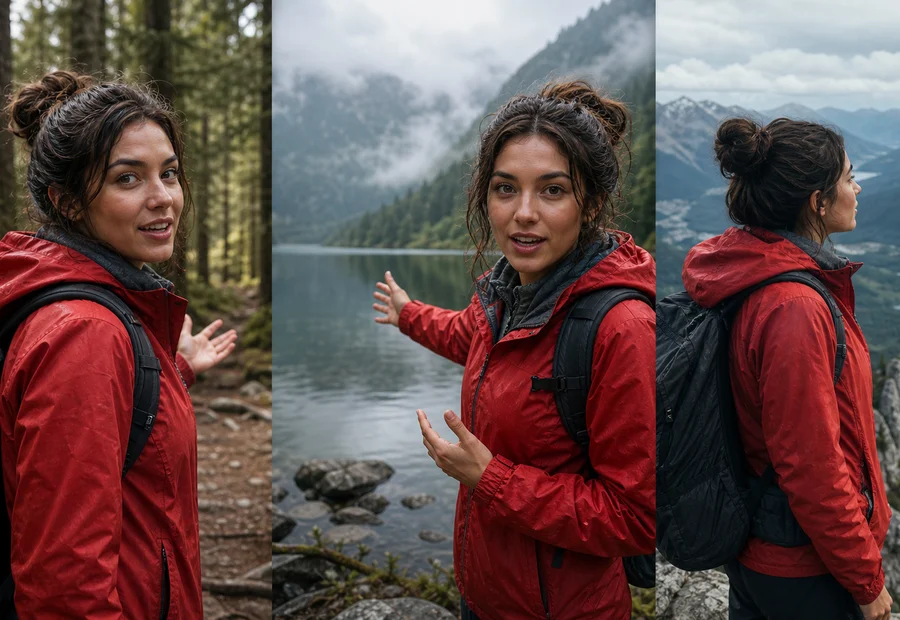
Character continuity tests

Character continuity tests

Provide face, wardrobe, and mood references to test whether the model keeps the same character idea across a clip.

Video-guided motion

Video-guided motion

Use a short source clip when the key requirement is timing, gesture, camera orbit, or body movement.

Model Comparison

When to use Gemini Omni versus other models

The safest strategy is to validate mixed-reference direction with Gemini Omni first, then switch to a mature model for a more reliable final pass. That gives you room to explore without hiding preview-model risk.

Gemini Omni
Best for

Testing prompt + image + video references together

Tradeoff

Preview provider queue and success rate may vary

Kling / Seedance
Best for

More predictable motion and production iteration

Tradeoff

Less focused on mixed reference experiments

Veo / Wan
Best for

Polished output, cinematic or general-purpose results

Tradeoff

Use after the creative direction is clear

Stability note: Gemini Omni is still a provider preview model. Queue time, task success, and retry needs may vary during peak load; credits are refunded automatically when the upstream provider task fails.

Validate multimodal direction first, then decide whether to switch models for final output

How to use Gemini Omni

This workflow is designed for creative drafts, reference testing, and model comparison.
Start with one clear prompt
Add image or video references
Compare before final export

Gemini Omni FAQ

Preview status, multimodal references, and automatic refunds

你的照片幾秒內變成 AI 影片。

適合商品圖、社群廣告、人像、旅遊照片與家庭老照片。免費開始。

上傳照片 — 免費See pricing
Prompt上傳圖片後描述想要的動作
公開
拖曳上傳 · 貼上圖片|JPG PNG WebP GIF · ≤10MB
AI tool shortcutsNEW
Image to VideoText to VideoVideo to VideoText to ImageImage to ImageBG RemoverUpscalerMerge Images