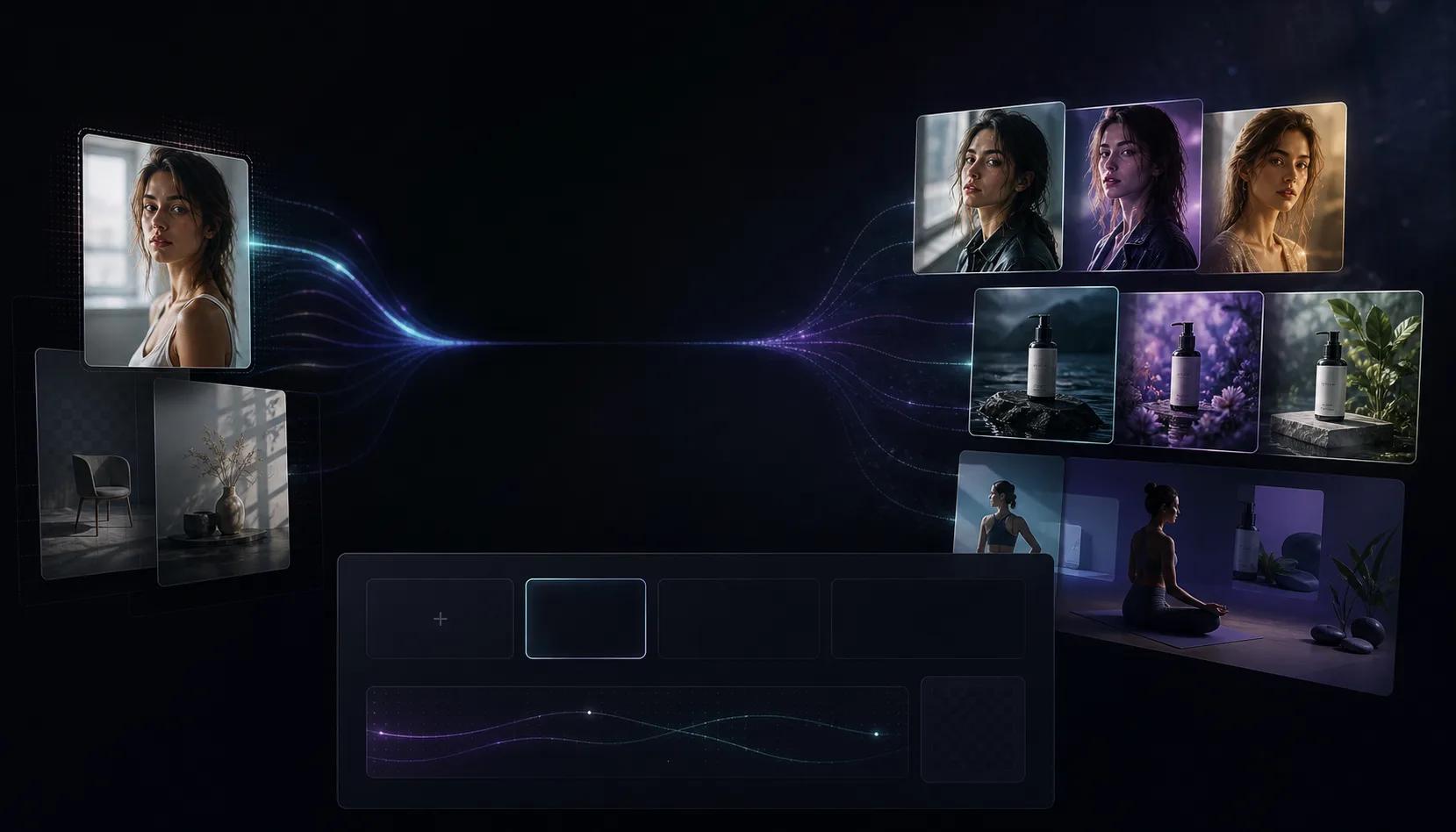
Reference-based editing
Upload a source image and direct the model around composition, subject, product, or scene changes.
First subscription · First month 35% off / first year 25% off
Use the AI Image to Image Generator to upload a reference, describe the change, and create polished edits, remixes, and variants.
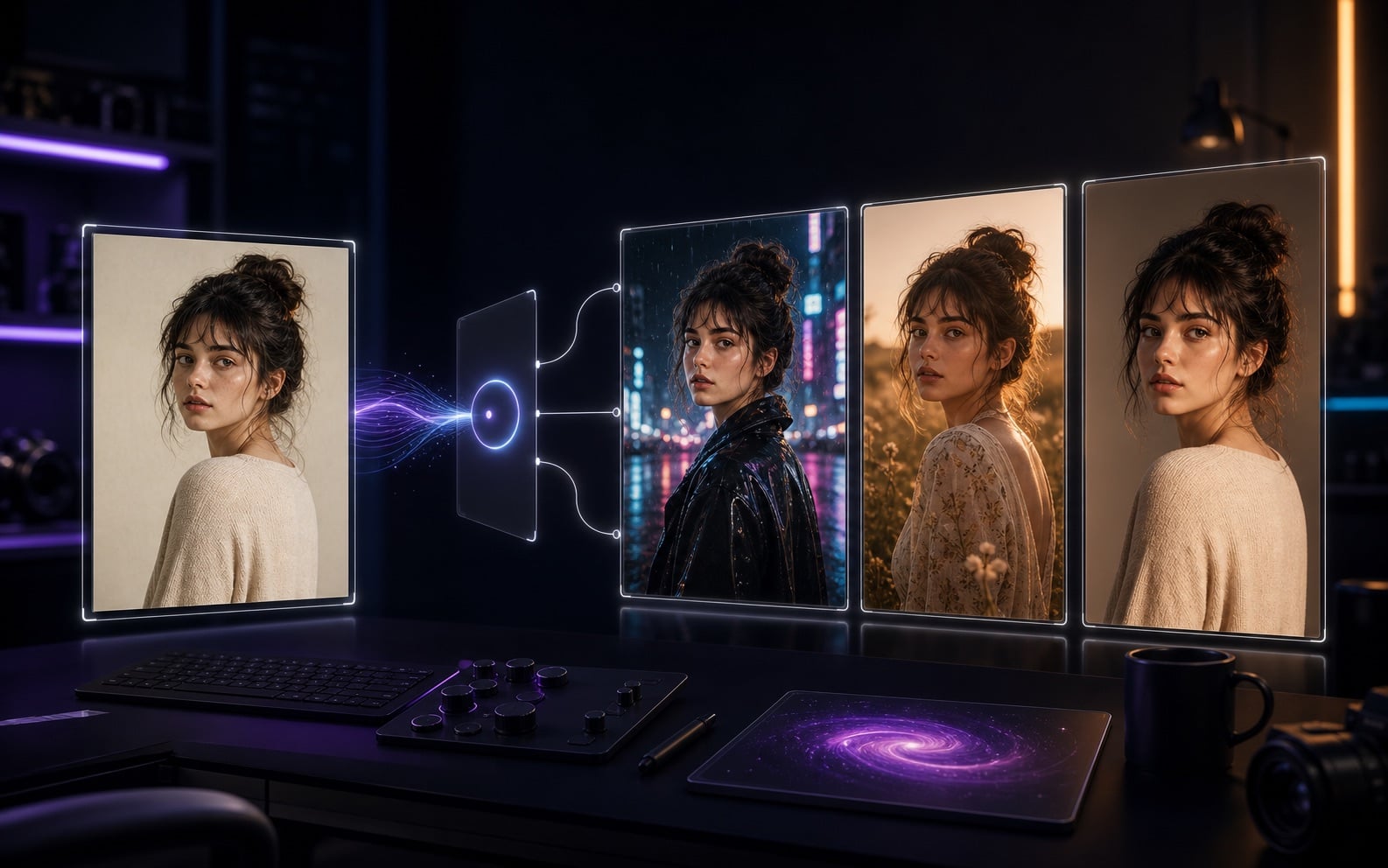
AI Image to Image Workflow
AI Image to Image is built for source images that need a second pass: product background changes, portrait restyling, ad creative variants, character consistency, and turning rough concepts into finished visuals. Upload JPG, PNG, or WebP, then describe what to preserve and what to change.
Upload a source image and direct the model around composition, subject, product, or scene changes.
Turn photos into cinematic visuals, illustrations, ad images, product renders, or brand-consistent designs.
Generate multiple edits and compare background, detail, subject fidelity, and commercial usability.
Improve the image before moving into image-to-video or video-to-video workflows.
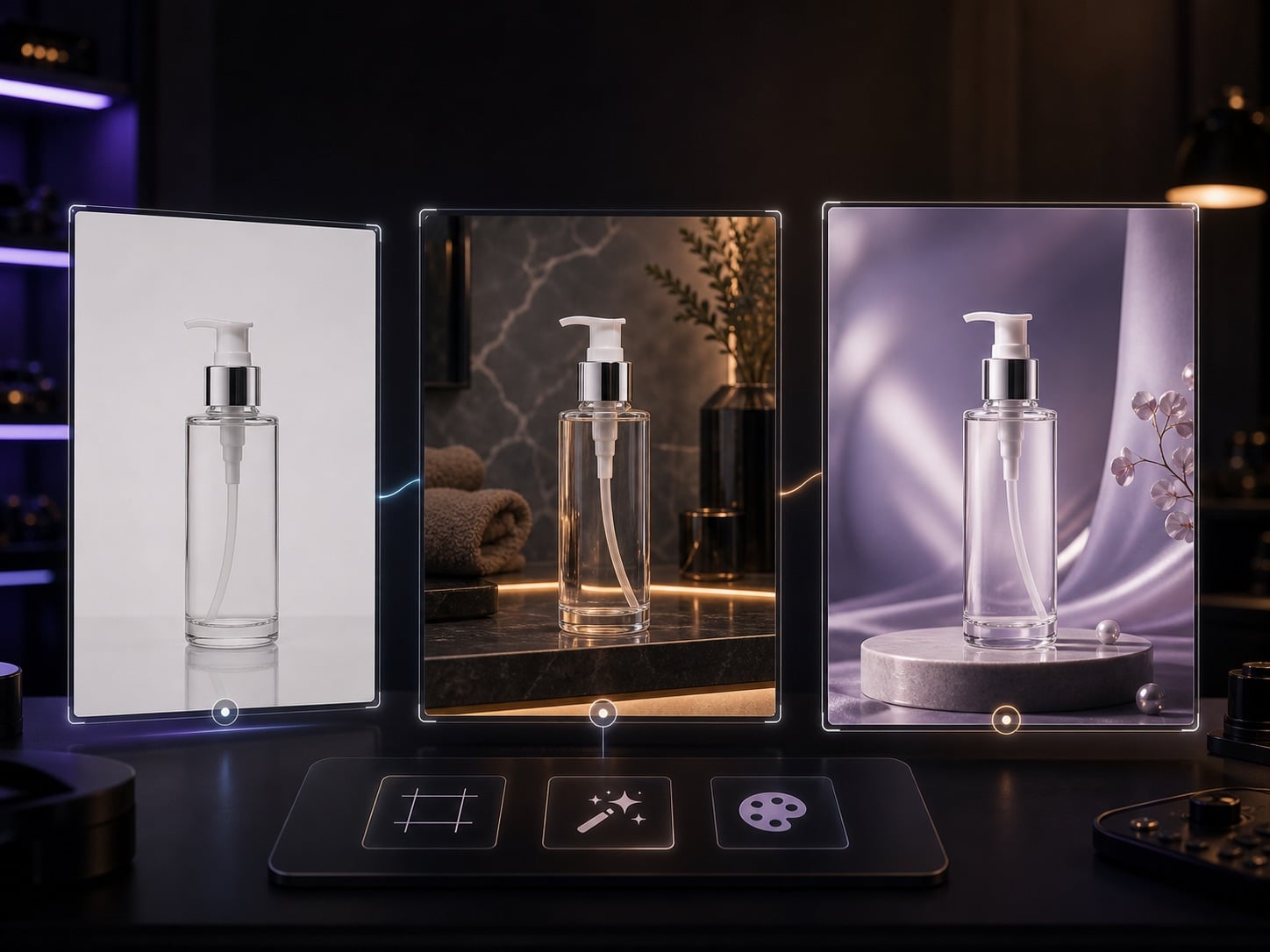
Turn supplier images, phone shots, or white-background product photos into visuals for ads, PDPs, and social posts.
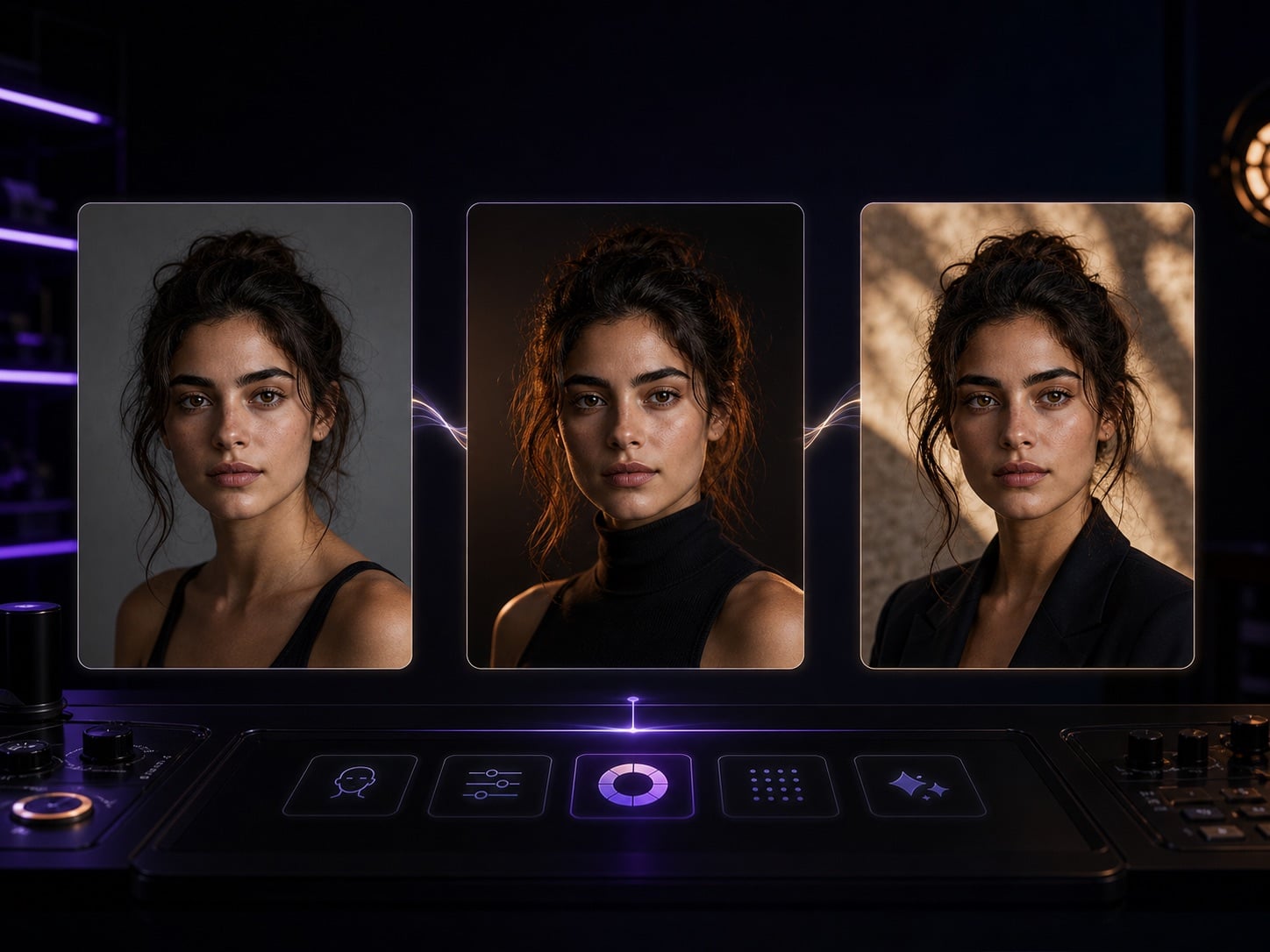
Preserve identity and expression while changing lighting, wardrobe, background, style, and platform crop.
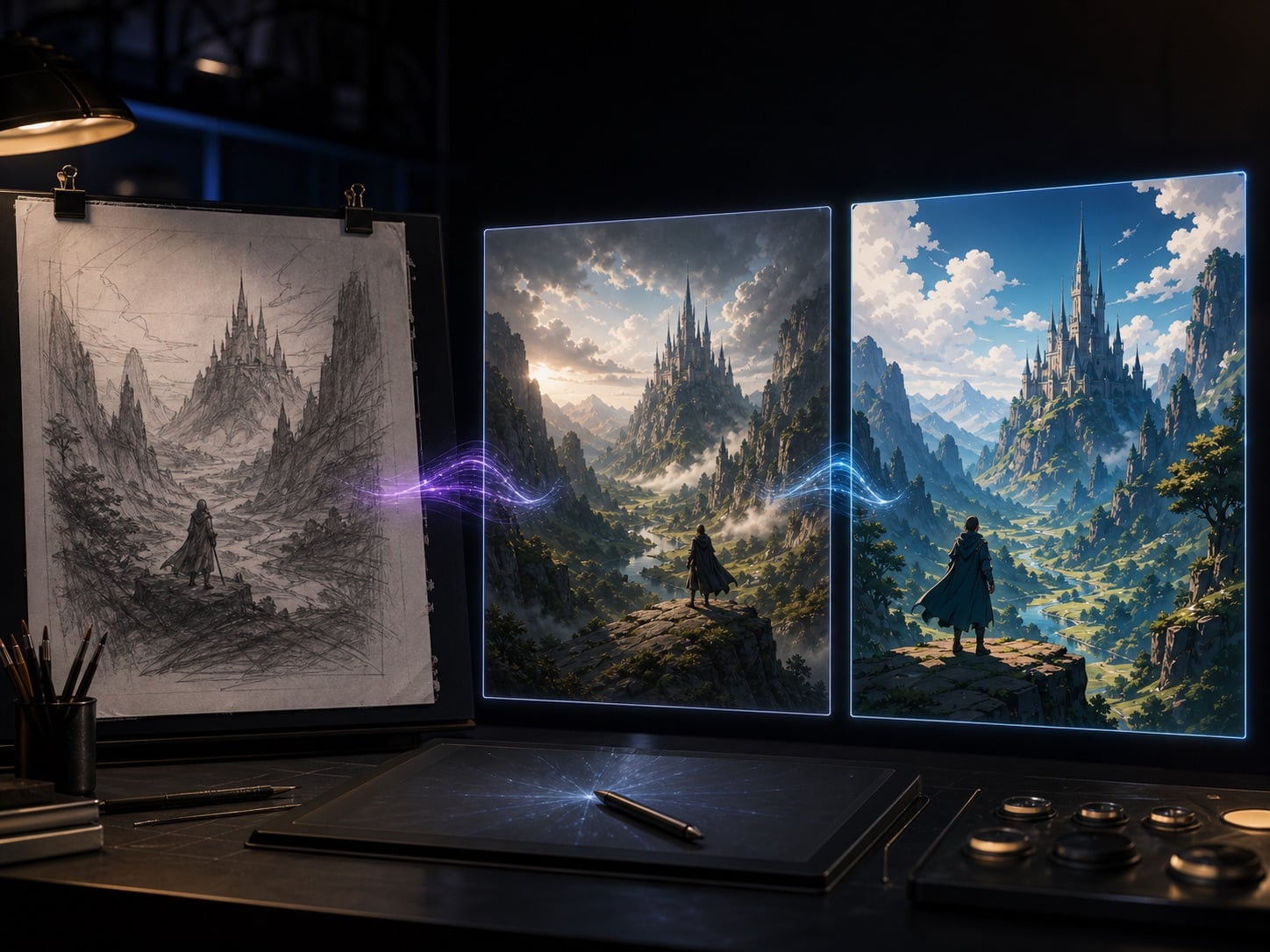
Refine rough AI sketches, screenshots, or inspiration images into publishable assets ready for testing or animation.
使用方法
使用帳戶點數即可開始體驗,無需剪輯技能,也不用學習任何軟體。
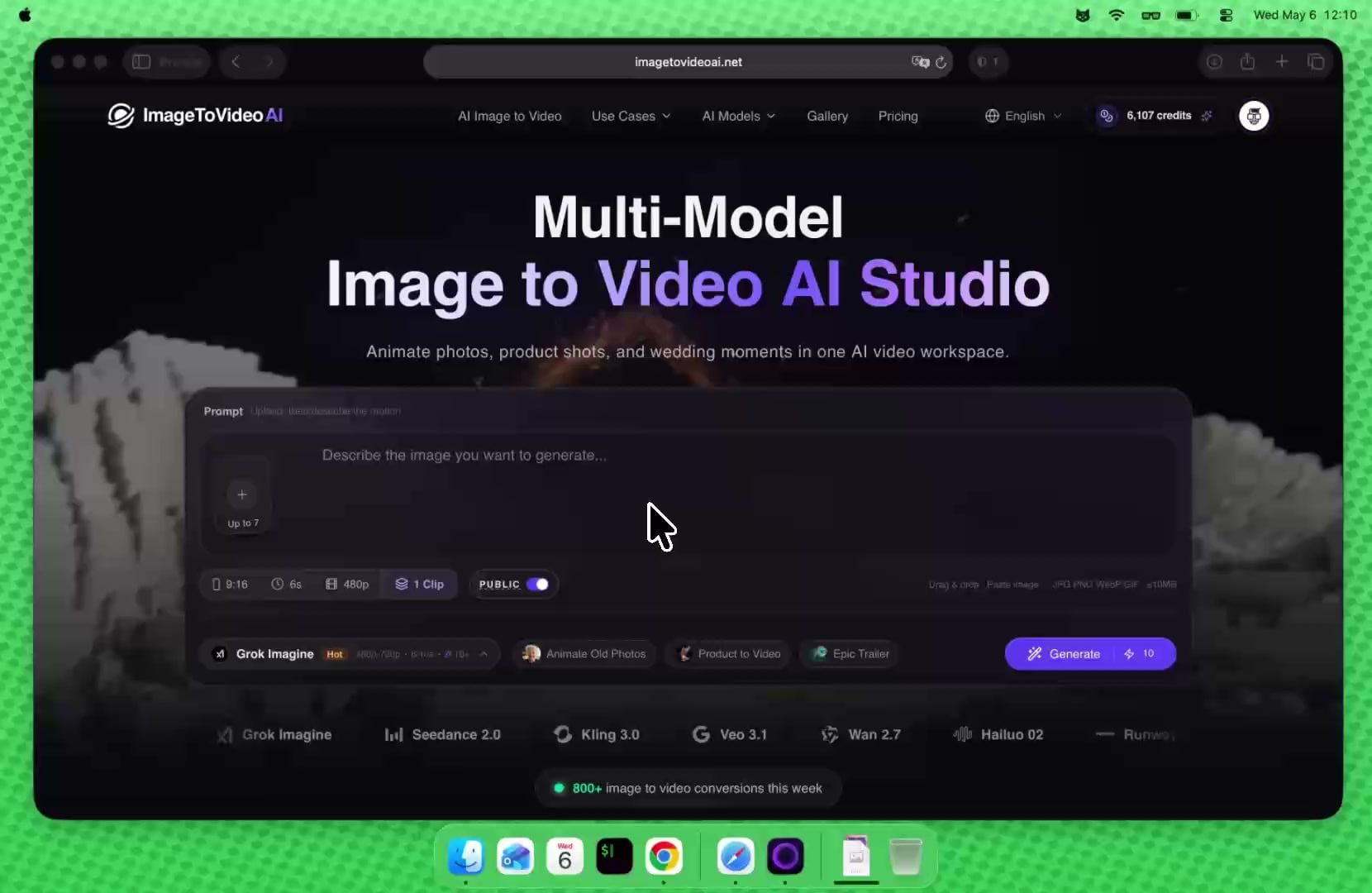
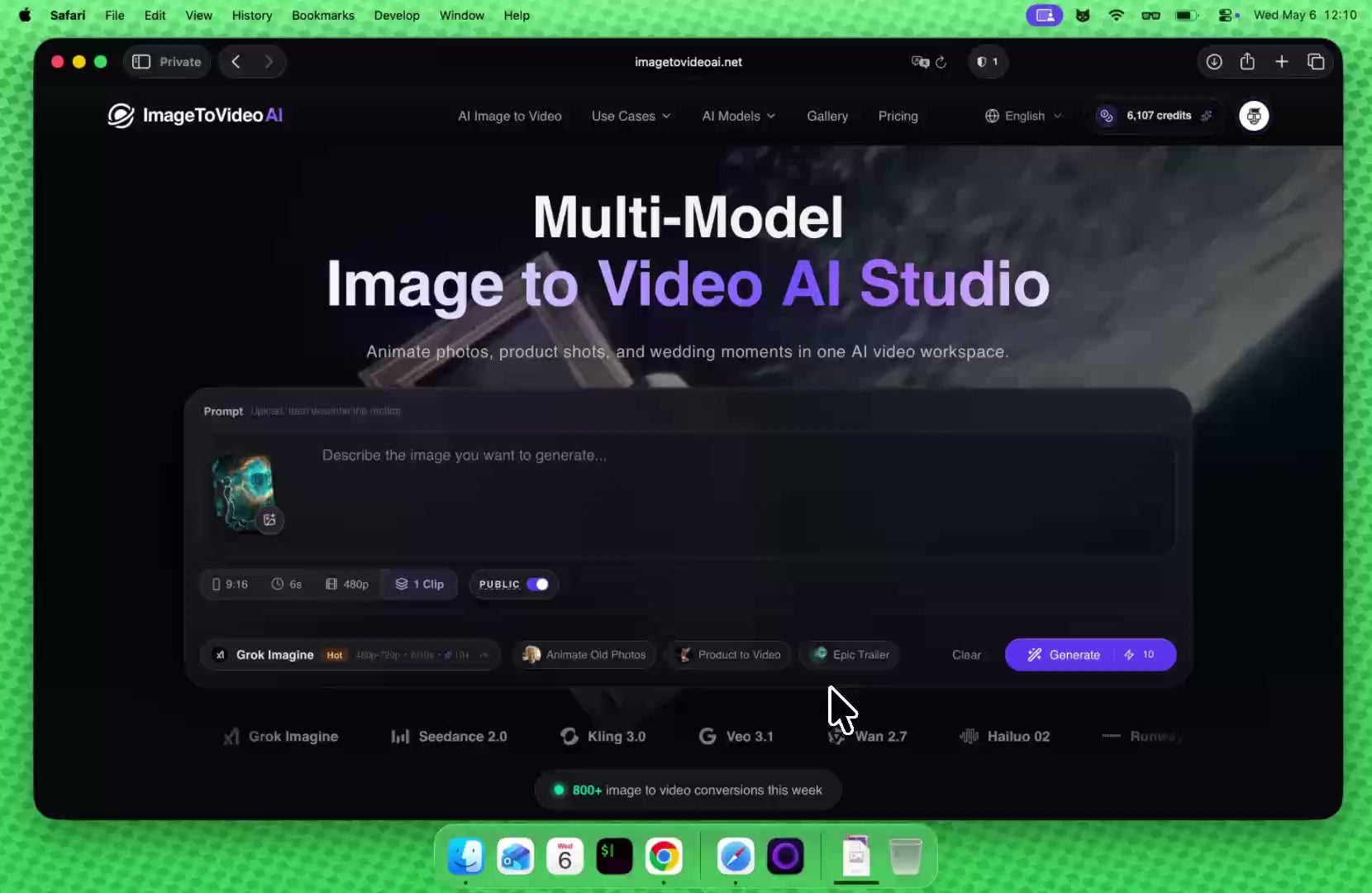
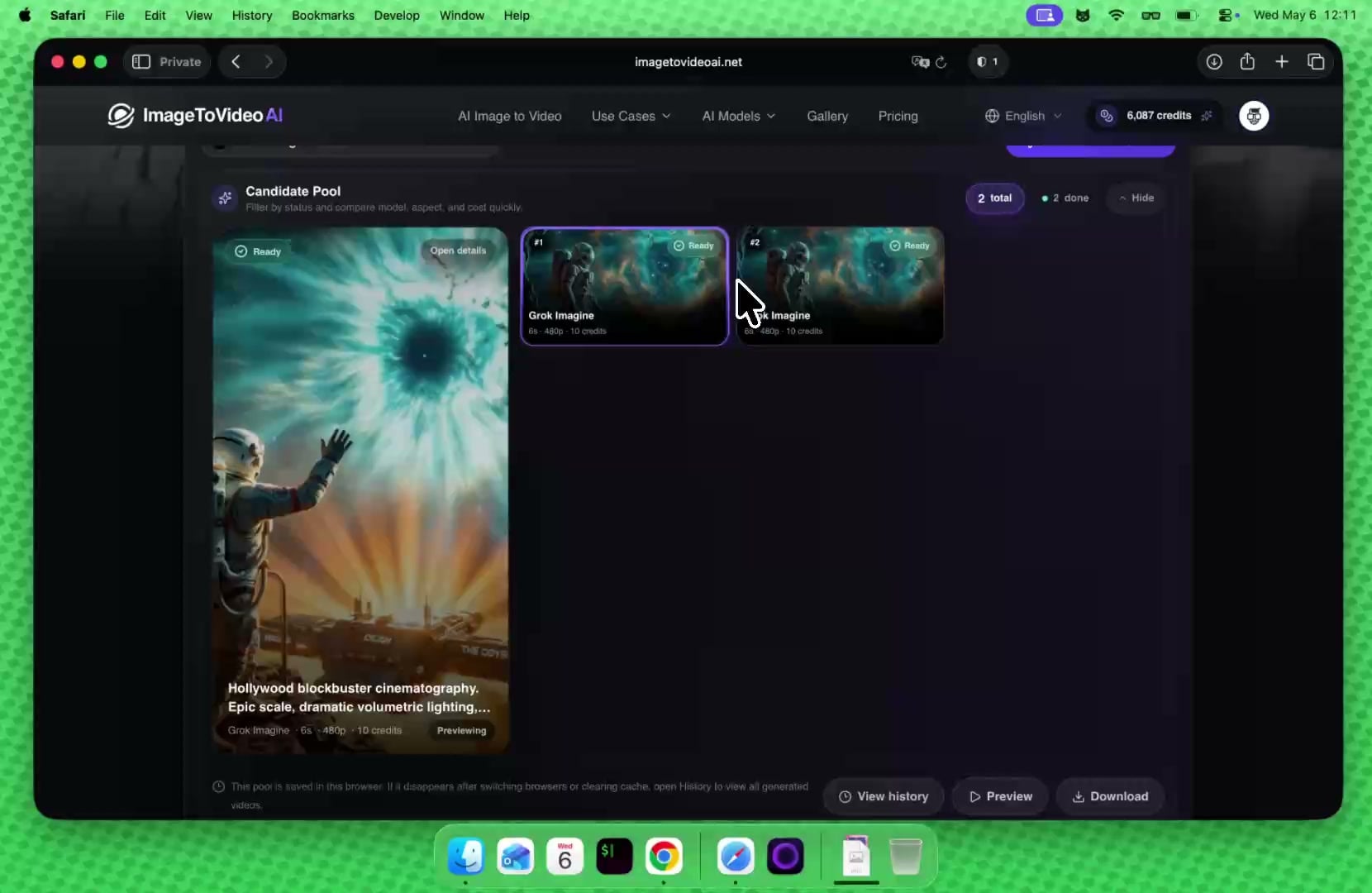
一個訂閱即可使用圖片與影片 AI 模型:文字生圖、圖生圖、圖片轉影片與文字轉影片。
Unlock premium AI models for images and video at 50% OFF before midnight.
以短影片平均 15 點、圖片平均 5 點估算;實際消耗會依模型、解析度與時長而變動。
以短影片平均 15 點、圖片平均 5 點估算;實際消耗會依模型、解析度與時長而變動。
以短影片平均 15 點、圖片平均 5 點估算;實際消耗會依模型、解析度與時長而變動。
以註冊贈送 20 點估算;每日造訪可再領取 5 點繼續體驗。
AI 工具工作區
依目前素材狀態直接進入下一步:去背後做影片、低清圖先放大,或把既有影片繼續轉換風格。
常見問題