Loading
2026/08/17
Travel Photo to Video AI: A Practical Workflow for Reels
Turn travel photos into polished AI videos with practical advice on source images, motion prompts, aspect ratios, editing, sound, and quality checks.
Most travel photos never make it beyond the camera roll. You may post a handful from a trip, while the rest sit in a folder even though they already contain the raw material for short destination videos, hotel promos, and personal travel reels.
That is where travel photo to video AI helps. Instead of asking a model to invent an entire destination, you give it a real source image and ask for controlled camera or environmental motion. The result can preserve the place you photographed while adding the movement that short-form video needs.
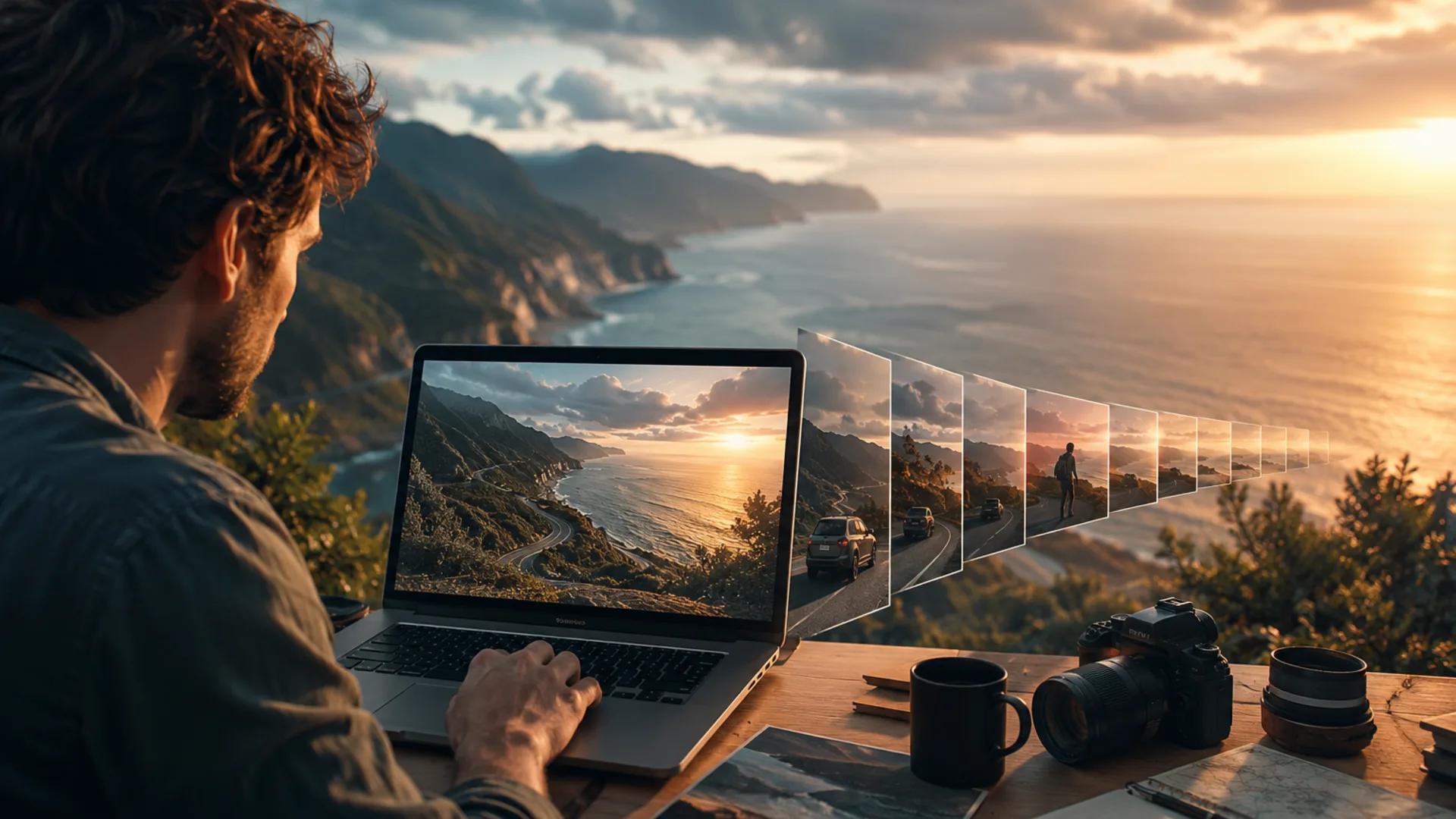
This guide presents a repeatable workflow for travel creators, hotels, tour operators, destination marketers, and anyone who wants to animate trip photos without making the location look fictional. You can follow it in the dedicated AI travel video generator or the broader image-to-video workspace.
One important caveat: ImageToVideoAI provides access to multiple models, and their available durations, resolutions, aspect ratios, audio options, and input requirements differ. Those controls can also change as providers update their models. Check the current settings and displayed credit cost before starting a batch.
1. Choose travel photos that can support motion
The source image does more work than the prompt. An image-to-video model has to infer the scene's geometry before it can generate plausible movement. Clear depth, clean edges, and an obvious subject reduce how much the model must guess.
Strong candidates usually include:
- Layered landscapes: foreground plants or rocks, a mid-ground subject, and a distant horizon.
- Streets with depth: alleys, paths, bridges, colonnades, and roads that lead into the scene.
- Natural motion cues: water, clouds, fog, steam, flags, foliage, and reflected light.
- People with breathing room: a single person at medium distance, with a clear silhouette and uncluttered background.
- Stable architecture: straight, sharp lines with limited wide-angle distortion.
Riskier sources include crowded group photos, tiny faces, overlapping limbs, motion blur, small signs, dense repeating patterns, and images already damaged by heavy social-media compression. A model may animate them, but the review burden rises quickly.
Use the source-image selection guide when comparing several versions of the same shot.
| Source photo | Depth | Safer motion | Main risk |
|---|---|---|---|
| Coastal cliff or mountain vista | High | Slow push or gentle pan | Warped horizon |
| Symmetrical hotel lobby | Medium | Subtle dolly forward | Bending walls |
| Food or drink close-up | Low | Static camera, steam or shimmer | Shape changes |
| Group selfie | Low | Minimal drift, or keep still | Face and hand artifacts |
| Street with one traveler | High | Slow follow movement | Identity drift |
| Menu or signboard | Low | Usually avoid animation | Unreadable text |
2. Read the depth layers before choosing a move
Look at the photo and name its foreground, mid-ground, and background. Then decide which layer should carry the visible movement.
Foreground-led motion
Grass, railings, or nearby foliage passing the lens can imply that the camera moves forward. This creates strong parallax, but it also forces the model to invent surfaces hidden behind foreground objects. Keep the move small when geometry matters.
Mid-ground-led motion
A traveler takes a measured step, a curtain moves, or a boat crosses the scene. This makes the place feel inhabited. Use simple actions and avoid combining a body turn, a hand gesture, and a large camera move in one short clip.
Background-led motion
Clouds drift, water ripples, fog lifts, or city lights begin to glow. Background motion is often the safest choice for scenic images because the recognizable foreground can remain stable.
When unsure, lock the camera and animate one environmental element. A restrained result that preserves the destination is more useful than an ambitious flythrough that bends a landmark.
3. Choose one camera move per clip
Camera movement carries meaning, so select it from the shot's job rather than adding motion for its own sake.
- Slow push in: directs attention toward a doorway, trailhead, dish, or distant landmark.
- Slow pull out: reveals context and works well as the final shot in a sequence.
- Gentle pan: suits a wide panorama when the source has room on the side of travel.
- Small orbit: can show a product-like subject such as luggage or a plated dish, but requires the model to invent hidden geometry.
- Locked camera: lets water, weather, fabric, or light provide the motion while architecture stays stable.
The AI camera movement guide explains the vocabulary in more detail. The most reliable starting rule is simple: one camera move and one modest internal motion per clip.
4. Write the prompt around motion
The photo already describes the appearance of the scene. The prompt should spend most of its words on what changes and what stays fixed.
A practical structure is:
- Subject anchor: identify the scene briefly.
- Camera: name one move and its speed.
- Internal motion: say exactly what moves.
- Light and atmosphere: preserve or gently evolve the mood.
- Constraints: state what must remain stable.
Coastal landscape prompt
Wide coastal cliff at golden hour. Slow, steady camera push forward.
Waves roll toward the rocks below and sea grass moves lightly in the
foreground. Warm low-angle sunlight and soft haze on the horizon.
Keep the shoreline, cliff geometry, and horizon stable. No new people.
Hotel interior prompt
Sunlit hotel lobby with arched windows and a central seating area.
Very gentle dolly forward with a locked horizon. Sheer curtains drift
and dust floats through the light. Preserve the architecture, furniture
placement, straight vertical lines, and original daylight color.
Traveler in a street prompt
One traveler walks slowly away through a narrow stone alley. The camera
follows at a fixed distance. Laundry overhead moves in a light breeze.
Keep the traveler's clothing, hair, body shape, and the street layout
consistent. The subject does not turn toward the camera.
Mountain atmosphere prompt
Mountain range at dawn across a still lake. Static camera. Low clouds
drift slowly from left to right and faint ripples cross the water.
Preserve the ridge silhouette, shoreline, and reflection alignment.
Constraints are not a guarantee, but they make the desired stability explicit. Avoid vague phrases such as "make it cinematic" without a physical description of the motion.
5. Decide the aspect ratio before generating
Generating first and cropping later can remove the subject or the motion you paid to create. Start from the final placement.
| Destination | Common ratio | Composition note |
|---|---|---|
| TikTok, Reels, Shorts | 9:16 | Keep the subject central and clear of interface overlays |
| Portrait feed placement | 4:5 | Leave room above and below for flexible crops |
| YouTube or website hero | 16:9 | Best match for many landscape photographs |
| Square feed placement | 1:1 | Keep the main action close to the center |
Not every model exposes every ratio. If a wide photo must become vertical, choose a version with enough room around the subject, or crop and prepare the still before generation. Do not assume the model will reconstruct missing space faithfully. Use the aspect ratio and safe-zone guide to plan around captions and platform controls.
6. Turn several photos into a coherent travel reel
One animated photo demonstrates the effect. A sequence tells a story. A useful five-shot structure is:
- Hook: a wide postcard view with immediately visible but controlled motion.
- Context: a path, street, hotel exterior, or room that establishes the place.
- Detail: food, texture, signage without critical small text, or a local object.
- Human moment: a traveler moving naturally within the scene.
- Closer: a calm pullback, sunset, or wide environmental shot.
Keep continuity inspectable:
- Group photos by time of day and light direction.
- Avoid cutting from warm sunset directly to cool midday unless the change is intentional.
- Alternate shot sizes and camera moves rather than repeating the same push.
- Keep the same person, clothing, and color treatment consistent across adjacent clips.
- Generate and approve each clip before depending on it for the next edit.
For a hotel or tour operator, build the sequence around what a guest needs to understand: arrival, room or vehicle, defining experience, human scale, and destination payoff. Do not use generated motion to imply an amenity or view that the real product does not offer.
7. Edit and design sound deliberately
Bring the approved clips into the editor you already know. The assembly decisions matter more than the brand of editor.
- Trim unstable opening or closing frames when they contain a visible pop.
- Cut during continuous motion so adjacent shots feel connected.
- Use one consistent color treatment across clips from different models.
- Apply stabilization cautiously; aggressive stabilization can add new warping.
- Review the export at full size rather than only in a small preview window.
Sound gives separate clips a shared world. Use a licensed music track, a consistent ambient bed such as surf or street atmosphere, and optional voiceover. If the selected model offers native audio, confirm that it matches the visible scene; generated surf over a quiet mountain lake breaks the illusion. If it does not offer audio, add sound during editing. The clip should also remain understandable when muted because many viewers first encounter it without sound.
8. Run a travel-video QA pass
Watch each clip from beginning to end, then pause on several frames instead of judging only the thumbnail.
- The horizon stays level and the landscape silhouette remains recognizable.
- Buildings keep straight walls, windows, railings, and rooflines.
- Faces, hands, clothing, and bags do not change identity or shape.
- Signs and logos are either stable or not prominent enough to mislead.
- Water, smoke, flags, and clouds move in a consistent direction.
- Reflections correspond to the objects above them.
- No people or objects appear without a reason.
- The final crop respects captions, controls, and brand overlays.
- Audio has no abrupt cut and fits the visible environment.
- The clip does not exaggerate or fabricate a commercial property feature.
If the output fails, use the AI video artifact troubleshooting guide before spending credits on an unchanged rerun.
Troubleshooting common failures
The entire scene morphs instead of moving
The requested camera move may require too much invented geometry. Reduce it to a nearly static camera, name one environmental motion, and explicitly preserve the scene layout.
Buildings bend
Replace an orbit or wide pan with a subtle push. Ask for a locked horizon and stable straight vertical lines. If the source itself has strong wide-angle distortion, choose another photo.
A person changes identity
Use a sharper, larger subject with clear separation from the background. Reduce the body action, avoid asking for a face turn, and preserve the original hair, clothing, and facial structure in the prompt.
Nothing seems to move
Replace appearance adjectives with active verbs: clouds drift, water ripples, fabric moves, and the camera pushes forward slowly. Make the movement visible but physically plausible.
New people or objects appear
Add a direct constraint such as "no additional people, vehicles, text, or objects." If the scene is already crowded or ambiguous, a cleaner source image will usually help more than a longer negative prompt.
Different clips do not cut together
Place them on a timeline with the same delivery resolution and frame rate, then apply a shared color treatment and ambient sound bed. If the visual character still clashes, regenerate the outlier with the same model used for the surrounding shots.
Rights, privacy, and honest destination marketing
Only animate photos you own or have permission to process. Review the license for stock images, especially when the result will be used in an advertisement. A license to display a still image does not always grant every type of derivative or AI-assisted use.
Obtain consent before animating recognizable guests, staff, or strangers. Making a real person appear to move can carry different expectations from publishing the original still. When consent is unclear, use an image without an identifiable face.
Hotels and tour operators should review every result for factual accuracy. Do not generate a larger pool, an ocean view, a different room layout, or an emptier landmark and present it as documentary footage. Follow the disclosure rules that apply to the platform, campaign, and market where you publish.
FAQ
Do I need a professional camera?
No. A sharp, well-composed phone photo with clear depth can be a stronger source than a noisy or blurred camera file. The useful information in the image matters more than the device name.
How many photos should I animate for one reel?
Start with five to eight candidate shots, but expect to use only the clips that pass review. Generate one test before committing the rest of a credit budget.
Which ImageToVideoAI model should I choose?
Choose based on the current controls and the scene: portrait stability, landscape motion, duration, resolution, ratio, audio, and credit cost may point to different models. Compare a small test with the same source image rather than assuming one model wins every use case.
Will the same photo and prompt always make the same video?
No. Generative outputs can vary between runs. Treat the prompt as direction, not a deterministic keyframe instruction, and review every result.
Can I animate an old travel photo?
Yes, when the scan has enough sharp detail and a readable scene. Restore severe scratches or contrast problems first, then keep the requested motion modest.
Start with three photos
Choose one wide landscape, one close detail, and one human-scale image from the same trip. Define a single motion for each, generate at the final aspect ratio, run the QA checklist, and assemble the approved clips with one sound bed.
That small exercise produces a usable travel reel and, more importantly, a workflow you can repeat without turning the real destination into something it never was.
Author

Categories
1. Choose travel photos that can support motion2. Read the depth layers before choosing a moveForeground-led motionMid-ground-led motionBackground-led motion3. Choose one camera move per clip4. Write the prompt around motionCoastal landscape promptHotel interior promptTraveler in a street promptMountain atmosphere prompt5. Decide the aspect ratio before generating6. Turn several photos into a coherent travel reel7. Edit and design sound deliberately8. Run a travel-video QA passTroubleshooting common failuresThe entire scene morphs instead of movingBuildings bendA person changes identityNothing seems to moveNew people or objects appearDifferent clips do not cut togetherRights, privacy, and honest destination marketingFAQDo I need a professional camera?How many photos should I animate for one reel?Which ImageToVideoAI model should I choose?Will the same photo and prompt always make the same video?Can I animate an old travel photo?Start with three photos
More Posts
AI Portrait Animation From Photo: Subtle Motion Without a Talking Avatar
A practical guide to AI portrait animation from photo: how to prep the image, set a motion budget, write prompts, keep identity, and QA the result.
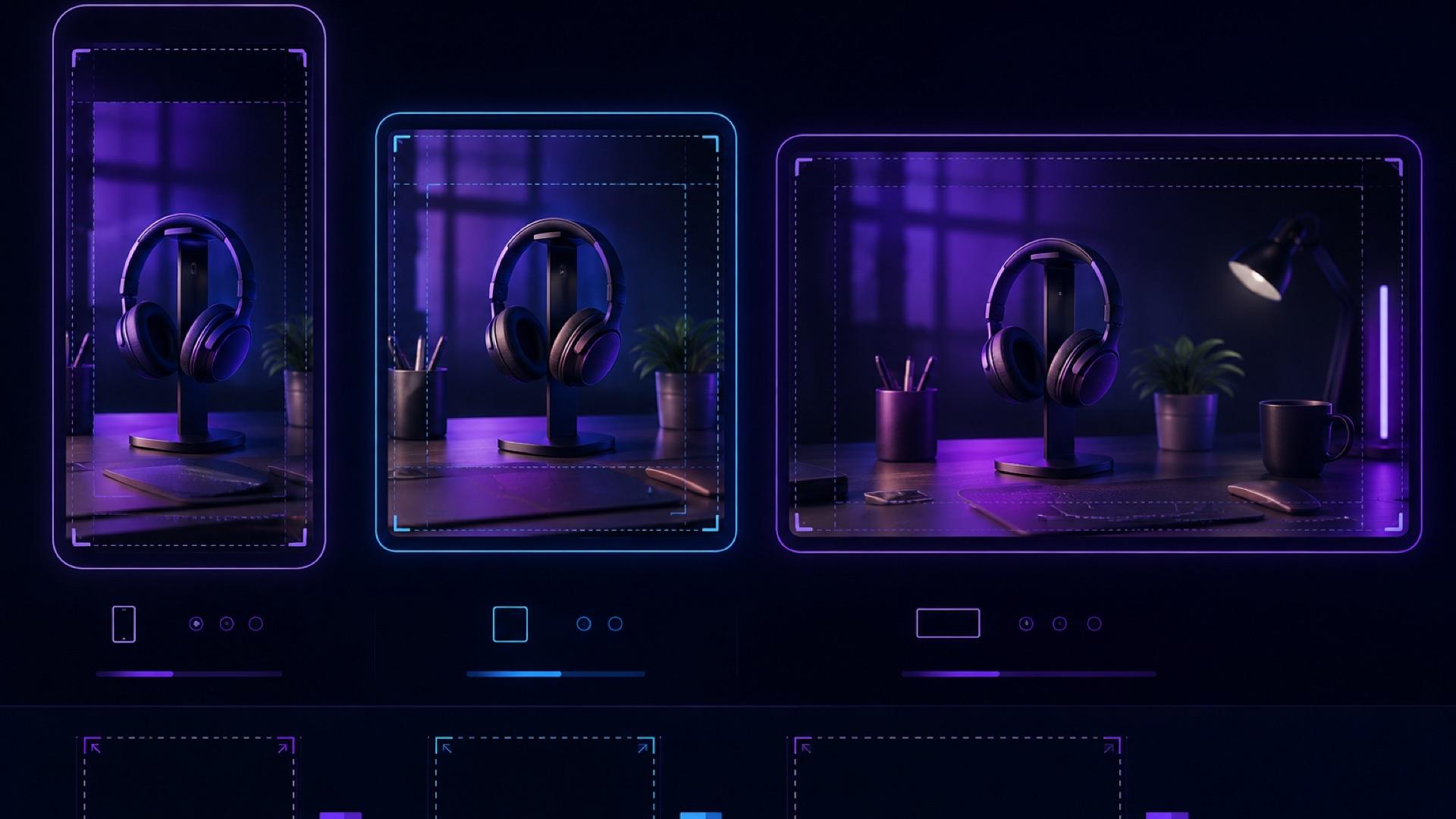
AI Video Aspect Ratio Guide: Safe Zones for Reels, Shorts, and Widescreen
A practical guide to AI video aspect ratios, safe zones, and reframing for TikTok, Reels, Shorts, feeds, and widescreen delivery.
AI video artifact troubleshooting: diagnose, fix, or regenerate
A practical decision guide for fixing face drift, object deformation, unwanted camera motion, flicker, broken text, and other image-to-video artifacts.
Newsletter
Join the community
Subscribe to our newsletter for the latest news and updates