Loading
2026/06/07
40 KI-Bild-zu-Video-Prompts zum Kopieren und Einfügen (2026)
Eine Prompt-Bibliothek mit 40 getesteten Bild-zu-Video-Prompts für Porträts, Produkte, Immobilien, Haustiere und Kino-Aufnahmen – plus Anleitung, wie du eigene in ImageToVideoAI schreibst.
Die meisten geben dem Modell die Schuld, wenn ihr Bild-zu-Video-Clip nicht stimmt. Steife Bewegungen, verwischte Gesichter, eine Kamera, die driftet, obwohl sie still stehen sollte. In neun von zehn Fällen ist das Modell vollkommen in Ordnung. Der Prompt war zu vage.
Ein Standbild legt Komposition, Farben und Motiv bereits fest. Der Prompt hat also eine engere Aufgabe als bei Text-zu-Video: Du steuerst, was sich bewegt und wie sich die Kamera verhält – du baust keine Szene aus dem Nichts. Das ändert, wie du schreiben solltest.
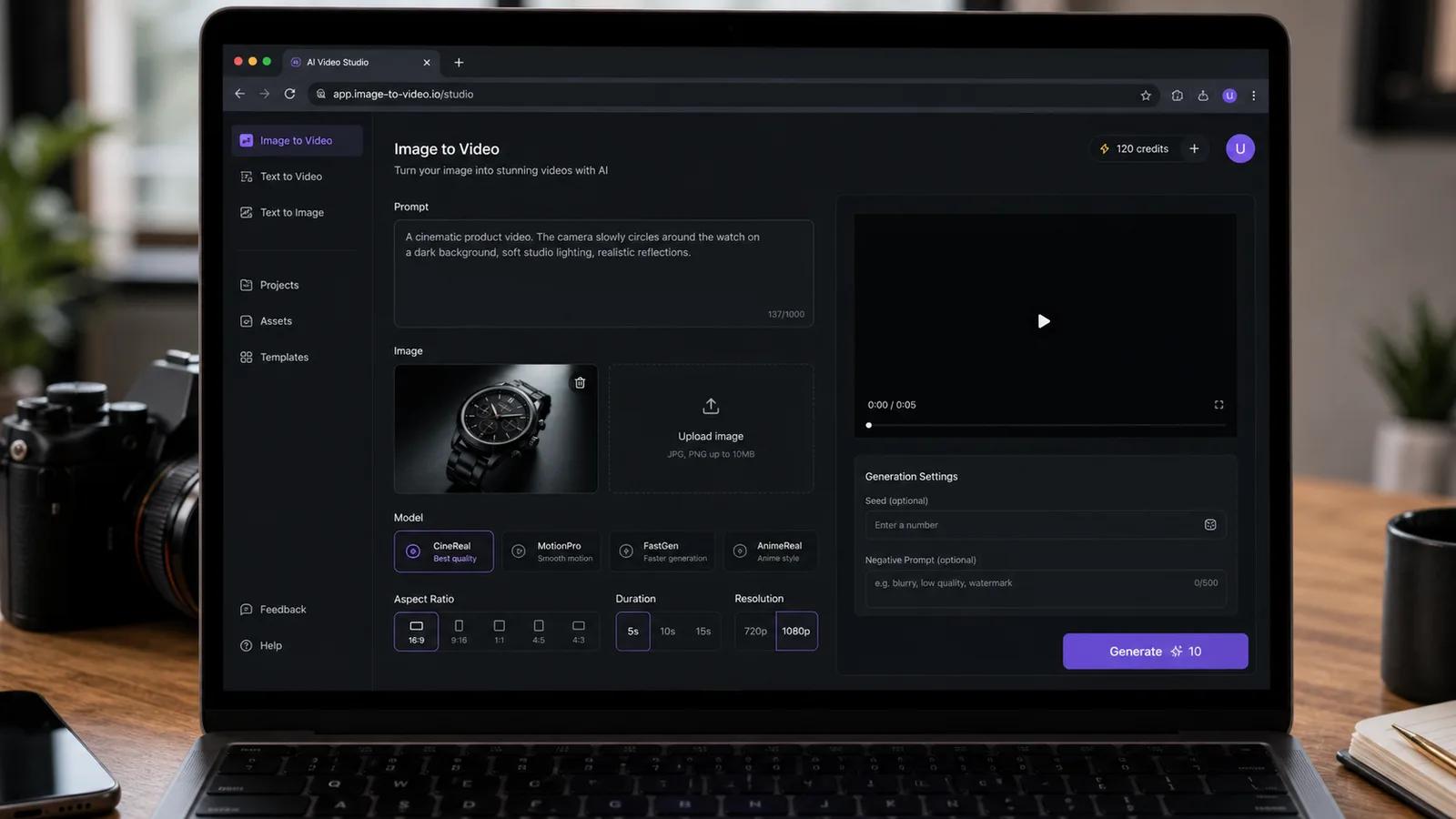
Das hier ist eine Kopier-Einfüge-Bibliothek. Vierzig Prompts, die du direkt in ImageToVideoAI einfügen kannst, plus die Logik dahinter, damit du sie an dein eigenes Foto anpassen kannst. Schnapp dir einen, tausch ein Substantiv aus, klick auf Generieren.
Wie ein guter Bild-zu-Video-Prompt aufgebaut ist
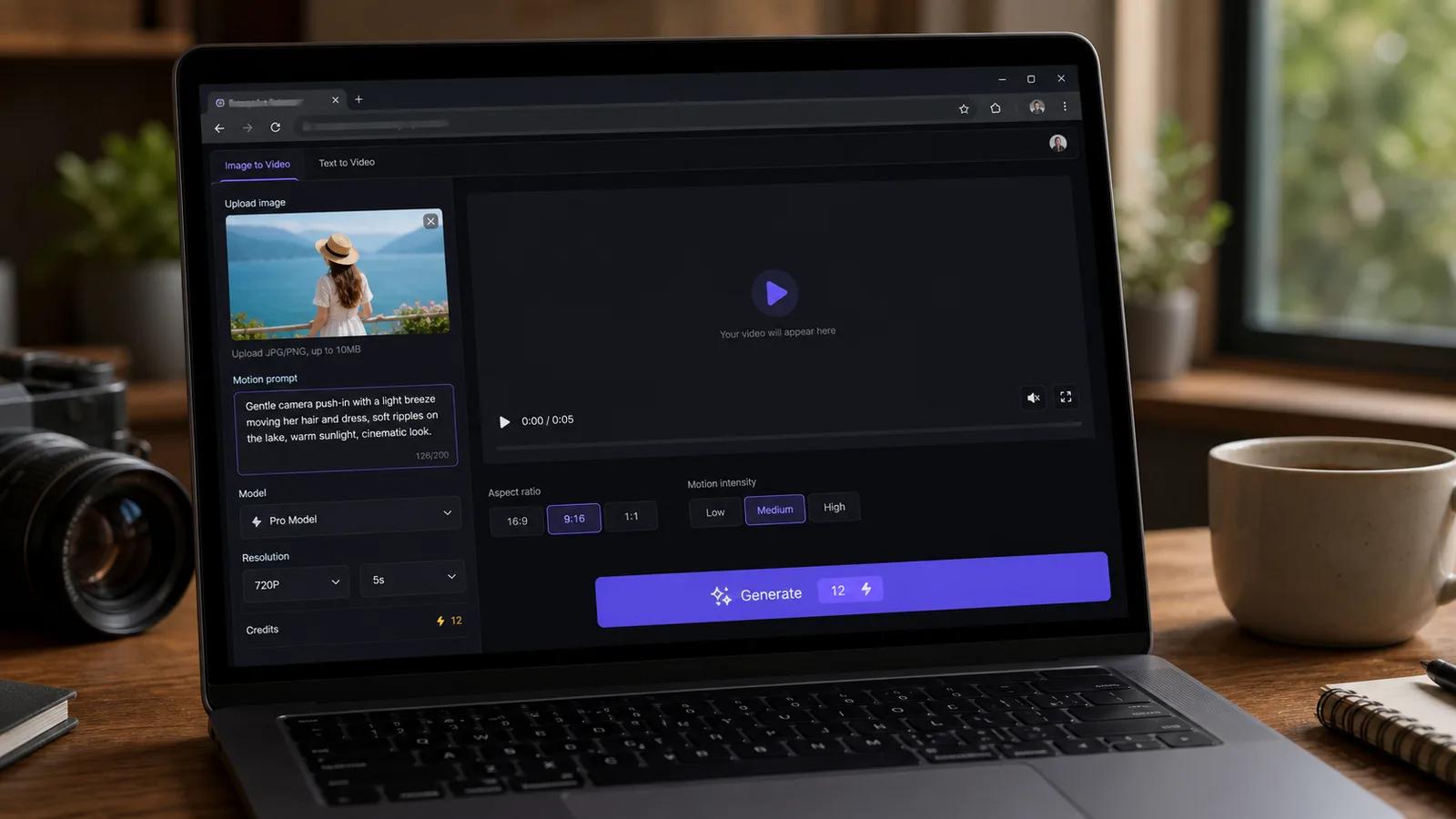
Jeder solide Prompt zieht an vier Hebeln. Vergisst du einen, rät das Modell für dich.
- Motiv / Identität: was konstant bleibt. Bei Menschen ist das der anfälligste Teil. Schreib "keep facial features unchanged" und das Modell kämpft gegen seinen eigenen Drang, das Gesicht zu verändern.
- Bewegung: was sich physisch bewegt. Haare, Stoff, Wasser, Dampf, ein Blinzeln, eine Drehung.
- Kamerabewegung: Push-in, Orbit, Schwenk links oder statisch. Das ist der stärkste Hebel zwischen "kinematisch" und "Handyaufnahme".
- Licht / Stimmung: Flackern, Goldstunden-Wärme, weiches Fensterlicht. Subtil, aber es verkauft die Realität.
Hier der Unterschied in der Praxis.
Schwach:
Make the woman move and look nice.
Stark:
A woman turns her head slowly toward the camera and smiles, hair shifting gently in a light breeze, soft natural window light, slow push-in, facial features unchanged.
Gleiche Foto, völlig anderes Ergebnis. Die zweite Version sagt dem Modell genau, was animiert werden soll und was nicht angetastet werden darf.
Ein paar Regeln gelten für alle Kategorien:
- Eine Hauptbewegung pro Clip. Fünf Aktionen in vier Sekunden erzeugen Chaos.
- Beschreibe die Geschwindigkeit. "Slowly", "gently" und "rapid" verändern das Ergebnis spürbar.
- Nenn die Kamerabewegung, sonst bekommst du einen zufälligen Drift.
- Passe die Dauer an die Bewegung an. Ein langsamer Orbit braucht 5s; ein kurzes Blinzeln funktioniert in 4s.
40 Bild-zu-Video-Prompts
Jeder Prompt ist so formuliert, dass er direkt eingefügt werden kann. Passe das Subjekt an dein Bild an. Das empfohlene Modell pro Kategorie steht dabei, damit du es vor dem Generieren in der Modellauswahl einstellen kannst.
Porträts & alte Fotos (1-6)
Bei Gesichtern schlägt Identitätserhaltung alles andere. Bestes Modell: Kling. Für gescannte oder beschädigte Fotos kombiniere diese Prompts mit Animate Old Photos.
- A man looks directly at the camera, blinks naturally, then breaks into a warm smile, subtle head tilt, soft front lighting, facial features unchanged.
- An elderly woman in a vintage photo slowly turns her head toward the viewer and smiles softly, a faint breeze in her hair, warm sepia tone preserved, gentle slow push-in.
- A young woman laughs lightly, shoulders shifting, loose strands of hair moving in a soft breeze, natural daylight, camera holds static.
- A man in a suit nods once and shifts his gaze off-camera as if listening, slight shoulder movement, even studio lighting, identity preserved.
- A 1950s family portrait gently comes alive, each person blinking and shifting weight subtly, warm film grain intact, no camera movement.
- A woman closes her eyes, takes a slow breath, then opens them and looks up, calm expression, soft golden window light, slow push-in, features unchanged.
Produkte & E-Commerce (7-12)
Das Ziel ist Bewegung, die das Produkt vorteilhaft in Szene setzt, ohne es zu verzerren. Bestes Modell: Veo 3.1 für Hochglanz, Seedance für Kamerabewegungen. Mehr Tipps gibt es im Leitfaden für Produktfotos zu Video.
- A perfume bottle on a marble surface, slow 180-degree orbit around the bottle, soft studio reflections sliding across the glass, shallow depth of field.
- A sneaker on a clean white background, slow rotate to reveal the side profile, subtle rim light tracing the silhouette, product shape unchanged.
- A coffee cup with steam rising and drifting upward, warm morning light from the left, camera holds still, gentle focus pull onto the rim.
- A skincare jar with the label facing forward, slow push-in toward the lid, soft diffused lighting, water droplets glistening on the surface.
- A wristwatch face catching light, slow tilt down across the dial, second hand ticking, reflective highlights moving, deep black background.
- A handbag on a pedestal, slow dolly around to the front, soft top light, leather texture sharp, no warping of the shape.
Immobilien & Innenräume (13-17)
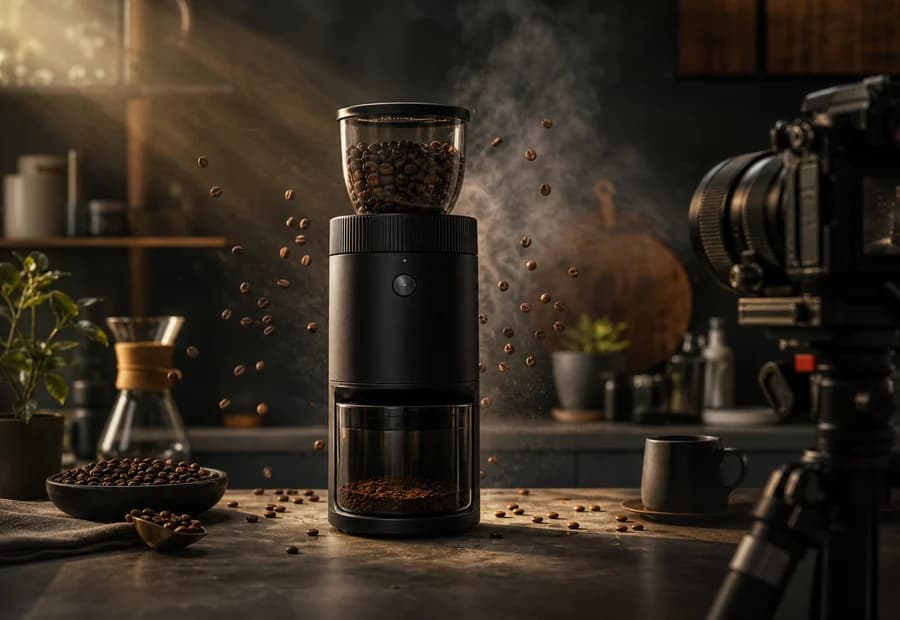
Ruhige, langsame Kamerabewegungen wirken professionell. Keine Personen im Bild. Bestes Modell: Seedance.
- A modern living room, slow forward dolly through the space toward the window, soft afternoon light, dust motes floating, furniture static.
- A kitchen with sunlight on the counter, slow pan left across the island to the stove, warm tones, gentle and steady motion.
- An empty bedroom with sheer curtains, the curtains drifting slightly in a breeze, slow push-in toward the bed, calm natural light.
- A backyard pool at dusk, water surface rippling gently, slow rising drone-style tilt up to reveal the house, warm sunset glow.
- A staircase in a foyer, slow upward tilt following the railing, soft ambient light, clean and stable camera.
Haustiere & Tiere (18-22)
Tiere vertragen mehr Bewegung als menschliche Gesichter. Bestes Modell: Kling für Nahaufnahmen, Hailuo für Bewegungsszenen.
- A dog sitting on grass turns its head toward the camera, ears twitching, tongue out slightly, tail wagging, bright outdoor light, static camera.
- A cat by a window slowly blinks and flicks its tail, fur shifting in soft light, gentle slow push-in.
- A horse in a field, mane and tail moving in the wind, head lifting slightly, golden-hour backlight, slow pan following the body.
- A parrot on a branch tilts its head and ruffles its feathers, sharp eye detail, soft jungle light, camera holds still.
- A sleeping puppy breathing gently, paws twitching slightly as if dreaming, warm cozy lighting, slow push-in.
Natur & Landschaft (23-27)
Umgebungsbewegung übernimmt hier die Hauptarbeit. Bestes Modell: Wan.
- A mountain lake at sunrise, water rippling softly, mist drifting across the surface, slow forward push toward the peaks, warm light spreading.
- A forest path with sunbeams through the canopy, leaves trembling in a light breeze, dust and pollen floating, slow dolly forward.
- A beach at golden hour, waves rolling in and receding, foam spreading on the sand, slow pan along the shoreline.
- A field of wheat moving in waves under the wind, clouds drifting overhead, slow rising tilt to reveal the horizon.
- A waterfall in a canyon, water cascading and misting at the base, slow push-in toward the falls, cool blue tones.
Social / UGC-Clips (28-33)
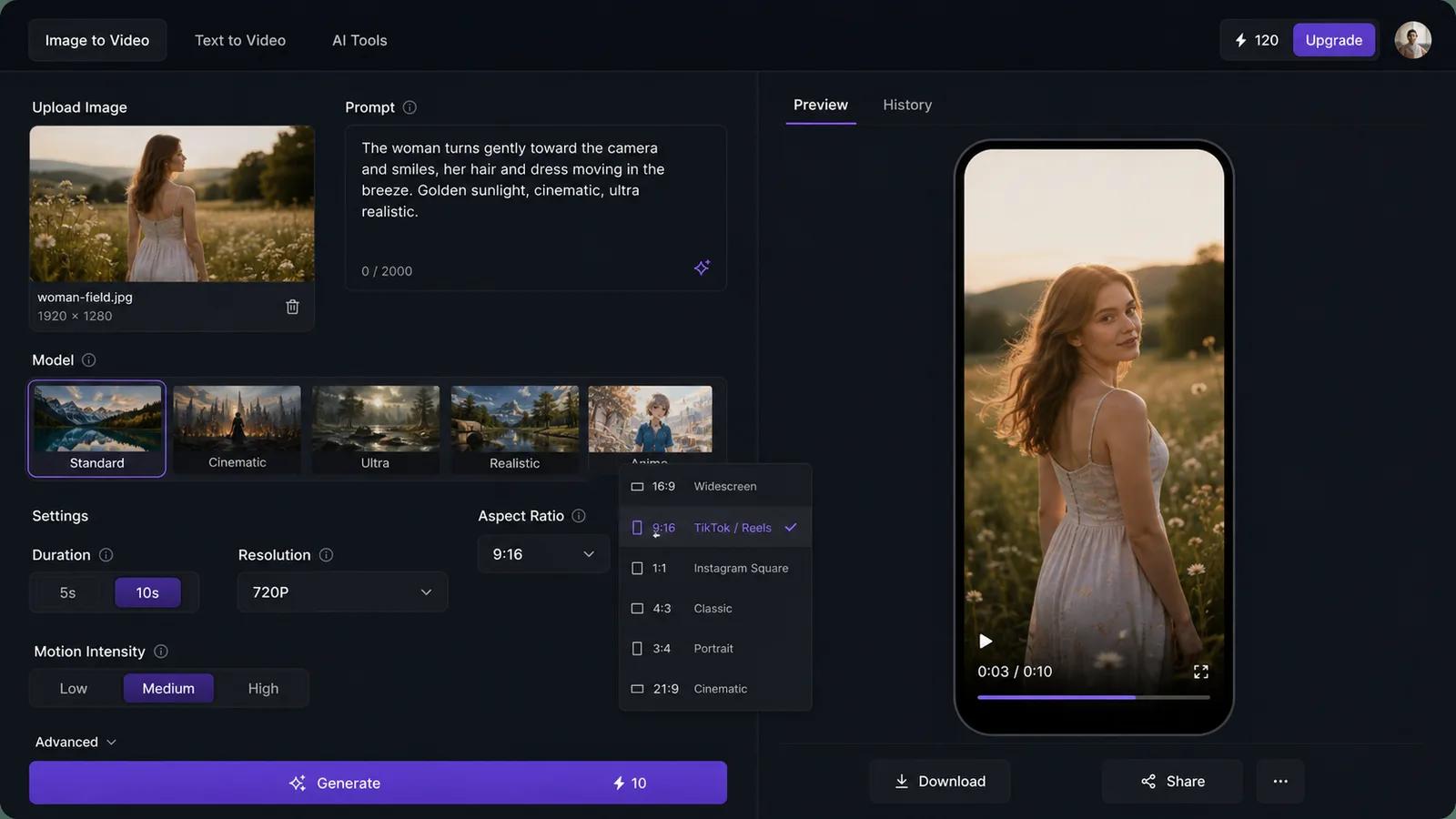
Knackig, vertikal, schnell. Stell das Seitenverhältnis auf 9:16 und halte Clips bei 4-5s. Bestes Modell: Hailuo oder Runway.
- A person holding a drink raises it slightly toward the camera as if cheering, smiling, casual indoor light, subtle head movement, vertical framing.
- A plate of food on a cafe table, steam rising, a hand reaching in to pick up a fork, warm natural light, slight handheld feel.
- A street-style outfit shot, the person shifts their weight and looks off to the side, hair moving, bright daylight, vertical 9:16.
- A makeup look facing the camera, a slow blink and a confident smile, soft ring light, features unchanged, close vertical crop.
- A latte with foam art, slow tilt down onto the cup, steam drifting, cozy cafe background blurred, vertical framing.
- A travel selfie on a rooftop, light wind in the hair, the person smiles and the city lights shimmer behind, golden hour, vertical.
Kinematische Kamerabewegungen (34-40)
Hier drückst du die Kamera richtig. Bestes Modell: Seedance oder Veo 3.1. Für Briefs mit mehreren Referenzen probiere den Gemini Omni.
- A lone figure on a cliff edge, slow orbit around the figure revealing the valley below, dramatic side light, wind in the coat.
- A city street at night, slow forward dolly through neon reflections on wet pavement, light rain falling, shallow focus.
- A character looking out a rain-streaked window, slow push-in past the glass to their face, soft melancholic light, drops sliding down.
- A desert landscape, fast low push forward across the sand toward distant dunes, heat haze shimmering, harsh midday sun.
- A close-up of an eye, slow pull-back to reveal the full face, then continue to a wide shot of the surroundings, controlled steady motion.
- A car on an empty highway, tracking shot moving alongside it, motion blur on the road, dusk sky, a sense of speed.
- A figure walking away down a corridor, slow dolly following from behind, overhead lights passing by, cool tones, steady pace.
Das richtige Modell auswählen
Stimme den Prompt-Typ auf das Modell ab, bevor du generierst. Die Kosten steigen mit Modell, Dauer, Auflösung und Clip-Anzahl – daher aktualisiert sich die Live-Zahl auf dem Generieren-Button, sobald du Einstellungen änderst.
| Prompt-Typ | Bestes Modell | Warum |
|---|---|---|
| Porträts, alte Fotos, Gesichter | Kling | Stärkste Identitätserhaltung |
| Produktrotation, E-Commerce | Veo 3.1 | Klares, poliertes Ergebnis |
| Immobilien, Kamerabewegungen | Seedance | Flüssige, kontrollierbare Bewegung |
| Natur, Umgebungsbewegung | Wan | Natürliche Physik bei Wasser und Laub |
| Social / UGC, schnelle Clips | Hailuo / Runway | Schnell, gut für Vertikal |
| Briefs mit mehreren Referenzen | Gemini Omni | Verarbeitet mehrere Eingaben auf einmal |
| Kinematisches Tracking, Orbits | Seedance / Veo 3.1 | Beste Kamerakontrolle |
5 Fehler, die Bild-zu-Video-Prompts ruinieren
1. Zu viel Bewegung verlangen. Fünf Aktionen in vier Sekunden sieht aus wie ein Fehler. Wähl eine Hauptbewegung.
2. Die Kamera vergessen. Keine Kameraanweisung bedeutet, das Modell erfindet einen Drift. Schreib jedes Mal "static", "slow push-in" oder "orbit" dazu.
3. Identitätssicherung bei Gesichtern weglassen. Ohne "facial features unchanged" verformen sich Porträts. Füge es zu jedem Menschen-Prompt hinzu.
4. Vage Geschwindigkeit. "Move" sagt dem Modell nichts. "Slowly turns", "gentle breeze" und "rapid push" geben ihm ein konkretes Ziel.
5. Falsch gewählte Dauer. Ein langsamer Orbit in 4s wirkt gehetzt. Gib großen Kamerabewegungen 5s oder mehr, und erhöhe die Auflösung nur dann, wenn das Detail es wirklich rechtfertigt.
Fang mit einem Prompt an
Such dir ein Foto aus, kopiere den passendsten Prompt von oben und passe das Motiv an. Stell dein Seitenverhältnis ein, wähle das Modell aus der Tabelle und schau dir die Credit-Kosten an, bevor du auf Generieren klickst.
Du kannst den Bild-zu-Video-Generator kostenlos mit Credits ausprobieren. Wenn du neu dabei bist, erklärt die Anleitung Wie du ein Foto mit KI in ein Video verwandelst den kompletten Ablauf von Anfang bis Ende.
Author
Categories
Wie ein guter Bild-zu-Video-Prompt aufgebaut ist40 Bild-zu-Video-PromptsPorträts & alte Fotos (1-6)Produkte & E-Commerce (7-12)Immobilien & Innenräume (13-17)Haustiere & Tiere (18-22)Natur & Landschaft (23-27)Social / UGC-Clips (28-33)Kinematische Kamerabewegungen (34-40)Das richtige Modell auswählen5 Fehler, die Bild-zu-Video-Prompts ruinierenFang mit einem Prompt an
More Posts
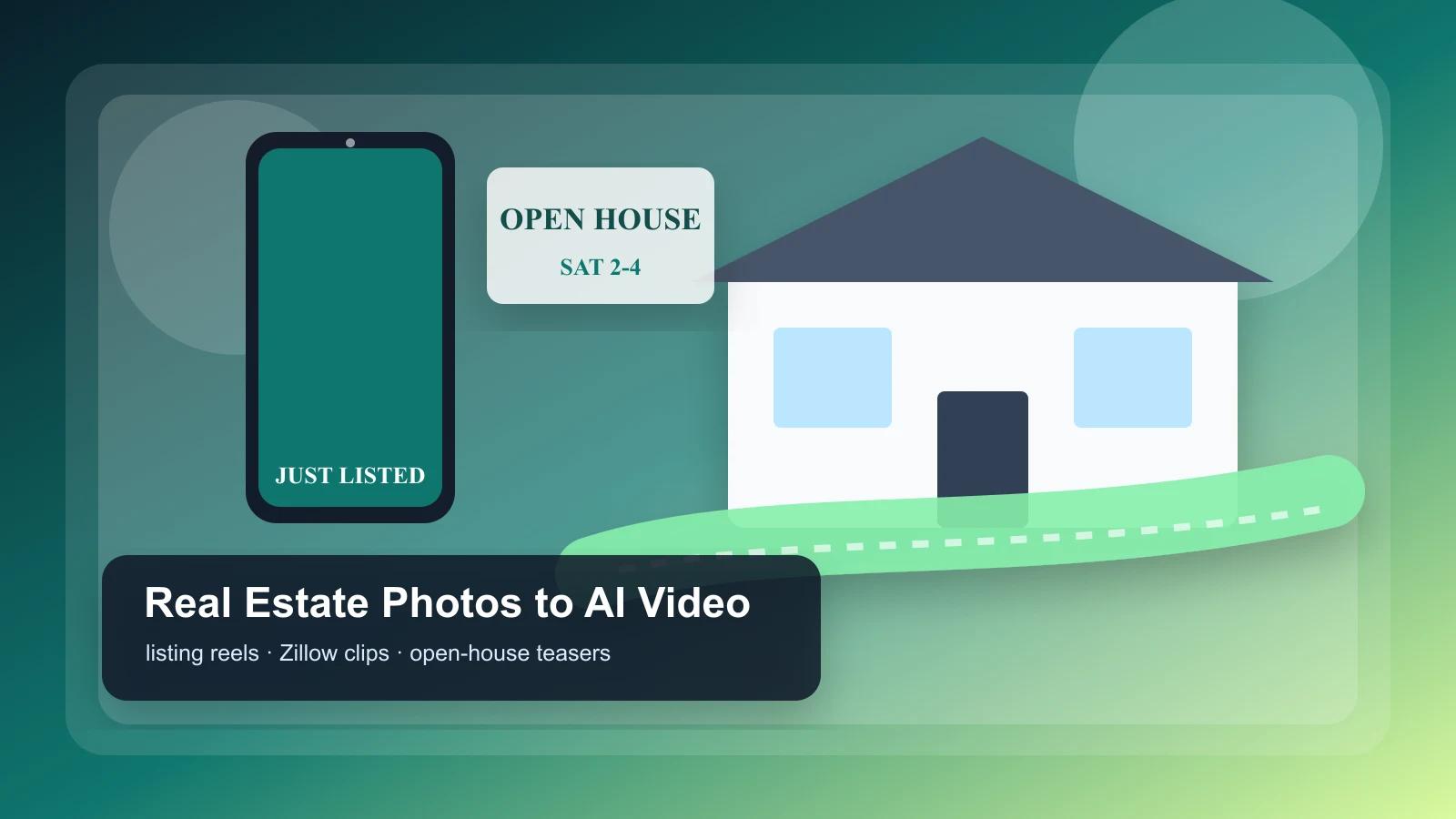
Real estate photo to video: AI listing reels (2026)
Turn listing photos into vertical tour reels, Zillow-ready clips, and open-house teasers with AI. Includes templates and a per-listing checklist.
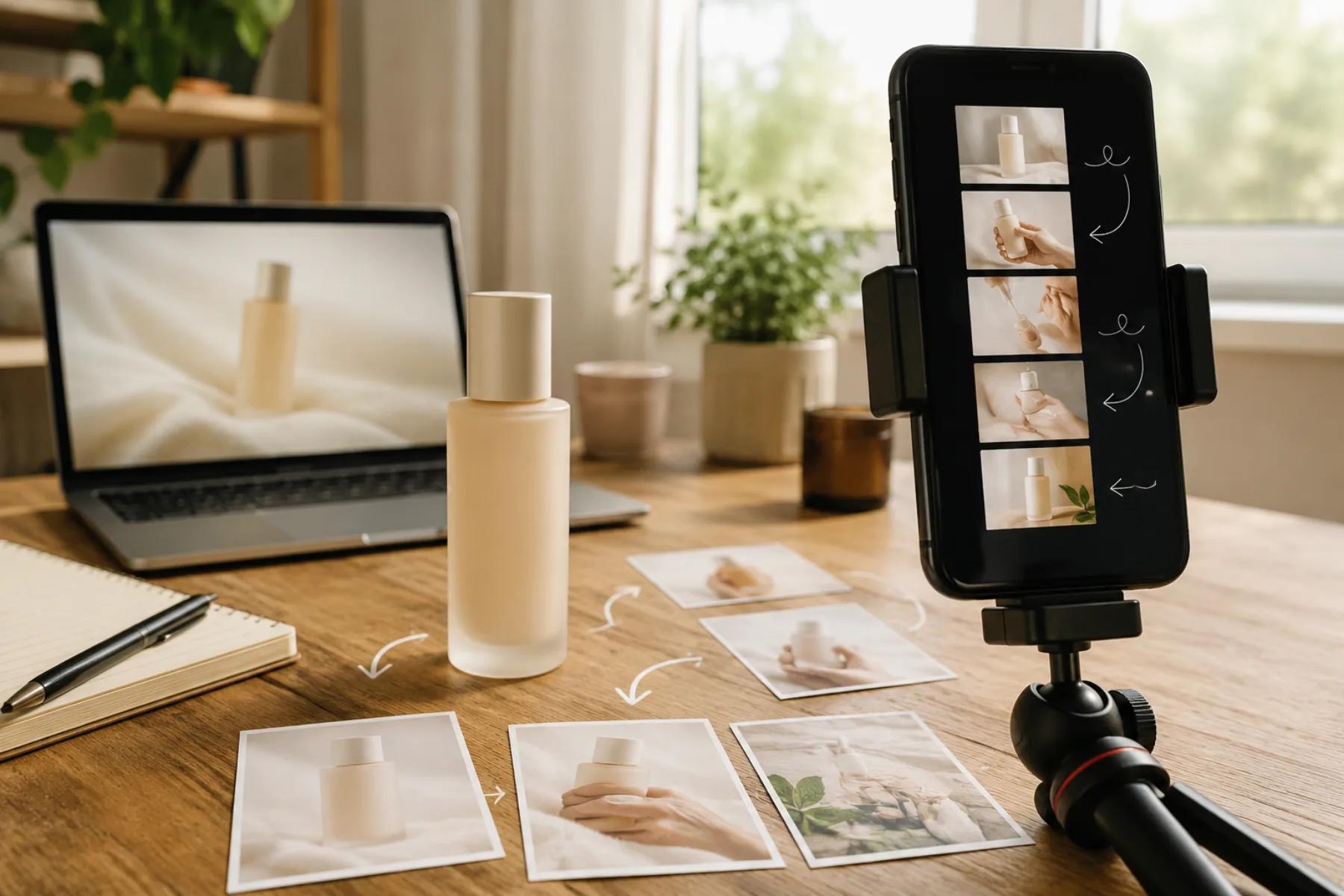
How to Create an AI UGC Product Video from One Product Image
A practical workflow for turning a single product photo into an AI UGC product video ad: six-shot vertical plan, copy-paste prompts, motion limits, label caveats, edit steps, an A/B matrix, and a pre-launch QA checklist.
AI image to video: Kling vs Runway vs Hailuo vs Veo (2026)
Honest 2026 comparison of Kling 3, Runway Gen-4, Hailuo 02, Google Veo, and Seedance — all tested on the same images to show real differences.
Newsletter
Join the community
Subscribe to our newsletter for the latest news and updates