Loading
2026/05/04
Product photo to video ads: ecommerce AI guide (2026)
Turn one product image into TikTok Shop, Amazon, Shopify, and Meta video creatives with real screenshots, prompt templates, and an actionable workflow.
Why product photo to video deserves its own workflow
For ecommerce, the goal is not simply making an image move. The goal is producing video creatives you can actually test:
- 9:16 scroll-stopper ads for TikTok Shop and Reels
- Listing videos for Amazon or Shopify product pages
- Meta retargeting variants
- Seasonal promo, flash sale, and bundle creatives
- 3-5 versions of the same product benefit for A/B testing
Shooting every variation is slow and expensive. A more practical workflow is to use the Product Photo to Video page to turn existing product shots into testable video ads first, then decide which ideas deserve a full production shoot.
Step 1: Choose the right input image
Product-to-video results depend heavily on the source image. The input determines whether the AI can preserve the product identity.
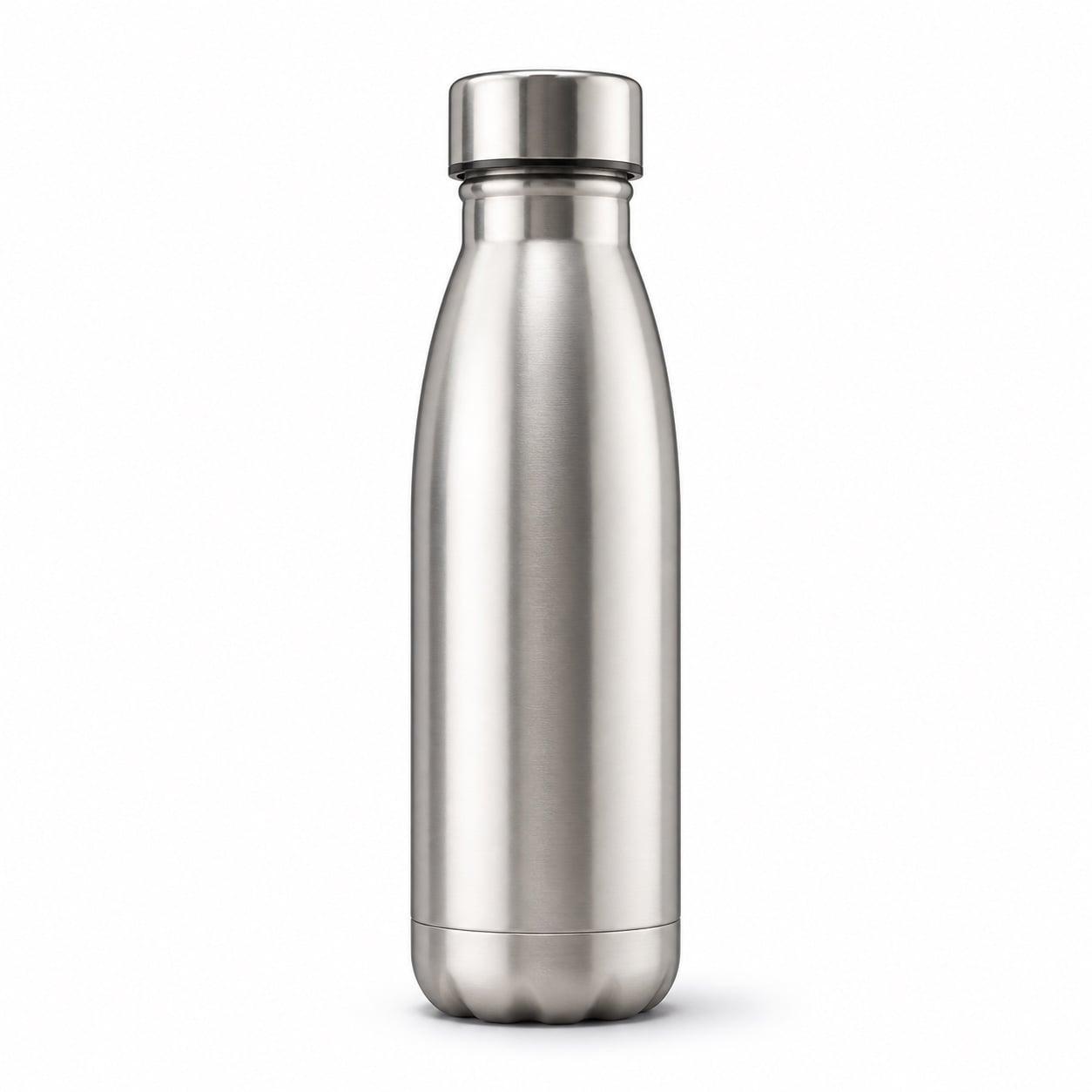
1. White-background product shot
Best for Amazon listings, Shopify product pages, and clean product-page videos. The subject is clear, so the AI has an easier time preserving shape, color, and logo.
Prompt:
Clean white-background product showcase video. The product slowly rotates, camera pushes in smoothly, preserve the brand logo, color, packaging shape, and material accurately. Amazon listing ready.
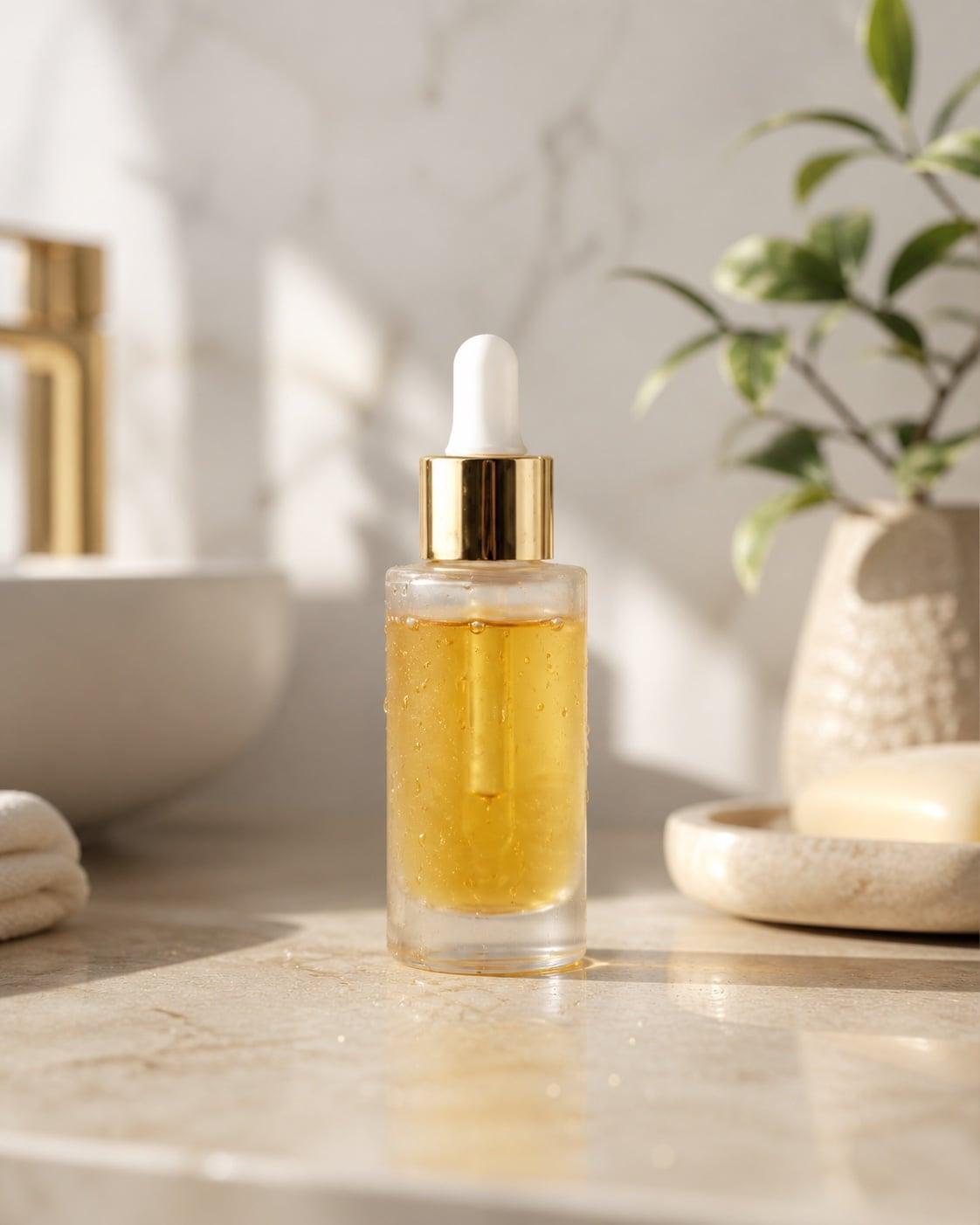
2. Lifestyle product image
Best for Shopify hero motion, Meta ads, and brand videos. The scene gives the AI context for lighting, mood, and use case.
Prompt:
Product placed in a premium lifestyle setting, soft natural light, slow camera push-in, emphasize texture and use case, leave clean negative space for headline overlay.
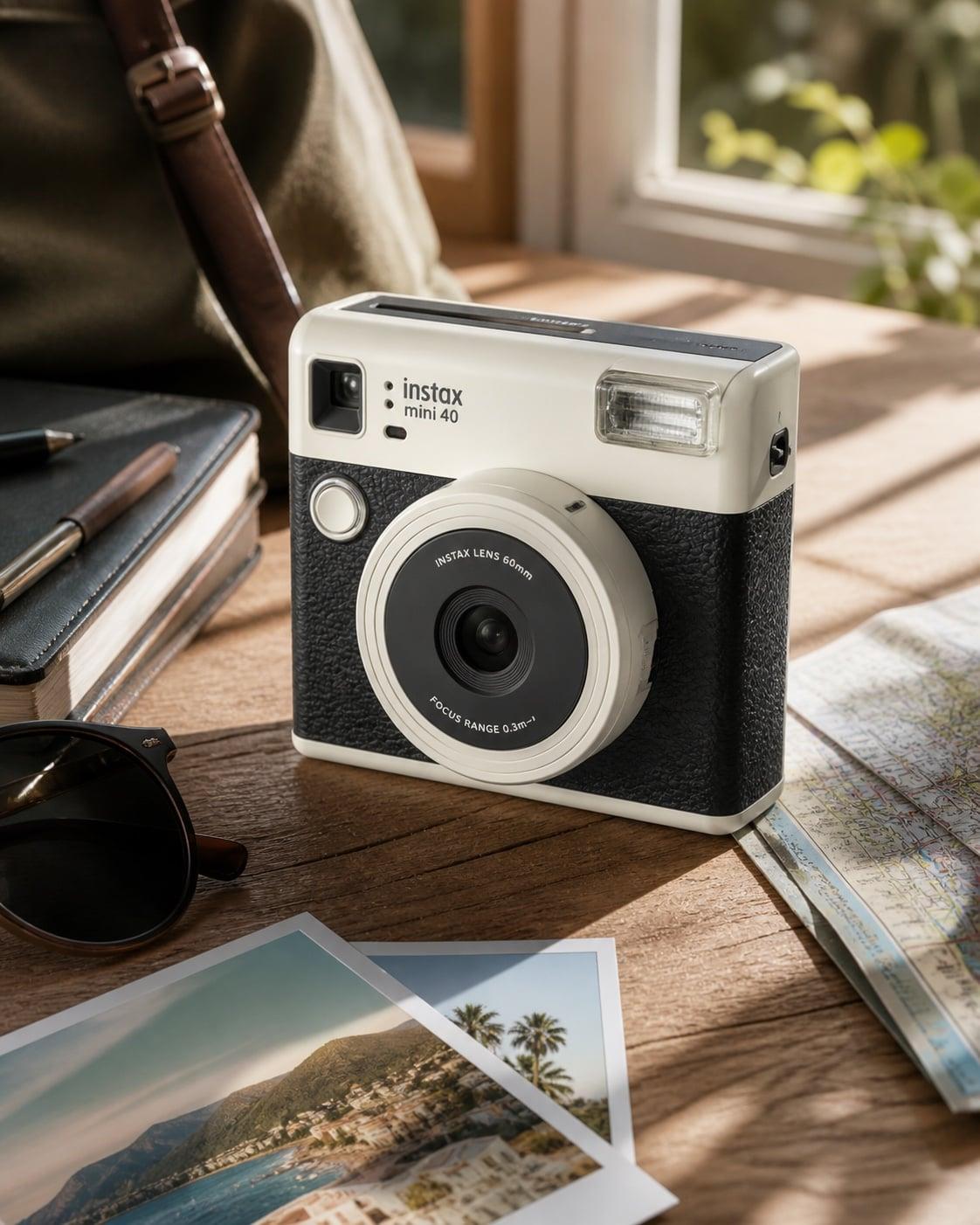
3. Phone or tabletop image
Best for UGC-style demos, TikTok Shop, and unboxing hooks. It may look less polished, but it feels closer to real creator content.
Prompt:
Phone-shot product unboxing demo, slight handheld camera movement, product enters the frame on a tabletop, natural light, authentic creator recommendation style.
Step 2: Pick the campaign job first
Do not start with "make it cinematic." Start with where the video will be used.
| Use case | Ratio | Duration | Motion focus | Tool |
|---|---|---|---|---|
| TikTok Shop launch hook | 9:16 | 3-8s | Fast entrance, light sweep, 3-second attention grab | Product Photo to Video |
| Amazon listing video | 1:1 / 16:9 | 8-15s | Spin, packaging, material detail | Product Photo to Video |
| Shopify hero video | 16:9 / 4:5 | 6-12s | Slow push-in, premium light, headline space | Product Photo to Video |
| Meta retargeting | 1:1 / 4:5 | 6-10s | Benefit focus, background variants, fast pacing | Product Photo to Video |
The current page already turns these jobs into presets such as Lifestyle Scene, Ad Ready, Unboxing Demo, Marketplace Listing, and UGC Hook. Start with the closest preset, then edit the prompt.
Keyword map for ecommerce sellers
If you are testing paid search or building SEO pages, do not start with broad terms like "AI video generator." Product sellers usually search with a job in mind, and those searches map more cleanly to ad-ready outputs.
| Search intent | Long-tail query examples | Best first output |
|---|---|---|
| Shopify product video | Shopify product video generator, product photo to Shopify video | 16:9 or 4:5 hero motion with clean headline space |
| Amazon listing video | Amazon product video from photo, Amazon listing video AI | 1:1 or 16:9 product spin with packaging and detail close-ups |
| TikTok Shop ad creative | TikTok product video maker AI, product photo to TikTok video | 9:16 scroll-stopper with a fast hook in the first 3 seconds |
| Retargeting creative | AI product video maker, product video ads AI | 1:1 or 4:5 benefit-focused variants from the same product image |
The Product Photo to Video page is the hub for these queries. Use this guide as the supporting workflow article for searches such as "how to turn product photos into video ads" and "best AI product video generator for ecommerce."
Step 3: Use the current workspace controls
The Product Photo to Video page exposes the practical controls in one place:
- Product image upload
- Prompt box
- Aspect ratio, duration, resolution, and clip count
- Public/private visibility
- Sound toggle
- Model picker, currently including options such as Kling 3.0
- Ecommerce presets such as Lifestyle Scene, Ad Ready, Unboxing Demo, Marketplace Listing, and UGC Hook
- Live credit cost on the Generate button
Recommended order:
- Upload a clear product image.
- Choose the ratio for the target channel.
- Test with 1 clip and a short duration.
- If the product remains stable, increase quality or clip count.
- Generate 3-5 variants for the same product benefit before judging performance.
Copy-ready prompt templates
TikTok scroll-stopper
Product emerges quickly from a dark background, fast camera push-in, light sweep across the key benefit area, paced like a TikTok opening ad. Preserve the product shape, color, and logo accurately. End on one clean product frame.Amazon listing video
Clean white-background product showcase video, slow 360-degree rotation, product and packaging in frame, stable camera, close-ups of material, scale, and key details. Amazon listing ready.Shopify hero motion
Premium brand hero video, product in a lifestyle environment, soft natural light, slow push-in, simple background, clean negative space on the left for headline text, polished ecommerce look.UGC demo
Authentic phone-shot creator demo, product placed on a tabletop, slight handheld movement, natural camera approach, unboxing or daily recommendation style, believable and not overly polished.Seasonal promo
Seasonal promo ad style, product pops against a high-contrast background, colorful light effects, quick camera cuts for a limited-time discount ad. Preserve product accuracy and end on a clean product frame.A practical 30-minute workflow
0-5 minutes: Prepare images
Pick one white-background product shot and one lifestyle image. If you only have a pack shot, use it first and generate background variants.
5-15 minutes: Generate the first round
In Product Photo to Video, create:
- 1 TikTok 9:16 hook
- 1 Amazon / Shopify listing video
- 1 UGC-style demo
The first round is not about perfection. It is about checking product stability and campaign fit.
15-25 minutes: Make variants
Take the strongest direction and change:
- Background: white, dark, lifestyle
- Camera: spin, push-in, slide-in, detail close-up
- Pace: fast hook, stable showcase, soft brand motion
25-30 minutes: Map outputs to channels
| Version | Use |
|---|---|
| 9:16 fast hook | TikTok Shop / Reels cold traffic |
| 1:1 stable showcase | Amazon / Shopify product page |
| 4:5 benefit focus | Meta retargeting |
Common mistakes
- Asking for too much in one video. One clip should serve one job: hook, showcase, demo, or promo.
- Forgetting product preservation. Always say to preserve shape, color, logo, and packaging.
- Using a tiny product in the frame. If the product is too small, the AI has more room to reshape it.
- Testing with expensive settings first. Start short and simple, then render final quality.
- Generating only one version. Ads need variants; one clip rarely tells you the winning angle.
Start producing
Open ImageToVideoAI Product Photo to Video, upload a pack shot or lifestyle image, and generate three campaign directions first. You do not need to film a full product ad before knowing what angle sells. Use AI to find the motion language, then invest where the data points.
See also
Author

Categories
Why product photo to video deserves its own workflowStep 1: Choose the right input image1. White-background product shot2. Lifestyle product image3. Phone or tabletop imageStep 2: Pick the campaign job firstKeyword map for ecommerce sellersStep 3: Use the current workspace controlsCopy-ready prompt templatesTikTok scroll-stopperAmazon listing videoShopify hero motionUGC demoSeasonal promoA practical 30-minute workflow0-5 minutes: Prepare images5-15 minutes: Generate the first round15-25 minutes: Make variants25-30 minutes: Map outputs to channelsCommon mistakesStart producingSee also
More Posts
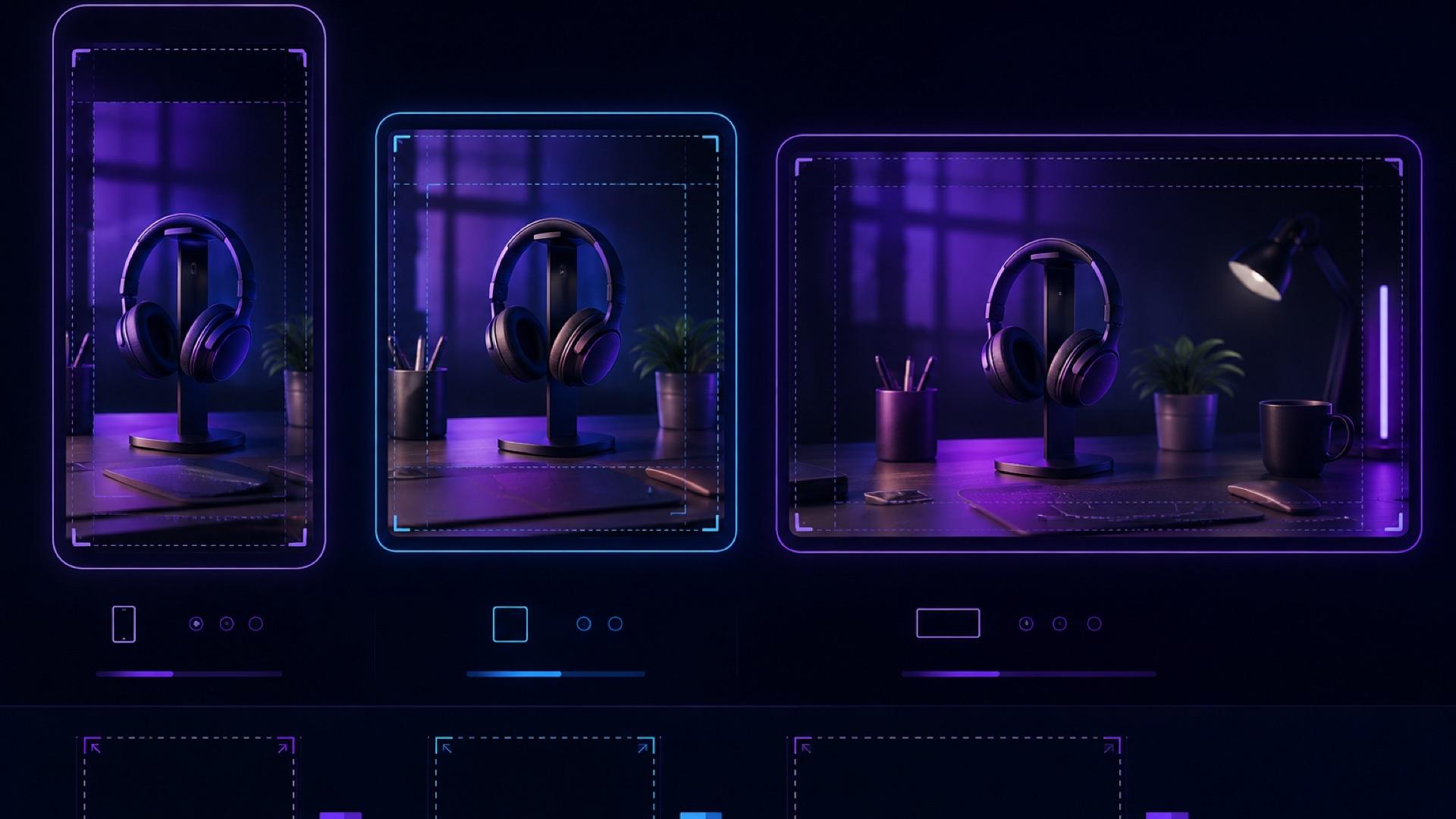
AI Video Aspect Ratio Guide: Safe Zones for Reels, Shorts, and Widescreen
A practical guide to AI video aspect ratios, safe zones, and reframing for TikTok, Reels, Shorts, feeds, and widescreen delivery.
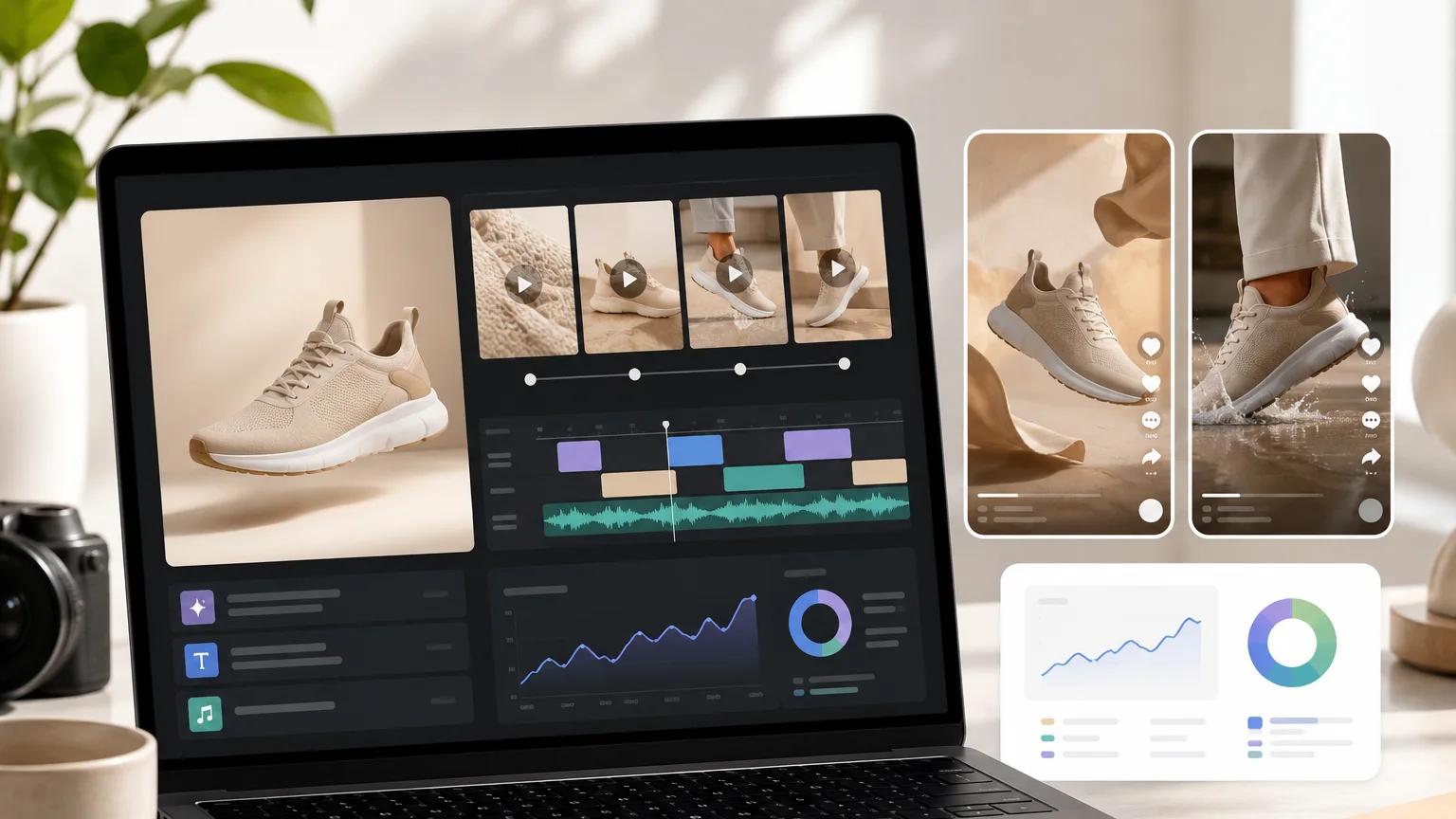
Ecommerce product video ads: a testing workflow from one product photo
A repeatable testing workflow for ecommerce product video ads — turn one product photo into a shot matrix, prompt angles, naming system, and QA checklist you can iterate on weekly.
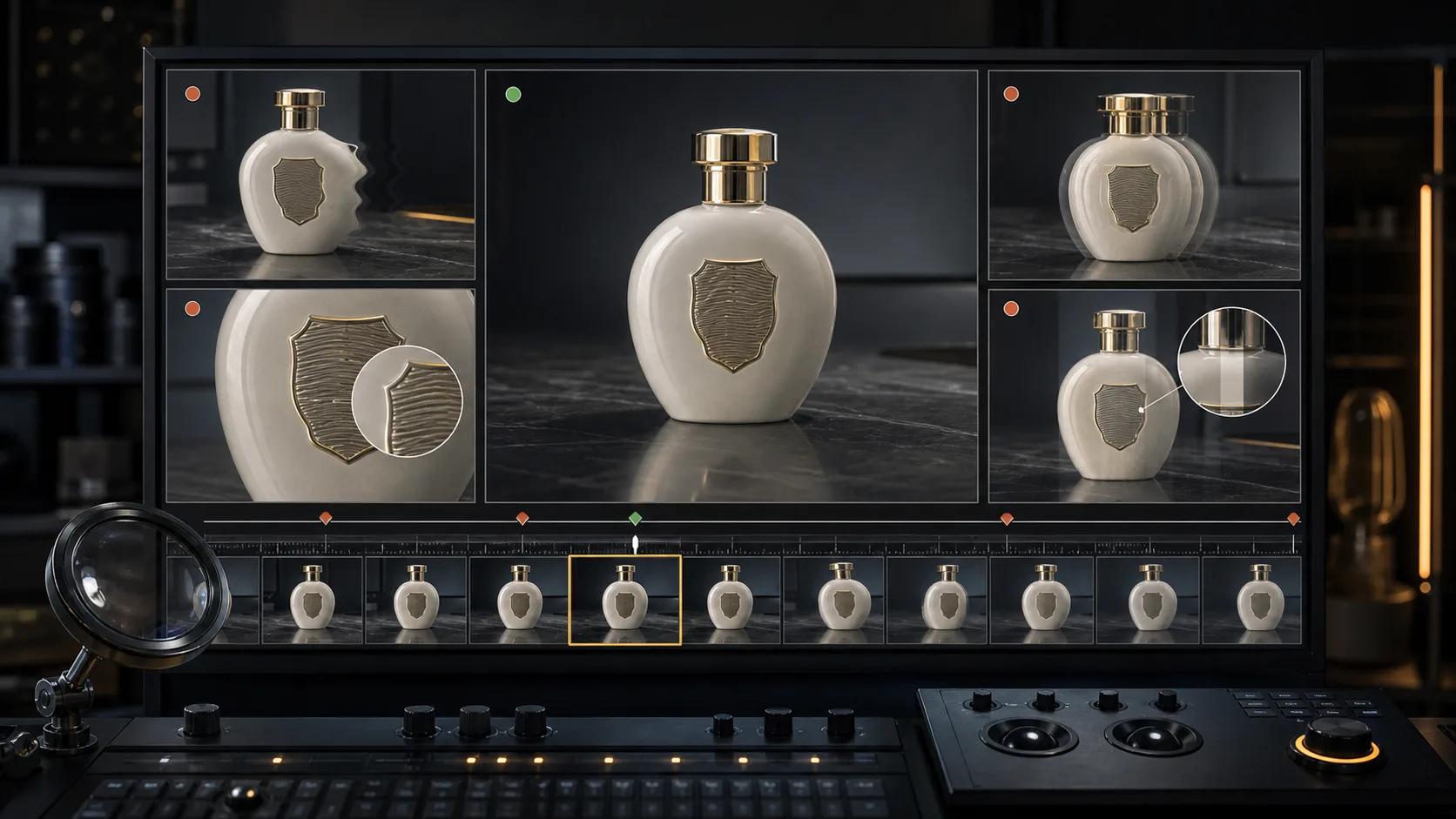
AI video artifact troubleshooting: diagnose, fix, or regenerate
A practical decision guide for fixing face drift, object deformation, unwanted camera motion, flicker, broken text, and other image-to-video artifacts.
Newsletter
Join the community
Subscribe to our newsletter for the latest news and updates