Preserve Subject Continuity
Keep core subject identity and scene continuity while rewriting visual style and camera language.
First subscription · First month 35% off / first year 25% off
Use the AI Video to Video Generator to transform existing footage for style, motion, camera language, or enhancement. Each model keeps its own input requirements.
VIDEO TO VIDEO WORKFLOW
Keep your original subject and use prompts to control style, camera language, and pacing.
CORE CAPABILITIES
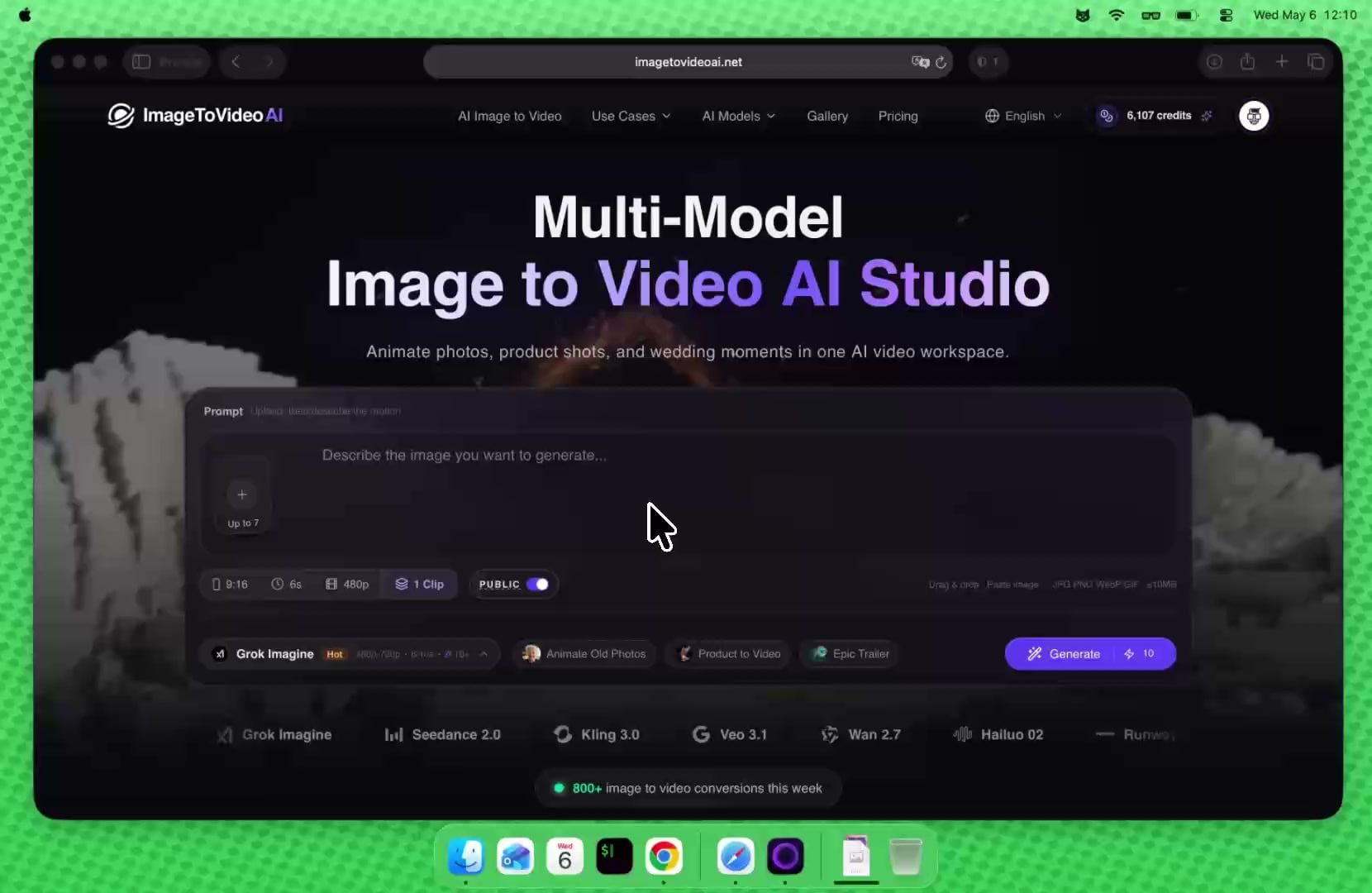
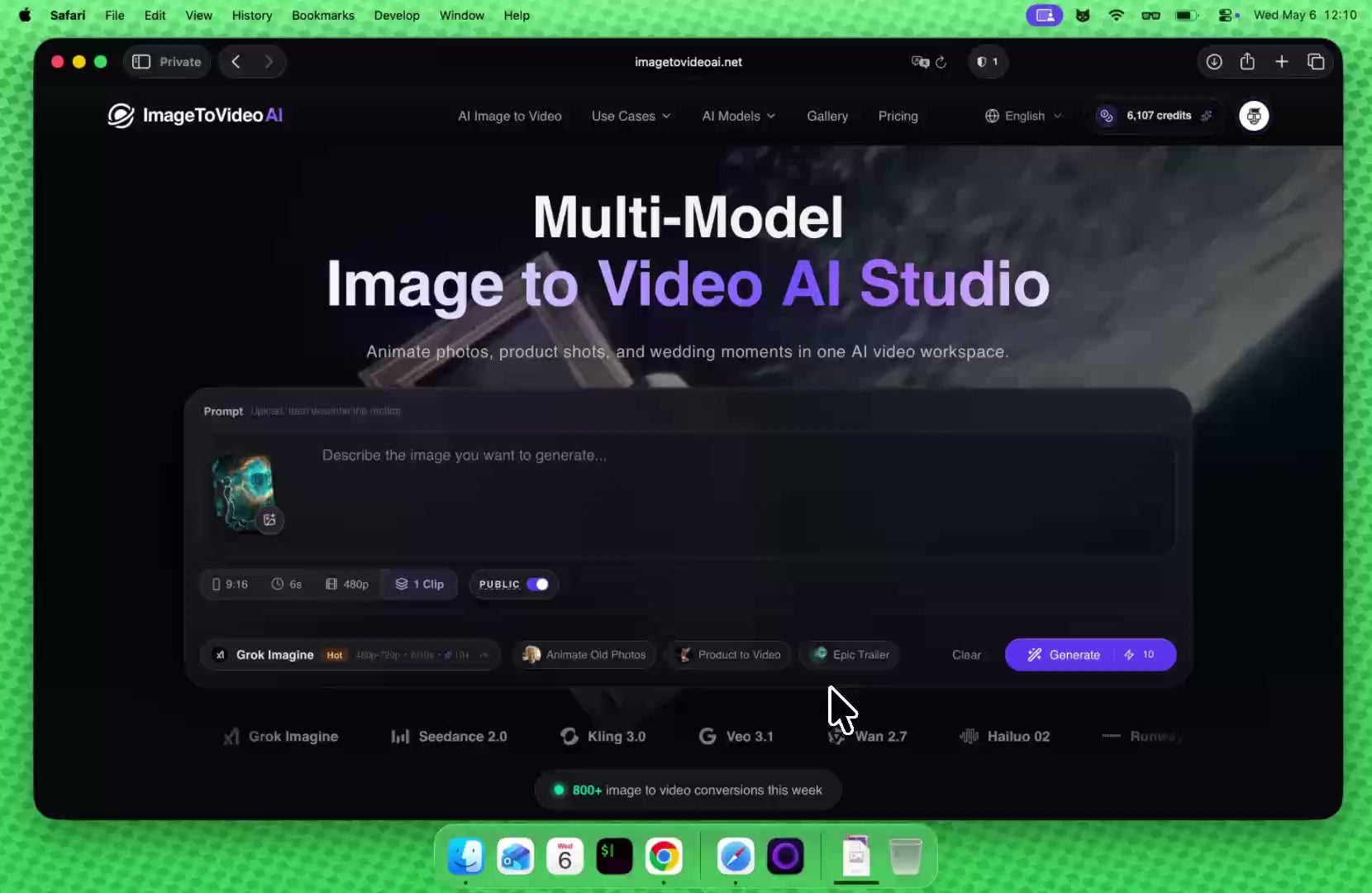
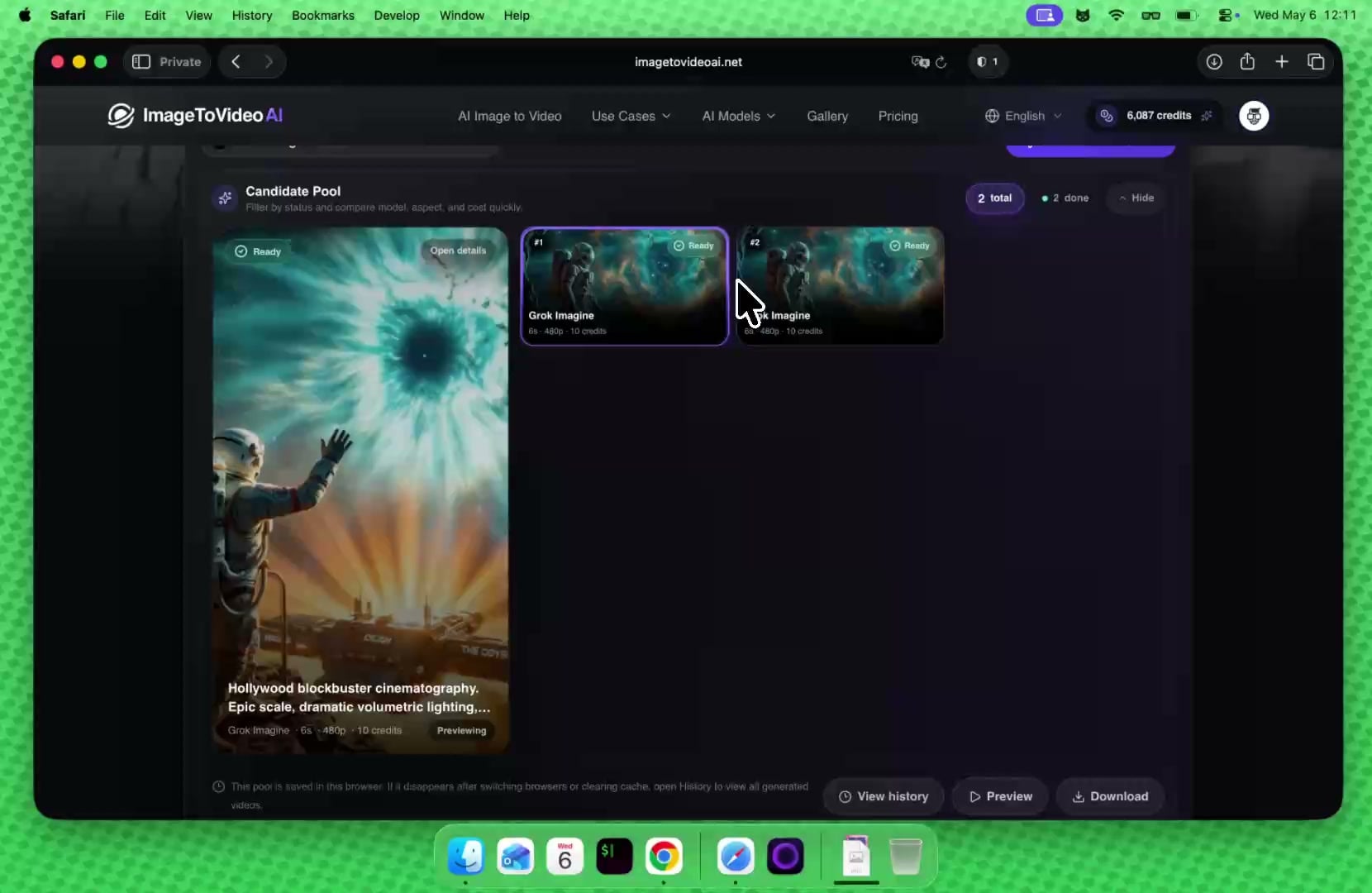
This page is semantically focused on “upload video + model transformation” and separates prompt restyling, motion control, and enhancement across ImageToVideoAI supported video-to-video workflows.
Keep core subject identity and scene continuity while rewriting visual style and camera language.
Use plain-language prompts to control motion, lighting, pacing, and mood without reshooting footage.
ImageToVideoAI supports upload-video transformation with Wan 2.7/Wan 2.6, video plus reference image workflows with Seedance 2.0 and HappyHorse, and motion control with Kling 3.0/2.6.
Iterate prompts in the same workbench and quickly compare multiple transformation directions.
SCENARIO TEMPLATES
These scenarios break prompt writing into practical preserve/change structures you can reuse immediately.
Generate multiple tonal variants from one product video for paid-media A/B testing.
Prompt example
Preserve product and framing, convert to high-contrast commercial lighting, faster pacing
Convert neutral footage into cinematic, anime, or futuristic visual styles for stronger retention.
Prompt example
Keep original motion path, convert to anime rendering with soft edge lines
Normalize mixed-source videos into one consistent brand color and camera signature.
Prompt example
Unify to warm brand palette, lower-saturation background, sharpen primary subject
Repurpose older videos with prompt-based transformation instead of reshooting for new campaigns.
Prompt example
Preserve actor motion, shift to neon night mood with slow camera push-in
Upgrade tutorial visuals without changing the script to improve perceived production quality.
Prompt example
Keep instructional pacing, enrich lighting depth, add subtle depth-of-field
Create style-specific versions from one source clip to match different social audience preferences.
Prompt example
Keep subject and motion, increase color punch and first-second visual hook
INPUT REQUIREMENTS
Video to Video is not a single-model surface. Wan focuses on upload-video transformation, Seedance 2.0 and HappyHorse support video plus reference image conversion, and Kling 3.0/2.6 Motion Control uses video plus reference image for motion control; all belong to video-to-video, but their input contracts must stay separate.
Supported formats
MP4, QuickTime, Matroska
File size
Up to 10MB per video
Video count
One source video upload per generation
Supported models
Wan 2.7, Seedance 2.0, HappyHorse, Kling, Wan 2.6
Parameter differences
Kling 3.0/2.6 needs video + reference image and still belongs to video-to-video
One subscription for all current image and video AI models: text-to-image, image-to-image, image-to-video, and text-to-video.
Unlock premium AI models for images and video at 50% OFF before midnight.
Estimated at 15 credits per short video and 5 credits per image; actual usage varies by model, resolution, and duration.
Estimated at 15 credits per short video and 5 credits per image; actual usage varies by model, resolution, and duration.
Estimated at 15 credits per short video and 5 credits per image; actual usage varies by model, resolution, and duration.
Estimated from 20 welcome credits; daily visits can claim 5 more credits for light tests.
AI Tools Workspace
Video to video is for transforming existing footage. After restyling footage, continue into image generation, image editing, image upscaling, or video enhancement.
AI Video to Video FAQ