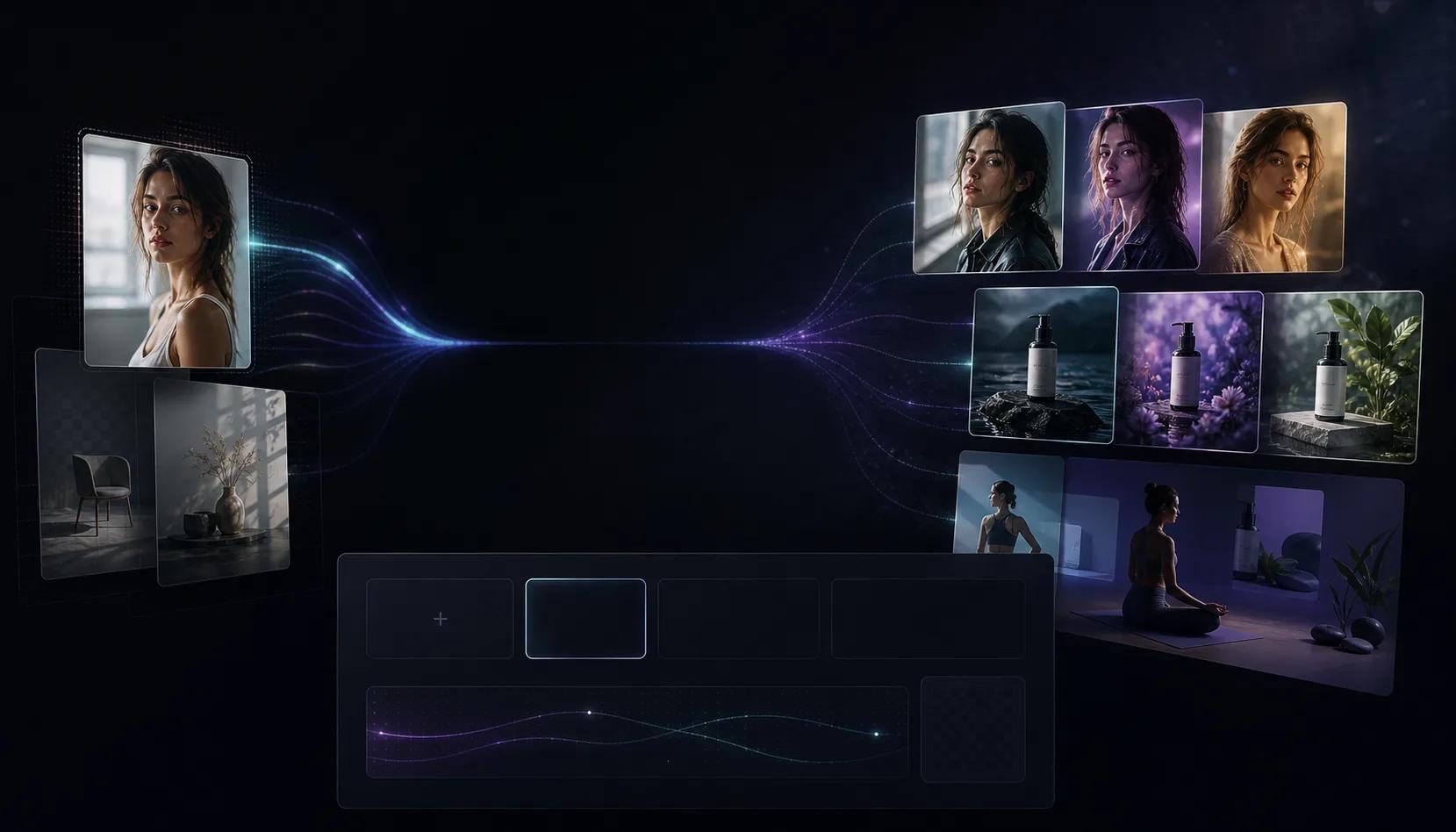
Reference-based editing
Upload a source image and direct the model around composition, subject, product, or scene changes.
First subscription · First month 35% off / first year 25% off
Use the AI Image to Image Generator to upload a reference, describe the change, and create polished edits, remixes, and variants.
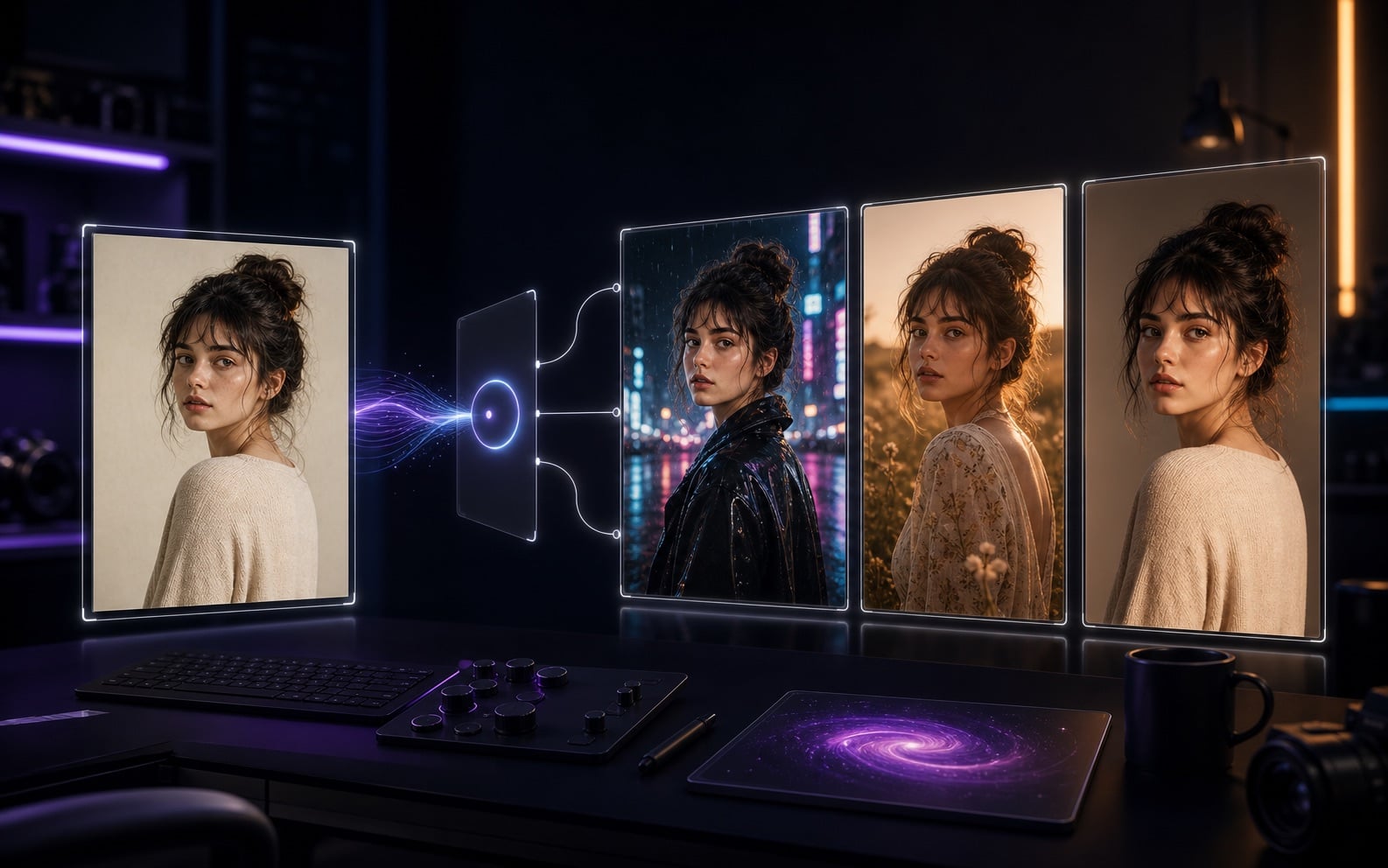
AI Image to Image Workflow
AI Image to Image is built for source images that need a second pass: product background changes, portrait restyling, ad creative variants, character consistency, and turning rough concepts into finished visuals. Upload JPG, PNG, or WebP, then describe what to preserve and what to change.
Upload a source image and direct the model around composition, subject, product, or scene changes.
Turn photos into cinematic visuals, illustrations, ad images, product renders, or brand-consistent designs.
Generate multiple edits and compare background, detail, subject fidelity, and commercial usability.
Improve the image before moving into image-to-video or video-to-video workflows.
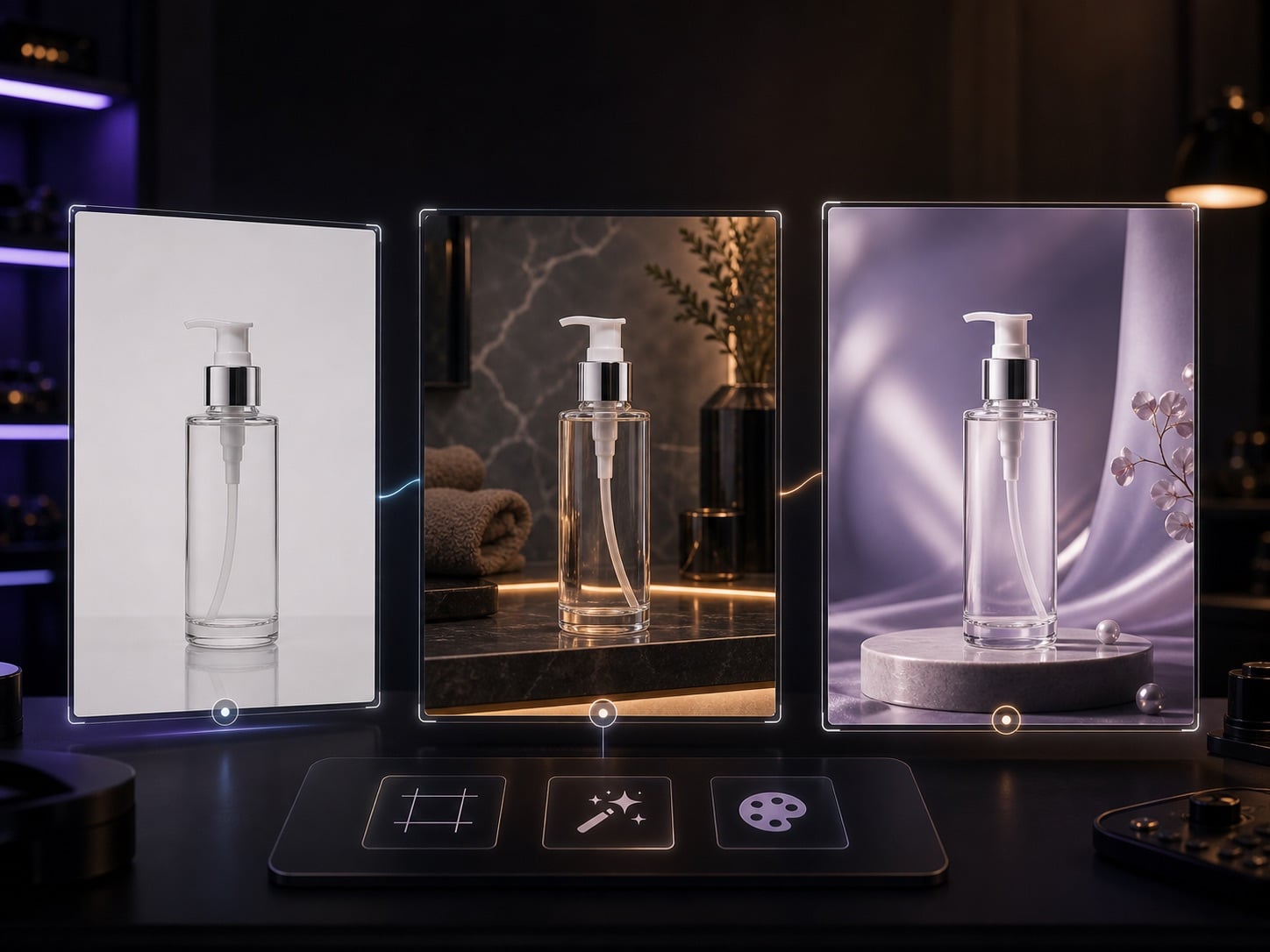
Turn supplier images, phone shots, or white-background product photos into visuals for ads, PDPs, and social posts.
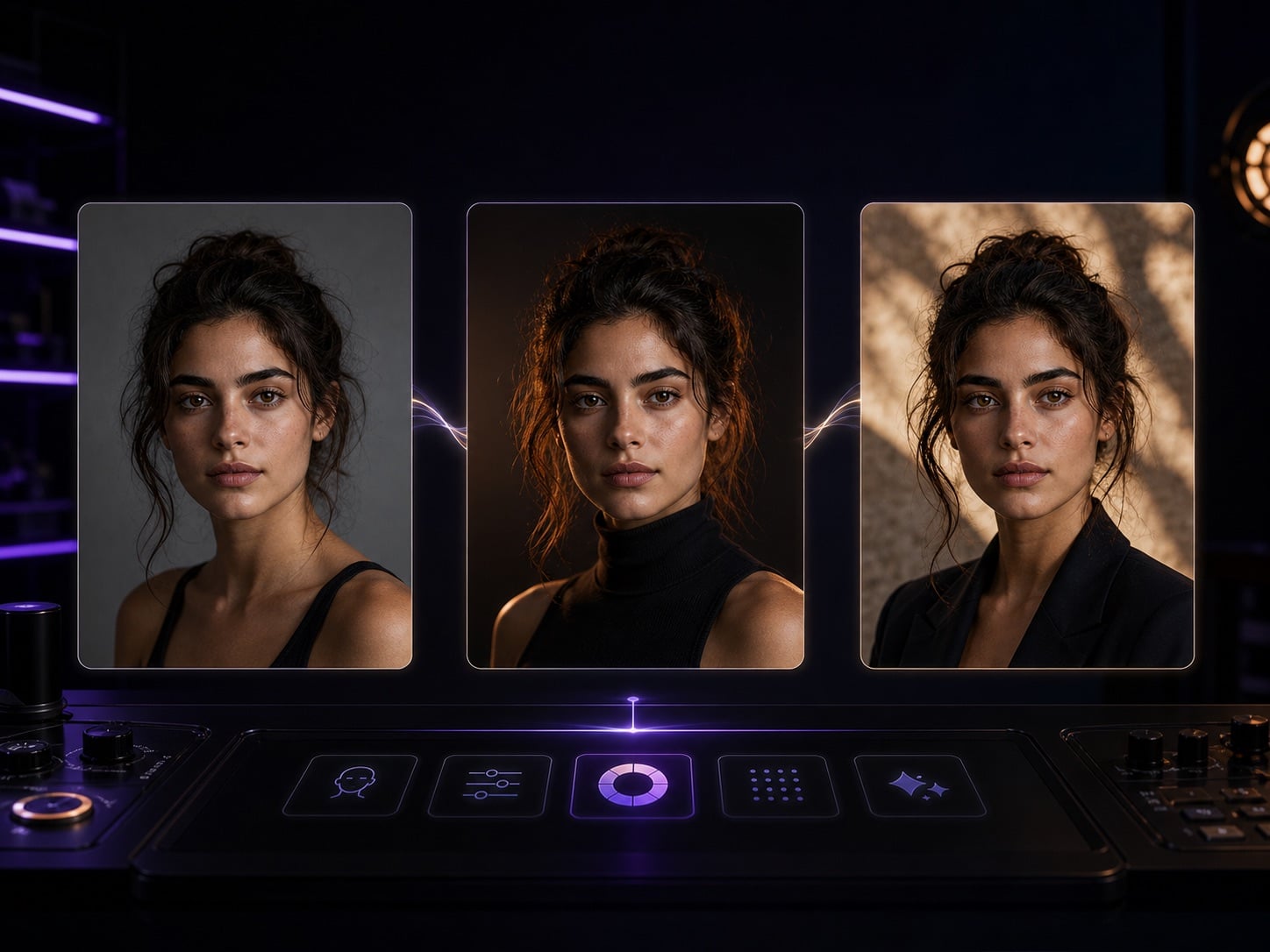
Preserve identity and expression while changing lighting, wardrobe, background, style, and platform crop.
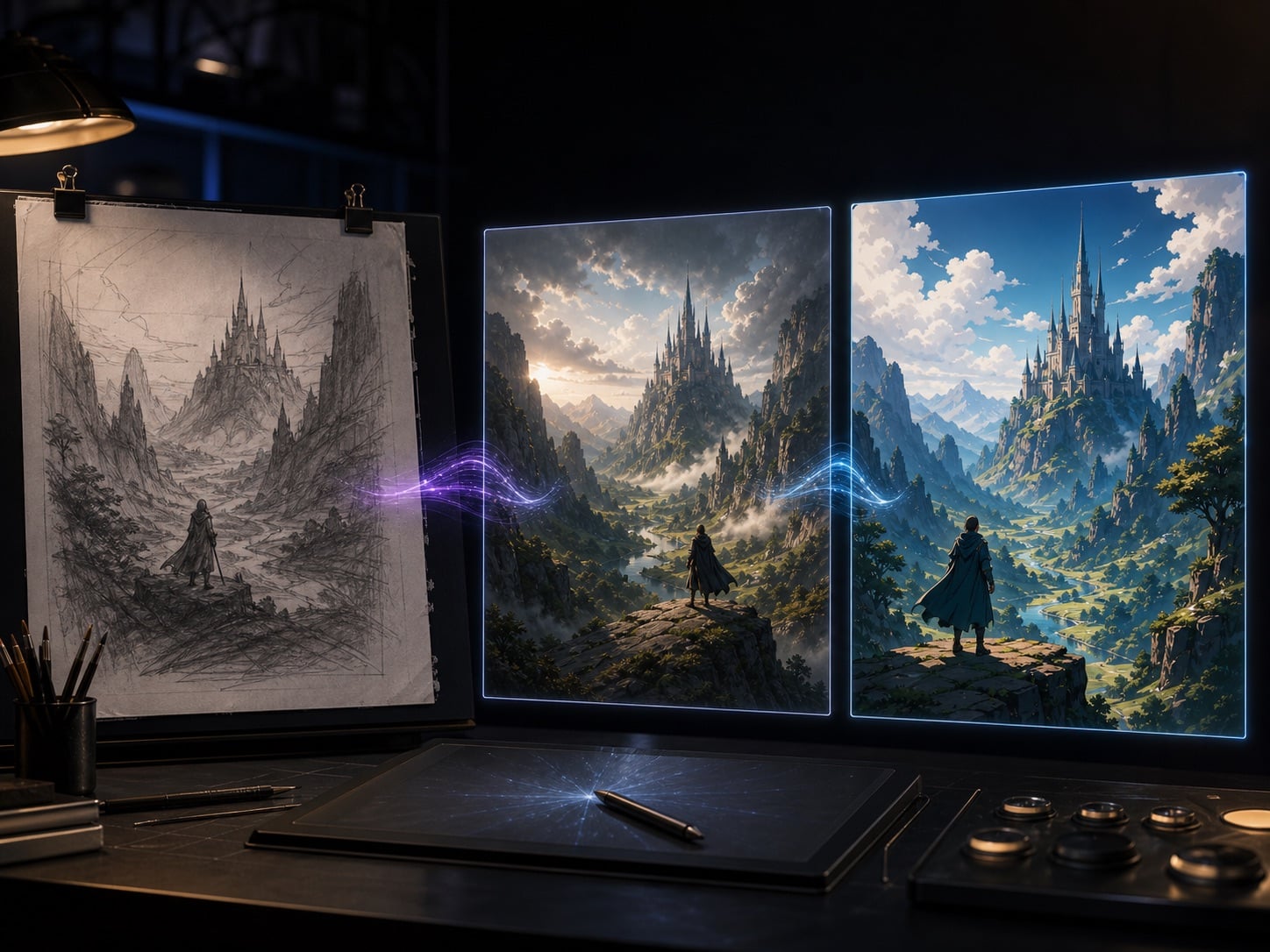
Refine rough AI sketches, screenshots, or inspiration images into publishable assets ready for testing or animation.
How It Works
Three steps to convert any image to video with AI — no editing skills or desktop software required.
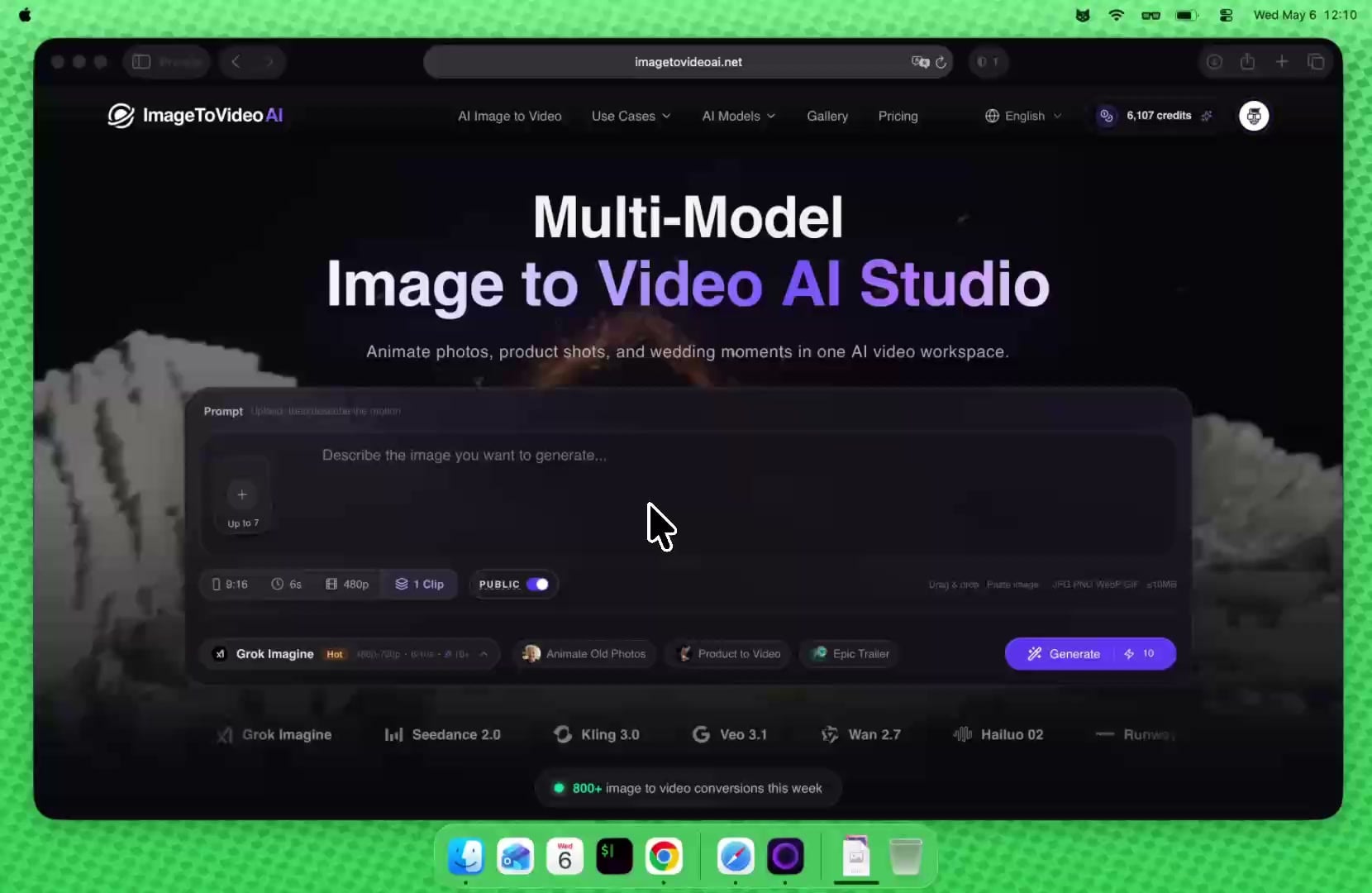
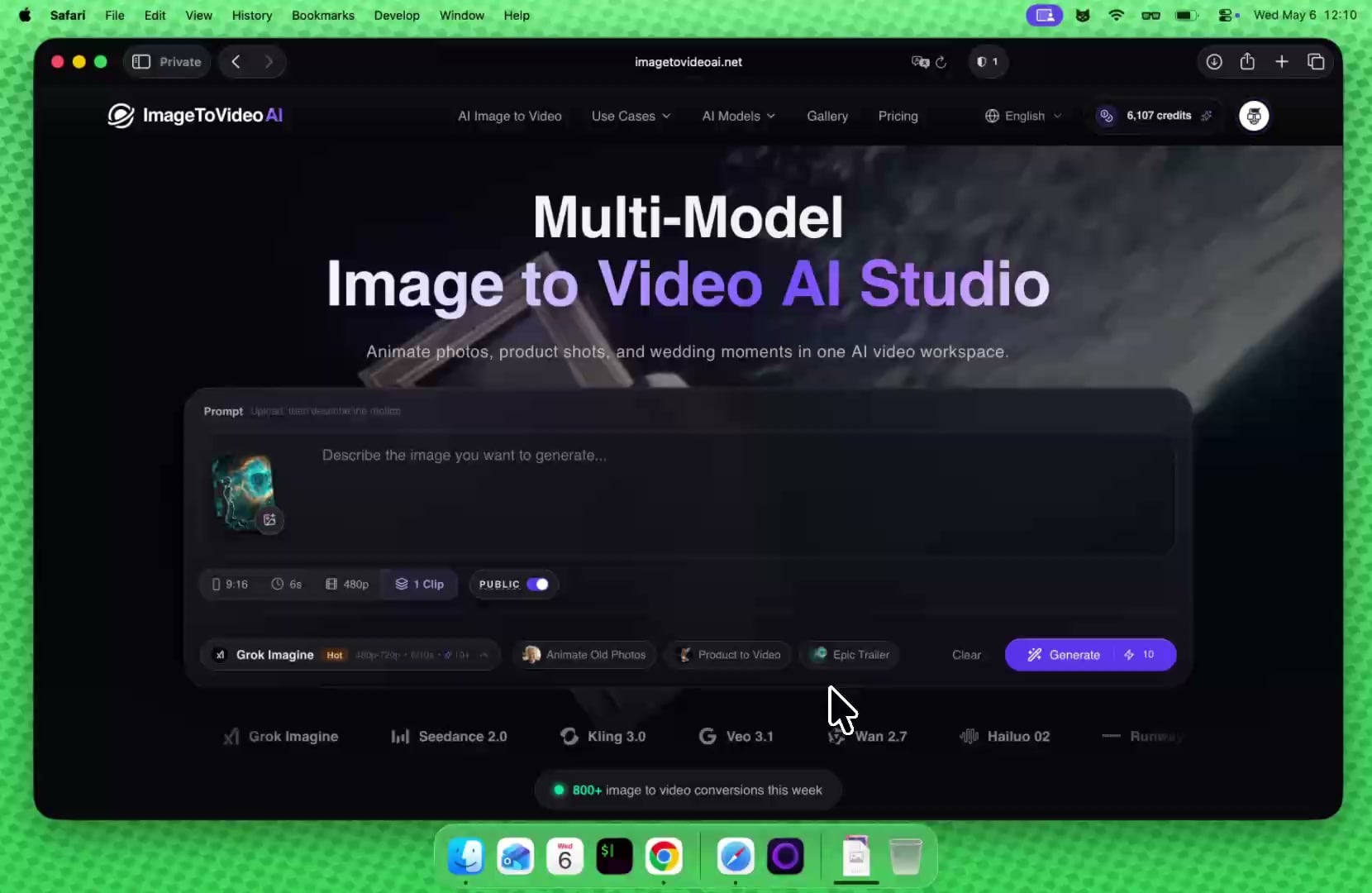
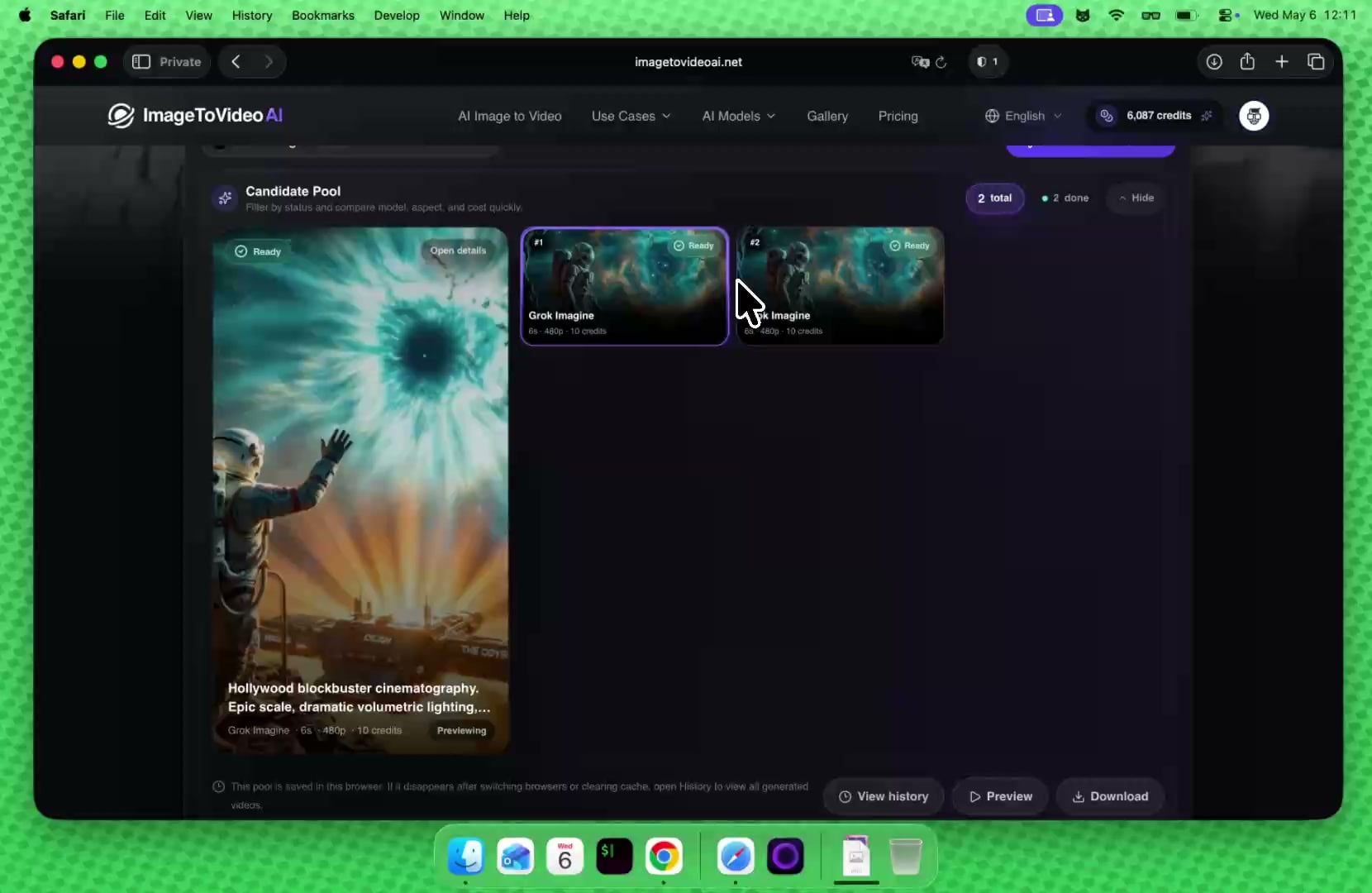
One subscription for all current image and video AI models: text-to-image, image-to-image, image-to-video, and text-to-video.
Unlock premium AI models for images and video at 50% OFF before midnight.
Estimated outputs are for reference only and calculated from benchmark medians (39 credits for lowest tier across 23 video models; 6 credits across 62 image models); actual usage is not a fixed rate and varies by model, tier, and duration.
Estimated outputs are for reference only and calculated from benchmark medians (39 credits for lowest tier across 23 video models; 6 credits across 62 image models); actual usage is not a fixed rate and varies by model, tier, and duration.
Estimated outputs are for reference only and calculated from benchmark medians (39 credits for lowest tier across 23 video models; 6 credits across 62 image models); actual usage is not a fixed rate and varies by model, tier, and duration.
AI Tools Workspace
Choose the next step by the asset you have now: animate cleaned images, upscale weak sources, or transform existing footage.
FAQ
Create AI videos from photos and prompts, compare models, and generate using your available credits.