Loading
2026/07/27
The AI Video Storyboard Playbook: From Images to a Shot-Ready Sequence
Build an AI video storyboard from still images with a six-shot template, continuity rules, prompt cards, versioning, and a practical QA checklist.
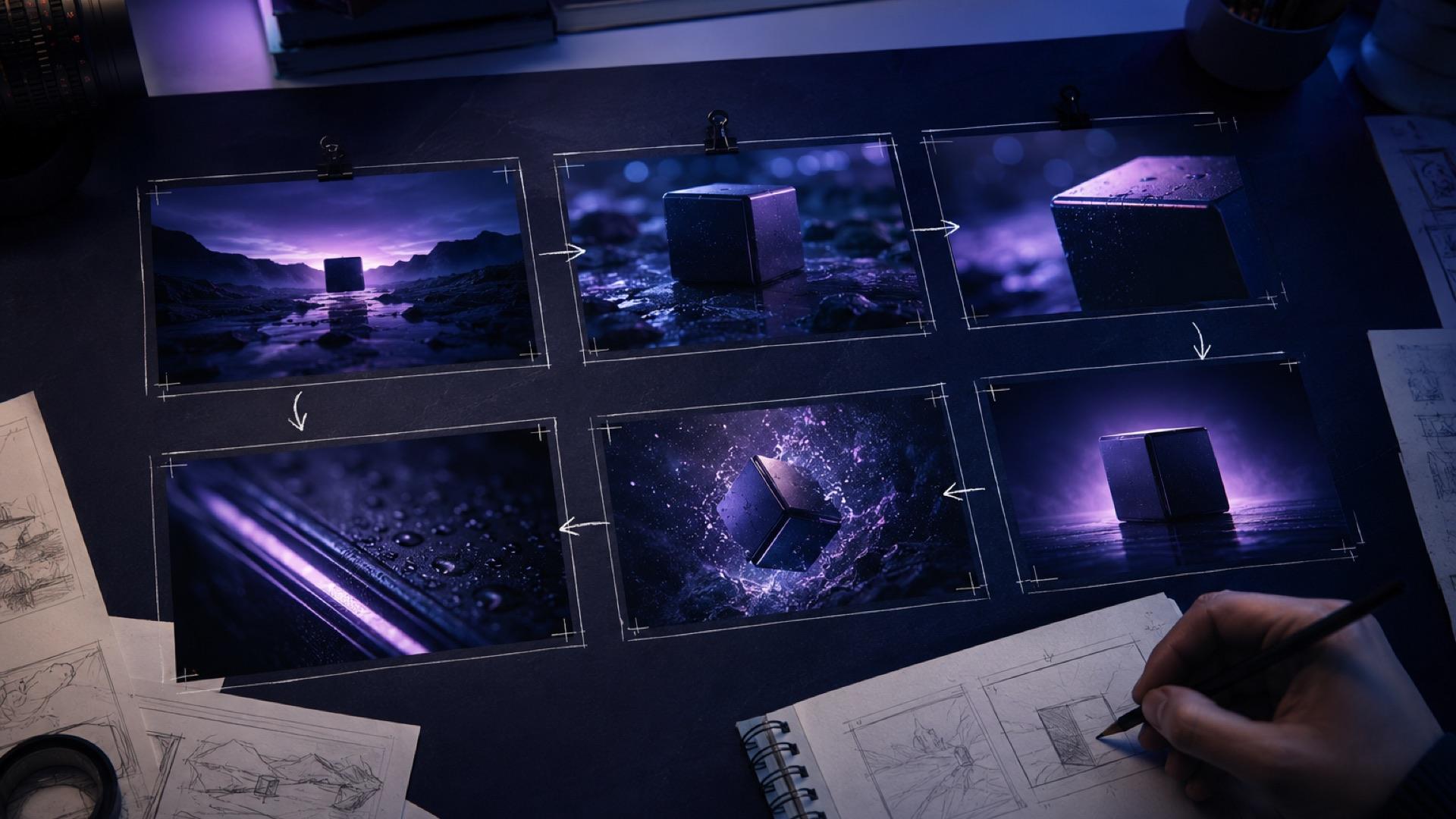
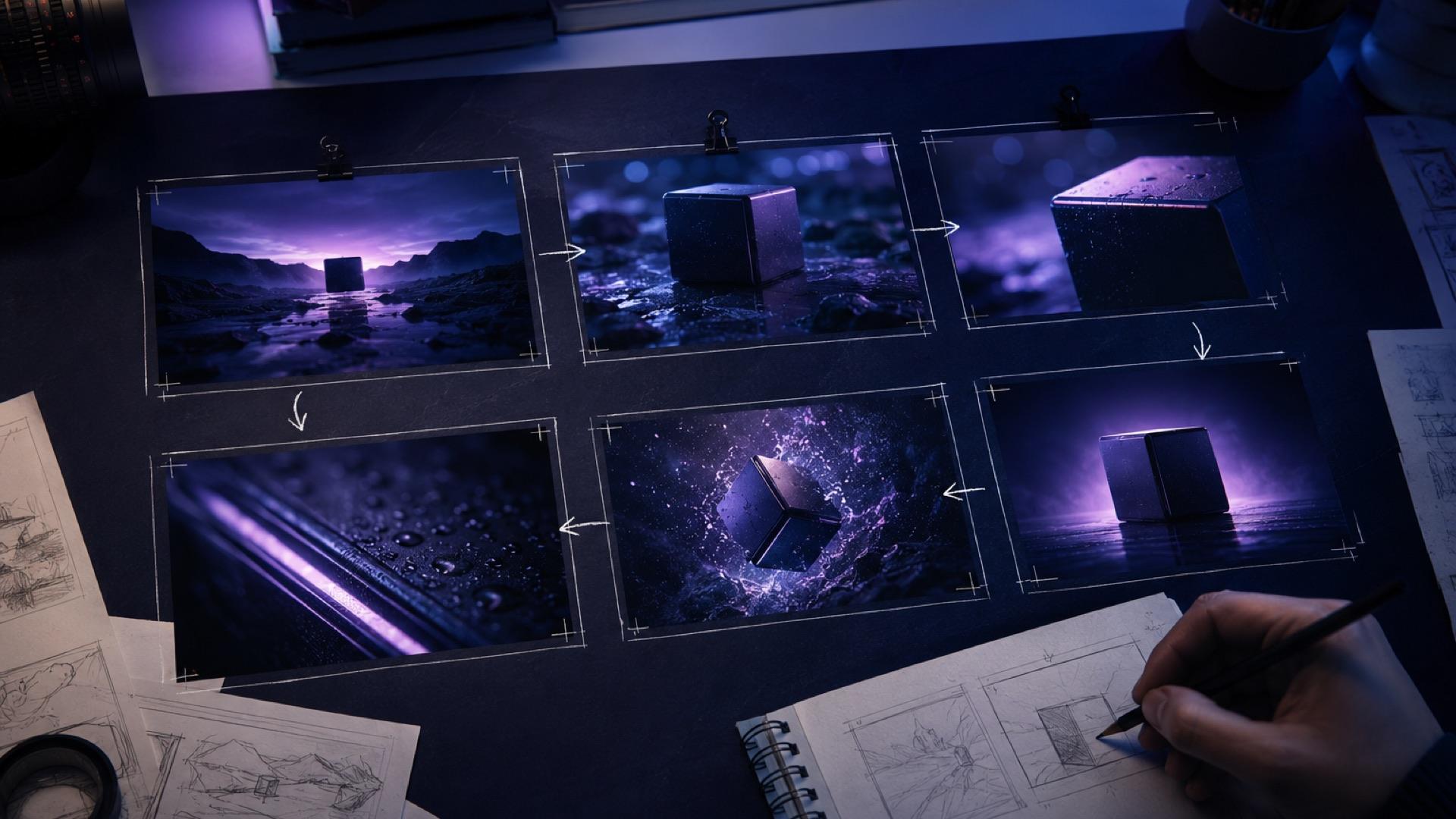
Many image-to-video failures begin before generation. One clip looks good by itself, but it collides with the next because the light shifts, the camera reverses direction, or a prop moves between frames. An AI video storyboard prevents those problems by fixing the story beats, camera grammar, and continuity rules before you spend time generating variations.
This playbook is for creators, ecommerce marketers, filmmakers, and small teams turning still images into a short sequence with an image-to-video workflow. It uses durable filmmaking principles rather than depending on any one model's feature set. The recommendations improve control, but they cannot guarantee that a generative model will reproduce every detail perfectly.
Why a storyboard beats isolated prompts
Generating one clip, watching it, changing a few words, and moving to the next feels fast. It often creates expensive editing problems. Each shot is optimized without a shared reference, so wardrobe color drifts, the key light jumps sides, the subject's eyeline breaks, or every shot uses a different visual intensity.
A storyboard forces three useful commitments:
- What the sequence communicates: one overall promise and one beat per shot.
- How the camera behaves: a limited set of moves that supports the message.
- What must remain consistent: subject identity, product geometry, wardrobe, light direction, environment, props, and screen direction.
Once these are recorded, every prompt becomes a controlled variation on a shared plan rather than an unrelated experiment.
Start with a one-sentence sequence brief
Before drawing frames, write a sentence that includes the subject, transformation, and ending:
A quiet morning product teaser moves from the full breakfast table to the mug's handmade texture, shows a hand lifting it, and resolves on a clean hero frame.
This sentence prevents scope drift. If a proposed shot does not establish the world, reveal a useful detail, advance the action, or deliver the ending, remove it.
Then list the assets you already have:
- wide environment image;
- medium product image;
- close-up texture image;
- hand or person reference;
- final hero image;
- approved logo and text, to be added in editing where accuracy matters.
Missing assets become visible before generation begins.
The six-shot AI video storyboard template
Six shots are enough for many short ads, teasers, explainers, and social posts. Treat the structure as a practical starting point rather than a rigid rule.
Shot 1: establish
Use a wide or medium-wide frame to locate the subject and set the mood. Keep motion restrained so the viewer can read the scene.
Shot 2: orient
Move closer or change to a compatible angle. Introduce the object or action that the sequence is about.
Shot 3: detail
Show texture, expression, mechanism, or craftsmanship. A close-up usually needs less motion than a wide shot because small deformations are easier to notice.
Shot 4: context or reaction
Reveal what the detail means: a hand uses the product, a person reacts, or the surrounding environment changes.
Shot 5: motion beat
Place the sequence's most energetic move here—a reveal, tracked action, or lift. One peak feels intentional; making every shot equally dynamic creates visual noise.
Shot 6: resolve
Return to a clean hero composition. Slow the motion and leave space for an approved CTA, logo, or title added during editing.
Choose camera language deliberately with the AI video camera movements guide.
Turn the frames into an AI video shot list
Fill one row per shot before writing detailed prompts.
| # | Beat | Framing | Camera move | Target duration | Source image | Continuity anchor |
|---|---|---|---|---|---|---|
| 01 | Establish | Wide | Locked or slow drift | 3.0s | 01-wide.jpg | Warm key light from camera-left |
| 02 | Orient | Medium-wide | Slow push-in | 2.5s | 02-medium.jpg | Same table and product position |
| 03 | Detail | Close-up | Slight dolly-in | 2.0s | 03-detail.jpg | Exact glaze and rim shape |
| 04 | Context | Medium | Locked, hand enters | 2.0s | 04-hand.jpg | Hand enters from screen-right |
| 05 | Motion beat | Medium-wide | Track left to right | 3.0s | 05-lift.jpg | Mug travels screen-right |
| 06 | Resolve | Wide hero | Slow pull-back | 3.5s | 06-hero.jpg | Match Shot 01 light and environment |
The durations are planning targets, not guarantees. Adjust them to the story and the controls available in your generation workflow.
Lock visual continuity
Continuity is the viewer's belief that adjacent shots share the same world. Write the following rules at the top of the storyboard so they are visible while reviewing every result.
Light direction
Choose the dominant light position and quality: “soft warm window light from camera-left, gentle shadow to camera-right.” Keep it consistent unless the story deliberately changes time or location.
Color temperature numbers can be useful on a film set, but a prompt may not reproduce a precise Kelvin value. A visible description is often more reliable.
Screen direction and the 180-degree line
If a subject travels left to right, preserve that direction across connected shots. Draw an imaginary line through the action and keep the camera on one side until you include a neutral or motivated crossing shot.
Subject and product invariants
List identity-critical details:
- navy crewneck with no logo;
- off-white matte ceramic mug;
- one handle on the right;
- narrow dark rim;
- no printed text;
- light oak table with natural grain.
Specific invariants are easier to review than “keep everything consistent.”
Horizon and ground plane
Matched wide shots should not jump between a high and low horizon without a reason. Record the approximate camera height and angle in the shot list.
Motion budget
Label each shot still, subtle, moderate, or hero motion. This keeps the sequence from becoming six unrelated demonstrations of camera movement.
Generate in a risk-aware order
Story order is not always the best production order.
- Generate Shots 01 and 06 first. These wide anchors define the world and ending.
- Generate Shot 03. The detail reveals whether material, light, and product identity are stable.
- Generate Shots 02 and 04. These medium bridges connect the anchors and detail.
- Generate Shot 05 last. The most active shot usually carries the highest artifact risk, so tackle it after its neighboring references are established.
If a shot fails, classify the problem before changing the prompt. Determine whether the source is ambiguous, the motion is too ambitious, or the result is a random variation. Use the AI video artifact troubleshooting guide instead of changing every variable at once.
Use one prompt card per shot
A prompt card repeats the shot-list constraints and adds generation-specific detail. Use the same fields every time.
SHOT ID: 03-detail-v02
BEAT: Reveal the handmade glaze texture
SOURCE IMAGE: 03-detail.jpg
FRAMING: Close-up, mug rim centered
CAMERA: Slow, steady dolly-in; no orbit or roll
ACTION: Faint steam rises; product remains still
LIGHT: Soft warm key from camera-left; gentle shadow right
INVARIANTS: Off-white matte glaze, dark narrow rim, one handle
CONTINUITY: Match Shots 01 and 06 light direction
MOTION BUDGET: Subtle
DURATION TARGET: 2 seconds
REJECT IF: Rim changes shape, extra handle appears, texture flickers
The final line creates an objective review gate. Adapt more subject and motion phrasing from the AI image-to-video prompts guide.
Avoid relying on a long negative-prompt list. State the desired geometry and motion positively, then keep a short “reject if” list for human QA.
Name and version every generation
Never overwrite a result. Use sortable identifiers:
<shot-number>_<framing>_<beat>_v<version>.mp4
03_closeup_texture_v04.mp4
Keep:
- two-digit shot numbers;
- monotonic versions such as
v01,v02, andv03; - the source image beside the output;
- the exact prompt card in a sibling text or project note;
- a selection log recording why a take passed or failed;
- chosen takes copied into a
selectedfolder while originals remain available.
A useful log row is:
| Take | Change from previous | Result | Decision |
|---|---|---|---|
03_closeup_texture_v03 | Baseline | Rim bends near final frame | Reject |
03_closeup_texture_v04 | Reduced push-in | Geometry stable, steam clean | Select |
This makes iteration evidence-based.
Plan transitions before generation
Transitions are relationships between shots, so decide them on the storyboard.
Hard cut
Use this by default. When screen direction, subject position, and light are coherent, a hard cut is clear and energetic.
Match cut
Align a shape or action across the cut—for example, the circular mug rim in Shot 03 matches the same shape in a wider Shot 04. Design both frames for the match before generating.
Motivated dissolve
Use a dissolve to suggest elapsed time, memory, or a location change. It is not a universal fix for poor continuity.
Motion transition
Join shots with motion in the same direction. A tracked move exiting right can cut to a compatible movement entering from left while preserving the perceived direction of travel.
Do not ask the model to invent a complex morph between every shot. Generate stable clips first, then make editorial transition decisions with the complete sequence visible.
Worked example: a 16-second mug teaser
The brief is a quiet morning product story that ends on a clean hero frame.
- Shot 01, 3.0s: wide breakfast table, locked camera, mug right of center, warm window light from camera-left.
- Shot 02, 2.5s: medium-wide push-in, same angle and product position.
- Shot 03, 2.0s: close-up on the rim and glaze, faint steam, slight dolly-in.
- Shot 04, 2.0s: medium shot, hand enters from screen-right and grips the mug.
- Shot 05, 3.0s: camera tracks left to right as the mug is lifted.
- Shot 06, 3.5s: wide hero composition, slow pull-back, quiet space reserved for an editor-added tagline.
Generate in the order 01 → 06 → 03 → 02 → 04 → 05. Review each take against the same invariants: window light from the left, one right-side handle, matte off-white glaze, light oak table, and consistent movement toward screen-right.
If the hand in Shot 04 is unstable, first reduce the action and inspect the source. If the active Shot 05 still deforms the mug, replace the long track with a smaller lift and let the edit provide energy through a shorter cut.
QA the assembled sequence
Individual clips can pass while the edit fails. Put selected takes on a timeline and run four passes.
Continuity pass
- Does light remain on the same side?
- Do wardrobe, hair, product geometry, and props match?
- Does action preserve screen direction?
- Do matched wides share a believable horizon and camera height?
Motion pass
- Is there one clear movement per shot?
- Does energy build toward the motion beat and settle at the resolution?
- Does any camera move begin or stop abruptly?
- Are there repeated moves that make the sequence monotonous?
Artifact pass
- Check faces, hands, labels, logos, thin edges, reflections, and repeated parts.
- Scrub the first and last frames of every clip.
- Reject shape changes that would misrepresent a product.
- Add exact text and logos as controlled layers instead of trusting generated lettering.
Editorial pass
- Does each shot contribute new information?
- Can any shot be removed without harming the story?
- Do cuts land at natural action or audio points?
- Is the final CTA held long enough to read?
When the cut is ready for feedback, collect timestamped comments with the AI video review and delivery workflow.
A reusable production checklist
- Write the one-sentence sequence brief.
- Inventory source images and missing references.
- Fill the six-shot storyboard and shot list.
- Lock light, screen direction, invariants, and motion budgets.
- Create a prompt card and rejection rule for every shot.
- Generate wide anchors, detail, bridges, then the motion beat.
- Name every take and record one-variable changes.
- Select clips and assemble them in story order.
- Run continuity, motion, artifact, and editorial passes.
- Add exact graphics in editing and send a timestamped review link.
An AI video storyboard is not decoration added after generation. It is the shared constraint document that makes several clips feel directed. Models and interfaces will change, but shot purpose, visual continuity, controlled iteration, and honest QA remain useful. Plan those elements first, and a collection of still images has a much better chance of becoming one coherent sequence.
Author

Categories
Why a storyboard beats isolated promptsStart with a one-sentence sequence briefThe six-shot AI video storyboard templateShot 1: establishShot 2: orientShot 3: detailShot 4: context or reactionShot 5: motion beatShot 6: resolveTurn the frames into an AI video shot listLock visual continuityLight directionScreen direction and the 180-degree lineSubject and product invariantsHorizon and ground planeMotion budgetGenerate in a risk-aware orderUse one prompt card per shotName and version every generationPlan transitions before generationHard cutMatch cutMotivated dissolveMotion transitionWorked example: a 16-second mug teaserQA the assembled sequenceContinuity passMotion passArtifact passEditorial passA reusable production checklist
More Posts
Architecture Render to Video AI: A Practical Workflow
Turn a single architectural render into a walkthrough video with AI. A practical workflow for architects, interior designers, and archviz teams.
The Best Image for Image to Video AI: A Source Photo Selection Guide
Learn how to pick the best image for image to video AI with a weighted 100-point scorecard, prep workflow, subject-specific advice, motion prompts, and troubleshooting.

What ImageToVideoAI actually is (and isn't)
We aggregate 14 AI video models so you don't have to juggle accounts. Here's how it works, what it costs, and where the limits are.
Newsletter
Join the community
Subscribe to our newsletter for the latest news and updates