Loading
2026/06/07
40 AI Image-to-Video Prompts You Can Copy and Paste (2026)
A working library of 40 image-to-video prompts for portraits, products, real estate, pets, and cinematic shots, plus how to write your own inside ImageToVideoAI.
Most people blame the model when their image-to-video clip comes out wrong. Stiff motion, melted faces, a camera that drifts when it should hold still. Nine times out of ten the model is fine. The prompt was vague.
A still image already locks your composition, colors, and subject. So the prompt has a narrower job than text-to-video: you're directing what moves and how the camera behaves, not building a scene from nothing. That changes how you should write it.
This is a copy-paste library. Forty prompts you can drop straight into ImageToVideoAI, plus the reasoning so you can adapt them to your own photo. Grab one, swap a noun, hit Generate.
The anatomy of a good image-to-video prompt
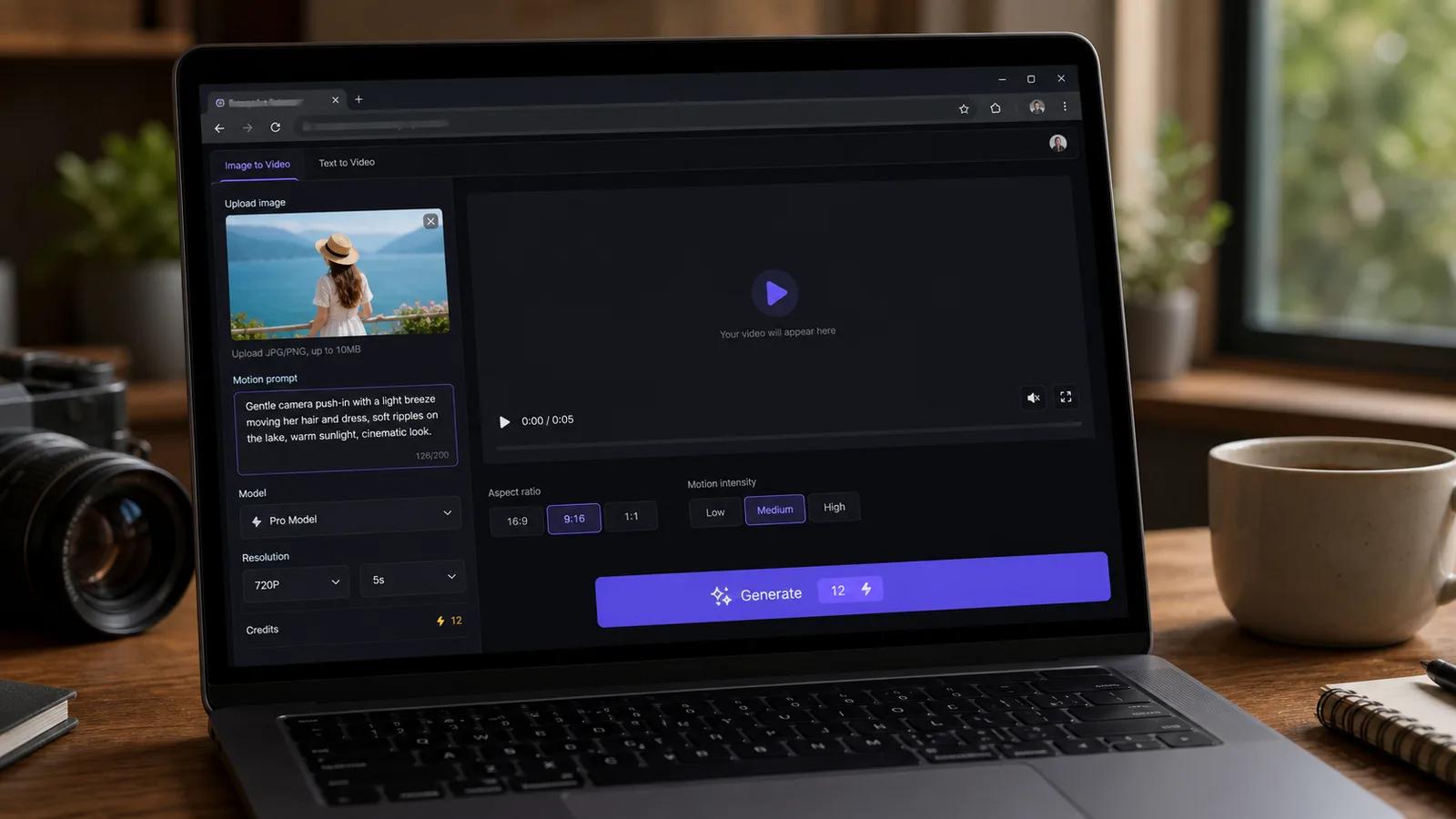
Every solid prompt pulls four levers. Miss one and the model guesses for you.
- Subject / identity: what stays consistent. For people this is the most fragile part. Say "keep facial features unchanged" and the model fights its own urge to morph the face.
- Motion: what physically moves. Hair, fabric, water, steam, a blink, a turn.
- Camera move: push in, orbit, pan left, or static. This is the single biggest lever for "cinematic" versus "phone footage."
- Lighting / mood: flicker, golden-hour warmth, soft window light. Subtle, but it sells realism.
Here's the difference in practice.
Weak:
Make the woman move and look nice.
Strong:
A woman turns her head slowly toward the camera and smiles, hair shifting gently in a light breeze, soft natural window light, slow push-in, facial features unchanged.
Same photo, completely different result. The second one tells the model exactly what to animate and what to leave alone.
A few rules hold across every category:
- One main motion per clip. Stacking five actions into 4 seconds produces chaos.
- Describe speed. "Slowly," "gently," and "rapid" all change the output.
- Name the camera move, or you'll get a random drift.
- Match duration to motion. A slow orbit needs 5s; a quick blink works in 4s.
40 image-to-video prompts
Each one is written to paste as-is. Adjust the subject noun to fit your image. The best model per category is noted so you can swap it in the model picker before generating.
Portraits & old photos (1-6)
For faces, identity preservation beats everything. Best model: Kling. For scanned or damaged photos, pair these with Animate Old Photos.
- A man looks directly at the camera, blinks naturally, then breaks into a warm smile, subtle head tilt, soft front lighting, facial features unchanged.
- An elderly woman in a vintage photo slowly turns her head toward the viewer and smiles softly, a faint breeze in her hair, warm sepia tone preserved, gentle slow push-in.
- A young woman laughs lightly, shoulders shifting, loose strands of hair moving in a soft breeze, natural daylight, camera holds static.
- A man in a suit nods once and shifts his gaze off-camera as if listening, slight shoulder movement, even studio lighting, identity preserved.
- A 1950s family portrait gently comes alive, each person blinking and shifting weight subtly, warm film grain intact, no camera movement.
- A woman closes her eyes, takes a slow breath, then opens them and looks up, calm expression, soft golden window light, slow push-in, features unchanged.
Product & ecommerce (7-12)
The goal is motion that flatters the product without distorting it. Best model: Veo 3.1 for polish, Seedance for camera moves. There's more setup in the product photo to video guide.
- A perfume bottle on a marble surface, slow 180-degree orbit around the bottle, soft studio reflections sliding across the glass, shallow depth of field.
- A sneaker on a clean white background, slow rotate to reveal the side profile, subtle rim light tracing the silhouette, product shape unchanged.
- A coffee cup with steam rising and drifting upward, warm morning light from the left, camera holds still, gentle focus pull onto the rim.
- A skincare jar with the label facing forward, slow push-in toward the lid, soft diffused lighting, water droplets glistening on the surface.
- A wristwatch face catching light, slow tilt down across the dial, second hand ticking, reflective highlights moving, deep black background.
- A handbag on a pedestal, slow dolly around to the front, soft top light, leather texture sharp, no warping of the shape.
Real estate & interiors (13-17)
Smooth, slow camera moves read as professional. Avoid people. Best model: Seedance.
- A modern living room, slow forward dolly through the space toward the window, soft afternoon light, dust motes floating, furniture static.
- A kitchen with sunlight on the counter, slow pan left across the island to the stove, warm tones, gentle and steady motion.
- An empty bedroom with sheer curtains, the curtains drifting slightly in a breeze, slow push-in toward the bed, calm natural light.
- A backyard pool at dusk, water surface rippling gently, slow rising drone-style tilt up to reveal the house, warm sunset glow.
- A staircase in a foyer, slow upward tilt following the railing, soft ambient light, clean and stable camera.
Pets & animals (18-22)
Animals tolerate more motion than human faces. Best model: Kling for close-ups, Hailuo for movement.
- A dog sitting on grass turns its head toward the camera, ears twitching, tongue out slightly, tail wagging, bright outdoor light, static camera.
- A cat by a window slowly blinks and flicks its tail, fur shifting in soft light, gentle slow push-in.
- A horse in a field, mane and tail moving in the wind, head lifting slightly, golden-hour backlight, slow pan following the body.
- A parrot on a branch tilts its head and ruffles its feathers, sharp eye detail, soft jungle light, camera holds still.
- A sleeping puppy breathing gently, paws twitching slightly as if dreaming, warm cozy lighting, slow push-in.
Nature & landscape (23-27)
Ambient motion does the heavy lifting here. Best model: Wan.
- A mountain lake at sunrise, water rippling softly, mist drifting across the surface, slow forward push toward the peaks, warm light spreading.
- A forest path with sunbeams through the canopy, leaves trembling in a light breeze, dust and pollen floating, slow dolly forward.
- A beach at golden hour, waves rolling in and receding, foam spreading on the sand, slow pan along the shoreline.
- A field of wheat moving in waves under the wind, clouds drifting overhead, slow rising tilt to reveal the horizon.
- A waterfall in a canyon, water cascading and misting at the base, slow push-in toward the falls, cool blue tones.
Social / UGC clips (28-33)
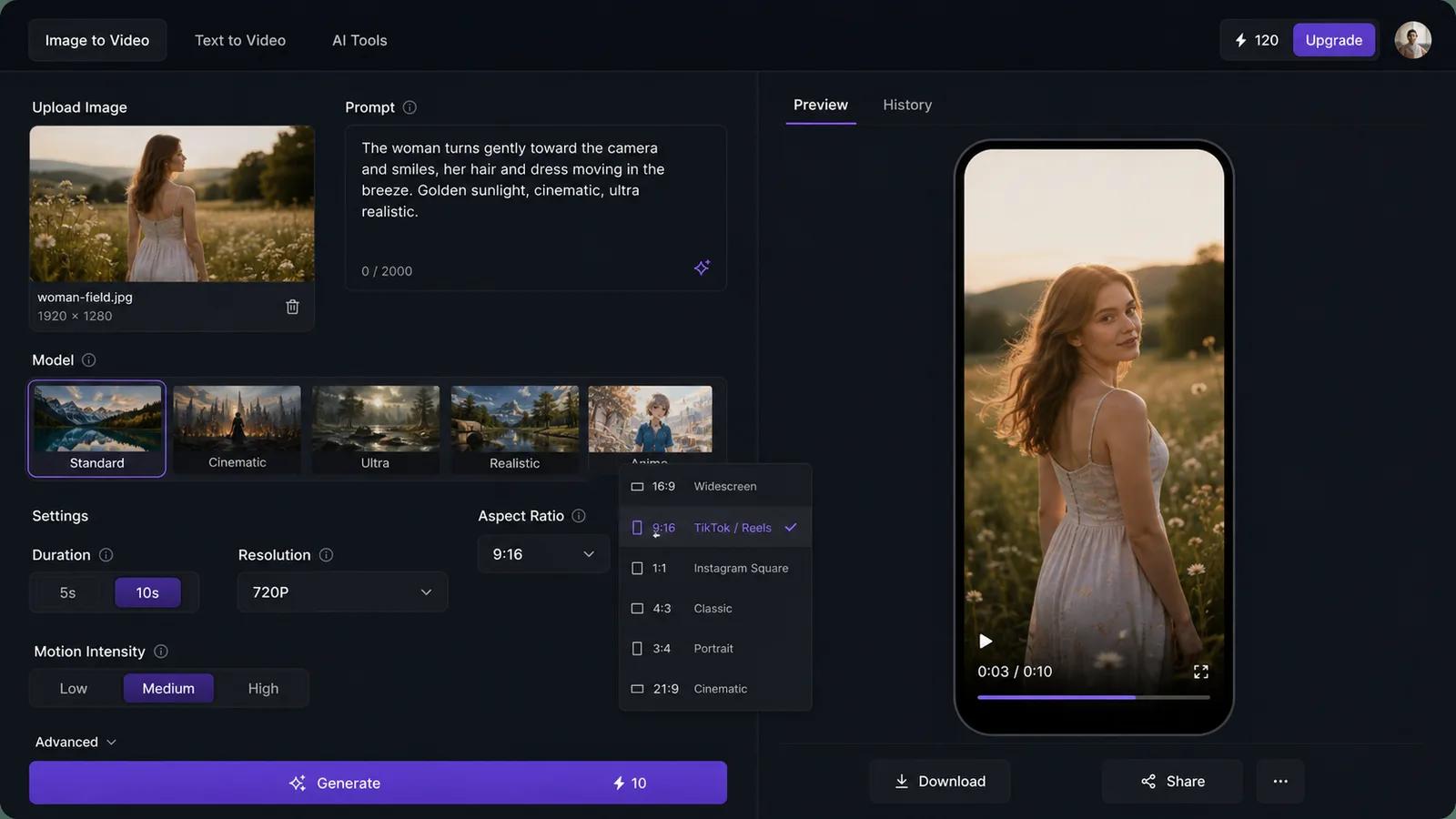
Punchy, vertical, quick. Set the aspect ratio to 9:16 and keep clips to 4-5s. Best model: Hailuo or Runway.
- A person holding a drink raises it slightly toward the camera as if cheering, smiling, casual indoor light, subtle head movement, vertical framing.
- A plate of food on a cafe table, steam rising, a hand reaching in to pick up a fork, warm natural light, slight handheld feel.
- A street-style outfit shot, the person shifts their weight and looks off to the side, hair moving, bright daylight, vertical 9:16.
- A makeup look facing the camera, a slow blink and a confident smile, soft ring light, features unchanged, close vertical crop.
- A latte with foam art, slow tilt down onto the cup, steam drifting, cozy cafe background blurred, vertical framing.
- A travel selfie on a rooftop, light wind in the hair, the person smiles and the city lights shimmer behind, golden hour, vertical.
Cinematic camera moves (34-40)
This is where you push the camera. Best model: Seedance or Veo 3.1. For mixed multi-reference briefs, try Gemini Omni.
- A lone figure on a cliff edge, slow orbit around the figure revealing the valley below, dramatic side light, wind in the coat.
- A city street at night, slow forward dolly through neon reflections on wet pavement, light rain falling, shallow focus.
- A character looking out a rain-streaked window, slow push-in past the glass to their face, soft melancholic light, drops sliding down.
- A desert landscape, fast low push forward across the sand toward distant dunes, heat haze shimmering, harsh midday sun.
- A close-up of an eye, slow pull-back to reveal the full face, then continue to a wide shot of the surroundings, controlled steady motion.
- A car on an empty highway, tracking shot moving alongside it, motion blur on the road, dusk sky, a sense of speed.
- A figure walking away down a corridor, slow dolly following from behind, overhead lights passing by, cool tones, steady pace.
How to pick the right model
Match the prompt type to the model before you generate. Cost scales with model, duration, resolution, and clip count, so the live number on the Generate button updates as you change settings.
| Prompt type | Best model | Why |
|---|---|---|
| Portraits, old photos, faces | Kling | Strongest identity preservation |
| Product rotation, ecommerce | Veo 3.1 | Clean, polished output |
| Real estate, camera moves | Seedance | Smooth, controllable motion |
| Nature, ambient motion | Wan | Natural physics on water and foliage |
| Social / UGC, quick clips | Hailuo / Runway | Fast, good for vertical |
| Mixed multi-reference briefs | Gemini Omni | Handles several inputs at once |
| Cinematic tracking, orbits | Seedance / Veo 3.1 | Best camera control |
5 mistakes that ruin image-to-video prompts
1. Asking for too much motion. Five actions in four seconds looks like a glitch. Pick one main movement.
2. Forgetting the camera. No camera instruction means the model invents a drift. Say "static," "slow push-in," or "orbit" every time.
3. Skipping identity locks on faces. Without "facial features unchanged," portraits morph. Add it to every people prompt.
4. Vague speed. "Move" tells the model nothing. "Slowly turns," "gentle breeze," and "rapid push" give it a target.
5. Mismatched duration. A slow orbit crammed into 4s rushes. Give big camera moves 5s or more, and bump resolution only when the detail earns it.
Start with one prompt
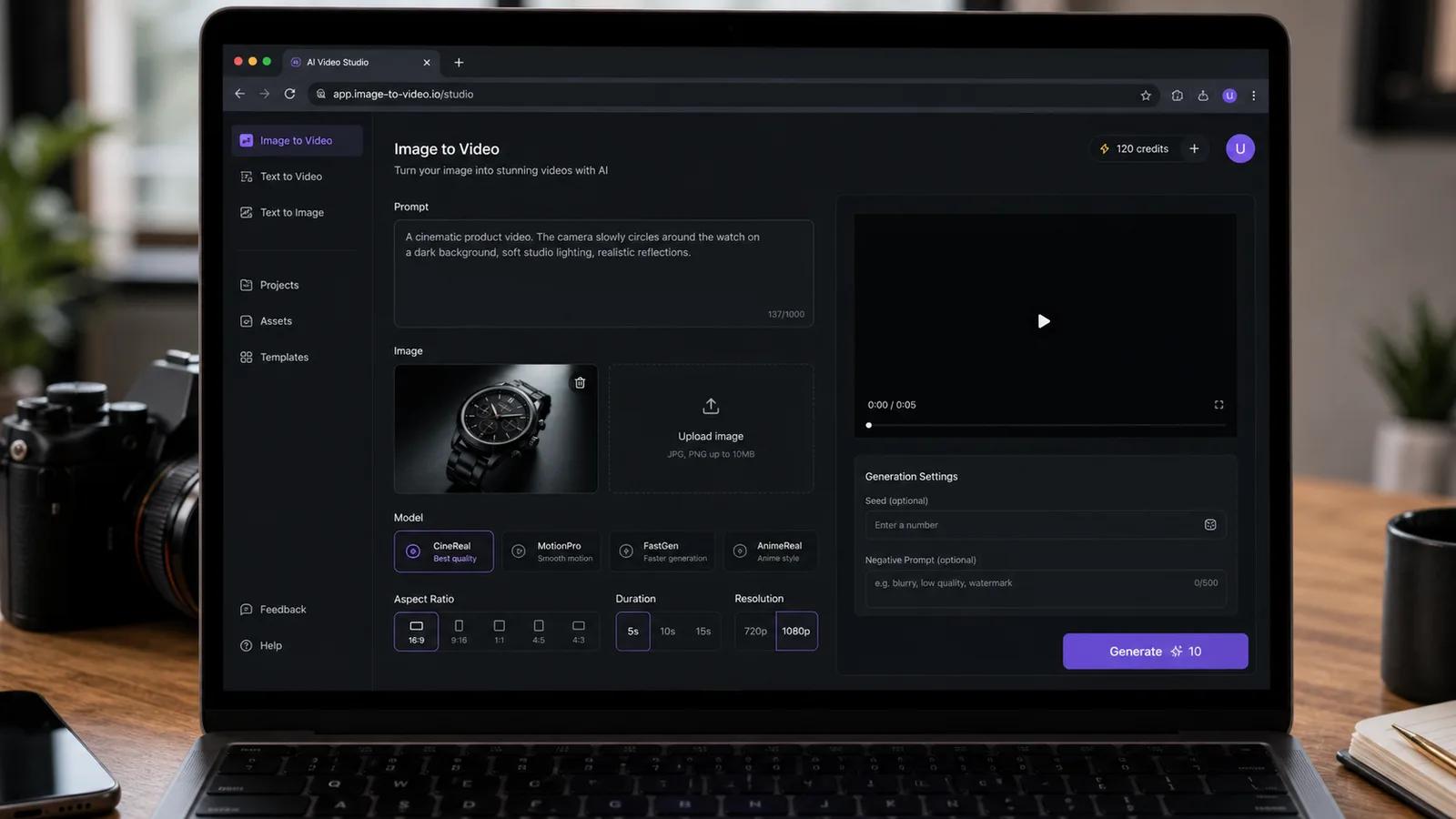
Pick a photo, copy the closest prompt above, and tweak the subject to match. Set your aspect ratio, choose the model from the table, and watch the credit cost before you hit Generate.
You can try the image-to-video generator for free with credits. If you're new to it, the walkthrough on how to turn a photo into video with AI covers the full workflow start to finish.
Author

Categories
The anatomy of a good image-to-video prompt40 image-to-video promptsPortraits & old photos (1-6)Product & ecommerce (7-12)Real estate & interiors (13-17)Pets & animals (18-22)Nature & landscape (23-27)Social / UGC clips (28-33)Cinematic camera moves (34-40)How to pick the right model5 mistakes that ruin image-to-video promptsStart with one prompt
More Posts
Product photo to AI video: a practical production workflow
A six-step workflow for preparing a product photo, planning motion, writing a controlled prompt, generating, reviewing, and exporting an AI product video.
AI Video Aspect Ratio Guide: Safe Zones for Reels, Shorts, and Widescreen
A practical guide to AI video aspect ratios, safe zones, and reframing for TikTok, Reels, Shorts, feeds, and widescreen delivery.
Architecture Render to Video AI: A Practical Workflow
Turn a single architectural render into a walkthrough video with AI. A practical workflow for architects, interior designers, and archviz teams.
Newsletter
Join the community
Subscribe to our newsletter for the latest news and updates