Loading
2026/07/08
Ecommerce product video ads: a testing workflow from one product photo
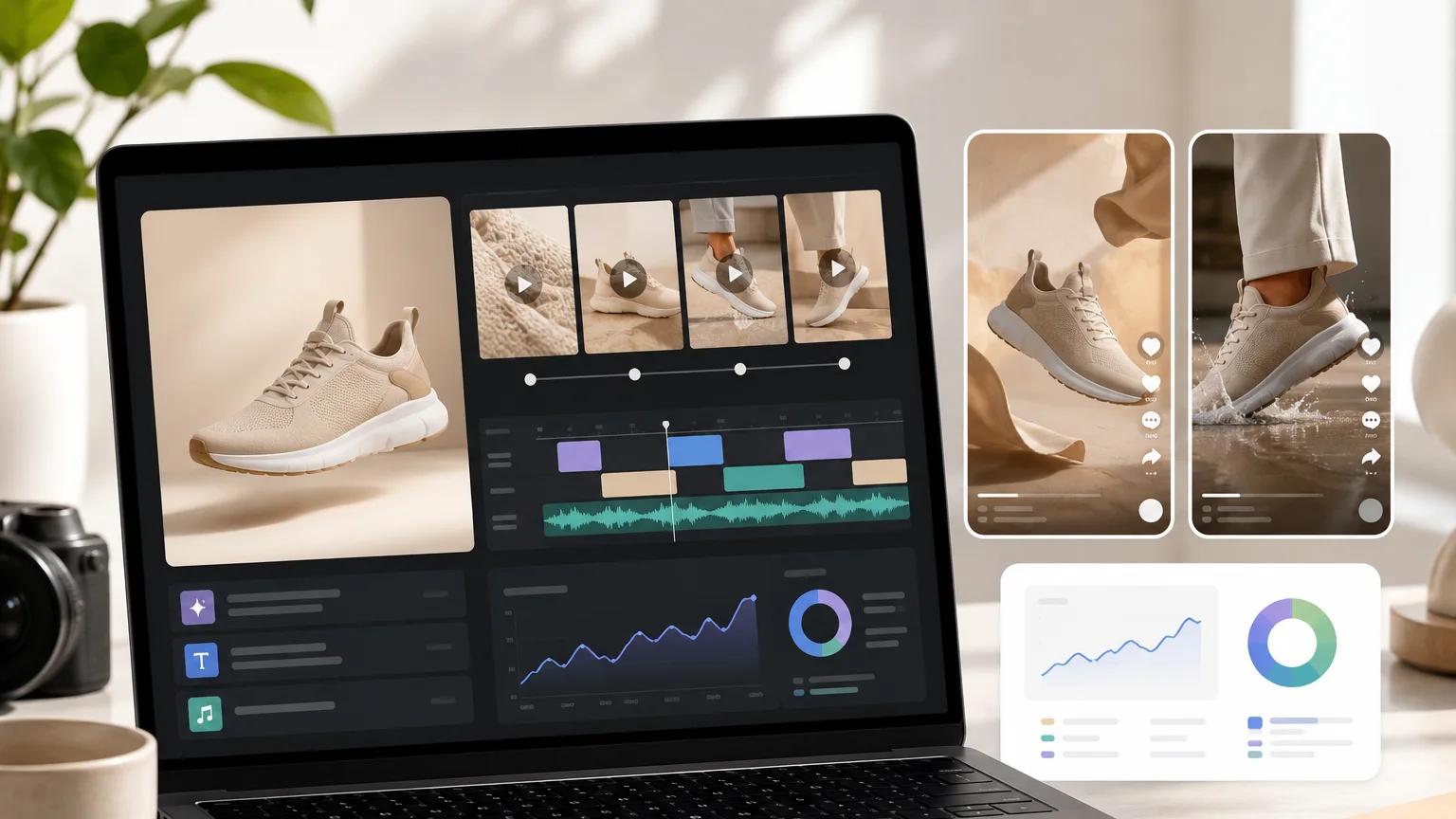
A repeatable testing workflow for ecommerce product video ads — turn one product photo into a shot matrix, prompt angles, naming system, and QA checklist you can iterate on weekly.
Why testing beats "one perfect video"
Most ecommerce teams still treat product video like a photoshoot: brief one hero clip, ship it, hope it performs. That worked when producing a single clip cost a week and a studio. It does not work now that competitors are shipping ten short-form variants per SKU every month.
The teams pulling ahead have stopped asking "what is the best video for this product?" and started asking "which of these ten videos does the audience respond to?" The workflow below is how we run that kind of test using a single product photo as the starting point. It is designed for Shopify and DTC founders, performance marketers, and ecommerce operators who need to keep the creative pipeline moving without hiring a studio.
If you have not yet turned a product photo into a video, start with our product photo to video ad guide and the product photo to video tool, then come back here to wrap a testing system around it.
The core idea: one photo, many angles
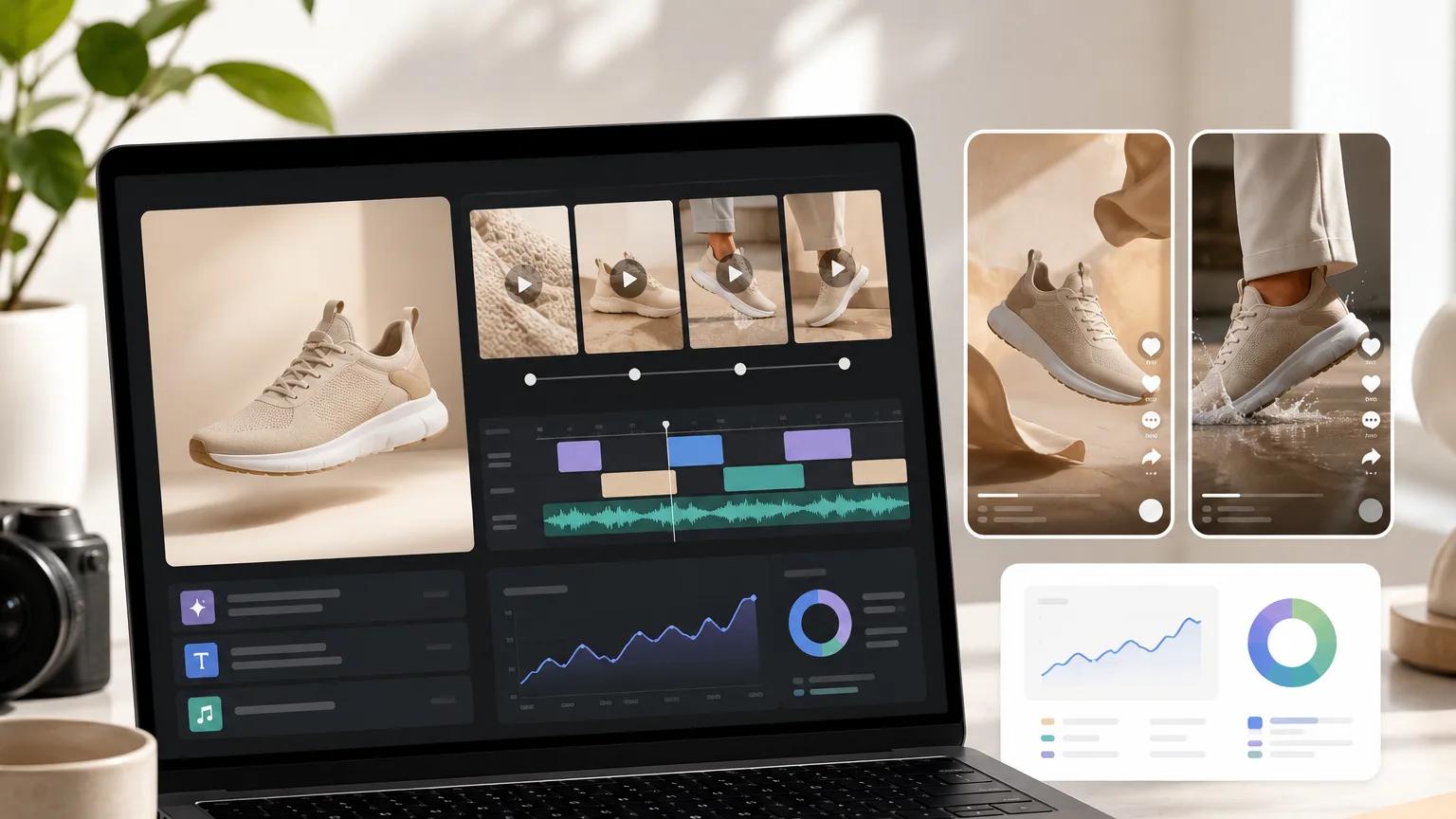
You do not need ten photoshoots to get ten ad variants. You need one clean product photo and a structured way to generate different angles from it — where an angle is a specific combination of camera movement, framing, mood, and message.
An AI product video generator turns the photo into motion. Your job is to decide which motions to test, and to log the results in a way you can actually learn from. That is the whole workflow.
The three parts:
- A shot matrix that defines the variants you will generate.
- A prompt library with reusable angles you can swap between products.
- A naming and QA system so you can compare results week over week.
Step 1: Build the shot matrix
A shot matrix is a small grid. Rows are the creative variables you want to test. Columns are the specific values. You pick one value per row for each variant, and that gives you a clip to generate.
A minimal matrix for a first round of ecommerce product video ads:
| Variable | Options |
|---|---|
| Camera movement | Slow orbit, push-in, top-down reveal, static hero, handheld drift |
| Framing | Full product, close-up detail, in-hand, lifestyle context |
| Mood | Clean and premium, energetic and playful, calm and cinematic |
| Message hook | Feature focus, transformation, social proof, price/offer |
| Aspect ratio | 9:16 for Reels/TikTok, 1:1 for feed, 16:9 for YouTube |
For a first test, do not try every combination. Pick five to eight variants that feel meaningfully different. For example:
- Slow orbit + full product + clean premium + feature focus + 9:16
- Push-in + close-up detail + calm cinematic + feature focus + 9:16
- Top-down reveal + full product + energetic + transformation + 1:1
- Handheld drift + lifestyle context + energetic + social proof + 9:16
- Static hero + in-hand + clean premium + price/offer + 1:1
That is five clips from one photo, each testing a different creative hypothesis. If you need more depth on how each movement changes the read of a shot, our AI video camera movements guide covers the vocabulary in detail.
Step 2: Write reusable prompt angles
Once the matrix is set, the prompts almost write themselves. Keep them structured so you can swap product names in and out.
A template we use:
[Camera movement] on a [product type] on a [background]. [Framing detail]. [Lighting]. [Mood]. [Aspect ratio note].
Concrete examples for a skincare serum bottle:
Slow orbit, premium
Slow 180-degree orbit around a glass serum bottle on a soft beige surface. Full product visible, label facing camera at the midpoint. Warm soft key light from the left, gentle rim light on the glass. Clean, premium, unhurried. 9:16 vertical.
Push-in, detail
Slow push-in toward the pump nozzle of a serum bottle. Extreme close-up at the end of the move, a single drop forming at the tip. Cool daylight, shallow depth of field. Calm, cinematic. 9:16 vertical.
Handheld lifestyle
Handheld drift as a hand lifts a serum bottle from a bathroom shelf into frame. Morning light through a window, soft steam. Warm, natural, everyday. 9:16 vertical.
Top-down transformation
Top-down view of a serum bottle on a marble surface, packaging opening as the bottle rises into frame. Bright neutral light. Energetic, satisfying reveal. 1:1 square.
For deeper prompt structure — subject, action, style, camera, lighting — see our AI image to video prompts reference. You can plug those patterns straight into image to video and swap the product noun to reuse them across your catalog.
Step 3: A naming convention you will not regret
The single biggest mistake ecommerce teams make with AI video testing is filenames like final_v2_REAL_final.mp4. Six weeks in, no one knows which clip performed and why.
Use a naming convention with the variables baked in:
{sku}_{aspect}_{movement}_{framing}_{mood}_{hook}_{version}.mp4
Example:
serum01_9x16_orbit_full_premium_feature_v1.mp4
Advantages:
- You can sort and filter by any variable to spot patterns.
- You can retire the losers without losing the metadata.
- When something works, you know exactly which angle to double down on.
Mirror this in your ad platform naming. If you run Shopify video ads through Meta or TikTok, keep the ad name aligned with the file name so reporting maps back to the creative hypothesis, not just a random asset ID.
Step 4: The QA checklist before you ship
AI generation is fast, which means it is easy to ship clips that look off. Before any variant goes live as a paid ad, walk it through this checklist:
- Product identity holds. Label, color, and shape match the source photo across the full clip. No morphing text or drifting logos.
- Motion serves the product. The camera movement makes the product look better, not just moves for its own sake.
- First frame stops the scroll. The opening 0.5 seconds shows the product clearly. No slow black fade-ins for feed placements.
- Aspect ratio is native. 9:16 clips are generated at 9:16, not cropped from 16:9. Cropping kills the framing you designed.
- Duration matches placement. 6–10 seconds for most short-form ad placements. Longer only if the hook justifies it.
- Audio plan is decided. Even if the clip is muted by default, know whether you will layer voiceover, music, or captions before it hits the ad account.
- No unsupported claims. The visual does not imply results your product has not demonstrated. Keep copy and visuals aligned with what you can actually back up.
Anything that fails, regenerate rather than ship. Fast iteration only compounds if the floor stays high.
Step 5: Read the results, then iterate
Once the variants are live, resist the urge to grade them on gut feel. Track a small number of metrics per variant:
- Thumbstop rate (or 3-second view rate)
- Hook rate to 25% viewed
- CTR to product page
- Cost per add-to-cart, if volume allows
You will usually find that one or two variables dominate. Maybe orbit outperforms push-in for your category. Maybe close-ups beat full-product shots on TikTok. Maybe the lifestyle framing wins on Reels but loses on Meta feed.
That is the point of the matrix. Each round of testing narrows the space. The next round holds the winning variables constant and tests new ones on top — a different hook, a new aspect ratio, a fresh background.
A realistic weekly cadence
For a small ecommerce team, this workflow fits into a weekly rhythm:
- Monday: Pick one hero SKU. Confirm the source photo is clean and high-resolution.
- Tuesday: Draft the shot matrix. Generate 5–8 variants using the prompt templates.
- Wednesday: Run the QA checklist. Kill anything that fails. Regenerate as needed.
- Thursday: Upload with the naming convention intact. Launch as a small test budget.
- Following Monday: Read the numbers. Note which variables led. Feed that back into next week's matrix.
Nothing here requires a studio, a videographer, or a week of post-production. It does require discipline in the matrix, the prompts, and the naming — which is exactly where most teams still leave value on the table.
Where to start
If you are new to generating video from stills, start with a single product and a single angle. Use the product photo to video flow to get comfortable with the model, then layer the matrix on top once you trust the output.
The teams that win at short-form ecommerce creative in the next twelve months will not be the ones with the fanciest single video. They will be the ones with the most disciplined testing loop — the ones treating every product photo as the seed for a family of variants, not a one-shot deliverable.
Author

Categories
Why testing beats "one perfect video"The core idea: one photo, many anglesStep 1: Build the shot matrixStep 2: Write reusable prompt anglesStep 3: A naming convention you will not regretStep 4: The QA checklist before you shipStep 5: Read the results, then iterateA realistic weekly cadenceWhere to start
More Posts
How to turn a photo into a video with AI (2026)
The actual steps to go from a static image to an AI-generated video — model picking, prompt writing, and what to expect from the output.
Product photo to AI video: a practical production workflow
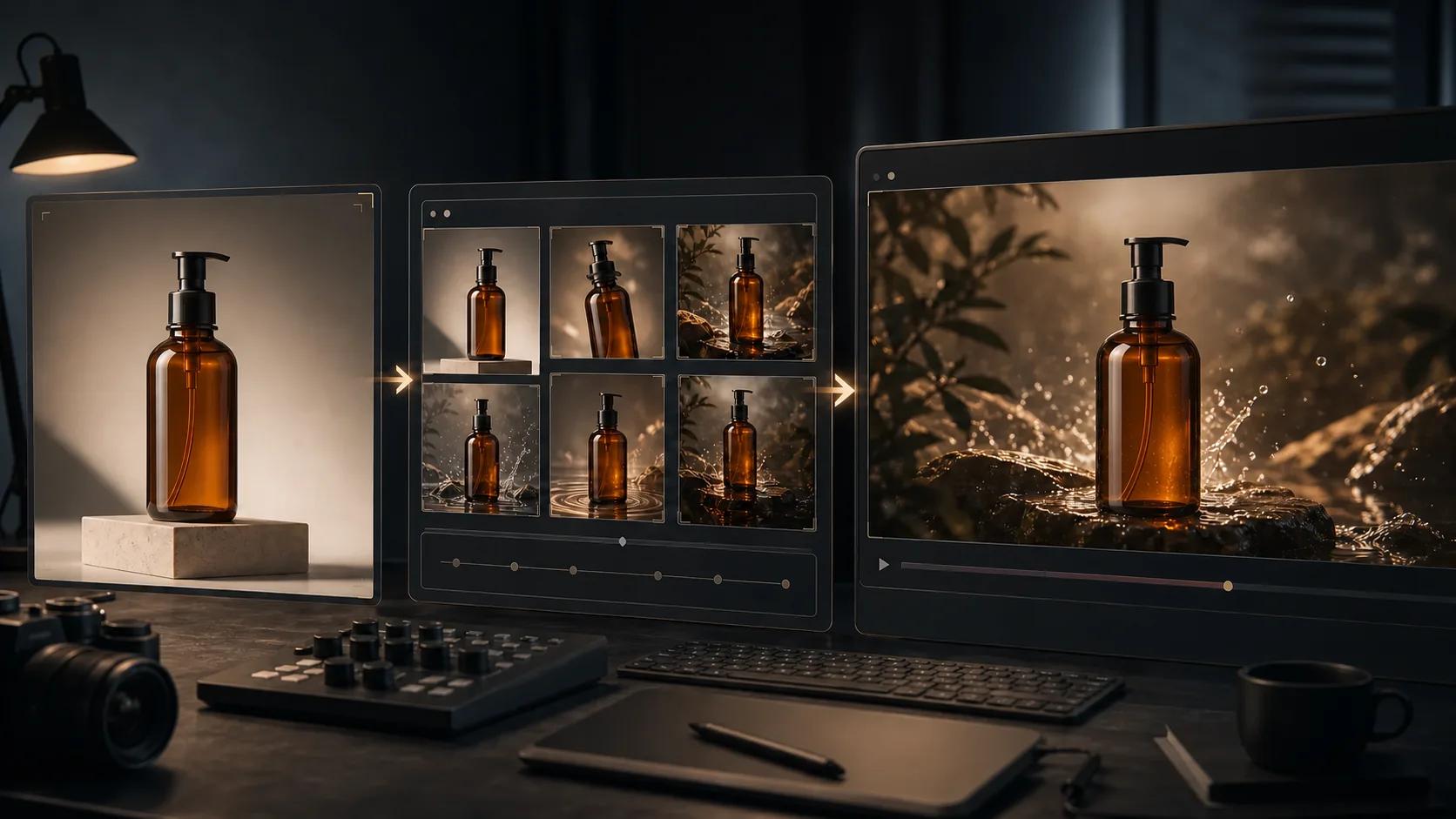
A six-step workflow for preparing a product photo, planning motion, writing a controlled prompt, generating, reviewing, and exporting an AI product video.
AI video camera movements: how to control the shot (2026)
Push in, pull out, pan, orbit, crane — the camera-movement vocabulary that turns a shaky AI clip into a cinematic one, with copy-paste prompts for each move.
Newsletter
Join the community
Subscribe to our newsletter for the latest news and updates