Loading
2026/05/14
7 Best Deep Nostalgia Alternatives in 2026 (Free + Paid)
MyHeritage shut down? Here are 7 tools to animate old photos in 2026 — ranked by quality, price, and privacy. Free options included, no signup to start.
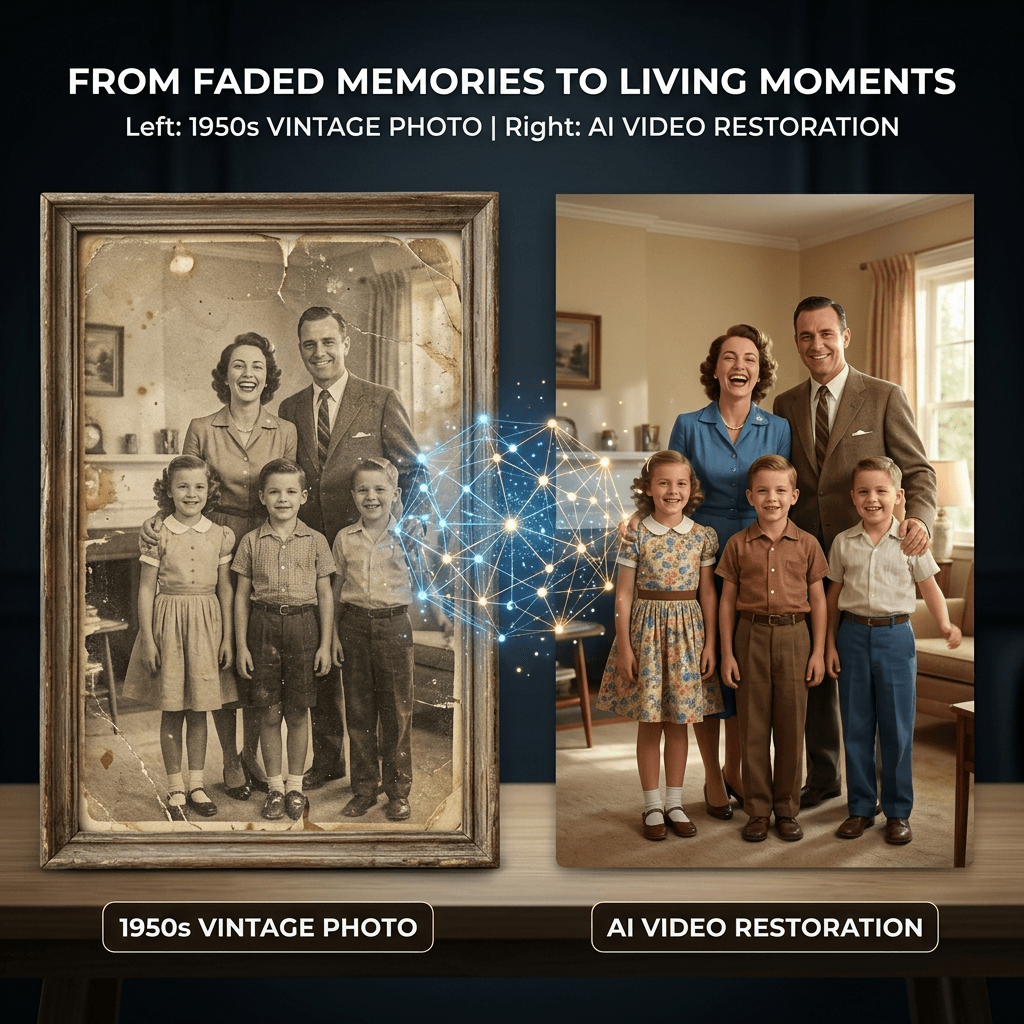
Deep Nostalgia made old photo animation feel magical: upload a family portrait, wait a moment, and watch a face move. In 2026, many people want more control than a preset face animation. They want old photos, old pictures, black-and-white portraits, wedding scans, and family archives to become short videos with better prompts, model choice, export settings, and privacy clarity.
Quick ranking
| Rank | Tool | Best for | Main tradeoff |
|---|---|---|---|
| 1 | ImageToVideoAI Animate Old Photos | Prompt-guided old photo to video with multiple AI models | Sign-in is required to generate |
| 2 | MyHeritage Deep Nostalgia | Family-history face animation | More preset-driven than a full video workspace |
| 3 | Vidnoz | Browser-based image-to-video experiments | Feature and export limits vary by plan |
| 4 | Fotor | General creative editing and old-photo animation searches | Less focused on multi-model video workflow |
| 5 | VEED | Browser editing plus simple AI video workflows | Better known as an editor than a heritage-photo workspace |
| 6 | D-ID | Talking portraits and avatar-style video | Better for speaking avatars than subtle family memories |
| 7 | Cutout.Pro | Photo animation and utility AI tools | Check current export limits before final use |
1. ImageToVideoAI
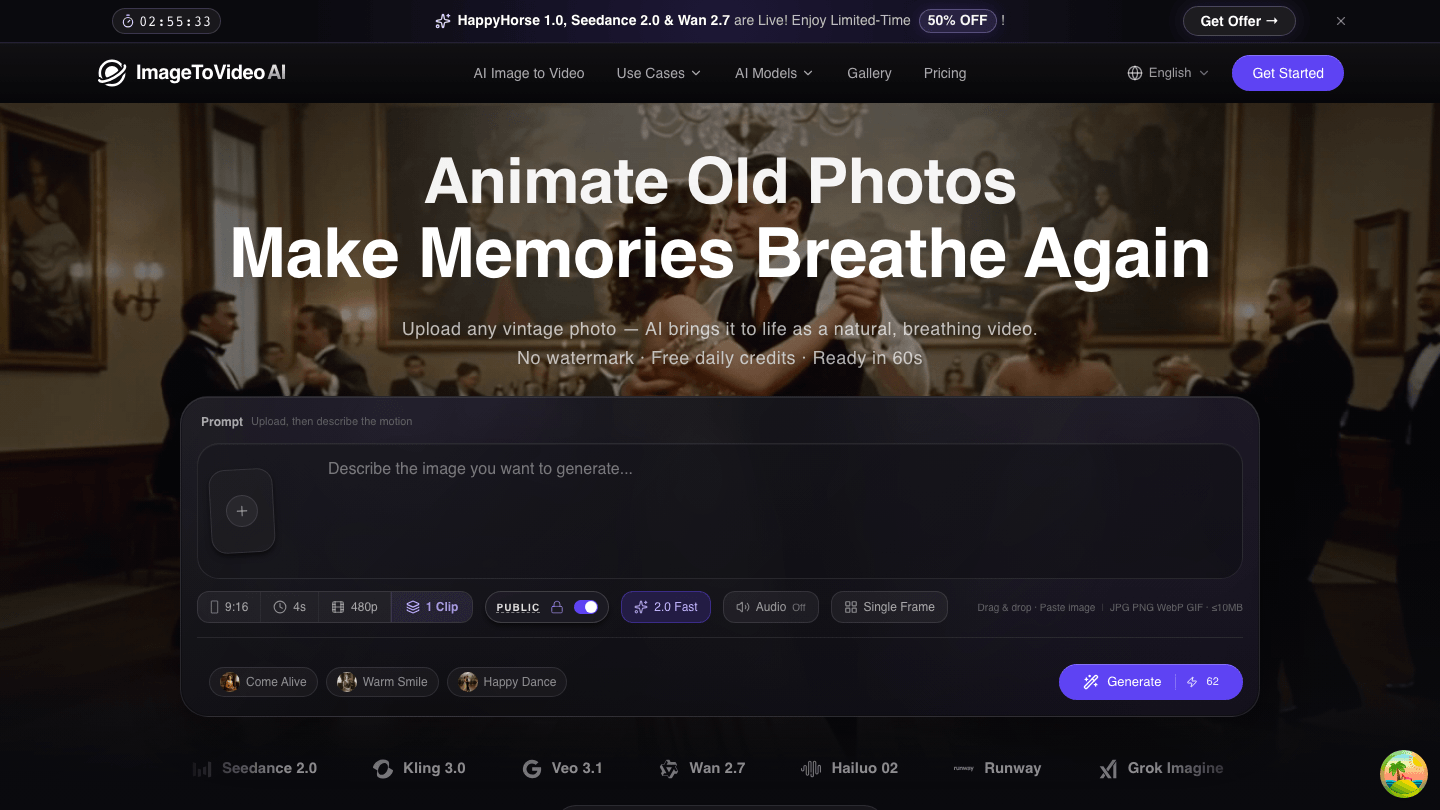
ImageToVideoAI is the best Deep Nostalgia alternative when you want to animate old photos with AI instead of only applying a preset motion. The dedicated Animate Old Photos workspace includes upload, prompt, model, ratio, duration, resolution, clip count, visibility, and credit cost controls before generation.
Use it when you want:
- Old photo to video results with prompt control
- Multiple AI video models in one place
- Watermark-free exports
- Free credits after sign-in and no credit card to start
- Commercial usage rights on paid plans
- A browser workflow that works on desktop and mobile
Good starting prompt:
Subtle breathing, gentle blink, warm smile, slow push-in, vintage photo texture, preserve identity.
2. MyHeritage Deep Nostalgia
MyHeritage Deep Nostalgia remains the reference point for family-history face animation. It is useful when the goal is simple: animate a face in an old family photo inside the MyHeritage ecosystem.
Choose it if your main use case is genealogy and you want the classic Deep Nostalgia experience. Choose ImageToVideoAI if you need more video-generation control, current model selection, different aspect ratios, or comparison candidates.
3. Vidnoz
Vidnoz offers browser-based AI video tools and is a common comparison point for people searching for free online image-to-video workflows. It can be useful for quick tests, but always check the current plan limits, export options, watermark rules, and commercial-use terms before relying on it for a final project.
4. Fotor
Fotor appears often in searches around old photo animation, photo restoration, colorization, and creative editing. It is a broad creative platform, which can be helpful if you want to combine old-photo cleanup with general image editing.
For a focused old-photo-to-video workflow, ImageToVideoAI is more direct because the page is built around motion generation, prompt control, and video export.
5. VEED
VEED is best known as an online video editor. It can be useful when you need editing features around a generated clip, captions, or social video layout work.
If your starting point is a single old photo and your goal is AI motion, start with the old photo animation workspace, then edit the exported video elsewhere if needed.
6. D-ID
D-ID is strong for talking portraits, avatars, and presenter-style videos. It is less aligned with the quiet emotional style people usually want from old family photos.
Use D-ID when speech and avatar presentation matter. Use ImageToVideoAI when the target is a living portrait, gentle blink, soft smile, or nostalgic camera push.
7. Cutout.Pro
Cutout.Pro includes practical AI image utilities and photo animation features. It is worth testing if you compare many lightweight tools, but check the current export quality, watermark, and plan limits before using it for final family archive work.
Side-by-side criteria
| Criteria | ImageToVideoAI | Deep Nostalgia / MyHeritage | Vidnoz | Other creative tools |
|---|---|---|---|---|
| Watermark | Watermark-free exports | Plan/feature dependent | Check current plan | Varies |
| Resolution | Up to 1080p by model | Not clearly stated for every use | Varies by plan | Varies |
| Price | Free credits after sign-in; paid plans for scale | MyHeritage account/plan dependent | Free tier plus paid plans | Varies |
| Model choice | Multiple image-to-video models | Preset family-photo animation | Vidnoz AI tools | Usually platform-specific |
| Batch/candidates | Concurrent candidates on paid plans | Not clearly stated | Plan dependent | Varies |
| Commercial use | Included on paid plans | Check current terms | Check current terms | Check current terms |
| Privacy | Uploads are not used to train AI models | MyHeritage privacy terms apply | Vidnoz privacy terms apply | Varies |
| Mobile | Browser workflow | Web/app ecosystem | Browser workflow | Varies |
Which tool should you pick?
Pick ImageToVideoAI if you want the best balance of dedicated old-photo workflow, prompt control, model selection, watermark-free export, and a modern browser interface. Pick Deep Nostalgia if you specifically want the classic MyHeritage family-history animation experience.
For a practical test, start here: Animate Old Photos with AI. If your photo is damaged or faded, read the workflow for restore and animate old photos or colorize and animate old photos first.
More Posts
Product photo to AI video: a practical production workflow
A six-step workflow for preparing a product photo, planning motion, writing a controlled prompt, generating, reviewing, and exporting an AI product video.

The AI Video Storyboard Playbook: From Images to a Shot-Ready Sequence
Build an AI video storyboard from still images with a six-shot template, continuity rules, prompt cards, versioning, and a practical QA checklist.
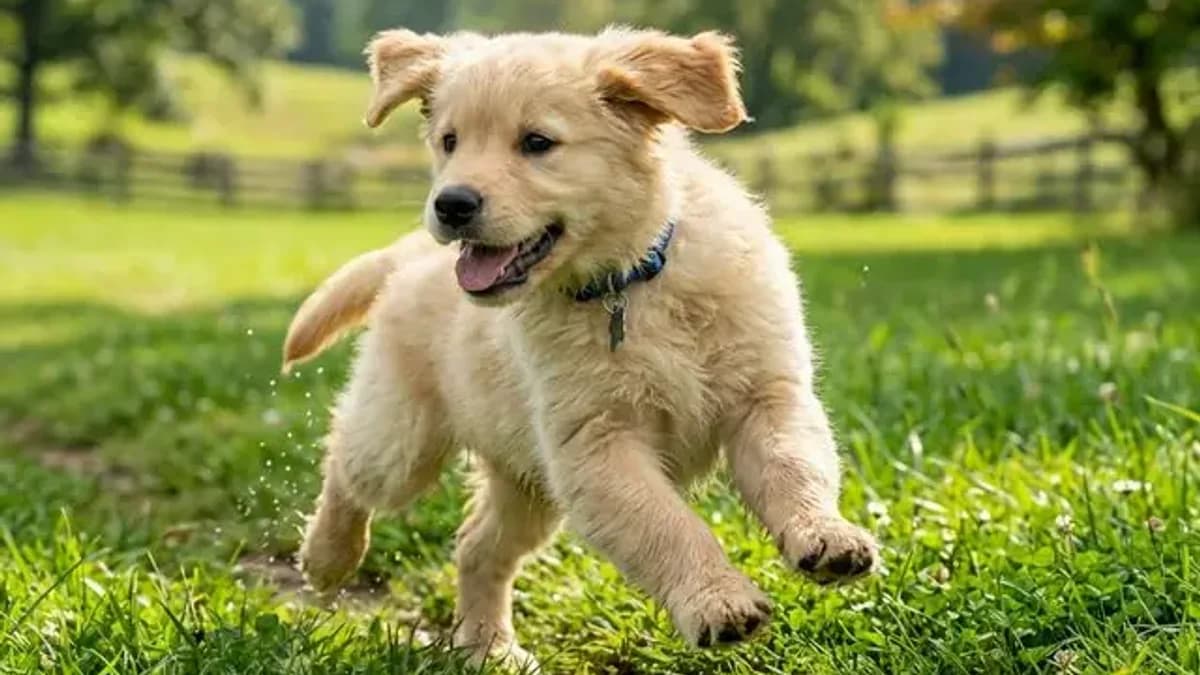
Pet photo to video AI: make your dog or cat actually move (2026)
Turn a still photo of your pet into a video where they wag, blink, or stretch — the prompts, the models, and the settings that keep fur texture and face shape intact.
Newsletter
Join the community
Subscribe to our newsletter for the latest news and updates